 ProMapRanker
Best No-Code Workflow Automation Tools in 2026

Key takeaways
- Zapier is the easiest starting point, with the largest app catalog and the fastest setup for simple flows.
- Make costs less than Zapier for multi-step flows, thanks to operation-based billing and a visual canvas.
- n8n suits technical teams and high-volume flows, with per-run billing and a free self-hosted edition.
- Microsoft Power Automate is the natural pick for teams already on Microsoft 365.
- Billing model matters more than the monthly sticker price, since per-task, per-operation, and per-run pricing diverge fast at volume.
Quick comparison
| Pick | Great for | Pricing starts at | Free tier | |
|---|---|---|---|---|
 Zapier | Easiest setup | $19.99 per month | Yes | Visit |
 Make | Visual multi-step flows | See website | Yes | Visit |
 n8n | Self-hosted and high volume | See website | Yes | Visit |
 Microsoft Power Automate | Microsoft 365 teams | See website | Yes | Visit |
 Activepieces | Open-source simplicity | See website | Yes | Visit |
 IFTTT | Simple personal automations | See website | Yes | Visit |
 Relay.app | Human-in-the-loop flows | See website | No | Visit |
 Gumloop | AI-powered data flows | See website | Yes | Visit |
 Pabbly Connect | Low-cost lifetime-style plans | See website | Yes | Visit |
 Workato | Enterprise integrations | See website | No | Visit |
The best no-code workflow automation platforms
No-code workflow automation tools connect apps so data moves without manual copying, and they range from simple two-app links to complex branching flows. The tools below all let non-developers build workflows, and we compared them on app coverage, billing model, and ease of use.
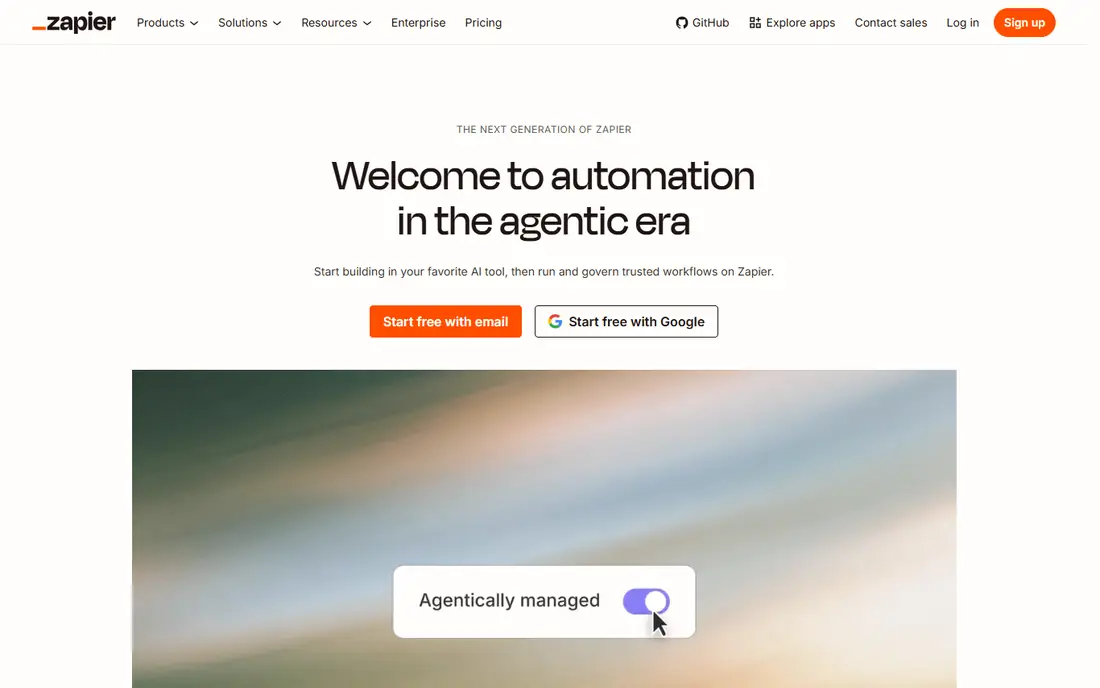
Zapier connects thousands of apps through event-based Zaps, and most users build a working automation in minutes. Its template library covers common jobs such as saving form entries to a sheet, posting leads to a CRM, and sending Slack alerts. AI features, including Copilot and Agents, now help users describe a workflow in plain words and get a draft flow back. The catch is billing: each action step counts as a task, so multi-step, high-volume flows cost more than on Make or n8n. There is also no self-hosted option for teams with strict data rules. Zapier is our pick for most people starting with automation, especially for simple flows across many apps.
- Largest app catalog
- Fastest onboarding
- Thousands of templates
- Per-task pricing gets expensive at volume
- No self-hosting option
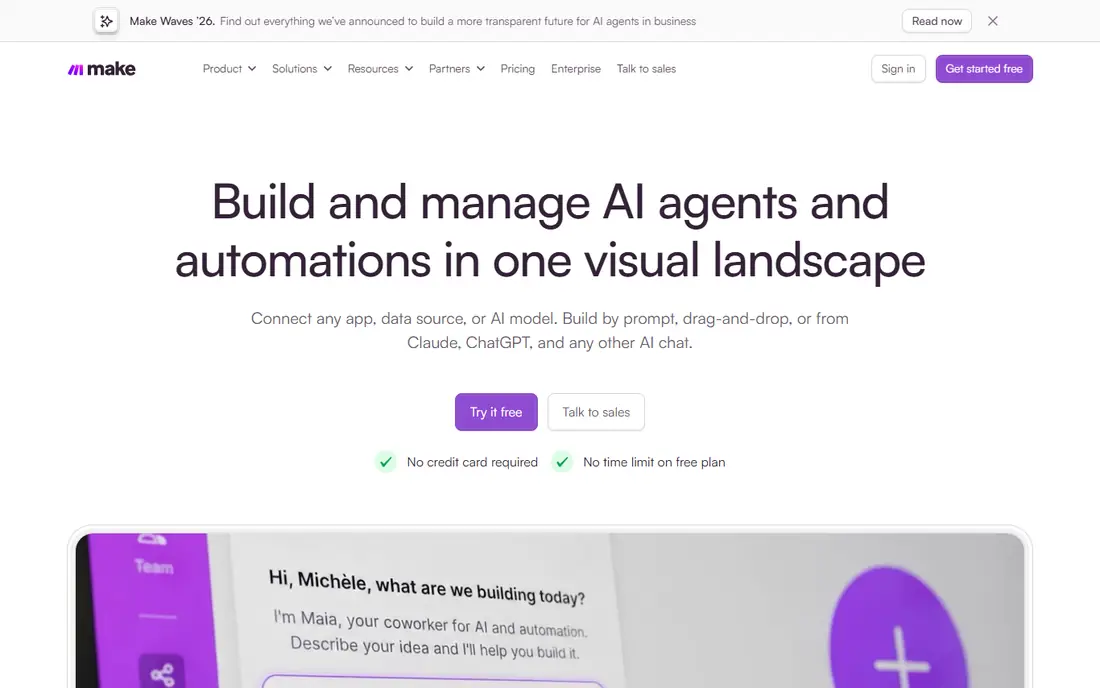
Make, formerly Integromat, gives users a visual canvas where flows branch, filter, and transform data in plain view. That canvas suits complex workflows that Zapier handles as long linear chains, and operation-based billing keeps multi-step flows cheaper. Its free tier covers a useful monthly operation allowance, so small teams can run real flows before paying. New users may need an hour or two to learn the canvas, routers, and data mapping, since Make shows more machinery than Zapier. A few niche apps also have thinner connectors than on Zapier. Make is the best pick for teams that outgrow simple Zaps and want visual control without code.
- Visual canvas with branching
- Lower cost for multi-step flows
- Generous free tier
- Learning curve is steeper than Zapier
- Some niche apps are missing
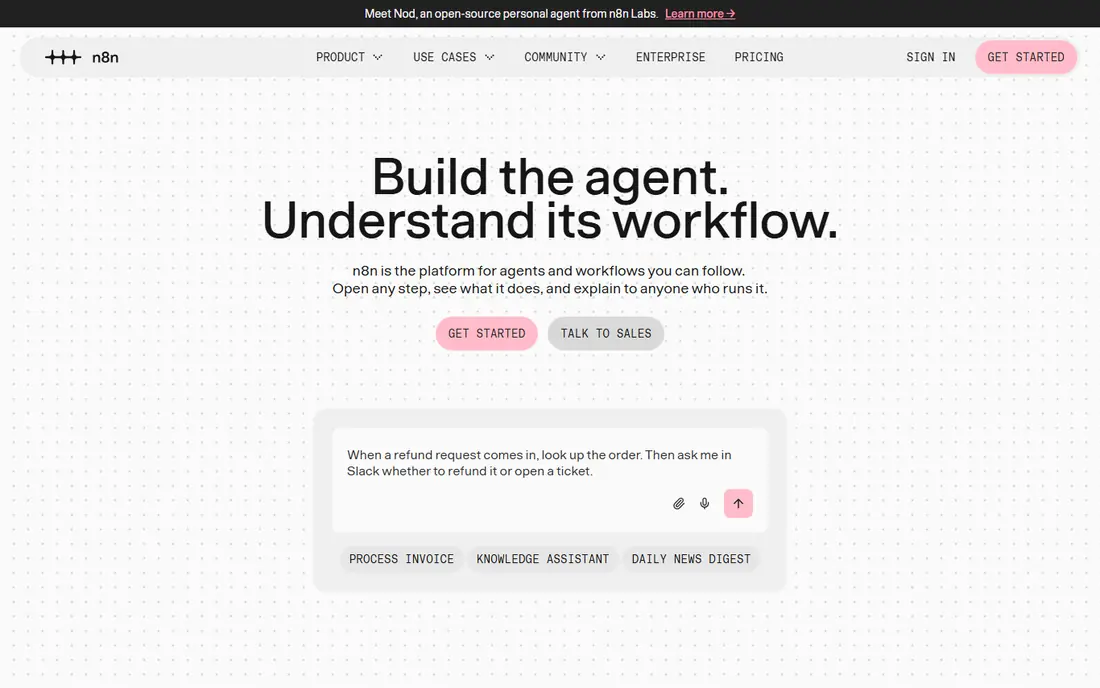
n8n bills cloud plans per full workflow run rather than per step, which makes long, high-volume flows far cheaper than per-task pricing. Its community edition is free and open source for self-hosting, with no usage caps beyond your own server. AI agent nodes and LLM integrations also make n8n a strong base for AI-assisted workflows. Self-hosting needs server skill, including updates, backups, and security, so non-technical teams should use the cloud plan instead. The template library is also smaller than Zapier, so some flows need building from scratch. n8n fits technical teams, privacy-focused firms, and anyone with high-volume automation needs.
- Free self-hosted community edition
- Per-run billing on cloud
- Strong AI agent nodes
- Needs technical skill for self-hosting
- Smaller template library than Zapier
Microsoft Power Automate is the natural automation layer for teams already on Microsoft 365, with deep links into Outlook, Teams, SharePoint, and Dynamics. Template-driven flows cover approvals, notifications, and document handling, and Copilot help can draft flows from plain descriptions. For companies standardized on Microsoft, the fit is hard to beat. Value drops for teams centered on Google Workspace or niche SaaS tools, where connectors are thinner. Premium connectors and per-flow pricing also need checking, since basic plans do not cover everything. Power Automate suits Microsoft-first organizations that want approvals and Office workflows automated.
- Deep Microsoft 365 and Teams integration
- Template-driven flows
- AI Builder options
- Best value stays inside Microsoft tools
- Premium connectors need paid plans
Activepieces is an open-source automation tool built for non-technical teams that still want self-hosting control. Its builder stays simple, with pieces for common apps and AI steps, and the open-source edition removes usage caps for self-hosted users. Small teams that want a Zapier-like feel without per-task billing often start here. The app catalog is smaller than Zapier or Make, so niche tools may need webhooks or API steps. Enterprise features such as advanced permissions are also newer than at Workato or Power Automate. Activepieces fits budget-conscious teams that want open-source flexibility with a gentle learning curve.
- Open-source and self-hostable
- Simple builder
- Generous free options
- Smaller app catalog than Zapier or Make
- Enterprise features are newer
IFTTT, short for If This Then That, remains the simplest way to link two services with one trigger and one action. Its strength lies in consumer apps and smart home devices, where a single rule such as saving photos or logging device events is enough. Setup takes minutes, and the free tier covers basic personal use. Business users will hit limits fast, since multi-step logic, branching, and data transforms are thin compared with Make or n8n. IFTTT is not a business process platform, and it should not be judged as one. It fits personal use and simple home or small-team rules where one trigger and one action do the job.
- Very simple applets
- Broad smart home and consumer app support
- Quick setup
- Limited multi-step logic
- Business features are thin
Relay.app builds human approval into automation, so a flow can pause for a person to review, edit, or approve before it continues. That design suits content review, lead qualification, and support triage, where full automation would be risky. AI steps can draft or classify work, then hand it to a human for the final call. The platform is newer and smaller than Zapier or Make, so some apps are missing or need webhooks. There is also no free plan, so evaluation needs a paid trial or demo. Relay.app fits teams that want AI help plus human judgment in the same workflow.
- Human approval steps built in
- AI-assisted flows
- Clean modern builder
- Smaller app catalog
- No free plan
- Newer platform
Gumloop focuses on AI-powered automation for data, web research, and document work, with nodes that scrape, classify, and summarize inside a visual flow. Teams use it to turn web pages, sheets, and documents into structured data without writing scrapers. The visual builder keeps those flows readable, and a free tier lets users test real jobs. As a newer platform, Gumloop covers fewer business apps than Zapier or Make, and some flows need custom steps. It also suits data tasks more than classic app-to-app syncing. Gumloop fits teams whose automation work centers on AI, web data, and documents rather than CRM syncing.
- AI-native nodes for web and data work
- Visual builder
- Free tier available
- Newer platform
- App catalog is narrower than Zapier
Pabbly Connect offers multi-step workflows at a lower price point than Zapier, with plans that appeal to small businesses and lifetime-deal buyers. Its builder covers common apps and supports branching and filters for everyday business flows. For teams that need many tasks on a tight budget, Pabbly often undercuts the big names. The catalog is smaller, and the interface feels less polished than Zapier or Make. Support response and connector depth also vary by app, so test your exact stack before committing. Pabbly suits cost-sensitive small businesses with standard app combinations.
- Low-cost plans
- Multi-step workflows
- One-time payment options reported
- Smaller app catalog
- Support and polish trail Zapier
Workato is an enterprise integration platform with low-code and no-code recipe building, strong governance, and a large connector library. IT and operations teams use it for system integrations, approvals, and data flows that need audit trails and role controls. Its recipe approach scales from department flows to company-wide integrations. Pricing is enterprise-level, with annual contracts that put it out of reach for small teams. Implementation also needs planning, since governance and security setup take time. Workato fits mid-size and large companies that need governed, scalable automation across many systems.
- Enterprise-grade integrations
- Strong governance and security
- Large connector library
- Enterprise pricing
- Overkill for small teams
- Needs implementation planning
How we picked these
We compared official pricing pages and current 2026 comparisons of no-code automation tools, and we kept only tools that let users build workflows without writing code. We checked free tiers, billing models, and app coverage, and we left out pure code platforms and single-purpose tools. Flowise was excluded, since it reached end of life on 31 August 2026 and its repository is archived.
How to choose the right tool
Start with one real workflow, not a feature list, and build it in two tools before you pay. Count the steps, runs, and operations it will use each month, then price that volume on each billing model. A flow that is cheap on Zapier at 100 runs can cost several times more at 10,000 runs, while n8n or Make may stay flat. Check your app stack next, since the best tool is useless if a key app lacks a connector. Then test error handling: what happens when an API fails, a field is missing, or a human must approve a step. Finally, keep a simple run log from day one, so a broken flow is easy to spot before it silently stops moving data.
Frequently asked questions
What are the best no-code workflow automation tools?
Zapier is the best starting point for most teams, Make is the best value for multi-step flows, and n8n is the best pick for technical and high-volume teams. Microsoft Power Automate suits Microsoft 365 shops, while Activepieces suits open-source fans. The best no-code workflow automation platform depends on volume, app stack, and technical skill.
What are the best no-code workflow automation platforms for small businesses?
Zapier and Make cover most small business needs, with free tiers for testing and paid plans that scale with volume. Pabbly Connect suits tight budgets, and Activepieces suits teams that want self-hosting. Start with one workflow, prove the time saved, then expand to more flows.
Is Zapier or Make cheaper?
It depends on flow shape. Zapier bills per task, so each action step costs, while Make bills per operation, which can be cheaper for multi-step flows. Short, simple flows cost similar amounts on both, but long flows that run often usually cost less on Make or n8n. Price your actual flows, not the headline monthly rate.
Can non-technical users really build automations without code?
Yes, for common app-to-app flows, templates and visual builders are enough. Complex logic, custom APIs, and data transforms may still need help from a technical colleague. Start with templates, then learn filters and branching as confidence grows.
Do no-code tools replace developers?
No, they handle routine integrations and free developers for harder work. Flows that need custom logic, legacy systems, or strict audit trails still need proper engineering. Most companies keep no-code tools for simple work and build critical systems separately.
What happens if an automation fails?
Good tools log errors, retry failed steps, and alert owners, but silent failures still happen on free tiers with low limits. Check run history weekly, set up failure alerts, and keep a manual fallback for revenue-critical flows. Test failure cases before a flow goes live.
Sources
See where you really rank - block by block
ProMapRanker scans Google Maps across a grid of your service area. Simple monthly plans from $19, white-label on every plan.
Start freeKeep reading
 wpforms alternatives
Best WPForms Alternatives in 2026
We compare 9 wpforms alternatives for WordPress forms, with free and paid options, current pricing notes, and honest limits for small business sites in 2026.
Read → windows task scheduler alternatives
Best Windows Task Scheduler Alternatives in 2026
Looking for Windows Task Scheduler alternatives? We compare 9 schedulers for Windows and cross-platform work, from free tools to enterprise automation.
Read → which ai video service is best
Which AI Video Service Is Best in 2026
which ai video service is best? We compare 10 legitimate AI video services on price, avatars, editing and output quality to help you pick the right tool.
Read →