 ProMapRanker
Best No-Code Web Scraping Tools in 2026


No-code scraping for non developers · Pricing starts at: $69 per month
Key takeaways
- Octoparse is our pick for most non developers, because it combines point and click building, templates and cloud scheduling.
- ParseHub suits complex, interactive pages, while Browse AI suits ongoing monitoring and change alerts rather than one off extraction.
- Apify suits teams that need ready made scrapers plus a cloud platform, while Web Scraper suits quick browser based jobs.
- Only collect data lawfully, respecting site terms, robots guidance, privacy law and any login or paywall rules that apply.
- Test your hardest target page on a free tier first, and check row, page and proxy limits before you promise a delivery date.
Quick comparison
| Pick | Great for | Pricing starts at | Free tier | |
|---|---|---|---|---|
| Octoparse | No-code scraping for non developers | $69 per month | Yes | Visit |
 ParseHub | Visual scraping for complex pages | $189 per month | Yes | Visit |
 Browse AI | Monitoring and change alerts | $19 per month | Yes | Visit |
 Apify | Ready made scrapers and cloud runs | $29 per month | Yes | Visit |
 Web Scraper | Quick browser extension jobs | Free | Yes | Visit |
 Thunderbit | Browser spreadsheet extraction | $9 per month | Yes | Visit |
 Axiom | Browser automation without code | See website | Free trial | Visit |
 Import.io | Enterprise no-code extraction | See website | No | Visit |
 ScrapeStorm | Desktop AI assisted extraction | See website | Free trial | Visit |
The best no-code web scraping tools
No-code scraping tools let you collect structured data from web pages by clicking the fields you want, rather than writing code. Use them only for lawful collection, respecting site terms and applicable law, and avoid collecting personal data, copyrighted content or data behind a login unless you have a clear right to do so.
Octoparse is the most established no-code scraper in this list. You build a task by clicking the data you want on a page, set pagination and scheduling, and export results to CSV, Excel or an API. Templates for common sites such as job boards and shopping pages help beginners get a first result fast, while cloud runs let larger jobs run on a schedule.
The free tier covers local runs with a monthly row limit, which is enough to learn the tool and test a target. Paid plans start at $69 per month on annual billing for the Standard plan in many 2026 comparisons, but proxies and other add ons are billed separately. Test your hardest target on the free tier, and price add ons before you commit to a budget or a client deadline.
- Point and click task builder
- Many templates
- Cloud scheduling and exports
- Proxies and add ons cost extra
- Complex sites still need patience to configure
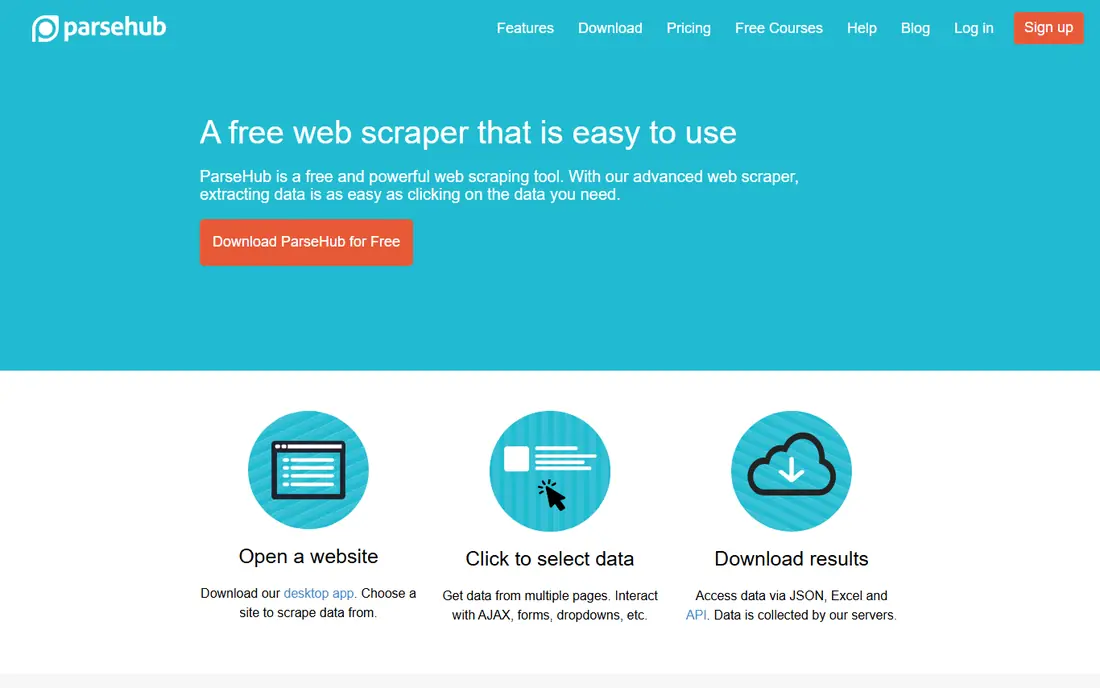
ParseHub is a visual scraper that handles complex, interactive and JavaScript heavy pages well. You select elements on a live page, build extraction rules, and run jobs locally or in the cloud. It suits teams that need to extract data from single page apps, infinite scroll pages and sites where a simple extension struggles.
The free plan covers a small number of public projects with a page limit per run, which is enough for testing. Paid plans are costly, starting at $189 per month in many 2026 comparisons, and scheduling and IP rotation sit behind paid tiers. ParseHub earns that price only when page complexity blocks cheaper tools. For simple pages, start with Web Scraper or Octoparse.
- Strong visual builder for interactive pages
- Handles login and dynamic content
- Desktop and cloud runs
- High paid starting price
- Scheduling and IP rotation need paid plans
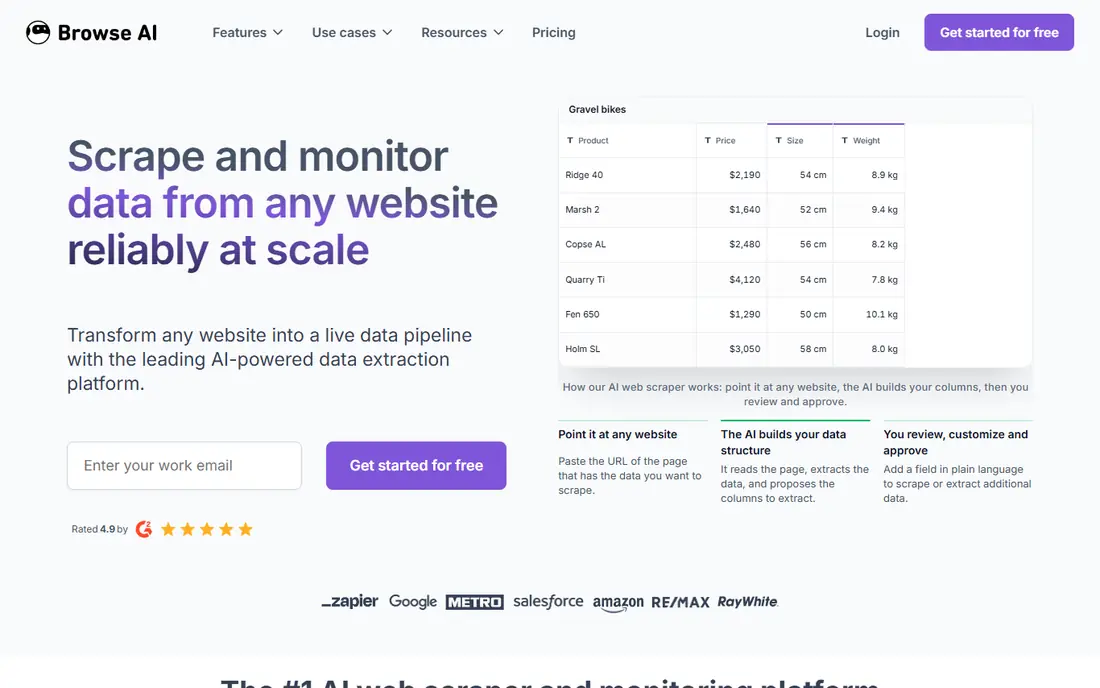
Browse AI is a no-code tool that trains by clicking. You select the data you want, and the tool extracts it and can monitor the page for changes, sending alerts when prices, listings or content move. That monitoring angle makes it ideal for price tracking, new listing alerts and competitor page changes, rather than only for a single bulk download.
The free plan covers a small number of websites, and paid plans start at $19 per month on annual billing in many 2026 comparisons, with monthly billing higher. Credit use and website caps matter, so model your page count and check frequency before you subscribe. For ongoing monitoring, Browse AI is often easier than rebuilding a scraper every week.
- Point and click training
- Page monitoring and alerts
- Integrations and API
- Credit and website caps need careful modelling
- Less suited to very large one off crawls
Apify is a cloud platform with a marketplace of ready made scrapers, called Actors, plus tools to run, schedule and export data. Non developers can often start from an existing Actor for a popular site, configure its inputs, and export a dataset without writing code. Developers can also build custom Actors, which makes Apify a bridge between no-code use and a larger data pipeline.
Quality and cost vary by Actor, so check reviews, input options and usage pricing before you rely on one for a client job. Apify offers free platform credit each month, with paid plans starting at $29 per month plus usage in many 2026 comparisons. For repeatable, scheduled collection, Apify is one of the most flexible platforms here.
- Large marketplace of ready made scrapers
- Cloud platform with scheduling and APIs
- Free platform credit
- Actor quality and cost vary
- No-code use still needs configuration and testing
Web Scraper is a free Chrome and Firefox extension for building sitemaps and extracting data from pages in the browser. You define selectors, pagination and sub pages, then run the job and export CSV or JSON. It is the fastest way to test an idea, collect a small dataset, or learn how web extraction works, without installing desktop software or paying for a cloud plan.
Its limits show at scale. Large crawls, heavily protected sites and scheduled cloud runs need the paid cloud service, and the extension runs in your browser, so very large jobs can be slow. Use Web Scraper for quick, lawful, small scale jobs, and move to Octoparse, ParseHub or Apify when volume, scheduling or protection handling grows.
- Free browser extension
- Simple sitemap builder
- Exports CSV and JSON
- Limited for very large or heavily protected sites
- Cloud features are paid
Thunderbit is a browser based tool that extracts web data into spreadsheet style tables, with AI assistance for detecting fields. It suits analysts who live in Excel, Google Sheets, Airtable or Notion and want web data in that format without code. You can extract lists, tables and detail pages, then send results to a connected sheet or app.
The free plan covers only a small number of pages per month, and paid plans start at $9 per month on annual billing in many 2026 comparisons. Thunderbit is less suited to large data pipelines or complex multi site crawls. For spreadsheet led research, price lists and lead lists, it offers a fast, familiar workflow.
- Browser based extraction to spreadsheets
- AI assisted field detection
- Exports to Sheets and Airtable
- Small free allowance
- Best for spreadsheet workflows, not large pipelines
Axiom is a no-code browser automation tool that runs inside Chrome. You build bots by recording clicks and steps, then automate repetitive browser tasks, including data extraction, form filling and monitoring. Templates for common tasks help beginners start, and scheduled runs keep routine collection going without manual work.
Axiom is broader than a pure scraper, which is both a strength and a limit. It suits teams that need browser automation plus extraction, but it is not a dedicated large scale crawling platform. Check current pricing, run limits and terms on the Axiom site before you plan a job, and only automate sites where you have a lawful right to collect the data.
- No-code browser automation
- Templates for common tasks
- Works inside Chrome
- Pricing and limits should be checked on the vendor site
- Automation needs care on protected sites
Import.io is an enterprise web data platform with no-code extraction tools, managed services and APIs. It suits larger organisations that need reliable, scheduled extraction, data quality checks and integrations into business systems, without building a crawling team. Its managed service option can handle target sites that are complex or change often.
Import.io is priced by quote and is not a good fit for a small, one off job. Small teams should start with Octoparse, Web Scraper or Thunderbit, and consider Import.io only when volume, reliability and support justify enterprise pricing. Ask for a scoped quote that covers sites, volume, frequency and data delivery format.
- No-code extraction for enterprise teams
- Managed data services
- Integrations and APIs
- Quoted pricing
- Too large for small, one off jobs
ScrapeStorm is a desktop scraping tool with AI assisted detection of lists and fields. You open a page, let the tool suggest fields, adjust the selection, and run the job locally or in the cloud. It suits analysts who prefer a desktop app and want a fast start on list and detail pages, without writing selectors by hand.
ScrapeStorm is less cloud native than Apify or Browse AI, so teams that need shared, scheduled cloud pipelines may prefer those options. Check current pricing and trial limits on the vendor site, and test your hardest target before you buy. For desktop led, AI assisted extraction, it is a practical alternative to Octoparse and ParseHub.
- Desktop tool with AI field detection
- Visual workflow
- Exports to common formats
- Pricing varies by plan
- Desktop only workflow suits some teams less than cloud tools
How we picked these
We compared official product pages, pricing pages and 2026 no-code scraping guides. We kept tools that let a non developer build an extraction by clicking, selecting or using templates, rather than code libraries that require programming. We favoured a mix of desktop, browser and cloud tools, plus monitoring and marketplace options, so readers can match the tool to job size and workflow. Where pricing was not clear from the vendor site, we wrote See website instead of repeating a third party estimate as a vendor price.
How to scrape lawfully and reliably without code
Check permission before you collect
Read the site terms, robots file and any API terms for the target site. Some sites allow search engine indexing but do not allow bulk extraction, and some data is licensed or behind a login. If a site offers an API, use it first. Only collect public data you have a right to use, and do not collect personal data, private account data or copyrighted content without a clear legal basis.
Respect rate limits and site load
Set a reasonable crawl rate, avoid hammering a site with parallel requests, and schedule large jobs outside peak hours where possible. Aggressive scraping can block your account or IP, harm the target site, and breach its terms. A slower, polite job that completes is better than a fast job that gets blocked halfway.
Start small and validate the output
Extract a small sample first, check field accuracy, pagination and duplicate handling, and confirm the export format matches your destination. Test edge cases such as missing fields, changed layouts and pagination breaks. A tool that looks good on one page can still fail on the tenth page, so validate across a full sample before you scale.
Plan for site changes
Websites change layouts often, and a no-code scraper can break without warning. Choose a tool with monitoring, alerts or easy re training, and keep a simple log of what changed and when. For critical data, build in a manual check step, and do not promise a delivery date that depends on a single fragile target page.
Store and use data responsibly
Keep only the fields you need, store data securely, and respect privacy and licensing limits on reuse and sharing. Do not republish scraped content as your own, do not sell personal data, and delete data you no longer need. Lawful collection is only the first step; lawful storage and use matter just as much.
Frequently asked questions
What is the best no-code web scraping tool?
Octoparse is our pick for most non developers, because it combines point and click building, templates and cloud scheduling. ParseHub suits complex pages, Browse AI suits monitoring, and Apify suits ready made scrapers plus cloud runs. The best choice depends on page complexity, volume and whether you need monitoring or a one off extract.
Can I scrape a website without coding?
Yes, no-code tools such as Octoparse, ParseHub, Browse AI, Web Scraper and Thunderbit let you extract data by clicking fields or using templates, without writing code. You still need to understand the target page structure, pagination and export format, and you must only collect data lawfully, respecting site terms and applicable law.
Is web scraping legal?
It depends on the site, the data and the law that applies. Collecting public data may be lawful in some cases, but breaching site terms, bypassing login or paywall controls, collecting personal data, or infringing copyright can create legal risk. This article is not legal advice. Check site terms, use an official API where available, and get legal advice for any large or sensitive project.
What is the best free no-code scraping tool?
Web Scraper offers a free browser extension that covers many small jobs. Octoparse, ParseHub and Browse AI also offer free tiers with page, row or website limits. Free tiers are best for learning and testing. For regular, scheduled or larger jobs, a paid plan will usually be needed for scheduling, volume and support.
How do I choose between Octoparse and ParseHub?
Choose Octoparse for a broad range of no-code jobs, templates and cloud scheduling at a lower starting price. Choose ParseHub when pages are complex, interactive or JavaScript heavy and cheaper tools struggle. Test both on your hardest target page on their free tiers before you pay, since page complexity matters more than feature lists.
Can no-code scrapers handle JavaScript heavy sites?
Many can, including ParseHub, Octoparse, Apify and Browse AI, which render pages in a browser or handle dynamic content. Simple extensions may struggle with single page apps, infinite scroll or login flows. Test your exact target, including pagination and login steps if they apply and you have permission, before you commit to a tool.
Sources
See where you really rank - block by block
ProMapRanker scans Google Maps across a grid of your service area. Simple monthly plans from $19, white-label on every plan.
Start freeKeep reading
 wpforms alternatives
Best WPForms Alternatives in 2026
We compare 9 wpforms alternatives for WordPress forms, with free and paid options, current pricing notes, and honest limits for small business sites in 2026.
Read → windows task scheduler alternatives
Best Windows Task Scheduler Alternatives in 2026
Looking for Windows Task Scheduler alternatives? We compare 9 schedulers for Windows and cross-platform work, from free tools to enterprise automation.
Read → which ai video service is best
Which AI Video Service Is Best in 2026
which ai video service is best? We compare 10 legitimate AI video services on price, avatars, editing and output quality to help you pick the right tool.
Read →