 ProMapRanker
Best No-Code Data Integration Platforms in 2026


Simple automations between popular apps · Pricing starts at: $19.99 per month
Key takeaways
- Zapier and Make suit simple app to app automations, while Fivetran and Airbyte suit warehouse pipelines that move larger volumes on a schedule.
- Pricing models differ sharply, so compare task counts, rows synced, and connector limits before you judge a monthly price.
- Self hosted options such as n8n can cut subscription costs, but they add hosting and upkeep work that a small team should budget for.
- Enterprise tools such as Workato and Celigo make sense when governance, audit logs, and managed connectors matter more than the lowest price.
- Start with one real pipeline, not a demo, and check how it handles errors, duplicates, and schema changes.
Quick comparison
| Pick | Great for | Pricing starts at | Free tier | |
|---|---|---|---|---|
| Zapier | Simple automations between popular apps | $19.99 per month | Yes | Visit |
 Make | Visual workflows at a lower price | $9 per month | Yes | Visit |
 n8n | Self hosted automation with full control | Free | Yes | Visit |
 Workato | Enterprise app and data integration | See website | No | Visit |
 Integrate.io | Managed pipelines to warehouses and apps | See website | No | Visit |
 Fivetran | Automated warehouse replication | See website | Free trial | Visit |
 Airbyte | Open source pipelines you can run yourself | Free | Yes | Visit |
 Skyvia | Small team sync and backup | See website | Yes | Visit |
 Celigo | Mid market app integration | See website | No | Visit |
The best no-code data integration platforms
We compared visual builders, connector libraries, pricing models, and error handling across tools that move data without custom code. The list below mixes low cost automation tools with data pipeline platforms, because the right pick depends on the job.
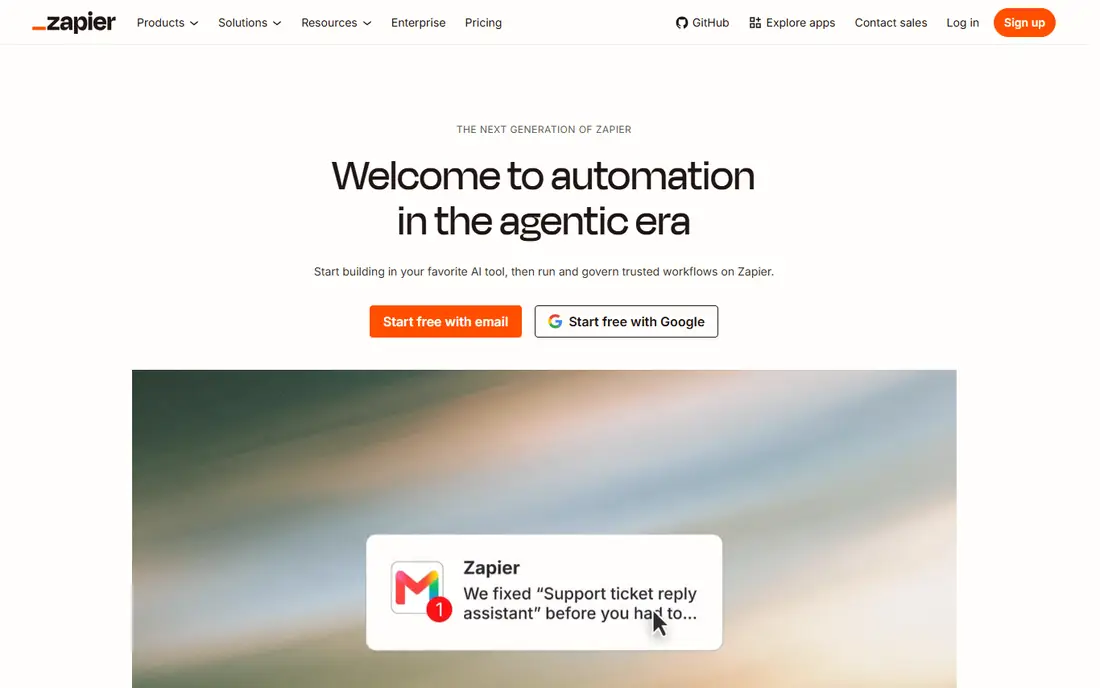
Zapier remains the easiest starting point for most small businesses. You pick a trigger in one app, map a few fields, and choose what happens in the next app. Thousands of ready made templates cover tasks such as adding form entries to a spreadsheet, creating CRM contacts from new leads, and sending notifications to a team channel.
The catch is scale. Task based pricing means a busy automation can grow expensive, and heavy data transforms are not its strong point. If your main need is moving records between everyday business apps, that trade off is usually fine. If you need to sync whole databases into a warehouse, look further down this list.
- Very large app library
- Easy visual builder
- Strong templates for common tasks
- Costs can rise with task volume
- Complex multi step logic can feel limited

Make gives you a canvas where each step is a visible module, which makes it easier to follow data as it moves. Routers, filters, and iterators let you branch a workflow without writing code, and the pricing often works out lower than Zapier for the same volume. Teams that build many small automations tend to like that control.
The trade off is coverage. Make supports many popular apps, but niche tools may be missing or need a generic web request step. Support and template depth also trail Zapier in places. For teams comfortable with a little extra setup, the savings and flexibility are worth it.
- Clear visual canvas
- Generous operation allowances on paid plans
- Good data mapping tools
- Smaller app library than Zapier
- Some connectors need more setup
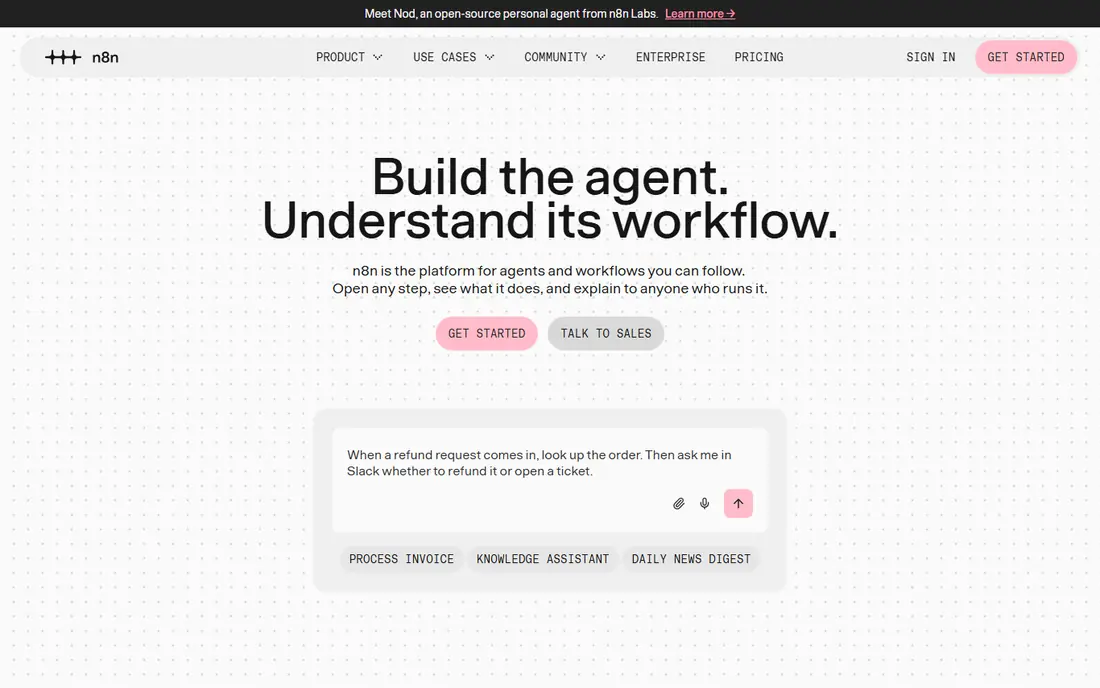
n8n appeals to technical teams that want ownership of their automation stack. The open source version runs on your own server, and the visual editor still keeps most work code free. You can add a code step only where a visual step falls short, which is a practical middle ground.
The honest cost is maintenance. Updates, backups, and uptime become your job on the self hosted version, and the hosted cloud plan charges by executions. Small teams with someone comfortable running a server get a lot of power here. Teams that want a fully managed service may prefer Zapier or Make.
- Free to self host
- Code steps available when needed
- Active community and templates
- You manage hosting and updates
- Cloud pricing rises with executions
Workato is built for larger organisations that connect finance, HR, sales, and operations systems under one set of controls. Recipes handle common patterns, and administrators can set permissions, monitor runs, and review logs in one place. That structure matters when a failed sync could affect billing or payroll data.
For a small team, Workato will feel heavy and expensive. Pricing is quoted rather than published, and implementation takes planning. It earns its place here for companies that need that governance, not for a team syncing two apps.
- Strong governance and audit features
- Large enterprise connector set
- Recipe templates for common systems
- Quote based pricing
- Overkill for simple automations
Integrate.io focuses on data pipelines rather than single task automations. You can pull data from apps and databases, clean and reshape it with visual transforms, and load it into a warehouse or sync it back to a business app. That makes it a fit for reporting and analytics work where clean, current data matters.
Smaller teams may find the entry price and sales process a barrier, and the platform is more than you need for a handful of simple zaps. For a company building regular reporting pipelines, the managed approach saves engineering time that would otherwise go into maintaining custom scripts.
- Visual pipeline builder
- Two way sync options
- Built in transformations
- Pricing is not aimed at tiny teams
- Sales led buying process
Fivetran is the set and forget option for analytics teams. You connect a source, pick a destination warehouse, and it keeps the data current with little day to day work. It handles schema changes in many sources automatically, which removes a common source of broken reports.
Pricing depends on usage, so a team with fast growing row volumes should model costs at higher volumes before committing. Fivetran also keeps transformation light by design, so most teams pair it with a separate transformation tool. If reliable replication is the main job, that focus is a strength.
- Large managed connector library
- Automated schema handling
- Reliable scheduled syncs
- Usage based pricing can grow fast
- Limited control over transforms in the tool itself
Airbyte gives teams a way to move data without being locked into one vendor from day one. The open source version covers many common sources and destinations, and the cloud version removes hosting work for teams that prefer a managed service. Connector quality is generally good for popular sources, with newer connectors worth testing before relying on them.
As with n8n, the free version is not free of effort. You still need to watch syncs, handle failures, and plan upgrades. Teams that value open source control and a broad connector list will find that trade off fair. Teams that want fully hands off replication may prefer Fivetran.
- Open source core
- Large connector catalogue
- Cloud option for managed runs
- Self hosting needs care
- Some connectors vary in maturity
Skyvia is a practical pick for small and mid sized teams that need regular syncs between cloud apps and databases. Setup is quick, the mapping screen is clear, and backup features add value beyond one way syncs. It works well for jobs such as keeping a CRM and a database in step, or copying cloud data for reporting.
It is not aimed at the largest enterprise integration projects, and teams with heavy transformation needs may outgrow it. For straightforward, repeatable syncs, that simplicity is the point. Test it with your actual source and destination before moving a critical workflow onto it.
- Easy setup for common SaaS tools
- Backup and replication features
- No code mapping
- Less suited to very large enterprise estates
- Advanced transforms are limited
Celigo sits between simple automation tools and full enterprise platforms. Its prebuilt integrations, often called Integration Apps, speed up common connections such as linking an online store to an accounting or ERP system. Built in monitoring helps teams spot failed flows before users notice missing data.
Pricing is quoted, and a larger integration still needs planning and testing. That is normal for this class of tool. Celigo makes most sense for a growing company that has outgrown point to point automations but does not need a full enterprise integration suite.
- Prebuilt integrations for common business apps
- Monitoring and error management
- Good NetSuite and Salesforce coverage
- Quote based pricing
- Implementation can take time
How we picked these
We compared official feature pages, pricing pages, and connector lists, and we checked public reviews for recurring complaints about pricing, reliability, and setup effort. We favoured tools that are live and supported in October 2026, that offer a visual or no code builder for most work, and that cover a distinct need, from simple automations to warehouse replication. We did not claim hands on testing, and we left out tools that were discontinued or that required heavy custom coding for basic syncs.
What to check before you commit
Start by naming the source, the destination, and how fresh the data must be. A form to spreadsheet automation can tolerate a short delay, while an order sync cannot. Check the connector for your exact apps, not just the brand family, and test a real record with messy fields, blanks, and duplicates.
Next, model the bill at twice your current volume. Task, operation, row, and execution pricing all behave differently under growth, and a cheap starter plan can become costly fast. Finally, test failure handling. Pause a run, break a field mapping, and see how clearly the tool reports the problem and how easy it is to rerun only the failed records.
Watch for hidden limits
Some plans cap the number of active flows, records per sync, or history kept for troubleshooting. Those limits matter more than a headline feature list once the tool is in daily use. Ask the vendor to confirm them in writing if the pricing page is vague.
Frequently asked questions
What is a no-code data integration platform?
It is software that moves data between apps, databases, and warehouses using a visual builder and ready made connectors instead of custom code. You map fields once, set a schedule or trigger, and the platform runs the sync. Some tools also clean, filter, and reshape data along the way.
Is Zapier or Make better for a small business?
Zapier usually wins on app coverage and templates, while Make often wins on price and visual control for the same volume. If your apps are all mainstream and you want the fastest setup, start with Zapier. If you build many workflows and watch costs closely, test Make with the same flows and compare the monthly total.
Do I need Fivetran or Airbyte instead of Zapier?
You need a data pipeline tool when the destination is a warehouse or database and the job is replicating tables on a schedule. Zapier and Make move individual records well, but they are not built for large, regular table syncs. Fivetran suits teams that want managed replication, while Airbyte suits teams that want open source control.
Can I use a no-code tool without any technical help?
Yes for simple automations, but larger projects still need someone who understands the data. Field mapping, duplicate rules, and error handling all need decisions about how your business treats a record. A short pilot with real data will show whether your team can manage it alone.
How do I avoid surprise bills?
Count tasks, operations, or rows for a typical week, then double that figure and price the plan that covers it. Check whether retries, test runs, and large syncs count toward the limit. Keep an eye on usage in the first month and adjust the plan before the second bill.
Is self hosting worth it?
Self hosting can save subscription money and give you control over data and uptime, but it adds patching, backups, and monitoring work. It suits teams with someone able to own that work. If no one owns it, a managed plan is usually cheaper in time, even if the monthly fee looks higher.
Sources
See where you really rank - block by block
ProMapRanker scans Google Maps across a grid of your service area. Simple monthly plans from $19, white-label on every plan.
Start freeKeep reading
 wpforms alternatives
Best WPForms Alternatives in 2026
We compare 9 wpforms alternatives for WordPress forms, with free and paid options, current pricing notes, and honest limits for small business sites in 2026.
Read → windows task scheduler alternatives
Best Windows Task Scheduler Alternatives in 2026
Looking for Windows Task Scheduler alternatives? We compare 9 schedulers for Windows and cross-platform work, from free tools to enterprise automation.
Read → which ai video service is best
Which AI Video Service Is Best in 2026
which ai video service is best? We compare 10 legitimate AI video services on price, avatars, editing and output quality to help you pick the right tool.
Read →