 ProMapRanker
Best No-Code Business App Builder in 2026

Key takeaways
- The best builder depends on what you are building: a portal, an internal tool, a native mobile app, or a full web app.
- Bubble gives the deepest visual logic for complex web apps, while Glide and Softr get a working tool live faster from existing data.
- Adalo and FlutterFlow are stronger when you need a true native mobile app for app stores.
- AppSheet and Microsoft Power Apps fit teams that already live in Google Workspace or Microsoft 365.
- Check usage limits, user counts, and data row limits before you commit, since those drive the real monthly cost.
Quick comparison
| Pick | Great for | Pricing starts at | Free tier | |
|---|---|---|---|---|
 Bubble | Complex full web apps | See website | Yes | Visit |
 Glide | Internal tools from spreadsheets | $19 per month | Yes | Visit |
 Softr | Portals and client apps from data | $19 per month | Yes | Visit |
 Adalo | Native mobile apps | $36 per month | Yes | Visit |
 FlutterFlow | Native apps with code export | $39 per month | Yes | Visit |
 AppSheet | Data-driven business apps | $5 per user per month | Yes | Visit |
 Microsoft Power Apps | Business apps inside Microsoft 365 | $20 per user per month | Yes | Visit |
 WeWeb | Flexible web app front ends | See website | Yes | Visit |
The best no-code business app builders
These eight builders let a small business create a working app without hiring developers for the first version. We compared official pricing pages, feature pages, and app store listings, and we kept only platforms that are live in October 2026 and built for business use.
We list each platform below with who it fits, what stands out, and where it falls short, so you can match the tool to the job rather than buying the most powerful option by default.
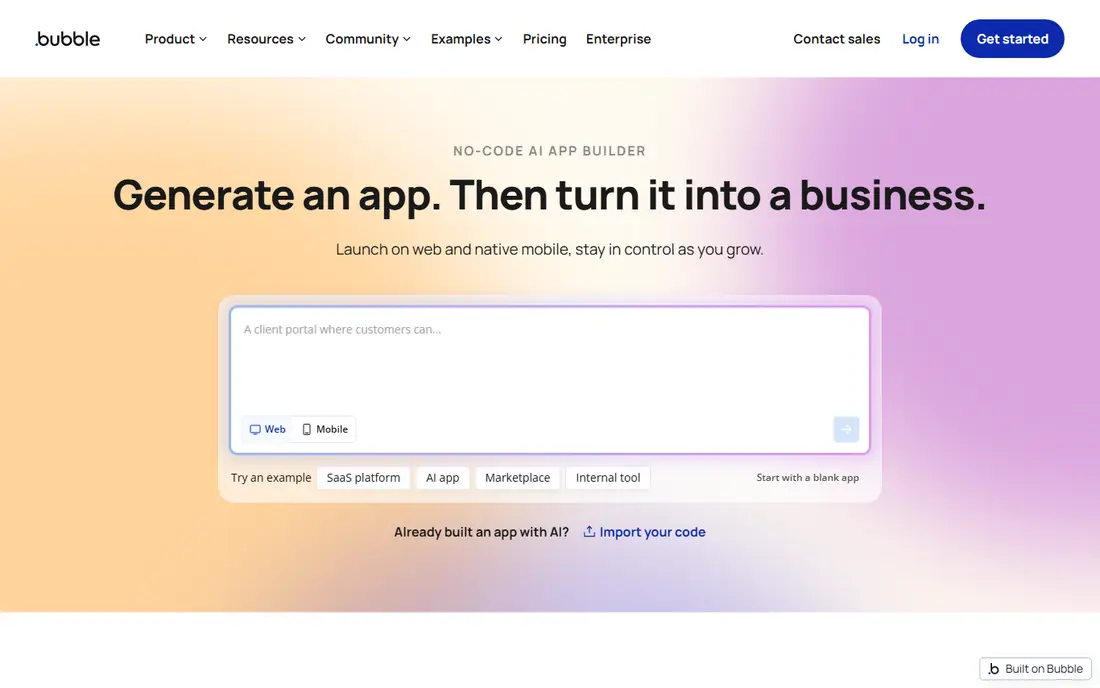
Bubble is the heavyweight choice when your app needs real logic, such as multi-role access, approvals, bookings, or a marketplace with payments. You define the database, design pages with drag and drop, and build workflows in plain visual steps. That depth is why Bubble suits a full business app rather than a simple directory or form.
The cost to watch is workload units, the meter for server processing. Inefficient searches and workflows can burn units fast, so build with pagination and narrow searches, and test with real data before launch. If you only need a portal on top of a spreadsheet, Softr or Glide will be faster and cheaper.
- Visual database and workflow builder
- Large plugin and template range
- AI-assisted first draft that stays editable in the visual editor
- Steeper learning curve than Glide or Softr
- Usage-based workload pricing can surprise
- Native mobile needs a newer mobile plan
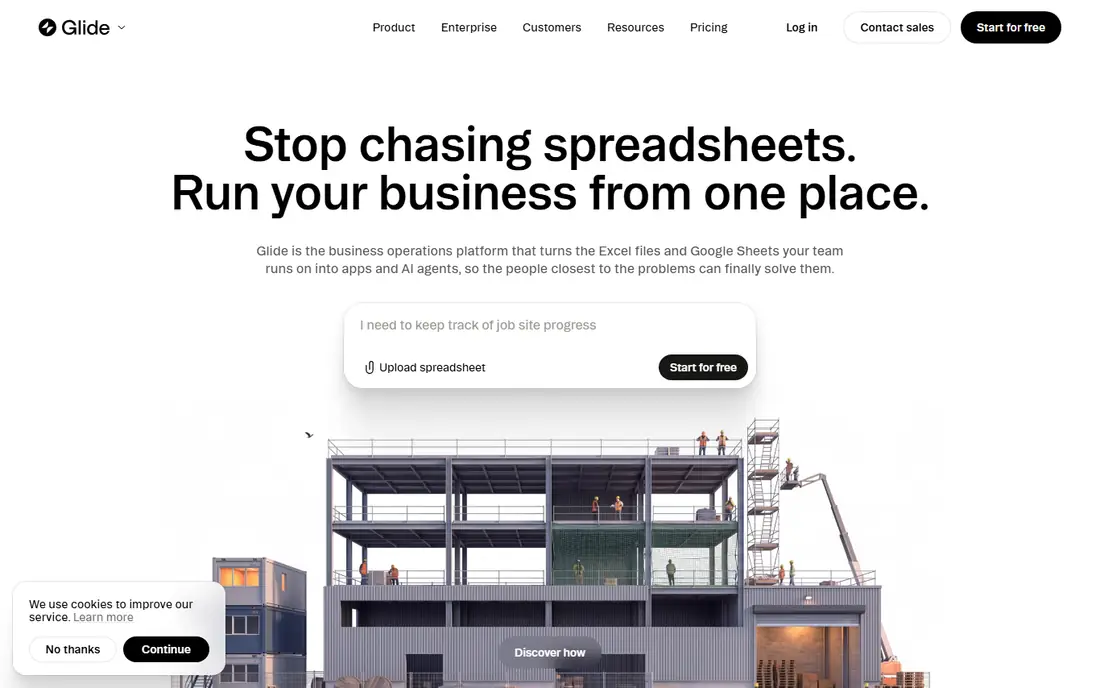
Glide is our pick for most small businesses that already keep data in a spreadsheet. Connect a sheet, pick a layout, add forms and filters, and you have a usable internal tool in days rather than weeks. It works well for job trackers, inventory lists, customer portals, and field team tools.
The limit is scale and complexity. Row limits, user counts, and update counts shape the monthly bill, so check those numbers against your actual data before you build a large app. For a simple, useful tool that your team will actually open, Glide is hard to beat.
- Fast build from Google Sheets, Excel, or its own tables
- Clean mobile-friendly layouts
- Good for dashboards, directories, and request tools
- Apps are web apps rather than true native store apps
- Row and update limits matter at scale
- Deeper custom logic needs workarounds
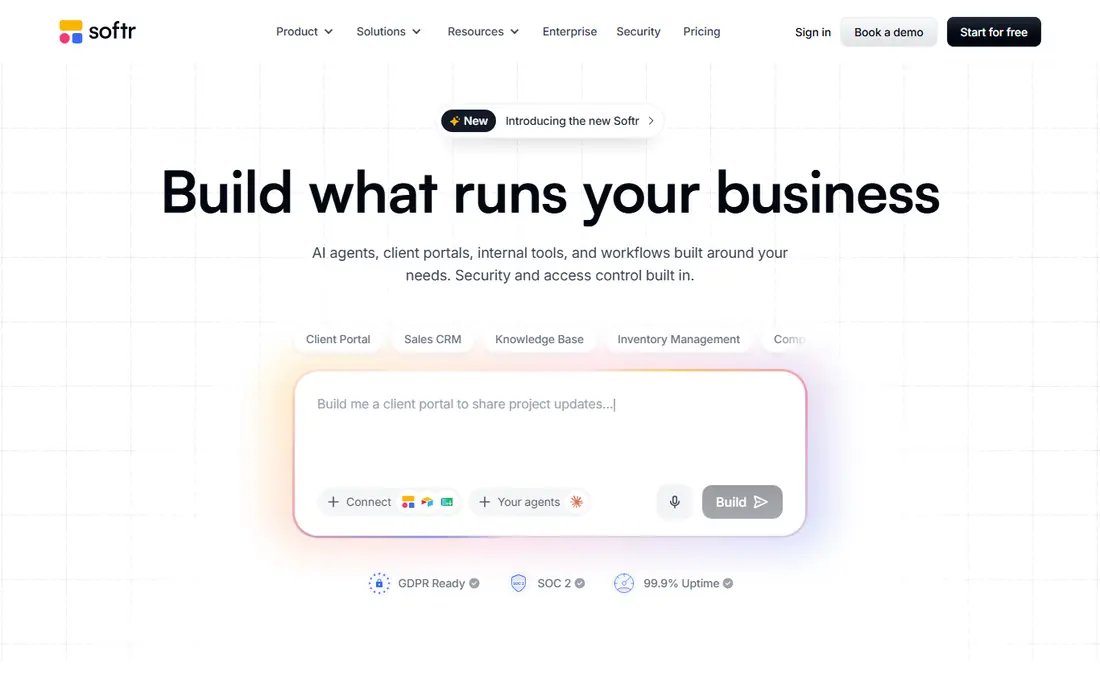
Softr is built for the common business job of turning existing data into a clean portal. A consultancy can give clients a login to see projects, a property firm can publish a listing directory, and a membership group can gate content by user type. Templates help you start, and the native data source option reduces reliance on a third-party base.
Softr is less suited to apps with complex, branching workflows or heavy custom calculations. If your app needs those, Bubble or WeWeb with a backend may fit better. For portals and directories, Softr gives you speed and a polished result with less setup.
- Fast portals from Airtable, Google Sheets, or Notion
- Strong templates for client portals and directories
- User permissions by role
- Limited for complex custom logic
- Record and user limits shape pricing
- No true native app store publishing
Adalo is the clearest pick when you need an app in the Apple App Store and Google Play, built without code today, in 2026. You design screens once, connect a built-in database or an external source, and publish to both stores from the same project. That matters for customer-facing apps, loyalty tools, booking apps, and field apps that need to feel native on a phone.
The trade-off is power at scale. Very large data sets and complex logic can slow the app, and you will still need Apple and Google developer accounts to publish. For a straightforward mobile app with a clear job, Adalo keeps the build and the bill simple.
- True native iOS and Android apps from one build
- Simple drag-and-drop editor
- Flat pricing by plan rather than usage meters
- Performance can strain with large data sets
- Fewer advanced logic options than Bubble
- App store accounts carry their own fees
FlutterFlow suits businesses that want a native app now and the option to hand code to developers later. It builds on Flutter, so one project can target mobile, web, and desktop, and you can export code when you outgrow the visual builder. That exit path is a real advantage for a business app that may grow into a larger product.
The learning curve is higher than Adalo, and you will need to plan your database early. If you have no technical help at all, Adalo or Glide will feel easier. If you want control and a clean handover path, FlutterFlow is worth the extra setup.
- Native mobile, web, and desktop output
- Flutter code export for developer handover
- Deep control over design and app logic
- More to learn than Adalo or Glide
- Some features need an external database
- The best value comes with a technical team member
AppSheet, from Google, turns a spreadsheet or database into a working business app with forms, views, workflows, and offline capture. It fits inspections, inventory checks, site visits, and internal request apps, where the job is capturing clean data in the field and routing it to the right person.
The app will look practical rather than beautiful, and heavy branding or consumer polish is harder to achieve. For internal operations, that is often the right trade. The per-user entry price also makes it easy to start small and add users as the app proves its value.
- Builds apps from Google Sheets, Excel, and databases
- Strong for field data capture and approvals
- Low entry price per user
- Design options are more functional than polished
- Prototyping is free but deployment needs a paid plan
- Google ecosystem fits best
Microsoft Power Apps is the natural pick if your business already runs on Microsoft 365. You can build apps that pull from SharePoint lists, Teams, Outlook, and Dynamics, and you can add approvals and automations through Power Automate. For internal tools in a Microsoft shop, the fit is hard to match.
Outside that ecosystem, the value drops, and licensing needs care, since app types and user types change what you pay. Check the current plan that matches your use, and test with a small group before rolling an app out to the whole company.
- Strong connectors to Microsoft 365, Teams, SharePoint, and Dynamics
- Good for approvals and internal workflows
- Enterprise controls for larger firms
- Best value inside Microsoft 365
- Licensing can confuse small teams
- Design freedom is lower than Bubble or WeWeb
WeWeb is a front-end builder, which means it excels at the screens, layouts, and user experience of a web app, while your data lives in a connected back end. That split gives you design freedom and scale, and it suits businesses that want a polished customer app without building the whole stack from code.
The cost is setup time. You must choose and connect a back end, and you need to plan data, auth, and workflows across two tools. For a simple portal, Softr is faster. For a polished web app that must grow, WeWeb gives you more room.
- Visual front-end builder with strong design control
- Connects to back ends such as Xano, Supabase, or REST APIs
- Good for polished web apps
- You need a separate back end for data and logic
- More setup than Glide or Softr
- Pricing depends on seats and project needs
How we picked these
We compared official pricing and feature pages for platforms that are live in October 2026 and built for business apps, not just websites or single-page sites. We favored builders with a free plan or free build option, a real database or data connection, user permissions, and a publishing path that fits business use. We left out tools that had closed, tools with no clear business app output, and pure automation tools that do not build app screens. Prices shown are starting prices from vendor pages where we could verify them, and we wrote See website where pricing varies by plan or was not cleanly verifiable.
How to choose the right builder
Start with the app type, not the feature list. A client portal needs permissions and clean data views, an internal tool needs fast data capture, a customer app needs store publishing, and a complex web app needs real workflow logic. Write down the three jobs the app must do on day one, and pick the builder that does those three jobs well, even if another builder has a longer feature list.
Test with real data and real users
Build a small version with your actual data, not sample data, and give it to two or three real users. Watch where they get stuck, check load times with a realistic number of rows, and confirm that permissions hide what they should hide. A builder that looks fast with ten rows can feel slow with ten thousand, so test scale early.
Check the total cost, not just the starting price
Starting prices hide user counts, row limits, update limits, and workload meters. Ask how the bill changes when you add ten users, double your rows, or launch to customers. Also check export options and what happens to your app and data if you stop paying, since a business app should not trap your data.
Plan for support and handover
Pick a builder your team can maintain. If only one person understands the app, document the data model, the key workflows, and the permission rules. For larger apps, favor builders with code export or a clear API, so a developer can take over later without rebuilding from scratch.
Frequently asked questions
What is the best no-code business app builder?
There is no single winner, since the best builder depends on the app type. Bubble fits complex web apps, Glide and Softr fit portals and internal tools from existing data, and Adalo and FlutterFlow fit native mobile apps. Start with the app type, then compare pricing and limits for that job.
What are the best no-code business app builders for small teams?
Glide, Softr, and AppSheet are strong for small teams, because they start from data you already have and keep the build simple. Adalo fits small teams that need a store app, while Bubble fits teams that need deeper logic and are willing to learn a more powerful tool.
Can I build a business app without coding?
Yes, for many common business apps, including portals, directories, booking tools, field data apps, and internal trackers. You will still need to plan the data model, permissions, and workflows carefully. For very complex or highly custom products, you may need developer help for parts of the build.
Do no-code apps work for customers, or only for internal teams?
Both. Glide and Softr work well for client portals and directories, Adalo and FlutterFlow publish to app stores for customers, and Bubble and WeWeb build customer-facing web apps. Check user limits and permissions, since customer apps often need more users than internal tools.
How much does a no-code business app cost?
Costs range from free for a small build or prototype to monthly plans that rise with users, rows, updates, or workload. Check the starting price, the user and data limits, and any usage meters before you commit, and test with real data so the first bill does not surprise you.
Sources
See where you really rank - block by block
ProMapRanker scans Google Maps across a grid of your service area. Simple monthly plans from $19, white-label on every plan.
Start freeKeep reading
 wpforms alternatives
Best WPForms Alternatives in 2026
We compare 9 wpforms alternatives for WordPress forms, with free and paid options, current pricing notes, and honest limits for small business sites in 2026.
Read → windows task scheduler alternatives
Best Windows Task Scheduler Alternatives in 2026
Looking for Windows Task Scheduler alternatives? We compare 9 schedulers for Windows and cross-platform work, from free tools to enterprise automation.
Read → which ai video service is best
Which AI Video Service Is Best in 2026
which ai video service is best? We compare 10 legitimate AI video services on price, avatars, editing and output quality to help you pick the right tool.
Read →