 ProMapRanker
Best No-Code App Builders in 2026

Key takeaways
- Bubble is the deepest choice for complex web apps, but its workload-based pricing needs monitoring as traffic grows.
- Glide and Softr are the fastest routes from a spreadsheet or database to a polished internal tool or client portal.
- FlutterFlow and Adalo are better when you need a real native mobile app in the Apple App Store and Google Play.
- Free plans are best for learning and prototyping, since publishing, custom domains, and store submission usually need a paid plan.
Quick comparison
| Pick | Great for | Pricing starts at | Free tier | |
|---|---|---|---|---|
 Bubble | Complex web and mobile apps | $32 per month | Yes | Visit |
 Glide | Spreadsheet to app | $25 per month | Yes | Visit |
 FlutterFlow | Native apps with code export | $39 per month | Yes | Visit |
 Adalo | Simple native mobile apps | $36 per month | Yes | Visit |
 Softr | Client portals and internal tools | $19 per month | Yes | Visit |
 Thunkable | Drag-and-drop mobile apps | See website | Yes | Visit |
 AppSheet | Google Workspace business apps | See website | Free trial | Visit |
 Budibase | Self-hosted internal tools | Free | Yes | Visit |
The best no-code app builders
The best no-code app builder depends on what you are building: a customer-facing web app, a native mobile app, or an internal tool for your team. This guide covers the best no-code app builder platforms across all three, plus the best free no-code app builders for learning and early prototypes.
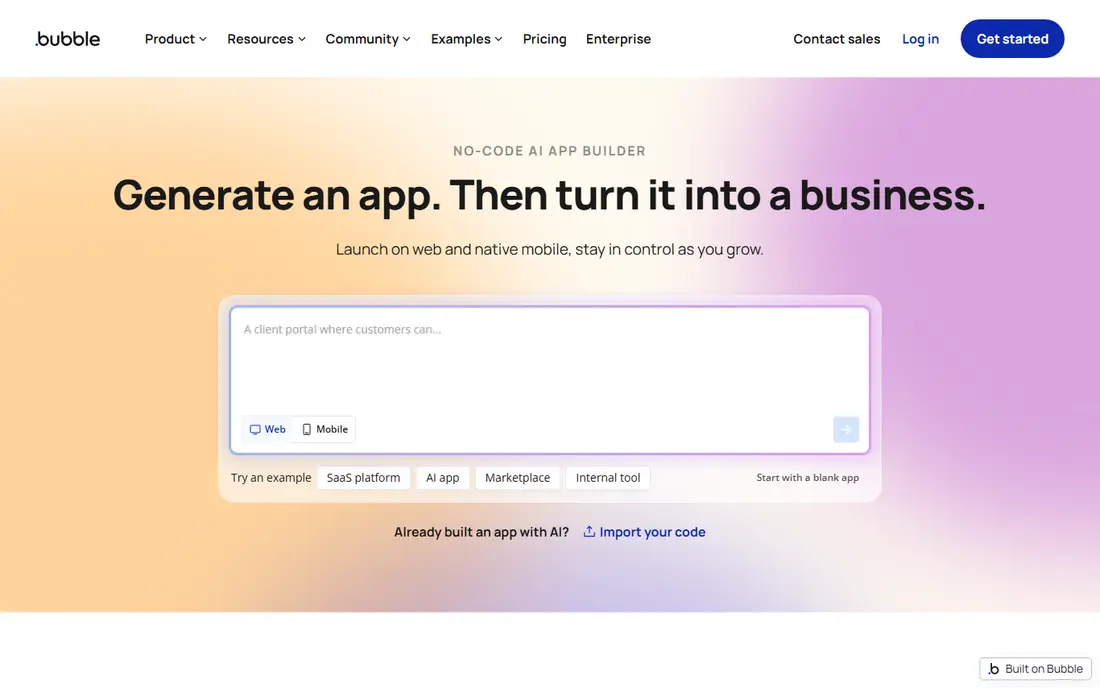
Bubble is the platform to choose when your app has real rules: user roles, payments, multi-step workflows, and data that relates to other data. The visual editor, integrated database, and workflow engine handle marketplaces, SaaS products, and internal systems that simpler builders cannot. Recent AI tools can draft pages and help with edits, though you should still review privacy rules and data models before launch.
The price to watch is not just the plan. Starter Web is $32 per month on annual billing, with a workload allowance, and extra workload, plugins, and outside services add to the bill. If you build workflows that run often or query large tables, costs can rise faster than expected. For a serious production app, Bubble is worth the learning time. For a simple list app, a lighter builder will be faster.
- Deep visual workflows and a built-in database
- Web and native mobile from one backend
- Large template and plugin library
- Steeper learning curve than simpler builders
- Workload units can raise costs
- Apps cannot be exported as standalone source code
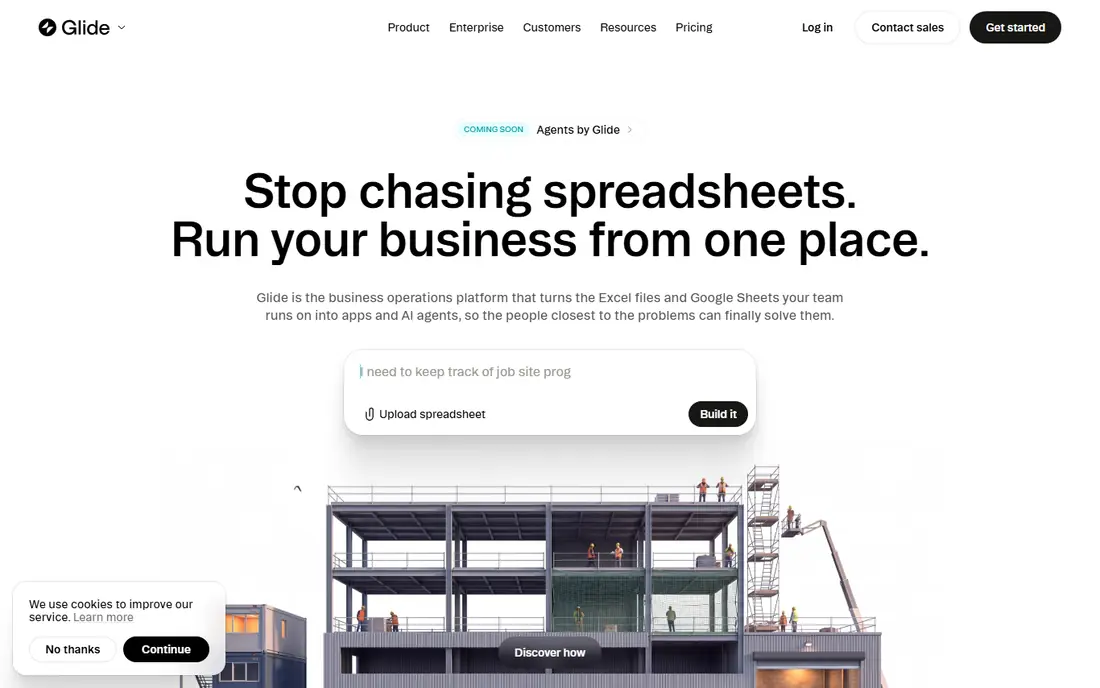
Glide is the fastest way to turn data you already have into an app people can actually use. Connect a sheet or database, and Glide builds screens, forms, and lists from your columns, with roles and actions you can adjust without code. That makes it ideal for inventory trackers, CRMs, directories, and field tools where the data already exists.
The 2026 GlideOS plans start with a free tier for modelling, then Basic at $25 per month, Plus from $50, and Pro from $125, with limits on published apps, projects, and credits. If you need a true App Store app, Glide is not the right pick, since its apps are progressive web apps that users install from a link. For internal tools and lightweight customer apps, few builders are faster.
- Very fast setup from Google Sheets, Excel, or Airtable
- Polished mobile-style design out of the box
- Strong template library
- Apps run as web apps, not true native apps
- Published apps and credits are capped by plan
- Row and update limits matter at scale
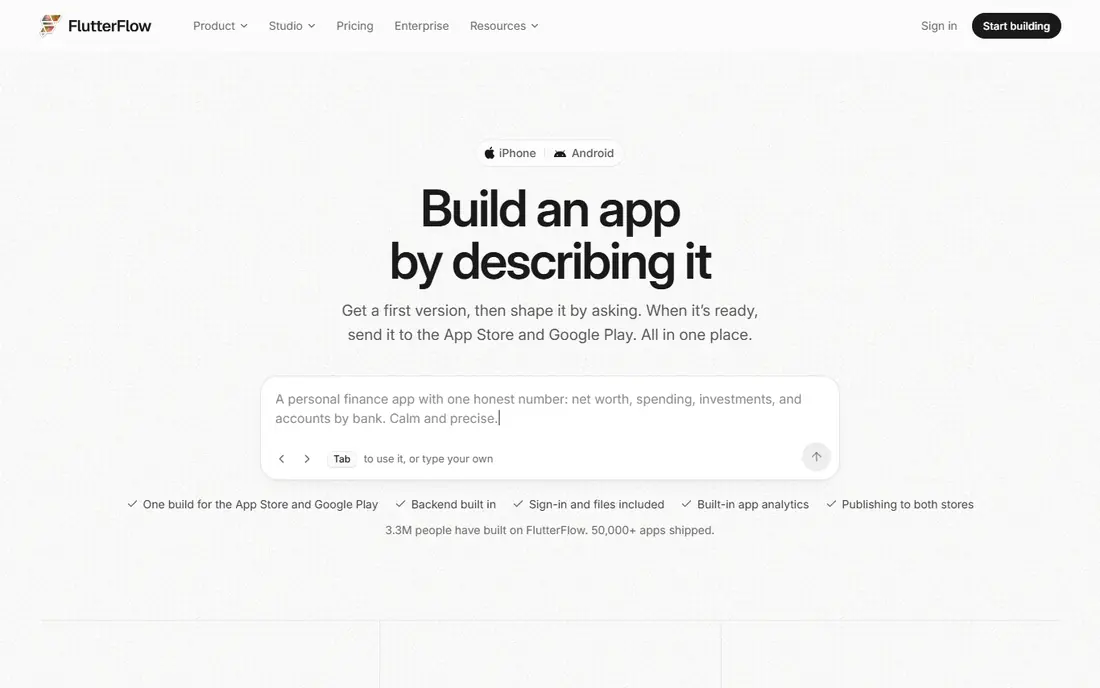
FlutterFlow sits between a pure no-code builder and a developer tool, and that is its strength. You design screens visually, connect Firebase or Supabase, add custom Dart code when needed, and export Flutter code on paid plans. That gives a team a path from a prototype to a codebase a developer can extend, which most no-code tools do not offer.
Pricing starts with a free plan for two projects, then Basic at $39 per month for unlimited projects, code download, and store deployment. Growth starts at $80 per month for the first seat and adds collaboration and GitHub integration. Budget separately for Firebase or Supabase usage and for Apple and Google developer accounts, since those are not included.
- Visual Flutter building with code export
- Firebase and Supabase backends
- Native iOS, Android, web, and desktop output
- Team plans are priced per seat
- Backend and store fees are extra
- Growth features like GitHub sync need higher plans
Adalo is the friendliest route to a native mobile app for a non-technical founder. You drag components onto a canvas, connect a built-in database, and publish to iOS, Android, and web from one project. The free plan lets you build and test, while Starter at $36 per month on annual billing publishes one app, and Professional at $52 adds a custom domain and more capacity.
The simplicity has a ceiling. Adalo is not the best choice for a complex web dashboard or for an app that needs deep custom logic, and you cannot yet export full source code. For a first mobile MVP, a booking app, or a community app, Adalo gets you to the stores with less friction than most rivals.
- Simple drag-and-drop canvas
- Built-in database included
- Native publishing to both stores on paid plans
- Less suited to complex web dashboards
- No full code export
- Some integrations and features are limited
Softr is built for the apps businesses run every day: client portals, internal dashboards, CRMs, and inventory trackers. You connect your data, pick blocks for lists, forms, and charts, and control what each user group can see. The free plan includes unlimited apps, databases, and workflows, with five app users and 5,000 records, which is generous for testing.
Paid plans start at Basic, $19 per month on annual billing, then Pro at $99 and Business at $329, with more builders, app users, records, and workflow actions. The main limit is mobile: Softr builds web apps and installable web apps, not native store apps. If permissions and portals matter more than a store listing, Softr is a strong pick.
- Free plan with unlimited apps
- Strong permissions and user groups
- Connects to Airtable, Google Sheets, Notion, and its own database
- Web apps and portals, not native mobile apps
- App user limits rise with plan
- Advanced data sources need higher tiers
Thunkable is a good first builder for anyone who wants a real mobile app without learning a programming language. You assemble screens from blocks, connect data sources, test on your phone, and publish to the stores on paid plans. It is widely used in classrooms and by solo builders, which means tutorials and templates are easy to find.
The trade-off is depth. Thunkable handles many common app types well, but complex business logic, heavy data work, and custom backend needs can push you toward FlutterFlow or Bubble. Because Thunkable has changed its plans more than once, check the current pricing page before you budget, and test the features you need on the free plan first.
- Drag-and-drop builder for iOS and Android
- Live testing on a device
- Good for education and first mobile apps
- Less depth for complex backend logic
- Pricing and limits change often, so check the current page
- Advanced features need paid plans
AppSheet, from Google, turns spreadsheets and databases into business apps with forms, maps, barcode scanning, and automation. It suits field teams, inspections, asset tracking, and approvals, especially when the company already runs on Google Workspace. You describe the data and the rules, and AppSheet builds the app around them.
The catch is that AppSheet is a business tool first, not a consumer app builder. Design freedom is narrower than in Glide or Bubble, and publishing a polished public app to the stores is not its strength. For an internal operations app inside a Google Workspace company, it is a practical, low-friction choice.
- Strong fit for Google Sheets and Workspace teams
- Declarative app building from data
- Automation and approval workflows
- Design control is more limited than Glide or Softr
- Pricing is tied to Google Workspace plans for many users
- Store publishing is not the focus
Budibase is the pick for a team that wants control over where its apps and data live. The open-source version can be self-hosted, connects to more than 30 data sources, and auto-generates screens from your tables. It suits IT and operations teams building internal tools, forms, and portals where security and data location matter.
Self-hosting is also the main cost. You own setup, updates, and scaling, and the cloud limits on users, records, and runs may push larger teams to a paid plan from $50 per creator plus $5 per user. If your team can run infrastructure, Budibase offers strong value. If not, a hosted builder like Glide or Softr will be simpler.
- Open-source builder with self-hosting
- Connects to many data sources
- Free single sign-on and role controls on the open tier
- Needs technical setup for self-hosting
- Smaller template range than commercial rivals
- Support and scale features are paid
How we picked these
We compared official pricing pages, documentation, and public reviews for builders that are live in October 2026 and that let a non-developer build a working app without writing code as the main task. We kept a mix of web, native mobile, and internal-tool builders, and we checked free plans, publishing options, and code export where it matters. We did not claim hands-on testing; our comparison is based on vendor pages, store listings, and published reviews.
Choosing the right builder for your app
Start with the output you need, not the editor you like. A native store app points to Adalo or FlutterFlow, a web portal points to Softr or Bubble, and a data-driven internal tool points to Glide, AppSheet, or Budibase. Choosing the wrong output type is the most expensive mistake, since rebuilding for another platform takes far longer than learning a new editor.
Next, test with real data and real users. Import a sample of your actual records, build the hardest screen first, and try permissions with two different user roles. A builder that looks fast with ten rows can feel slow or costly with ten thousand, so check row, user, and usage limits before you commit.
Finally, plan for the second year. Ask what happens when you need a custom domain, more users, or a new integration, and what it costs to leave. Code export, data export, and API access matter more once an app is in daily use, and a cheap first year can turn into a rebuild if those paths are closed.
Frequently asked questions
What is the best no-code app builder for beginners?
Glide and Softr are the easiest starting points for most beginners, because both turn existing data into a working app quickly. Adalo is the easiest for a first native mobile app. Bubble is more powerful, but it takes longer to learn, so start there only if your app needs complex logic.
What is the best free no-code app builder?
Bubble, Glide, FlutterFlow, Adalo, Softr, and Budibase all offer free starting points, but free usually means building and testing, not publishing with a custom domain. Budibase is the strongest free option for self-hosted internal tools, while Glide and Softr are strong for free web prototypes. Check the current limits, since free plans change often.
Can I publish to the App Store without code?
Yes, Adalo and FlutterFlow support native publishing to the Apple App Store and Google Play on paid plans, and Thunkable also supports store publishing. You still need Apple and Google developer accounts and must pass each store review. Glide and Softr build web apps that users install from a link, not store apps.
Do no-code apps scale to real businesses?
Yes, many do, but scale depends on the builder and the workload. Bubble, FlutterFlow, and Softr support production apps, while simpler builders are better for prototypes and internal tools. Watch usage limits, database size, and workflow costs, and plan a move to custom code or a larger plan if traffic grows sharply.
What is the difference between no-code and low-code?
No-code builders aim to let non-developers build apps visually, with little or no code. Low-code builders also use visual tools, but they expect some code for custom logic, integrations, or scaling. FlutterFlow is closer to low-code, since it allows custom Dart code, while Glide and Adalo are closer to pure no-code.
Should I choose Bubble or Glide?
Choose Bubble if your app needs complex workflows, user roles, and a custom database for a customer-facing product. Choose Glide if you already have data in a spreadsheet and need a polished internal tool or directory quickly. Many teams use both: Glide for internal tools, Bubble for the customer product.
Sources
See where you really rank - block by block
ProMapRanker scans Google Maps across a grid of your service area. Simple monthly plans from $19, white-label on every plan.
Start freeKeep reading
 best rank tracking software
Best Rank Tracking Software in 2026
Searching for the best rank tracking software? We compare 8 tools for daily keyword tracking, local rankings, client reports, and competitor checks in 2026.
Read → best platform for ecommerce website
Best Platform for Ecommerce Website in 2026
Find the best platform for ecommerce website builds in 2026. We compare Shopify, WooCommerce, BigCommerce, Wix and more on price, fees and scale for stores.
Read → best math apps
Best Math Apps in 2026: 8 Apps Compared
Find the best math apps for homework, revision, and deeper study in our 2026 comparison of 8 free and paid solvers, courses, and visual tools for students.
Read →