 ProMapRanker
Best Navigation App in 2026: 9 Apps Compared

Key takeaways
- Google Maps is our pick for most people because it covers driving, walking, transit and place search in one free app.
- Waze is the best choice for daily driving in traffic, thanks to driver reports on congestion, hazards and closures.
- Apple Maps is the simplest pick for iPhone users who want clean directions and strong privacy controls.
- HERE WeGo and Organic Maps are the best offline options when you will be without a reliable data connection.
- No single app wins every trip, so many drivers keep a second offline app installed as a backup.
Quick comparison
| Pick | Great for | Pricing starts at | Free tier | |
|---|---|---|---|---|
 Google Maps Google Maps | Everyday directions and place search | Free | Yes | Visit |
 Waze Waze | Traffic-aware daily driving | Free | Yes | Visit |
 Apple Maps Apple Maps | Simple navigation on iPhone | Free | Yes | Visit |
 HERE WeGo HERE WeGo | Free offline navigation | Free | Yes | Visit |
 Sygic Sygic | Offline maps with live traffic options | Free | Yes | Visit |
 TomTom GO TomTom GO | Professional driving features | See website | Free trial | Visit |
 MapQuest MapQuest | Simple driving directions and maps | Free | Yes | Visit |
 Organic Maps Organic Maps | Private offline maps | Free | Yes | Visit |
 Citymapper Citymapper | Transit in supported cities | Free | Yes | Visit |
The best navigation apps
The best navigation app depends on the trip. A commuter needs live traffic. A traveler needs offline maps. A city rider needs transit times. These nine apps cover those jobs, and most of them are free, so the real choice is about fit rather than price.
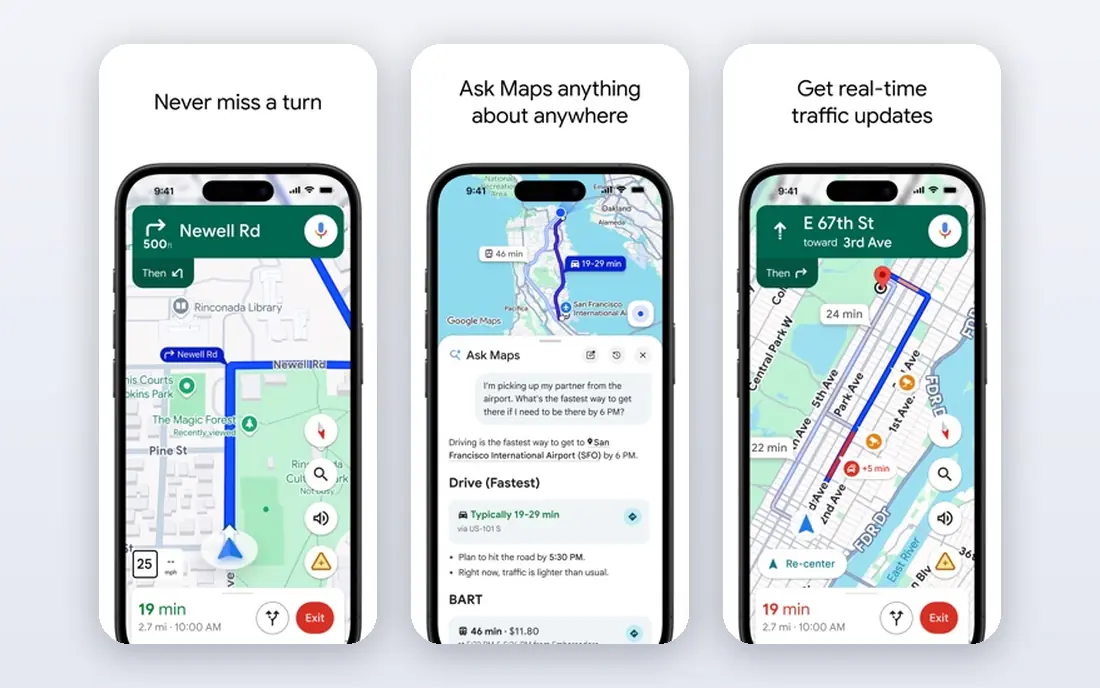
Google Maps remains the default for a reason. It handles the full trip, from finding a restaurant to checking its hours, then guiding you there by car, foot, bike or bus. Live traffic and alternative routes help on busy roads, and saved places and lists make repeat trips and group plans easier to manage.
The limits matter on longer trips. Offline maps support driving within a downloaded area, but not walking, cycling or transit directions, and live traffic needs a connection. Business hours and details can also be wrong, so confirm by phone when a wasted trip would matter. For most daily use, though, Google Maps is the most complete free map on a phone.
- Very broad place data
- Driving, walking, cycling and transit in one app
- Downloadable areas for driving
- Offline directions are limited to driving in downloaded areas
- Business details can be out of date
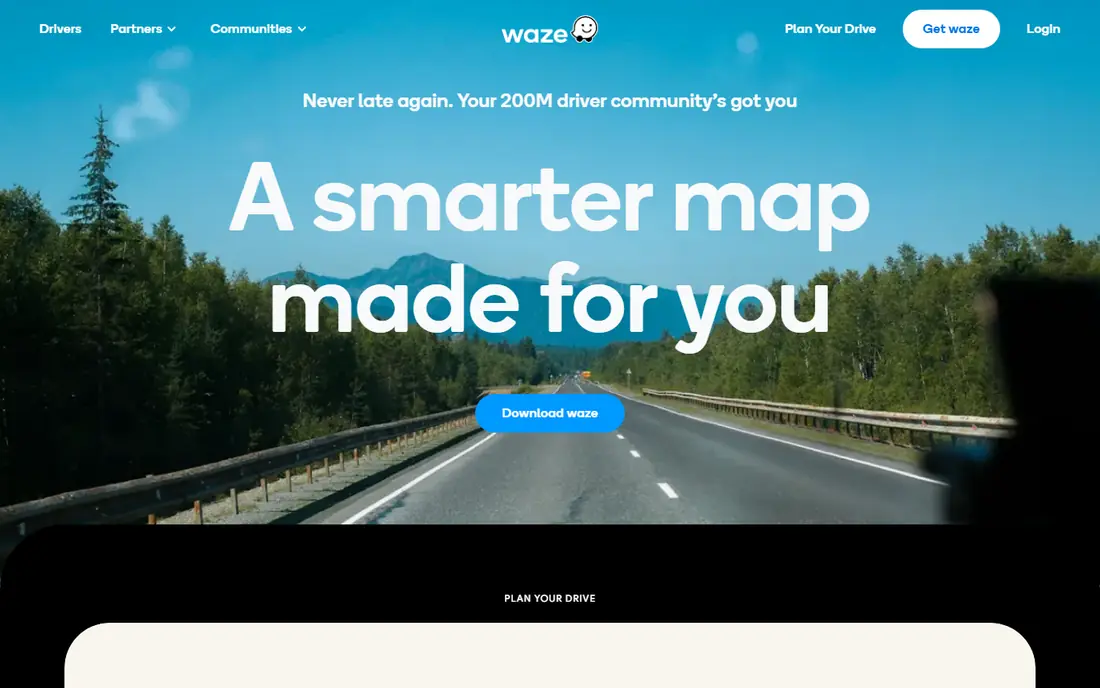
Waze is the driving specialist. Other drivers report congestion, crashes, road hazards and closures, and those reports often surface faster than traffic speed data alone. For a regular commute, that community layer can save real time, especially when a crash blocks a route you know well.
It is less useful as an all-round map. Waze is built for cars, motorcycles and taxis, not for walking routes or detailed transit planning, and it needs a connection to work well. Keep Google Maps or an offline app beside it for trips outside coverage. For daily driving with data, Waze is hard to beat.
- Fast driver reports on traffic, hazards and closures
- Clear rerouting
- Good for commutes
- Needs a data connection for reliable routing
- Focused on driving, not transit or walking
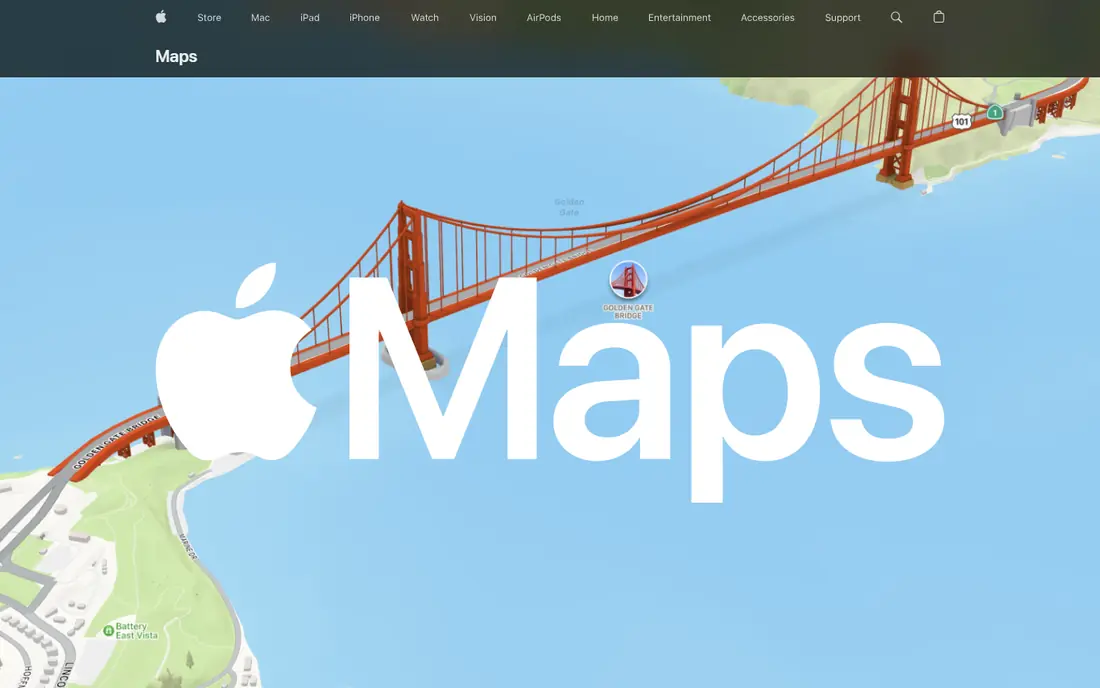
Apple Maps suits iPhone users who want directions without extra clutter. The interface is calm, voice guidance is clear, and integration with CarPlay, Siri and Apple Watch makes it easy to start a route from a message or a calendar event. Offline maps are available in selected areas, which helps on short trips outside coverage.
The obvious limit is platform. There is no Android version, so mixed-device households cannot share the same app. Place data is also less deep than Google Maps in some smaller towns and rural areas. If you live in the Apple world and mostly drive in well-covered areas, Apple Maps is a fine daily choice.
- Clean interface
- Strong privacy approach
- Deep integration with iPhone, CarPlay and Apple Watch
- Only on Apple devices
- Place coverage can be thinner than Google Maps in some areas
HERE WeGo is the best free offline option for many travelers. You can download whole regions or countries, then search and navigate without a data connection. That matters abroad, in rural areas and on trips where roaming costs would otherwise shape every decision. The app is free, with no subscription gate for core navigation.
Place search is the trade-off. Business listings and reviews are thinner than Google Maps, so you may still want a second app for finding restaurants or hotels. Live traffic also needs data. As a backup map and an offline workhorse, though, HERE WeGo is excellent.
- Full offline maps for whole regions
- Free with no subscription
- Works for driving, walking and transit in many cities
- Place search is less rich than Google Maps
- Live traffic needs a connection
Sygic is a long-running navigation app built around offline maps and driver assistance. Download maps before a trip, then navigate with voice guidance even without a signal. Paid tiers add live traffic, speed camera alerts and other driving aids, which can be worth it for frequent drivers and road trips.
The free version is a starting point rather than the full product. If you only need basic offline driving, HERE WeGo gives more for free. If you want offline maps plus paid driver features in one app, Sygic is a solid choice, and it works on both major phone platforms.
- Strong offline navigation
- Speed camera and traffic options on paid tiers
- Works with Android Auto and CarPlay
- Best features need a paid plan
- Free version is more limited than HERE WeGo
TomTom GO draws on the company's long history in dedicated sat nav devices, and it shows in lane guidance, traffic data and speed camera coverage. Frequent drivers who want a polished, driving-first experience often prefer it to a general map app. It also works with car systems, which helps on longer journeys.
The catch is cost and focus. After a trial, TomTom GO needs a subscription, and recent versions have shifted some attention toward professional and truck routing. Check the current app listing for your country and vehicle type before you pay. For drivers who value TomTom traffic data, it can still be worth the price.
- Strong traffic and speed camera data
- Clear lane guidance
- Good for frequent drivers
- Core app needs a subscription after the trial
- Some versions now focus on truck drivers
MapQuest is the veteran of this list, and its strength is still simple, readable driving directions. The web version is handy for planning a route on a computer, and the app covers basic navigation without a lot of extra features. Multi-stop planning is straightforward, which helps for errand runs and delivery-style trips.
It does not match Google Maps for place search, reviews or transit, and its traffic tools are lighter than Waze. If you want one app for everything, MapQuest will feel thin. If you want a simple, free route planner that stays out of the way, it remains a useful option.
- Simple web and app directions
- Easy multi-stop route planning
- Free to use
- Less rich place data than Google Maps
- Traffic and transit features are lighter
Organic Maps is built on OpenStreetMap data and designed for people who want navigation without handing over a lot of personal data. Maps download for offline use, the app is lightweight, and it covers driving, walking and cycling in many areas. It is a good fit for hikers, cyclists and travelers who value privacy and offline reliability.
The trade-off is live data. There is no live traffic layer, and place coverage depends on OpenStreetMap contributors in each area, so some towns are richer than others. Use Organic Maps as a private offline companion, and pair it with Waze or Google Maps when live traffic matters.
- Fully offline maps
- No account or tracking-heavy setup
- Lightweight and fast
- No live traffic
- Place data comes from OpenStreetMap and can vary by area
Citymapper is the transit specialist here. In supported cities, it compares bus, train, subway, bike and walking options in one clear view, with live departures and disruption alerts. For city dwellers and visitors who rely on public transport, it is often clearer than a general map app.
Coverage is the limit. Outside its supported cities, Citymapper has little to offer, and it is not a driving app. Check whether your city is covered before you rely on it. Where it works, it is one of the best navigation apps for getting around without a car.
- Clear multi-modal transit directions
- Live departures in supported cities
- Easy comparison of routes
- Only useful in supported cities
- Driving features are not the focus
How we picked these
We compared official app pages, store listings and feature descriptions for navigation apps still available in October 2026, favoring apps with real offline support, live traffic or transit depth rather than simple map viewers. We also weighed platform support, price and privacy, since a navigation app that does not work on your phone or in your city is of little use. We did not claim hands-on road testing; this comparison rests on published features, pricing and public documentation.
How to choose the best navigation app for your trips
Start with your most common trip. Commuters should prioritize live traffic and rerouting, which points to Waze or Google Maps. Travelers should prioritize offline maps, which points to HERE WeGo, Organic Maps or Sygic. City riders should check transit coverage first, which may point to Citymapper or Google Maps.
Offline maps and data
Download maps over Wi-Fi before you leave, and download a wider area than you think you need. Check whether offline mode covers your travel mode, since some apps limit offline directions to driving. Also keep a car charger handy, since navigation with the screen on drains battery faster than most other phone tasks.
Privacy and battery
Navigation apps need location access to work, but they differ in what else they collect and keep. Check the privacy label or policy, limit location access to while using the app if your phone allows it, and review saved history settings. Lower screen brightness and downloaded maps can also reduce battery use on long drives.
Using two apps together
Many experienced drivers use one app for traffic and one for offline backup. That pairing covers the two most common failures: a traffic jam you did not see coming, and a dead zone where your main app cannot load maps. It costs nothing extra when both apps are free, and it removes a lot of trip stress.
Frequently asked questions
What navigation app is the best?
Google Maps is the best all-round choice for most people, since it covers driving, walking, cycling, transit and place search. Waze is better for daily driving in traffic, Apple Maps is best for iPhone users who want simplicity, and HERE WeGo is best for free offline navigation.
What are the best navigation apps for offline use?
HERE WeGo and Organic Maps are the strongest free offline picks, with whole-region downloads and voice guidance without data. Sygic also offers strong offline maps, with paid traffic and driver features on top. Download maps before you travel.
Is Waze better than Google Maps?
For driving in traffic, Waze often wins because driver reports can flag incidents faster. Google Maps wins for everything else, including place search, transit, walking and offline driving areas. Many drivers use both, with Waze for commutes and Google Maps for general trips.
What is the best free navigation app?
Google Maps, Waze, Apple Maps, HERE WeGo and Organic Maps are all free for core navigation. The best free choice depends on your phone and your trip: Apple Maps for iPhone simplicity, HERE WeGo for offline travel, and Waze for traffic-heavy driving.
Do navigation apps work without internet?
Yes, if you download maps in advance and use an app built for offline navigation, such as HERE WeGo, Organic Maps or Sygic. Live traffic, rerouting around new incidents and transit departures still need a connection, so download a wide area and check your route before you lose signal.
Can I use a navigation app with Android Auto or CarPlay?
Google Maps, Waze, Apple Maps, Sygic and TomTom GO all support car systems in various forms, though exact support varies by app version and car. Check the current app listing if car display support is a must-have for you.
Sources
See where you really rank - block by block
ProMapRanker scans Google Maps across a grid of your service area. Simple monthly plans from $19, white-label on every plan.
Start freeKeep reading
 free kahoot alternatives
Free Kahoot Alternatives in 2026
We compared free Kahoot alternatives for classrooms, training and large groups, checking free plans, player limits and game modes to help you pick a tool.
Read → best website build apps
Best Website Build Apps in 2026
Compare the best website build apps in 2026 for service businesses, stores, and portfolios, from Wix and Squarespace to Webflow today, with full pricing.
Read → best tools for content creation and social media management
Best Tools for Content Creation and Social Media Management in 2026
We compared the best tools for content creation and social media management, checking scheduling, design, video and pricing for creators and small teams.
Read →