 ProMapRanker
Best Multiplication Apps Free in 2026


Free learning for young children · Pricing starts at: Free
Key takeaways
- Khan Academy Kids and Zearn offer the strongest free learning paths, while Prodigy and SplashLearn lean on games.
- Times Tables Rock Stars is the most focused choice for times tables alone, rather than general maths.
- Free plans vary a lot: some apps are free for families, while others are free only through a school or a trial.
- Short, regular practice beats long sessions, and a parent dashboard helps you see which tables still need work.
- Our pick for most families is Khan Academy Kids for younger children and Prodigy or Times Tables Rock Stars for older children who need facts fast.
Quick comparison
| Pick | Great for | Pricing starts at | Free tier | |
|---|---|---|---|---|
| Khan Academy Kids | Free learning for young children | Free | Yes | Visit |
 Prodigy Math | Game-based maths practice | Free | Yes | Visit |
 SplashLearn | Variety of maths games | Free | Yes | Visit |
 Times Tables Rock Stars | Focused times tables practice | See website | Free trial | Visit |
 Zearn | Free school-style maths lessons | Free | Yes | Visit |
 IXL | Detailed practice and tracking | See website | Free trial | Visit |
 DreamBox | Adaptive maths lessons | See website | Free trial | Visit |
 Mathletics | Competitive practice and challenges | See website | Free trial | Visit |
 Mathseeds | Early maths for young learners | See website | Free trial | Visit |
The best multiplication apps free
Multiplication facts stick when practice is short, regular and a little bit fun. These nine apps cover that range, from free lessons to games, drills and competitive races. We compared official feature pages, pricing pages and app store listings, and we favoured apps that offer a real free tier, a trial or free access for families or schools, rather than apps that only offer a short demo.
Khan Academy Kids is the safest first choice for a family that wants a free app without ads or surprise charges. It offers early maths lessons in a calm, story-led style, with characters, songs and short activities that suit preschool and early primary children. Parents can set up a child profile and see progress, which helps you spot which numbers a child finds hard.
The limit is age range. Older children who need fast recall of tables up to 12 will outgrow its multiplication content sooner than they outgrow a focused drill app. Use it as a free foundation for younger children, then move to Times Tables Rock Stars or Prodigy when speed and recall become the goal.
- Completely free with no ads
- Gentle lessons for early learners
- Covers reading and maths together
- Multiplication content suits younger children more than older pupils
- Less game depth than Prodigy
- Needs a parent to set up a child profile
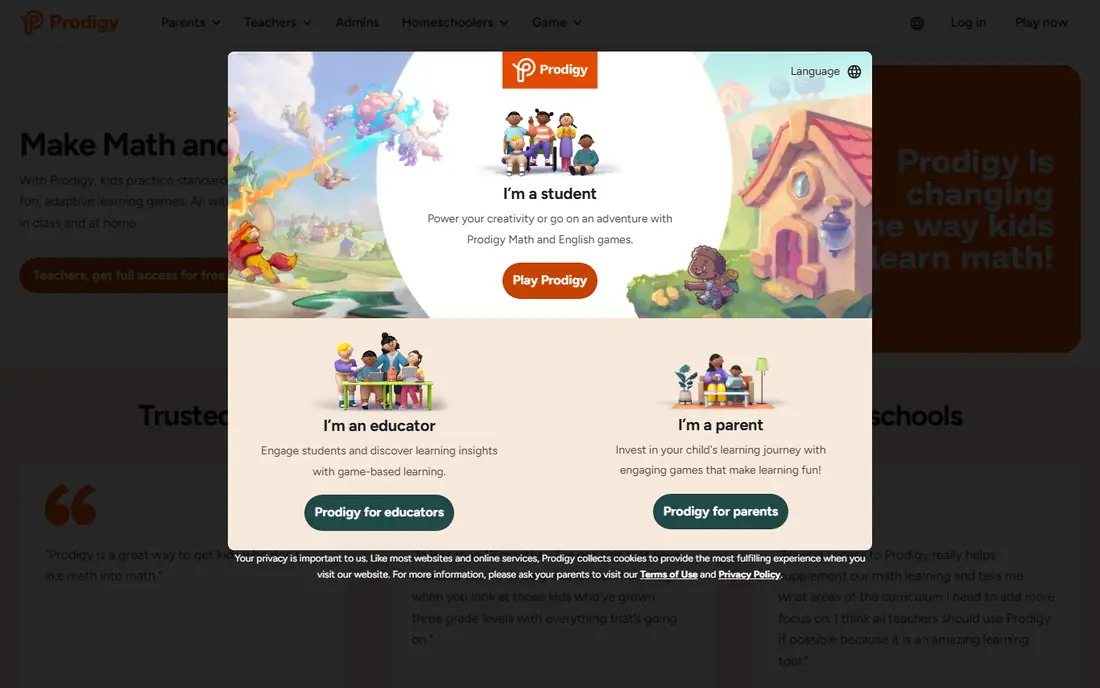
Prodigy turns maths practice into a fantasy adventure, where answering questions correctly helps a character win battles and earn rewards. That game loop keeps many children practising longer than a plain drill app would, and the questions adapt to ability, so a child who struggles gets easier questions while a confident child gets harder ones. Teachers and parents can set topics, including multiplication, and track progress.
The catch is distraction. Some children spend more time on pets, outfits and game rewards than on the maths itself, and paid membership adds game extras that children may ask for. Set a clear rule, such as maths first and game extras second, and use the dashboard to check that practice time is actually spent on multiplication.
- Engaging fantasy game world
- Adaptive questions that match ability
- Teacher and parent dashboards
- Game elements can distract from maths
- Some features need a paid membership
- Younger children may need help at first
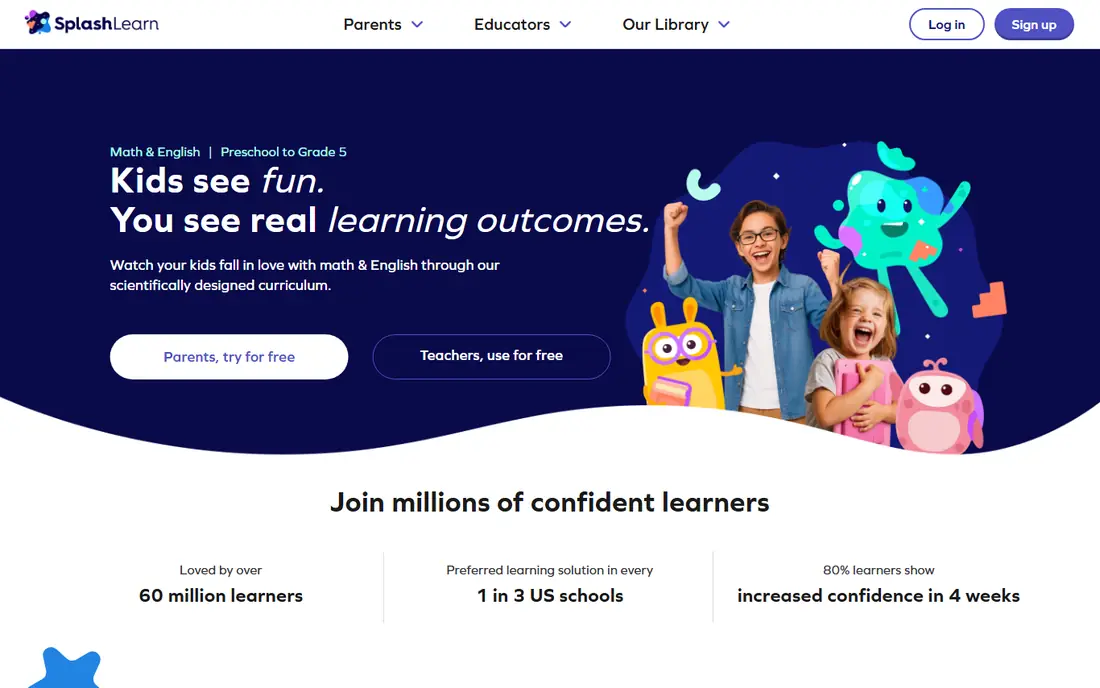
SplashLearn offers a wide shelf of maths games, so a child who gets bored with one format can switch to another without leaving the app. Multiplication games cover facts, arrays, word problems and timed practice, and the parent dashboard shows which skills are strong and which need more work. That variety suits families with more than one child, since different ages can use different parts of the app.
Free access is limited compared with the paid plan, so check which games and reports are included before promising a child full access. SplashLearn works best when a parent picks two or three games to focus on, rather than letting a child wander through the whole library each session.
- Many game types for multiplication
- Clear parent and teacher reports
- Covers a wide primary age range
- Full access needs a paid plan
- Game choice can overwhelm a child
- Some content suits classroom use more than home use
Times Tables Rock Stars, often called TTRS, does one job and does it well: building fast, accurate recall of multiplication tables. Children create a rock star avatar, answer timed questions, earn coins and compete with classmates, which gives practice a clear purpose. Teachers can set specific tables, track class progress and run competitions, which is why many schools use it.
Families should check access first, because school subscriptions are the main route and home access varies. Timed games also suit some children better than others, so if a child gets anxious under time pressure, use the untimed practice modes first and add speed games only when confidence grows.
- Narrow focus on times tables
- Timed games build speed
- School and class features for teachers
- Less free access for families than for schools
- Narrow scope means it does not teach broader maths
- Timed games can stress some children
Zearn offers structured maths lessons that follow a school-style path, with short teaching segments, guided practice and independent work. For families, the core platform is free, which makes it a strong choice when you want lessons rather than just games. Multiplication appears as part of that path, with visual models that help a child understand why 6 times 7 works, not just memorise the answer.
The style is calmer than a game app, which some children will prefer and others will find dull. Zearn works best as a regular lesson, such as a few sessions a week, paired with a faster drill app for recall. Use its reports to see where a child stalls, then practise that table separately.
- Free for families and teachers
- Structured lessons with guided practice
- Clear progress tracking
- Less game-like than Prodigy
- Lessons can feel school-like at home
- Multiplication is part of a wider maths path
IXL is the most thorough practice tool here, with multiplication skills broken down by table, by fact type and by difficulty. Each question gives instant feedback, and the tracking shows exactly which skills a child has mastered and which need more work. That detail helps a parent or tutor target practice precisely, instead of repeating tables a child already knows.
The plain design is both a strength and a weakness. There are no game worlds or avatars to distract, but a child who needs game motivation may find IXL dry. Use it for focused practice sessions and for checking progress, and pair it with a game app if motivation drops.
- Huge range of maths skills
- Detailed skill tracking
- Questions adapt and give instant feedback
- Paid plans are needed for full access
- Interface is plain compared with game apps
- Practice can feel repetitive
DreamBox builds lessons that adapt as a child answers, changing the difficulty and the visual models to match how the child thinks. That approach helps children who need to understand multiplication as groups and arrays, rather than memorising facts by rote. Parents get reports that show progress and suggest next steps, which makes it easier to support learning at home.
DreamBox is less useful as a pure speed drill, since its strength is understanding rather than timed recall. Use it when a child struggles with the idea behind multiplication, then add a drill app for speed once the concept is clear.
- Lessons adapt to each child
- Strong focus on understanding, not just answers
- Detailed parent reports
- Full access needs a paid plan
- Best for younger primary children
- Less focused on timed recall
Mathletics mixes curriculum practice with live races, where children answer questions against peers in real time. That competitive edge motivates many children, and the wider curriculum means multiplication sits alongside division, fractions and other topics. Schools use it widely, which makes it easy to align home practice with class work.
Competition is not for every child. A child who dislikes losing may avoid the live mode, so start with solo practice and add races only when confidence is high. Families should also check trial and subscription terms, since full home access usually needs a paid plan.
- Live challenges against other pupils
- Wide maths curriculum
- School and home use
- Full access needs a subscription
- Competitive format suits some children better than others
- Setup is easier through a school
Mathseeds is made for younger learners, with lessons, songs and games that build early maths step by step. Multiplication appears at an early level, as repeated addition and simple groups, which suits a child who is meeting the idea for the first time. The level structure gives a clear path, and printable certificates give younger children a sense of progress.
Older children will move past Mathseeds quickly, and its multiplication content does not cover fast recall up to 12 in depth. Use it as a gentle start for a young child, then move to Times Tables Rock Stars or Prodigy for speed and wider tables.
- Gentle lessons for ages 3 to 9
- Songs, games and printable rewards
- Clear progression through levels
- Suits younger children only
- Multiplication content is early level
- Full access needs a paid plan
How we picked these
We compared official feature pages, pricing pages and app store listings, and we checked whether each app offers a free tier, a free school route or a trial that lets a family test it. We favoured apps that cover multiplication facts directly, that offer parent or teacher tracking, and that are still updated and available in 2026. Prices change often, so check the vendor page before paying, and treat any app that hides its price behind a school login with care.
How to use a multiplication app well
Short practice, done often, works better than a long session once a week. Aim for ten to fifteen minutes, three to five times a week, and stop while a child is still willing to return tomorrow. Mix one understanding app, such as Zearn or DreamBox, with one speed app, such as Times Tables Rock Stars, so a child learns both why multiplication works and how to recall facts fast.
Pick by age and need
For a child under seven, start with Khan Academy Kids or Mathseeds. For a child aged seven to ten who needs facts fast, start with Times Tables Rock Stars or Prodigy. For a child who struggles with the concept, start with Zearn or DreamBox and add drills later. Age and need matter more than which app tops a list.
Watch the dashboard, not just the score
Check which tables a child gets wrong, not just how many points they earned. Most apps show this in a parent or teacher report. Practise the two or three weakest tables for a week, using flashcards or oral questions away from the screen as well, then check again.
Keep free plans honest
A free plan that limits games, reports or tables can still be useful, but it can also frustrate a child who hits a paywall mid-lesson. Before a child gets attached to an app, check what the free tier includes, what needs a paid plan, and whether school access covers home use. If the free tier is too thin, a fully free app such as Khan Academy Kids or Zearn may be a better start.
Frequently asked questions
What is the best app for multiplication facts?
Times Tables Rock Stars is the best app for multiplication facts alone, because it focuses on timed recall and lets teachers set specific tables. For a broader free option, Prodigy adds game motivation, while Khan Academy Kids suits younger children who are still learning early maths.
Are there really free multiplication apps?
Yes. Khan Academy Kids and Zearn are free for families, and Prodigy and SplashLearn offer free tiers with paid extras. Other apps here offer trials or school access, so check the free tier before paying, and avoid apps that need a card before a child has tried a lesson.
How long should a child practise multiplication each day?
Ten to fifteen minutes a day, three to five times a week, is enough for most primary children. Short sessions keep focus high and make practice a habit, while long sessions often lead to resistance and less learning overall.
Do multiplication apps replace school maths lessons?
No. Apps are best as extra practice and reinforcement alongside school lessons and a teacher's guidance. If a child is struggling badly, talk to their teacher about the specific tables and concepts that need support, rather than relying on an app alone.
Which free app is best for elementary school students?
For elementary students, Khan Academy Kids suits the youngest pupils, Zearn suits structured lessons, and Prodigy suits children who need game motivation. The best choice depends on age: younger children need gentle lessons, while older elementary pupils need fast recall.
Can a child use these apps offline?
Some apps offer limited offline practice, but most need an internet connection for lessons, games and progress tracking. Check the app store listing for offline details before a trip or a classroom without reliable internet, and keep flashcards as a backup for offline practice.
Sources
See where you really rank - block by block
ProMapRanker scans Google Maps across a grid of your service area. Simple monthly plans from $19, white-label on every plan.
Start freeKeep reading
 wpforms alternatives
Best WPForms Alternatives in 2026
We compare 9 wpforms alternatives for WordPress forms, with free and paid options, current pricing notes, and honest limits for small business sites in 2026.
Read → windows task scheduler alternatives
Best Windows Task Scheduler Alternatives in 2026
Looking for Windows Task Scheduler alternatives? We compare 9 schedulers for Windows and cross-platform work, from free tools to enterprise automation.
Read → which ai video service is best
Which AI Video Service Is Best in 2026
which ai video service is best? We compare 10 legitimate AI video services on price, avatars, editing and output quality to help you pick the right tool.
Read →