 ProMapRanker
Best Multi Stream platform (2026)

Straightforward browser interviews with zero-friction guests · Pricing starts at: $15 a month (Standard; $49 a month Pro)
Direct answer
This list puts Melon first for straightforward browser interviews with zero-friction guests. Listed starting prices: Melon from $15 a month (Standard; $49 a month Pro), Castr from $12.50 a month (Starter) and Restream from $19 a month ($16 per month billed annually). If your case is different, Castr suits budget multistreaming for creators who already use OBS and Restream suits the cheapest steady multistream relay. The full list of 6 tools follows, with prices and free plan facts.
If you are comparing multi stream platform, this page covers 6 tools in one place: what each is best for, what it costs to start, whether it has a free plan, and the main limit to know about.
Key takeaways
- Number one here is Melon, a fit for straightforward browser interviews with zero-friction guests.
- Melon comes with a trade-off: smaller company with fewer integrations.
- Starting prices begin at $12.50 per month with Castr.
- Melon, Restream, Prism Live Studio, StreamYard, OneStream Live: these are the 5 tools out of 6 that offer a free plan.
- OneStream Live suits scheduling pre-recorded videos to air as live streams.
Quick comparison
| Pick | Great for | Pricing starts at | Free tier | |
|---|---|---|---|---|
| Melon | Straightforward browser interviews with zero-friction guests | $15 a month (Standard; $49 a month Pro) | Yes | Visit |
 Castr | Budget multistreaming for creators who already use OBS | $12.50 a month (Starter) | Free trial (7 days) | Visit |
 Restream | The cheapest steady multistream relay | $19 a month ($16 per month billed annually) | Yes | Visit |
 Prism Live Studio | Streaming from a phone with effects and avatars | See website (free app; Prism Plus subscription for multistreaming) | Yes | Visit |
 StreamYard | Browser-based displays with remote guests | $44.99 per month ($35.99 a month billed annually) | Yes | Visit |
 OneStream Live | Scheduling pre-recorded videos to air as live streams | $39 a month (Standard; $32 a month billed yearly) | Yes | Visit |
Multi Stream Platform profiles
In short, Melon is for straightforward browser interviews with zero-friction guests. For straightforward talk displays and interviews, that simplicity is the appeal. Recording, entry-level branding and multistreaming to several products round out the package.
Downsides: Free plan caps monthly streaming time.
Beyond that, the free plan lets you stream with a monthly hour cap, enough to test the workflow. On top of that, pricing is friendly at $15 a month for Standard, with Pro at $49 adding 1080p and higher limits. The headline feature is that guests need no account, just a link, which removes the biggest drop-off point in remote interviews. Melon cost at the entry level: $15 per month. Free access exists with Melon.
- Donations with no platform fee
- Minimal browser studio
- Smaller company with fewer integrations
Think of Castr for budget multistreaming for creators who already use OBS. Castr is the no-frills relay for people who already have their production figured out. Worth adding: two extras set it apart: IP camera streaming, which lets cameras broadcast straight without a computer in the middle, and bundled video hosting with monetization choices on higher plans.
Watch-outs: Dashboard is more technical than studio-style rivals.
If you run OBS, vMix or a hardware encoder, Castr takes your feed and distributes it to 30+ products, with bandwidth and destination limits scaling across five levels from $12.50 to $250 a month. As for the details, there is no browser studio with guest links here, and no free-forever level, just a 7-day trial. For everyday use, for a straight distribution pipe at the lowest price, it is hard to beat. Entry price for Castr: $12.50 per month. Trial and free access: Free trial (7 days).
- IP camera streaming without a computer
- Lowest entry price among dedicated relays
- No permanent free plan
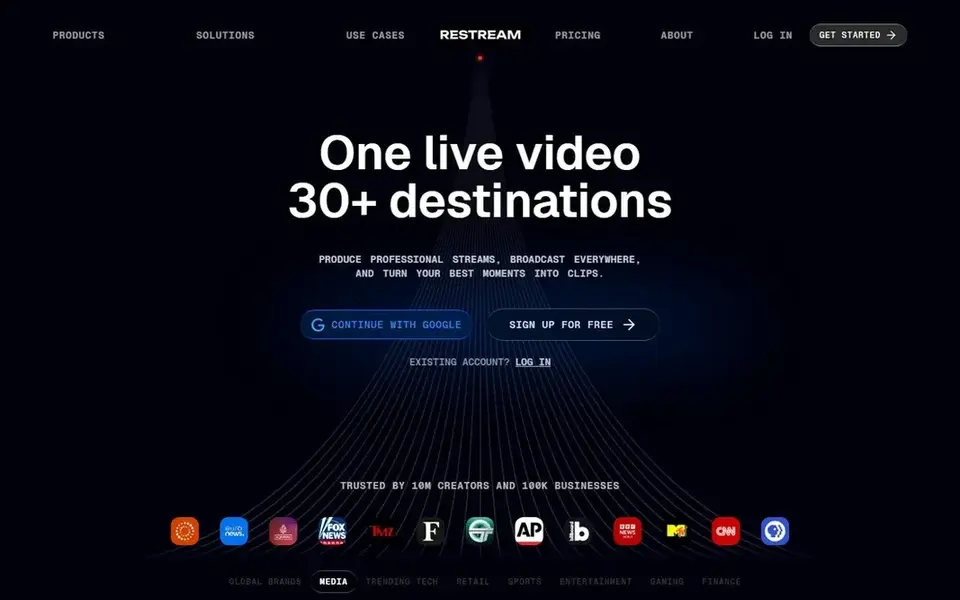
Restream is a good fit for the cheapest steady multistream relay. Power users should note the Studio quality caps: 720p until the $49 Professional level. The concept is a cloud relay: you send one feed to Restream.
Its servers duplicate it to YouTube, Twitch, Facebook, LinkedIn and dozens of other destinations. For everyday use, standard at $19 a month removes the branding and brings a third destination plus custom RTMP. Price to start with Restream: $19 per month. A free plan is available with Restream.
Trade-offs to know: Studio caps at 720p on Free and Standard plans.
- Works as a relay for OBS or as a browser studio
- Connects to 30+ products including custom RTMP
- Destination count grows only on pricey levels
Prism Live Studio is a good fit for streaming from a phone with effects and avatars. The app itself is free, with an optional Prism Plus subscription that layers on multistreaming and premium features across mobile and desktop.
Limits to weigh: Multistreaming needs the premium Prism Plus subscription.
In practice, the desktop version can use your phone as a wireless camera, which is a neat hybrid setup. Check the vendor site for Prism Live Studio pricing; none is listed in this comparison. A free plan is available with Prism Live Studio.
- Desktop app with phone-as-camera mode
- Multistream from one phone to multiple products
- Desktop studio is more straightforward than OBS
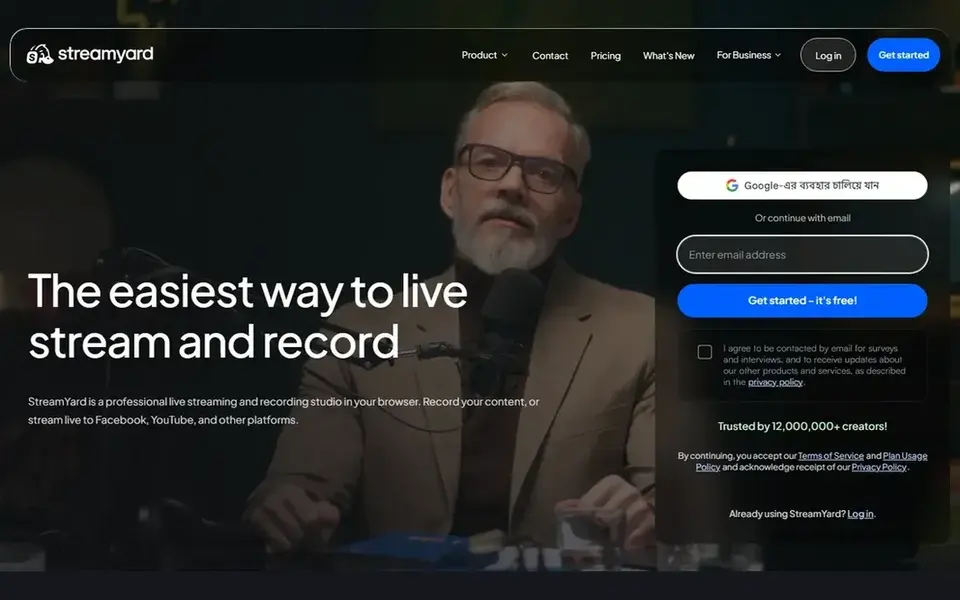
StreamYard is a good fit for browser-based displays with remote guests. Everything runs in the browser: you invite guests with a link, arrange layouts, add lower thirds and banners, and push the finished display to multiple products at once.
StreamYard cost at the entry level: $44.99 per month. StreamYard offers a free plan.
Best features of StreamYard: banners and branding controls. Where it falls short: Free plan streams to a single destination.
- Local and cloud recordings in HD
- Refined overlays
- Premium entry is the steepest in this list
Where OneStream Live fits: scheduling pre-recorded videos to air as live streams. OneStream Live's signature feature is pre-recorded streaming: upload a video, schedule it. It airs as a live broadcast across your systems whereas you sleep.
The free plan is genuinely handy instead of a demo, which makes OneStream simple to evaluate. In practice, for creators who batch-produce content, that is a larger deal than another browser studio. Premium plans start at $39 a month for Standard, with Professional and Enterprise adding destinations and storage. The Live Studio also takes care of up to 16 guests with screen sharing, virtual backgrounds and a teleprompter. Entry price for OneStream Live: $39 per month. You can start on OneStream Live without paying.
Limits to weigh: premium levels jump in price for more destinations.
- 45+ destinations with custom RTMP
- Schedule pre-recorded content up to 60 days ahead
- Extras for bandwidth and storage inflate the bill
Our selection method
Each tool was reviewed on what its vendor publishes: price, plan limits, core features and stated drawbacks. We did not run hands-on tests. Where a price is missing, the vendor does not list one publicly or ties it to a quote. Always confirm before budgeting. The order reflects how well each tool fits the most common buying scenario for multi stream platform, then price clarity, then free plan access. It is a starting point, not a verdict.
What to confirm before you sign up
- Confirm the entry price on the vendor page. For Prism Live Studio that means a quote rather than a fixed price.
- Read the fine print on the free plans from Melon, Restream, Prism Live Studio and others; seat, project and feature caps differ.
- Take the trial from Castr and push a live task through it before you pay.
- Read the limits listed for Melon first: smaller company with fewer integrations.
- Price StreamYard for your actual team size; headline prices rarely include add-ons or overage.
- A short pilot of Prism Live Studio with your real workflow tells you more than a feature table.
Frequently asked questions
Do I need fast upload speed to multistream?
Not as much as you would think. A cloud relay receives one stream from you, usually 6 to 10 Mbps for 1080p, and manages distribution to products on its own servers. Your upload only needs to support that single feed.
How are the tools for multi stream platform ordered?
Melon sits first and OneStream Live last because the order follows typical fit for multi stream platform, then price clarity and free access. It is a judgement call, so read each profile for fit and limits.
What is the difference between Restream and StreamYard?
Restream is primarily a cloud relay that distributes your feed to plenty of destinations, with an entry-level browser studio attached. Creators who use OBS normally pair it with Restream; interview presents normally pick StreamYard.
Which options for multi stream platform have a free plan?
Melon, Restream, Prism Live Studio, StreamYard and OneStream Live offer a free plan in this list. Free plans usually cap users, projects or features, so check the limits on the vendor page. One other tool offers a trial instead.
Is multistreaming allowed by YouTube and Twitch?
Twitch changed its rules to permit simulcasting to other platforms, with some conditions around the chat experience and quality. Rules shift, so check the current terms of each product before you build a schedule around them.
Is Melon the right pick for everyone comparing multi stream platform?
No single tool suits every team. Melon comes first because it fits simple browser interviews with zero-friction guests, while Castr suits budget multistreaming for creators who already use OBS and Restream suits the cheapest reliable multistream relay. Match the tool to your own size, budget and workflow before deciding.
Sources
See where you really rank - block by block
ProMapRanker scans Google Maps across a grid of your service area. Simple monthly plans from $19, white-label on every plan.
Start freeBrowse all guides
← 5 Best AI Transcription Software for Legal Depositions for 2026Ten Video Analytics Software: 8 Options Compared in 2026 →
 top rated text based video editing software
Rated Text Based Video Editing Software: Best Picks of 2026
Top rated text based video editing software in 2026: 5 contenders with entry costs and free tiers. Each listing flags where it falls short. Quick to scan.
Read → best virtual recording studio software
Virtual Recording Studio Software: Best Picks of 2026
5 tools for the best virtual recording studio software, compared on pricing, free plans and best-fit use. Hidden costs and gaps are flagged. See the full list.
Read → best video background remover software
5 Best Video Background Remover Software for 2026
Searching for the best video background remover software? Here are 5 options with prices and free plans. Notes on cost and gaps for each tool. Plain facts.
Read → best meeting recording app
Best Meeting Recording App in 2026
Compare the best meeting recording app options for Zoom, Meet, and Teams, with transcripts, summaries, free plans, consent tools, and current pricing.
Read → best voice analytics software
Best Voice Analytics Software in 2026
Best voice analytics software compared: 9 tools for call transcription, sentiment, scoring and coaching, with pricing notes and consent guidance included.
Read → best professional video editing software
Best Professional Video Editing Software in 2026
Compare the best professional video editing software for client work, color, and fast turnarounds, with subscription and one-time prices and honest limits.
Read →More in Video, Audio & Podcasts · All guides A to Z by date · Latest guides