 ProMapRanker
Best Meeting Recording App in 2026


Live transcription for solo users · Pricing starts at: $8.33 per user per month
Key takeaways
- Fathom and Fireflies offer the most generous free recording plans, while Otter gives a clear, low-cost paid plan for solo users.
- Granola and Circleback record without sending a visible bot into the call, which helps when guests block bots.
- Recording laws vary by state and country. Tell everyone you are recording and get consent where the law or your company policy requires it.
- Free plans differ in what they cap: minutes, storage, history, or AI summaries, so match the cap to your meeting volume.
- If you need human transcription or strict data controls, Rev and paid business plans are a better fit than a free AI note tool.
Quick comparison
| Pick | Great for | Pricing starts at | Free tier | |
|---|---|---|---|---|
| Otter | Live transcription for solo users | $8.33 per user per month | Yes | Visit |
 Fireflies | Sales teams and CRM users | $10 per seat per month | Yes | Visit |
 Fathom | Unlimited free recording | $16 per user per month | Yes | Visit |
 tl;dv | Sharing video clips | $18 per seat per month | Yes | Visit |
 Granola | Bot-free personal notes | $14 per user per month | Yes | Visit |
 Notta | Multilingual transcription | $8.17 per user per month | Yes | Visit |
 Circleback | Bot-free recording and search | $15 per user per month | Yes | Visit |
 Rev | Human transcription option | See website | Yes | Visit |
The best meeting recording apps
We compared recording methods, transcript quality features, AI summaries, platform support, free plan limits, and paid pricing. Every app below records meetings on Zoom, Google Meet, or Microsoft Teams, with some also covering Webex and in-person audio.
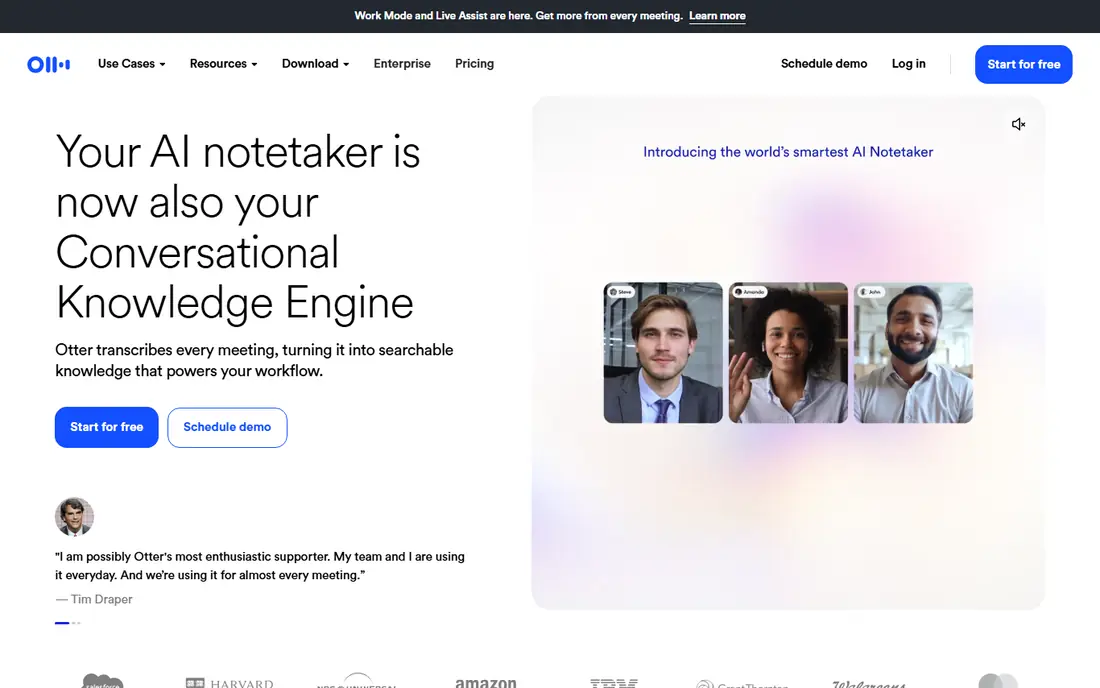
Otter is a sensible first choice for an individual who wants a live transcript they can search later. It joins calls as a bot, transcribes speech in real time, and labels speakers, which makes it easy to find who said what after a long meeting. The web and mobile apps also support importing audio files.
The free plan is useful but narrow. It allows 300 transcription minutes per month, with a 30 minute cap per conversation, so longer meetings will need the Pro plan. Pro, at $8.33 per user per month billed annually, raises the minute allowance and adds more features. Check the current monthly price before buying, since monthly billing is higher.
- Live transcript during the call
- Searchable notes
- Works with Zoom, Meet, and Teams
- Free plan caps each conversation at 30 minutes
- 300 minutes per month on free plan
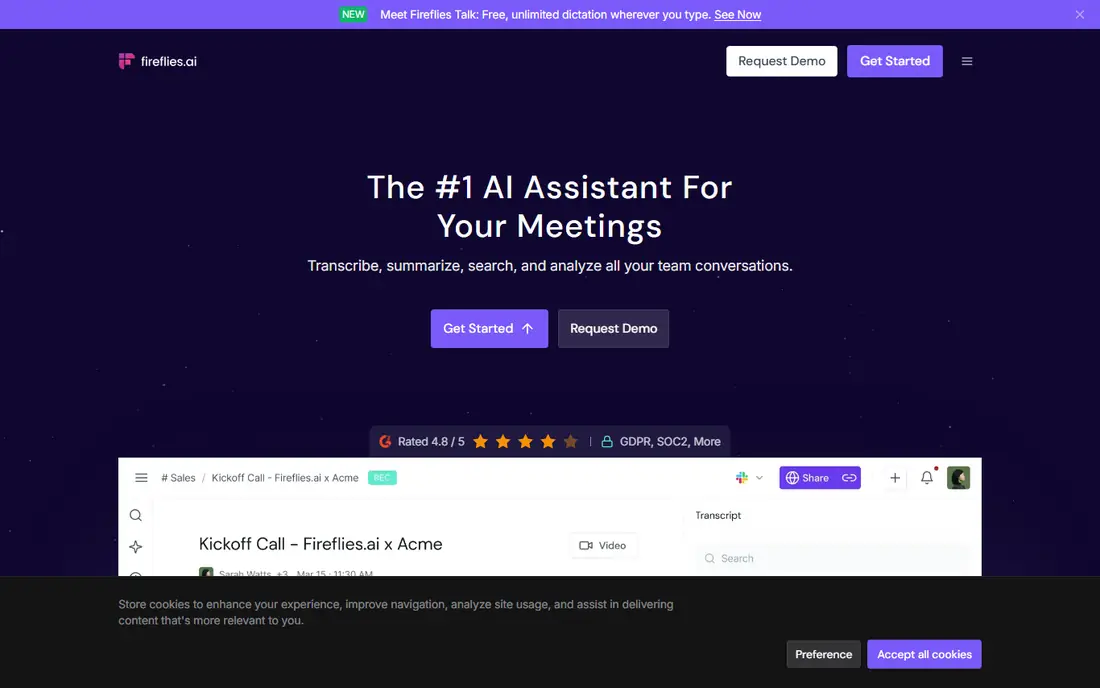
Fireflies suits teams that live in a CRM and want every call searchable. It joins Zoom, Meet, Teams, and other platforms, transcribes the call, and can push notes and action items into tools such as Salesforce and HubSpot. That link is the reason many sales teams pick it over a simpler note tool.
The free plan offers unlimited transcription, but storage is limited and only a small number of AI summaries are included each month. Pro, at $10 per seat per month billed annually, adds much larger storage and more AI features. Heavy users should check how AI credits work on their plan, since that cost can add up beyond the seat price.
- Unlimited transcription on the free plan
- Strong CRM links
- Searchable meeting library
- Storage and AI summary limits on free plan
- Some advanced features use separate credits
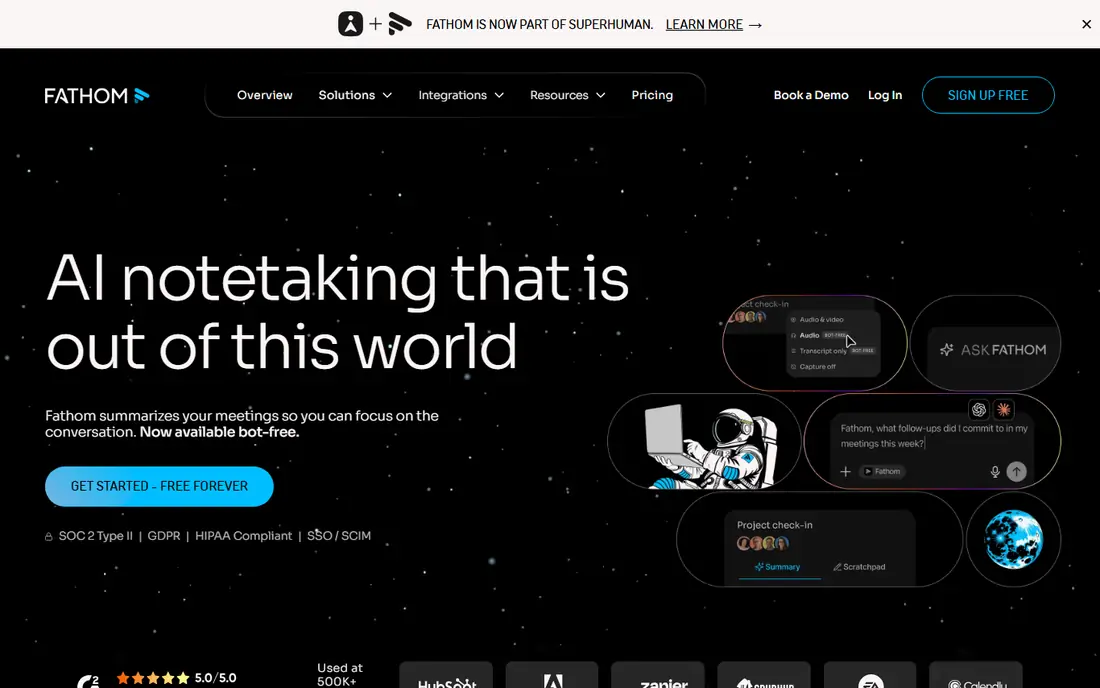
Fathom has one of the strongest free plans in this list. Free users get unlimited recording, transcription, and storage, plus a basic AI summary on every call. That makes it easy to test on real meetings without worrying about a minute cap. Paid plans add more advanced summaries, team features, and deeper CRM links.
The main trade-off is the bot. Fathom joins calls as a visible participant, and some guests or company policies block bots. If that matters to you, pair Fathom with a bot-free option such as Granola. Premium, at $16 per user per month billed annually, is the paid starting point for most individuals.
- Unlimited recordings, transcripts, and storage on free plan
- Video clips
- CRM links on paid plans
- A visible bot joins calls
- Advanced AI summaries are limited on free plan
tl;dv is built for teams that share moments, not just full transcripts. You can record a call, mark key points, and send a short timestamped clip to a colleague who missed the meeting. That clip workflow saves time when only one decision matters and nobody wants to watch a full hour.
The free plan covers unlimited recordings and transcription, with a three month history limit and limited AI notes. Pro, at $18 per seat per month billed annually, adds fuller AI notes and longer history. If your team rarely shares clips, a cheaper plan from Otter or Fireflies may cover the same notes for less.
- Unlimited recordings and transcripts on free plan
- Timestamped clips
- Works with Meet, Zoom, and Teams
- Free AI notes are limited
- Paid plan is pricier than some rivals
Granola takes a different approach. Instead of sending a bot into the call, it records audio from your device and turns it into notes, which means guests see no extra participant. That design helps consultants and solo users who join calls hosted by clients with strict bot policies. It also works with any meeting app, since it does not depend on a platform link.
The free plan keeps only recent history visible, so older notes move out of view unless you upgrade. Business, at $14 per user per month, adds fuller history and team features. The other limit is video: Granola is a notes tool, not a video recorder, so pick Fathom or tl;dv if you need the recording itself.
- Records through device audio without a bot
- Clean personal notes
- Works with any meeting app
- Free plan history is limited to recent notes
- No video recording
Notta is the pick for teams that meet across languages. It supports transcription in dozens of languages, including Japanese, Chinese, Korean, and major European languages, and higher plans add bilingual transcription for meetings that switch languages. File uploads, summaries, and a searchable library round out the core set.
The free plan is the weakest here for real meetings, since each conversation is capped at 3 minutes even though the monthly total is 120 minutes. Treat free as a short test, then move to Pro at $8.17 per user per month billed annually for 1,800 minutes and downloads. If your meetings are all in English, Otter or Fathom may give you more free room.
- Transcription in many languages
- Bilingual transcription on higher plans
- File uploads and summaries
- Free plan caps each conversation at 3 minutes
- Transcript download needs a paid plan
Circleback combines two capture styles in one app. It can join a call as a bot, or record through its desktop app without a visible bot, and it also offers mobile and Apple Watch capture for in-person meetings. AI search across transcripts helps when a decision was made weeks ago and nobody remembers which call it was in.
The free plan allows unlimited meetings, but history is limited to 30 days, so you need a paid plan for a long archive. Pro, at $15 per user per month billed annually, adds unlimited history and fuller integrations. It is a good fit for people who want Granola-style capture with more team and search features.
- Bot-free desktop recording plus a bot option
- Unlimited meetings on free plan
- AI search across transcripts
- Free plan history limited to 30 days
- Newer service with a smaller integration set
Rev stands apart because it offers both AI transcription and a human transcription service from the same account. That matters for legal, media, and accessibility work, where a clean, accurate transcript is worth paying for. The AI notetaker joins calls as a bot, and uploaded files can also be transcribed.
The free plan is small, with 45 AI minutes per month in English, so most users will need a paid subscription or pay-per-minute service. Essentials and Pro plans add thousands of minutes and more languages, while human transcription is priced per minute. Check the current Rev pricing page before budgeting, since subscription and per-minute prices change.
- AI transcription plus human transcription service
- Speaker labels
- Strong security options on higher plans
- Free plan gives only 45 AI minutes per month
- Human transcription is billed per minute
How we picked these
We compared vendor pricing pages, help centres, and current comparison guides checked in October 2026, and we favoured tools that are still active, support common meeting platforms, and publish clear free plan limits. We did not claim hands-on testing. Prices shown are annual billing rates where vendors publish them, and monthly billing is usually higher. Consent and privacy notes come from vendor guidance and general recording law, not legal advice.
How to choose without paying for features you will not use
Count your meetings first. A solo user with five short calls a week can live on Fathom free or Otter free, while a sales team recording dozens of calls needs to check storage, history, and AI summary limits, not just minutes. Write down your weekly meeting count, average length, and whether you need video, clips, or only notes, then match those numbers to the free plan cap.
Next, check the bot question with your regular guests. Some companies block AI bots from calls, and some clients dislike an extra participant. If you often join other people's calls, a bot-free tool such as Granola or Circleback desktop recording will cause fewer problems. If you host your own calls and want video clips, a bot tool such as Fathom or tl;dv is fine.
Consent comes before recording, every time. Tell participants at the start of the call that you are recording, what the recording will be used for, and how long it will be kept. In some US states, every participant must consent, while in others one party consent is enough, and other countries have their own rules. Your company policy may be stricter than the law, so follow the stricter rule and keep a short written note of consent for sensitive meetings.
Frequently asked questions
Is it legal to record a meeting without telling everyone?
It depends on where you are. Some places require consent from all participants, while others require consent from only one party. Tell everyone, get consent, and follow your company policy, since that is the safest approach in every case.
What is the best free meeting recording app?
Fathom offers unlimited free recording and transcription, which makes it a strong free starting point. Fireflies also offers unlimited free transcription, while Otter free is better if you want live transcription and only have short meetings.
Do these apps work with Zoom, Google Meet, and Teams?
Most of them do, including Otter, Fireflies, Fathom, tl;dv, Notta, and Circleback. Granola works with any meeting app through device audio, so it is not tied to a platform link.
Can I record a meeting without a bot joining?
Yes. Granola records through device audio, and Circleback offers a bot-free desktop mode. Both still require you to tell participants you are recording, even though no bot appears in the call.
What happens to my meeting recordings?
Vendors store transcripts and, in many cases, audio or video on their servers, and retention and AI training rules differ by plan. Check the vendor privacy page, delete recordings you no longer need, and choose a business plan if you need stricter controls.
Should I choose AI transcription or human transcription?
AI transcription is fast and cheap for everyday notes and action items. Human transcription costs more per minute but gives a cleaner result for legal, media, or published transcripts where accuracy matters most.
Sources
See where you really rank - block by block
ProMapRanker scans Google Maps across a grid of your service area. Simple monthly plans from $19, white-label on every plan.
Start freeKeep reading
 twitch alternatives
Twitch Alternatives in 2026
Explore the best Twitch alternatives in 2026 for live streaming, with free platforms, monetisation options, audiences, chat tools, and tips for new streamers.
Read → firebase alternatives
Best Firebase Alternatives in 2026
Looking for Firebase alternatives? We compare 9 backend platforms for auth, databases, realtime, storage, functions, self-hosting, and pricing for your app.
Read → companies with best work life balance
Companies With Best Work Life Balance in 2026
See companies with best work life balance in 2026, ranked by employee ratings, with flexible work options, benefits, and what to check before applying.
Read →