 ProMapRanker
Best MSP Software in 2026

Key takeaways
- Atera, Syncro and SuperOps suit small MSPs best, because they combine monitoring and service management in one subscription.
- NinjaOne suits MSPs that want a strong monitoring tool first and are happy to pair it with a separate service desk.
- ConnectWise PSA, Datto Autotask and HaloPSA suit larger or more process-heavy MSPs that need deep ticketing, contracts and billing.
- Per-technician pricing usually wins for MSPs with many endpoints per tech, while per-device pricing wins when endpoint counts are low.
Quick comparison
| Pick | Great for | Pricing starts at | Free tier | |
|---|---|---|---|---|
 NinjaOne | Fast, modern remote monitoring | See website | No | Visit |
 Atera | All-in-one simplicity per tech | $129 per technician per month | No | Visit |
 Syncro | Small MSPs wanting RMM plus PSA | $129 per technician per month | No | Visit |
 ConnectWise PSA | Large MSPs with mature processes | See website | No | Visit |
 HaloPSA | Deep PSA customization | See website | No | Visit |
 SuperOps | Modern all-in-one with AI features | $149 per technician per month | No | Visit |
 Datto Autotask PSA | MSPs in the Kaseya and Datto stack | See website | No | Visit |
 Pulseway | Mobile-first monitoring | See website | No | Visit |
The best MSP software fits how your team actually works each day
MSP software covers two jobs that are often sold separately: remote monitoring and management, called RMM, and professional services automation, called PSA. RMM handles patching, alerts, remote access and device health. PSA handles tickets, time, contracts, projects and billing. Small MSPs often want both in one tool, while larger MSPs may already run a separate PSA and only need a strong RMM.
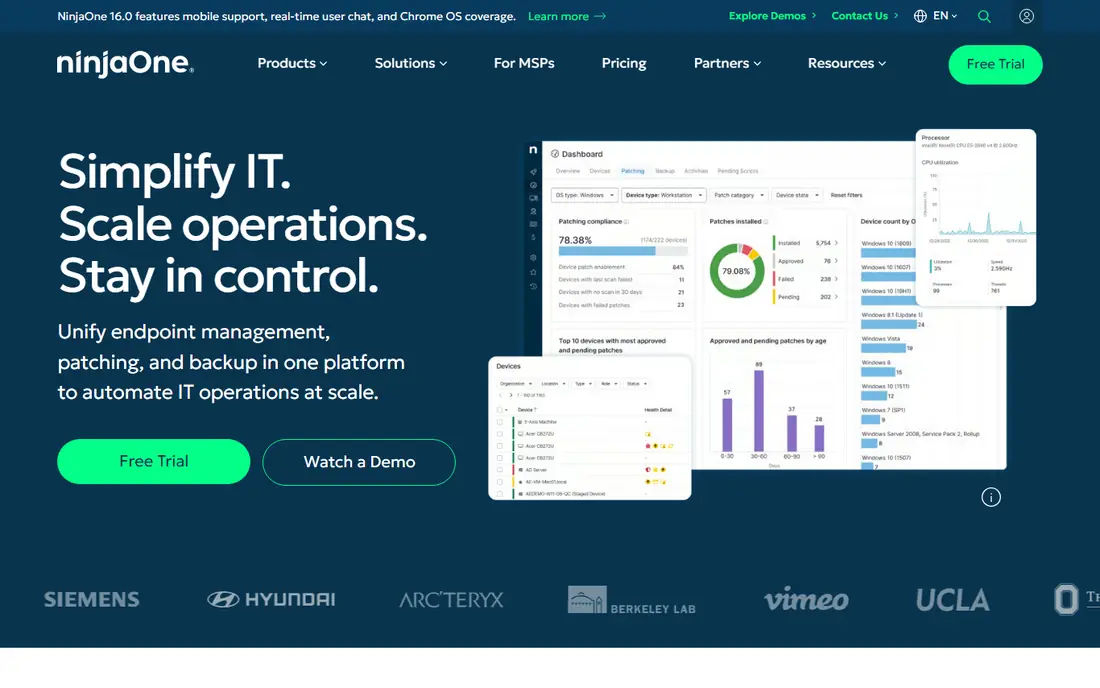
NinjaOne is our pick for teams that put monitoring quality first. The interface is fast, patch management is central to the product, and scripting and automation cover Windows, Mac and Linux endpoints. Technicians can move from an alert to a remote session without switching tools, which keeps small issues from turning into long tickets.
The gap is service management. NinjaOne does not include a full PSA, so teams pair it with ConnectWise PSA, Autotask, HaloPSA or another desk tool. That pairing adds cost and a second system to manage. Pricing is quote-based, with published estimates around $1.50 to $3.75 per endpoint per month depending on tier, so get a written quote for your endpoint count before you compare totals.
- Fast interface and quick onboarding
- Strong patching and scripting
- Many PSA integrations
- PSA is sold separately
- Pricing is quote-based, not published
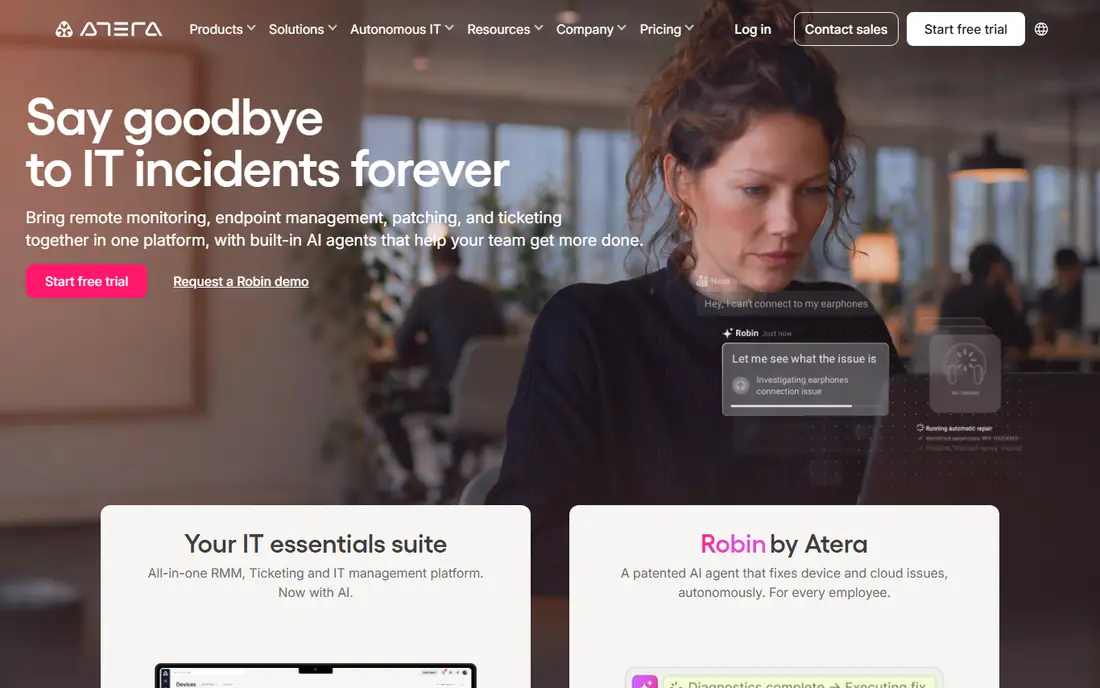
Atera appeals to small and mid-size MSPs because pricing is per technician, not per device. The Pro plan starts at $129 per technician per month on annual billing, with unlimited endpoints, which keeps costs predictable as client device counts grow. Remote access, patching, monitoring and basic ticketing sit in one console, so a small team can run the whole stack without stitching tools together.
The trade-off is depth. Atera covers ticketing, billing and client portals, but it does not match a dedicated PSA on contracts, complex billing rules or deep reporting. Teams that outgrow that depth often keep Atera for monitoring and add a PSA later. For a lean team starting out, the simplicity and flat pricing are hard to beat.
- Per-technician pricing with unlimited endpoints
- RMM plus light PSA in one
- 30-day free trial
- PSA depth is lighter than dedicated tools
- Advanced reporting needs higher tiers
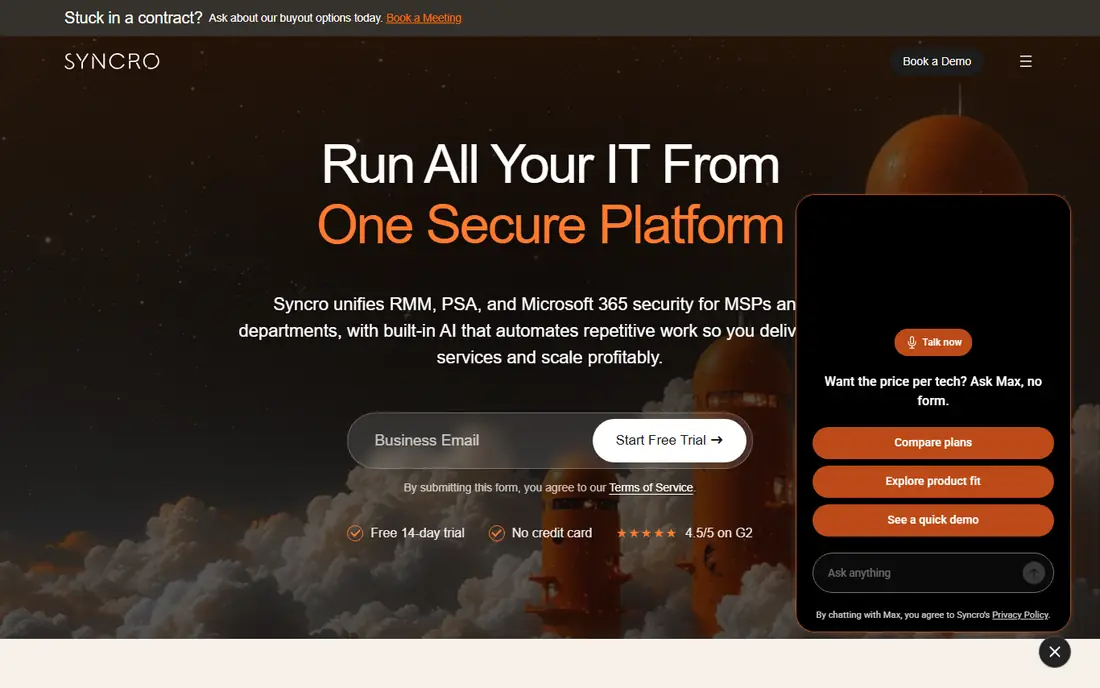
Syncro combines RMM and a full PSA at $129 per technician per month for Core on annual billing, with a Team plan at $179 per technician per month. That bundle includes ticketing, billing, contracts, a client portal and remote access, plus patching and scripting. For a small MSP, that single subscription replaces two vendor relationships and two bills.
Syncro is less flashy than Atera or SuperOps, and some users report a steeper learning curve for the PSA side. Integrations with accounting tools such as QuickBooks and Xero are present, but check the specific sync you need before you commit. If you want one tool that does both jobs well enough for a growing team, Syncro is a practical choice.
- Full PSA plus RMM in one plan
- Per-technician pricing
- Strong scripting and billing tools
- Interface feels less polished than newer rivals
- Some integrations are thinner
ConnectWise PSA, formerly ConnectWise Manage, is the established PSA for larger MSPs. It handles complex service boards, agreements, projects, time entry, procurement and billing in detail that smaller tools cannot match. The ecosystem around it, including ConnectWise Automate for monitoring and IT Glue for documentation, lets a large MSP standardize on one vendor family.
That depth comes with cost and effort. Pricing is quote-based, contracts are often multi-year, and implementation needs planning and training. Small MSPs may find the product heavier than they need, and the interface rewards teams that invest in process design. For an MSP with mature workflows and many clients, ConnectWise PSA remains the benchmark for PSA depth.
- Deep ticketing, contracts and billing
- Large integration ecosystem
- Proven at scale
- Quote-based pricing
- Setup and training take time
- Interface can feel complex
HaloPSA is a PSA-only platform built for teams that want to shape tickets, workflows, client portals and billing around their own process. It offers a single all-inclusive price per agent rather than stacked tiers, which makes it easier to predict cost as you add features. Integrations with major RMM tools let you pair it with NinjaOne, Datto RMM or another monitor of your choice.
HaloPSA does not include its own RMM, so you still need a monitoring tool and an integration between the two. That split suits MSPs that already have a monitoring preference and want PSA control above all else. Teams that want one vendor for both jobs should look at Atera, Syncro or SuperOps first, and compare total cost with HaloPSA plus an RMM.
- Highly configurable workflows and portals
- One per-agent price with no tiers
- Strong integrations
- No bundled RMM
- Pricing is quote-based in many regions
- Setup needs care
SuperOps positions itself as a modern all-in-one for small and mid-size MSPs, with RMM and PSA in one platform. The Pro plan is listed at $149 per technician per month on monthly billing, with a set number of endpoints per technician and higher tiers for larger counts. AI features help with ticket summaries, automation and client communication, which can save time on routine work.
The endpoint model needs attention. Unlike Atera and Syncro, SuperOps counts endpoints per technician on some plans, so a team with many devices per tech can face extra endpoint packs. Annual billing lowers the price, so compare the annual total for your real endpoint count. SuperOps fits teams that want a clean, current interface and are comfortable with a newer vendor still building its integration list.
- Modern interface
- RMM plus PSA in one
- AI-assisted ticketing and automation features
- Endpoint limits per technician on some plans
- Newer product with a smaller integration list
Datto Autotask PSA is a mature, standalone PSA now inside the Kaseya family. It covers ticketing, projects, contracts, time and billing with the depth that larger MSPs expect, and it pairs naturally with Datto RMM for monitoring. MSPs already using Datto backup or RMM tools get a tighter stack with shared client data and fewer integrations to maintain.
Pricing is quote-based, and the product rewards teams that commit to its workflow rather than treating it as a simple ticket queue. Smaller MSPs may find the setup heavier than Atera or Syncro, and the interface is more functional than modern. If your stack already leans on Datto or Kaseya, Autotask is the natural PSA choice. If not, compare its total cost with HaloPSA and ConnectWise PSA first.
- Mature PSA with strong service and billing depth
- Native pairing with Datto RMM
- Large MSP user base
- Quote-based pricing
- Interface feels dated to some users
- Best value inside the Datto stack
Pulseway stands out for technicians who work away from a desk. Its mobile app lets you view alerts, run scripts, restart services and take remote control from a phone, which suits on-call work and small teams without a fixed office. Real-time monitoring and automation cover the core RMM job, and light service management features handle basic ticketing.
Pulseway is not a full PSA replacement for a larger MSP, and pricing is quote-based rather than published, so totals depend on endpoint count and tier. Teams that value mobile control above all else, or that run a small MSP with technicians often on site, will get the most from it. Teams that need deep billing and contracts should pair it with a dedicated PSA or choose an all-in-one rival.
- Strong mobile app for alerts and remote control
- Real-time monitoring
- Light PSA features
- Pricing is quote-based
- PSA depth is lighter than dedicated tools
- Advanced features sit on higher tiers
How we picked these
We compared official feature pages, pricing pages, documentation and app store listings for MSP platforms available in October 2026, plus public reviews on sites such as G2 and Capterra. We kept only platforms with current RMM or PSA products used by MSPs today, and we excluded tools that had closed or merged into another product without a standalone offering. Where pricing is quote-based, we wrote See website rather than repeating an unverified third-party figure. Billing model, PSA depth and RMM strength decided the order, not review scores alone.
What to check before you buy
Count your endpoints per technician before you compare prices, because that ratio decides whether per-tech or per-device pricing wins. Test remote access, patching and ticketing on a trial with a real client device, not just a demo account. Confirm which accounting tool syncs two ways, how contract billing handles recurring charges, and what happens to your ticket history if you leave. A short trial with real data will reveal more than any feature list.
Frequently asked questions
What is the difference between RMM and PSA software?
RMM monitors and manages devices, handling patching, alerts and remote access. PSA manages the service business, handling tickets, time, contracts and billing. All-in-one tools combine both, while dedicated tools do one job in more depth.
Is per-technician or per-device pricing cheaper?
It depends on endpoints per technician. Per-technician pricing usually wins when each tech manages many devices, because the bill does not rise with device count. Per-device pricing can win for small MSPs with few endpoints, so model both for your real numbers.
Can I try MSP software before paying?
Yes, most tools on this list offer a free trial, including Atera, Syncro, SuperOps, HaloPSA and Pulseway. ConnectWise PSA and Datto Autotask usually offer a demo and a sales-led trial instead of a self-serve free plan. Use the trial with real devices and tickets.
Do I need both an RMM and a PSA?
Most MSPs need both functions, whether in one tool or two. A solo operator can start with an all-in-one tool, while a larger MSP may pair a dedicated RMM such as NinjaOne with a dedicated PSA such as ConnectWise PSA or HaloPSA for more depth.
How long does it take to switch MSP software?
Small MSPs can often migrate in a few weeks, while larger MSPs with contracts, billing history and automation may need two to three months. Data migration, ticket history, client portals and billing setup take longer than installing an agent, so plan that work first.
Does MSP software work for internal IT teams too?
Yes, many of these tools also serve internal IT departments, especially NinjaOne, Pulseway and Atera. The PSA billing and contract features matter less for internal teams, so focus on monitoring, patching and remote access when you compare.
Sources
See where you really rank - block by block
ProMapRanker scans Google Maps across a grid of your service area. Simple monthly plans from $19, white-label on every plan.
Start freeKeep reading
 best resource management software
Best Resource Management Software in 2026
We compared the best resource management software for scheduling, capacity and utilization, with current pricing and free trials, to help teams choose well.
Read → best reporting tools
Best Reporting Tools in 2026
Compare the best reporting tools for dashboards, scheduled reports, and business insights, from Power BI and Tableau to Looker Studio for every team size.
Read → best remote support software
Best Remote Support Software in 2026
Looking for the best remote support software? We compare 9 tools on price, security, session controls, and fit for helpdesks, MSPs, and small teams in 2026.
Read →