 ProMapRanker
Best Mobile App Development Platform in 2026


Custom interfaces on iOS and Android from one codebase · Pricing starts at: Free
Key takeaways
- Flutter and React Native cover most cross-platform apps, with Flutter stronger on custom interfaces and React Native stronger for JavaScript teams.
- Native platforms still win for apps that need deep device features, top performance or platform-specific design, at the cost of two codebases.
- Most frameworks here are free and open source, so the real cost is developer time, hiring and long-term maintenance, not licences.
- Expo, Ionic and Capacitor lower the entry bar for web teams, while .NET MAUI and Kotlin Multiplatform suit teams already invested in those ecosystems.
Quick comparison
| Pick | Great for | Pricing starts at | Free tier | |
|---|---|---|---|---|
| Flutter | Custom interfaces on iOS and Android from one codebase | Free | Yes | Visit |
 React Native | JavaScript teams building cross-platform apps | Free | Yes | Visit |
 Expo | React Native apps with faster setup and over-the-air updates | Free | Yes | Visit |
 Ionic | Web teams building apps with HTML, CSS and JavaScript | Free | Yes | Visit |
 .NET MAUI | .NET teams building apps for mobile and desktop | Free | Yes | Visit |
 Kotlin Multiplatform | Kotlin teams sharing logic across mobile platforms | Free | Yes | Visit |
 NativeScript | JavaScript teams wanting direct native API access | Free | Yes | Visit |
 Capacitor | Web apps packaged as native mobile apps | Free | Yes | Visit |
The best mobile app development platform
We compared official documentation, licensing and platform support for mobile development tools available in October 2026, and kept platforms that still support iOS and Android app development.
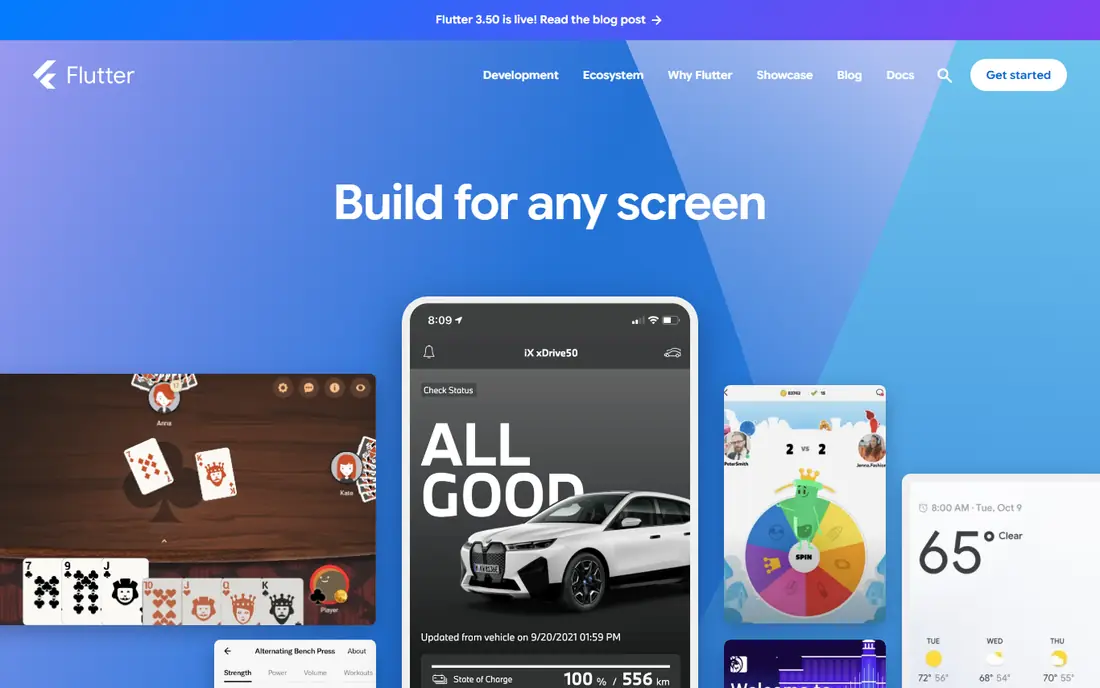
Flutter, from Google, lets developers build apps for iOS, Android, web and desktop from a single Dart codebase. Its own rendering engine gives designers precise control over the interface, which suits apps with custom animations or a distinct brand look. Hot reload lets developers see interface changes quickly, which speeds up the design phase.
The trade is language and ecosystem. Dart has a smaller hiring pool than JavaScript, and some niche device features depend on community plugins. Teams that already know Dart, or that value a consistent interface across platforms, will get the most from Flutter. Teams with a large JavaScript codebase may prefer React Native instead.
- Free and open source
- One codebase for iOS, Android, web and desktop
- Fast hot reload for interface work
- Dart is less common than JavaScript
- App size can be larger than native
- Some platform features need plugins
React Native, from Meta, lets JavaScript and TypeScript developers build iOS and Android apps from one codebase using native components. That matters for web teams, since much of the language, tooling and hiring pool transfers directly. The npm ecosystem also gives access to a huge range of libraries for navigation, state, payments and more.
Performance is good for most business and content apps, but heavy animations or deep device features may need native modules written in Swift, Kotlin or Objective-C. Upgrades also need care, since native dependencies can break. For a standard app built by a JavaScript team, React Native remains the most practical cross-platform choice.
- Free and open source
- Large JavaScript and npm ecosystem
- Native components for a platform feel
- Complex animations and heavy native work may need native modules
- Upgrades can take effort
- Debugging spans JavaScript and native code
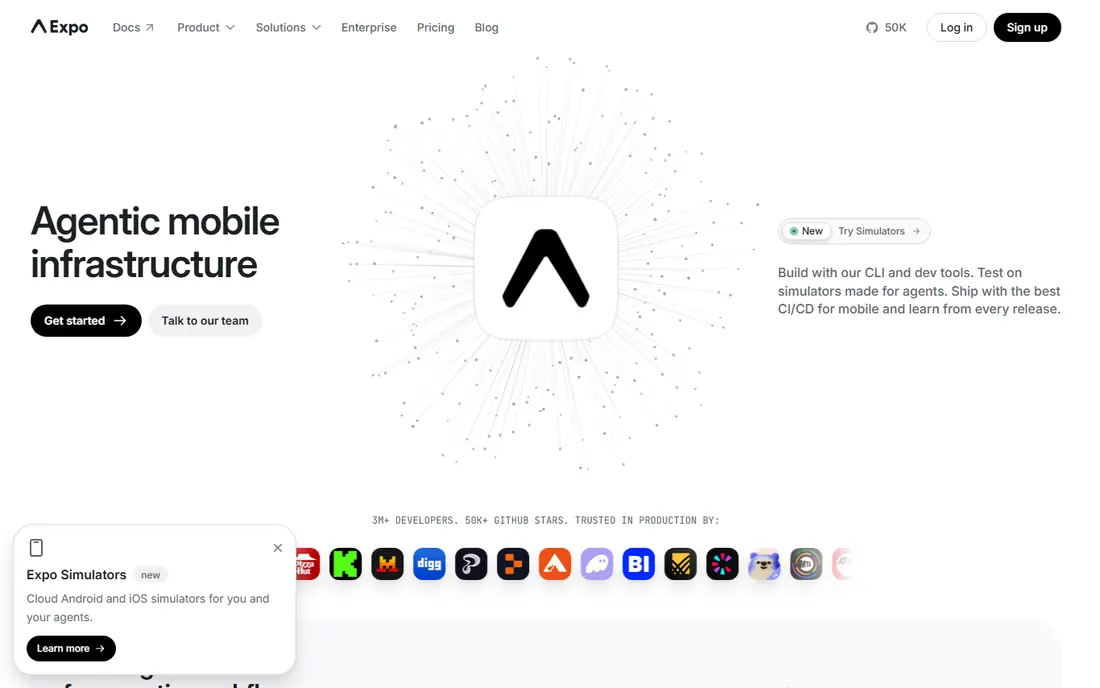
Expo builds on React Native and removes much of the native setup pain. Developers can start a project, test it on a phone and ship updates to JavaScript code without a full app store release, using Expo's update service. Its build service also handles iOS and Android builds in the cloud, which helps small teams without Mac hardware for iOS builds.
The limit is native control. Apps that need custom native modules must use development builds, which bring back some of the native complexity Expo hides. Paid plans apply to heavier build and update use, though the core framework remains free. Expo suits startups and small teams that want React Native speed without native setup overhead.
- Fast setup for React Native
- Managed workflow and build service
- Over-the-air updates for JavaScript changes
- Some native modules need a development build
- Paid plans for larger build use
- Less control than bare React Native
Ionic lets web developers build mobile apps with HTML, CSS and JavaScript, using familiar frameworks such as Angular, React or Vue. Its component library gives apps a native-like look, and it pairs with Capacitor to package web code as a native app with access to device features. For a team that already ships a web app, Ionic can turn that work into a mobile app faster than learning a new language.
Performance is the honest limit. Web-view apps can feel slower than native or Flutter apps for animation-heavy work, though modern devices close much of that gap for business apps. Ionic Enterprise offers paid support and native plugins for larger teams, but the open-source framework itself is free.
- Free and open source framework
- Web skills transfer directly
- Works with Angular, React and Vue
- Web-view performance can lag native for heavy apps
- Some native features need Capacitor plugins
- Enterprise support is paid
.NET MAUI, the successor to Xamarin.Forms, lets C# developers build Android, iOS, macOS and Windows apps from one codebase. It suits teams already invested in .NET, Azure and Visual Studio, since language, libraries and tooling carry over. A single project can target mobile and desktop, which helps internal tools and business apps that need both.
The mobile community is smaller than Flutter or React Native, so finding a ready-made component or answer can take longer. Some interface controls also need custom rendering for a polished result. For a .NET shop, though, MAUI avoids hiring a second team for mobile work, which is a strong practical win.
- Free with .NET
- One codebase for Android, iOS, macOS and Windows
- Strong Visual Studio tooling
- Smaller mobile community than Flutter or React Native
- Some controls need custom work
- Microsoft ecosystem focus
Kotlin Multiplatform
Great for: Kotlin teams sharing logic across mobile platforms
Kotlin Multiplatform takes a different path from Flutter and React Native: it shares business logic, data and networking code across Android and iOS, while each platform keeps its own native interface. That gives iOS users a truly native interface and Android users the same, without duplicating the core logic. It is a natural fit for Android teams that already write Kotlin.
The trade is that interface code is not shared in the same way as Flutter, so a team still writes two interfaces. iOS tooling and library support have improved, but they remain less mature than Android support. Teams that value native feel over a single interface will like this approach, while teams that want one interface everywhere should look at Flutter or React Native.
- Free and open source
- Share business logic while keeping native interfaces
- Strong Android and Kotlin tooling
- Interface sharing is more limited than Flutter
- IOS tooling is still maturing
- Needs Kotlin and native skills
NativeScript lets JavaScript and TypeScript developers build truly native apps, with direct access to native APIs without a web view. It works with Angular, Vue or plain JavaScript, and its interface components map to native controls, so apps feel native on each platform. For a JavaScript team that wants native access without writing native code, it offers a middle path.
Its community is smaller than React Native, which shows in fewer plugins, fewer tutorials and a smaller hiring pool. Teams that need a specific plugin may have to build it themselves. NativeScript suits a JavaScript team that values native API access and is comfortable working in a smaller ecosystem.
- Free and open source
- Direct access to native APIs from JavaScript
- Works with Angular, Vue and plain JavaScript
- Smaller community than React Native
- Fewer ready-made components
- Hiring pool is smaller
Capacitor, from the Ionic team, packages a web app as a native iOS or Android app, with a plugin system for camera, storage, push notifications and other device features. It works with any web framework, or with plain HTML and JavaScript, and it lets teams reuse an existing web codebase for mobile. For a business that already has a good web app, Capacitor is often the fastest route to the app stores.
The result is only as good as the web app behind it. A slow or desktop-only web app will feel slow on mobile, and native features still need plugins and testing on real devices. Capacitor is best when the web app is already mobile-friendly and the team wants app store presence without rewriting the product.
- Free and open source
- Turns any web app into a native app
- Direct native plugin system
- Performance depends on web code quality
- Native features need plugins
- App store review still applies
How we picked these
We compared official documentation, licensing pages and platform support for mobile development tools in October 2026. We kept tools that support both iOS and Android, are actively maintained, and cover different team backgrounds, from JavaScript and web teams to .NET and Kotlin teams. All eight core frameworks are free and open source, so we judged them on language, native access, community and maintenance rather than licence price.
How to choose a platform for your app
Start with your team, not the trend. A JavaScript team will ship fastest with React Native or Expo, a Dart team with Flutter, a .NET team with MAUI, and a web team with Ionic or Capacitor. Learning a new language for a single app adds months of risk, however good the framework looks on paper.
Next, list the device features your app truly needs. Camera, GPS, push notifications and offline storage are covered by all these platforms, but Bluetooth, background processing, advanced graphics and platform-specific design may push you toward native code or Kotlin Multiplatform. Build a small prototype with your hardest feature before committing to a platform.
Finally, plan for maintenance. Check how often the framework releases, how upgrades are handled, and how large its community is for the plugins you need. A framework that saves a month at launch but costs a week on every upgrade is a poor deal for an app you plan to run for years.
Frequently asked questions
What is the best mobile app development platform?
Flutter and React Native are the best cross-platform choices for most apps, with Flutter stronger on custom interfaces and React Native stronger for JavaScript teams. Native development still wins for apps that need top performance or deep platform features.
What is the best mobile development platform for beginners?
Expo is a strong beginner choice, since it simplifies React Native setup and builds, while Flutter offers clear documentation and hot reload for interface work. Ionic and Capacitor also suit beginners with web skills, since they use HTML, CSS and JavaScript.
Is Flutter better than React Native?
Flutter gives more control over custom interfaces and a single rendering engine, while React Native gives a larger JavaScript ecosystem and easier hiring for web teams. Neither is better for every app, so choose by team skills and interface needs.
What is the best platform for mobile app development for a small business?
React Native with Expo, or Ionic with Capacitor, suits most small businesses, since both reuse web skills and ship to iOS and Android from one codebase. A small business with a .NET team should consider .NET MAUI instead.
Do I need to learn a new language for cross-platform development?
It depends on the platform. React Native, Ionic, NativeScript and Capacitor use JavaScript or TypeScript, Flutter uses Dart, .NET MAUI uses C#, and Kotlin Multiplatform uses Kotlin. Pick the platform whose language your team already knows where possible.
Sources
See where you really rank - block by block
ProMapRanker scans Google Maps across a grid of your service area. Simple monthly plans from $19, white-label on every plan.
Start freeKeep reading
 best rank tracking software
Best Rank Tracking Software in 2026
Searching for the best rank tracking software? We compare 8 tools for daily keyword tracking, local rankings, client reports, and competitor checks in 2026.
Read → best platform for ecommerce website
Best Platform for Ecommerce Website in 2026
Find the best platform for ecommerce website builds in 2026. We compare Shopify, WooCommerce, BigCommerce, Wix and more on price, fees and scale for stores.
Read → best math apps
Best Math Apps in 2026: 8 Apps Compared
Find the best math apps for homework, revision, and deeper study in our 2026 comparison of 8 free and paid solvers, courses, and visual tools for students.
Read →