 ProMapRanker
Best Medical AI App in 2026: 8 Tools Compared

Key takeaways
- Medical AI tools fall into two groups, symptom checkers for the public and documentation or decision support tools for clinicians, and they should not be judged as one group.
- No app on this list replaces clinical judgement, and no app alone makes a clinic compliant with privacy or safety rules.
- Documentation tools save time mainly when a clinician still reviews, edits, and signs every note.
- Symptom checkers can help you decide how urgently to seek care, but they cannot diagnose you.
- Price, data handling, and record system integration matter more than a long feature list.
Quick comparison
| Pick | Great for | Pricing starts at | Free tier | |
|---|---|---|---|---|
 Ada Health | Public symptom assessment | Free | Yes | Visit |
 Buoy Health | Public symptom guidance | Free | Yes | Visit |
 VisualDx | Clinician visual diagnosis support | See website | Free trial | Visit |
 Heidi Health | Clinician notes with a free tier | Free | Yes | Visit |
 Abridge | Enterprise clinical notes | See website | No | Visit |
 Freed | Small clinic notes | See website | Free trial | Visit |
 Suki | Large clinic voice assistance | See website | No | Visit |
 Nabla | Practice notes with record integration | See website | Yes | Visit |
The best medical ai apps
This is general information only, not medical advice. If you have urgent symptoms, seek urgent care at once rather than waiting for an app result. Software alone does not make an organisation compliant with privacy, safety, or record keeping rules, and no app replaces clinical judgement. We compared official product pages, pricing summaries, and public guides, and we grouped tools by who they are actually for.
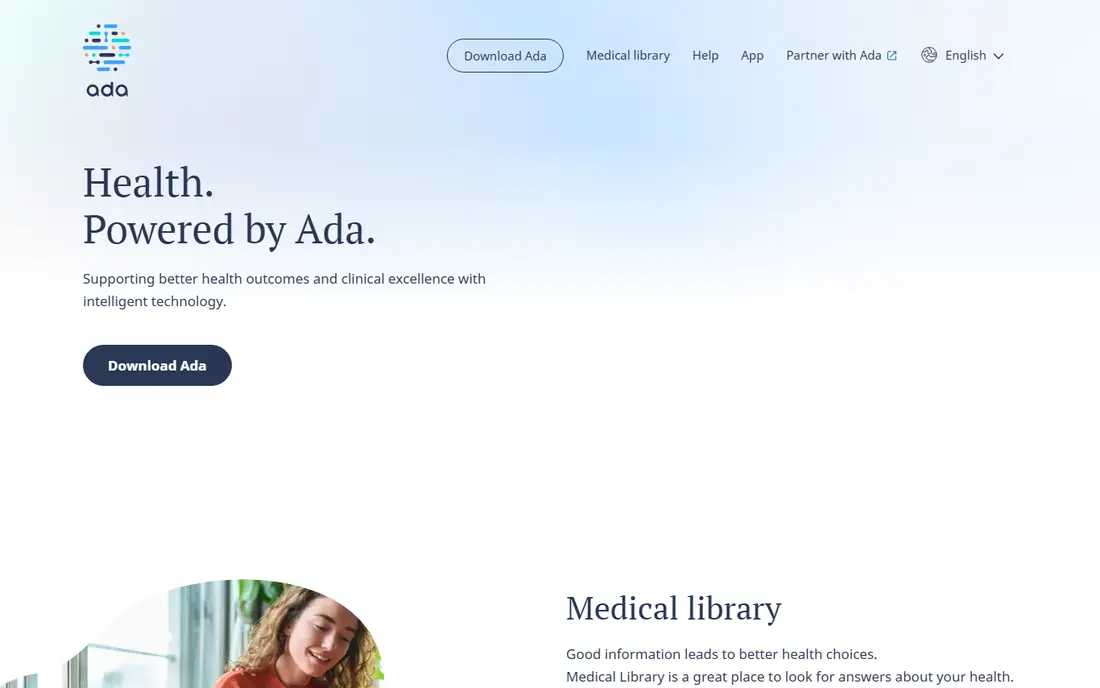
Ada Health asks a series of structured questions about symptoms, history, and risk factors, then gives a list of possible causes and a suggested next step, such as self care, a routine appointment, or urgent care. That structure helps people who are unsure whether to wait, book, or seek help now. It is also useful for preparing for an appointment, because it prompts you to note timing, severity, and related symptoms.
The limit must stay clear. Ada does not examine you, it does not order tests, and it cannot confirm a diagnosis. Answers that are vague or incomplete will change the result, so treat the output as a starting point for a conversation with a clinician, not as a verdict. If symptoms are severe, worsening, or frightening, do not rely on the app to triage you.
- Structured symptom questions
- Clear next step guidance
- Available as a consumer app
- Cannot diagnose or replace a clinician
- Results depend on how you answer
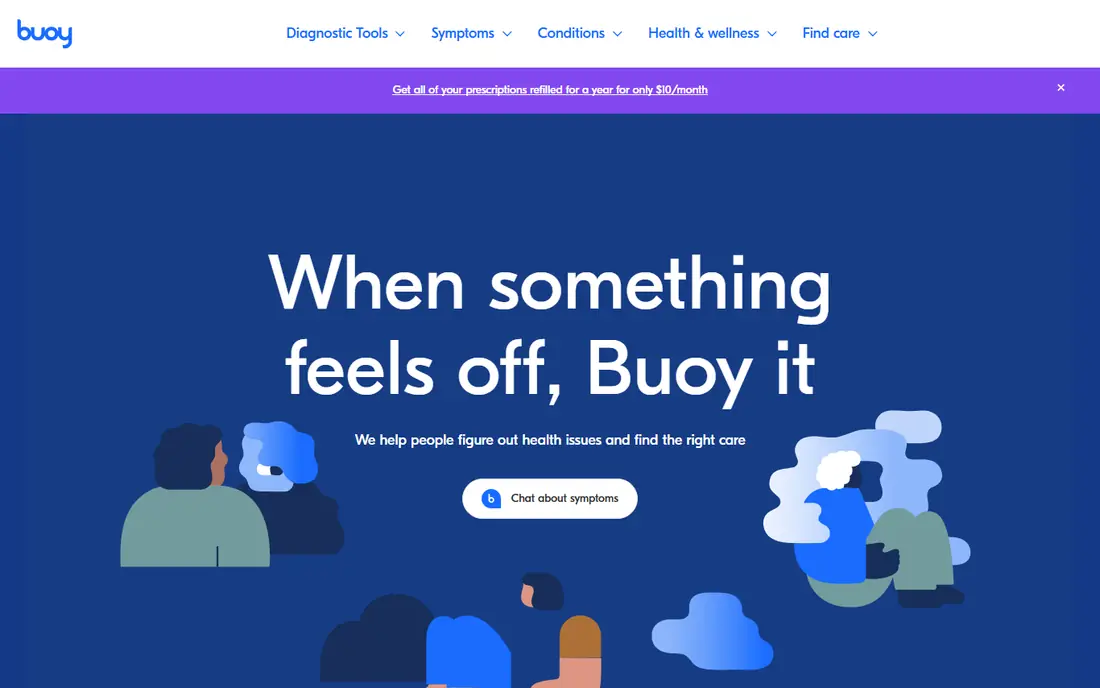
Buoy Health uses a chat style symptom checker that asks follow up questions and then suggests a level of care, from self care to an in person visit. The plain language is a strength, because medical wording can be hard to follow when you are worried. It also helps users sort a new symptom into a practical next step without needing to know medical terms first.
Like Ada, Buoy cannot diagnose, and it is not a substitute for an examination, tests, or a clinician's history taking. Complex symptoms, multiple conditions, and symptoms in children or during pregnancy need direct clinical advice, not an app result alone. Use Buoy to organise your thoughts and to decide how quickly to seek care, then share the full story with a clinician.
- Conversational symptom checker
- Plain language next steps
- Free to use
- Not a diagnosis
- Limited for complex or rare conditions
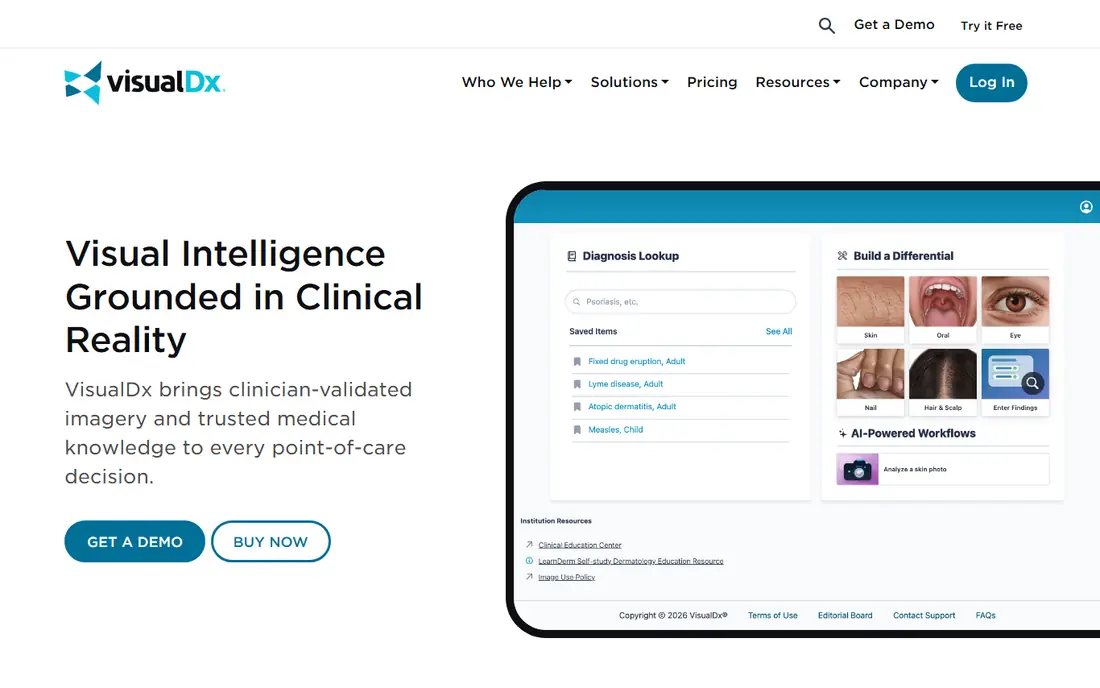
VisualDx is aimed at clinicians, not at the general public, and that focus shapes its value. It combines a large library of clinical images with tools that help a clinician compare visual findings, build a differential list, and check what else could explain a rash, lesion, or visible sign. For a busy clinic, seeing variations of a condition side by side can sharpen questions to ask and tests to consider.
The catch is audience and price. VisualDx is priced as a professional tool, and it still requires clinical judgement to interpret images in context, including history, exam findings, and test results. A photo alone, without that context, can mislead. Clinics should trial it with real cases and check record system fit before committing.
- Large image library for skin and visual conditions
- Differential diagnosis support
- Built for clinicians
- Priced for professionals
- Not a consumer self diagnosis tool
Heidi Health is an ambient scribe that listens to a consultation, with consent, and drafts notes, referral letters, and summaries from the conversation. Its free tier, with unlimited basic transcription in published US summaries, makes it easy for an individual clinician to test the workflow without an enterprise contract. Template coverage across many specialties is another practical strength, because a note for a mental health visit should not look like a note for a sports injury visit.
The limits matter for budgeting. Published US summaries list a free tier, an Evidence Plus tier, and a Clinician tier at $150 per user per month billed annually in 2026, with Practice and Enterprise tiers quoted separately, and record write back starting on higher tiers. That means a clinician on a lower tier may still move notes into the chart by hand. Every draft also needs review, because a scribe can omit or mishear a detail, and the clinician remains responsible for the signed note.
- Permanent free tier for basic transcription
- Many specialty templates
- Record system integrations on higher tiers
- Full record write back sits on higher tiers
- Paid Clinician pricing rose in 2026
Abridge is built for health systems that use a major record system such as Epic, and its strength is fitting into that workflow rather than sitting beside it. It captures the conversation, drafts a structured note, and links parts of the note back to the conversation so a clinician can check the source. For a large system, that audit trail and integration matter more than a low entry price.
The trade is access. Abridge runs on enterprise contracts, with no published pricing and no self serve signup, and third party estimates place entry costs well above small clinic budgets. Procurement can also take months. Small practices should look at Heidi, Freed, or Nabla first, and return to Abridge when system wide deployment is the goal.
- Deep record system integration
- Built for health systems
- Structured, reviewable notes
- Enterprise contracts only
- No published price or self serve trial
Freed is aimed at small and mid sized clinics that want less time on notes without a long IT project. It records the visit, drafts a note in the clinician's style, and lets the clinician edit before the note enters the chart. Published comparisons list tiers from a lower cost Core plan to a higher Premier plan, with EHR push on the higher tier, so the tier you choose changes the workflow, not just the price.
The honest catch is that style learning still needs oversight. A note that sounds like you is not the same as a note that is clinically complete, and a busy clinician can be tempted to sign without reading. Build a review step into every visit, check medication, allergy, and plan sections with extra care, and confirm the current price on the vendor site, because scribe pricing has changed often in 2026.
- Simple setup for small practices
- Learns clinician style over time
- EHR push on higher tiers
- Pricing varies by tier and source
- EHR push is not on every tier
Suki goes beyond transcription. It acts as a voice assistant that can help draft notes and handle tasks such as orders and referral shortcuts, with integrations for systems including Epic, athenahealth, and Cerner in published comparisons. For a large clinic, that task layer can save clicks across the day, not just typing time during the visit.
The downside is deployment effort. Suki is aimed at larger organisations, and published comparisons note weeks of setup with IT support. A solo clinician will find the process heavier than a self serve scribe. It also remains an assistant, not a decision maker. Orders, referrals, and notes still need clinician review and sign off, and no voice tool removes that duty.
- Voice assistant for notes, orders, and referrals
- Integrations with major record systems
- Built for larger organisations
- Enterprise focus
- Needs IT support to deploy well
Nabla offers an AI scribe with a free tier covering a limited number of consultations per month, which lets a practice test real visits before paying. Published comparisons note integrations with Epic, Oracle Health, athenahealth, and NextGen, plus API access, which helps mid to large practices that need notes to land in the chart cleanly. Speed is also a selling point, with notes drafted quickly after the visit ends.
The limit is the cap. A free tier that covers a small number of consultations will not carry a full clinic week, so treat it as a trial, not a permanent free service for a busy practice. As with every scribe here, the clinician must review the draft, correct errors, and own the final note. Data handling, consent for recording, and record retention rules must also be checked with your organisation, because a scribe vendor's marketing page does not settle compliance on its own.
- Free tier for a limited number of consultations
- Deep record integrations
- Fast note drafting
- Free tier is capped
- Enterprise features need a paid plan
How we picked these
We compared official product pages, pricing summaries, and public scribe comparisons, and we kept only tools that are live in October 2026 and that fit one of two clear jobs, public symptom guidance or clinician documentation and decision support. We excluded tools with no current product page, tools that claim diagnosis without clinical oversight, and tools that could not be verified as active. We did not test these tools with patients, and we did not treat vendor accuracy claims as proof. Prices are from vendor pages and third party summaries where the vendor does not publish a price, and we wrote See website where a firm price could not be verified.
How to choose a medical AI tool safely
Start with the job and the user. A member of the public needs a symptom checker that gives a clear next step and says plainly when to seek urgent care. A clinician needs a scribe or decision support tool that fits the record system, respects consent for recording, and leaves a clear review step. Do not buy a clinician tool for public self diagnosis, and do not use a public checker as a clinic triage system.
Next, check four things before you pay. First, who reviews the output, and is that review step built into the workflow. Second, how is audio or health data stored, for how long, and under what agreement, including a business associate agreement where health privacy law requires one. Third, does the tool write to your record system, or will staff copy notes by hand and introduce new errors. Fourth, what happens when the tool is wrong, and can you trace a note back to its source. If a vendor cannot answer those questions in writing, do not deploy it for real patients. Finally, keep human judgement at the centre. An AI draft is a draft, a symptom list is a list, and neither one signs a note or makes a diagnosis for you.
Frequently asked questions
What is the best medical AI app for patients?
Ada Health and Buoy Health are the most practical public options on this list, because both offer free symptom checks with plain next step guidance. Neither can diagnose you, and neither replaces a clinician. Use them to decide how urgently to seek care and to prepare questions, then share the full history with a clinician.
Can a medical AI app diagnose me?
No. Symptom checkers can list possible causes and suggest a level of care, but diagnosis needs history, examination, and often tests, plus clinical judgement about what fits and what does not. An app result that looks confident is not the same as a confirmed diagnosis, and urgent or worsening symptoms need direct care.
What is the best AI scribe for a small clinic?
Heidi Health and Freed are the most practical small clinic starting points here, because both offer a free tier or trial and simple signup. Heidi has a permanent free tier for basic transcription, while Freed focuses on learning clinician style. Check record write back on the tier you would buy, because that feature changes the daily workflow.
Does using an AI scribe make a clinic HIPAA compliant?
No. A scribe can support compliance with features such as encryption, access controls, and a business associate agreement, but compliance depends on your organisation's policies, consent process, staff training, data retention, and record handling. Software alone does not make an organisation compliant, and you should confirm the agreement and controls in writing before use.
Is it safe to record patient visits with AI?
Recording needs clear patient consent, a stated purpose, and a plan for storage and access, under your local law and your organisation's policy. Tell patients what is recorded, what is kept, and who can access it, and offer an alternative if a patient declines. Never assume consent from a vendor's default settings.
What should I do if an AI tool and my clinician disagree?
Follow your clinician, and raise the disagreement openly. Bring the app output, explain what worried you, and ask what history, exam finding, or test result changes the picture. If symptoms worsen or you remain worried, seek a second clinical opinion rather than shopping for an app result that agrees with you.
Sources
See where you really rank - block by block
ProMapRanker scans Google Maps across a grid of your service area. Simple monthly plans from $19, white-label on every plan.
Start freeKeep reading
 wpforms alternatives
Best WPForms Alternatives in 2026
We compare 9 wpforms alternatives for WordPress forms, with free and paid options, current pricing notes, and honest limits for small business sites in 2026.
Read → windows task scheduler alternatives
Best Windows Task Scheduler Alternatives in 2026
Looking for Windows Task Scheduler alternatives? We compare 9 schedulers for Windows and cross-platform work, from free tools to enterprise automation.
Read → which ai video service is best
Which AI Video Service Is Best in 2026
which ai video service is best? We compare 10 legitimate AI video services on price, avatars, editing and output quality to help you pick the right tool.
Read →