 ProMapRanker
Best Marketing Tools for Small Business in 2026


Simple email campaigns and newsletters · Pricing starts at: $13 per month
Key takeaways
- Mailchimp and Brevo are the easiest starting points for small lists, while HubSpot makes more sense when sales and marketing need to share one contact record.
- Price depends on what you are charged for, so compare contacts, sends and seats at your real list size, not at the entry tier alone.
- ActiveCampaign and Klaviyo suit teams that already know they need deeper automation or ecommerce flows, rather than teams sending one newsletter a month.
- A free plan is useful for testing, but check its send limits, branding and automation limits before you import a full list.
- Our pick for most small businesses starting out is Brevo for value, with Mailchimp close behind for simplicity.
Quick comparison
| Pick | Great for | Pricing starts at | Free tier | |
|---|---|---|---|---|
| Mailchimp | Simple email campaigns and newsletters | $13 per month | Yes | Visit |
 HubSpot Marketing Hub HubSpot Marketing Hub | CRM plus marketing in one place | See website | Yes | Visit |
 Brevo Brevo | Low cost email and SMS | $9 per month | Yes | Visit |
 ActiveCampaign ActiveCampaign | Advanced automation | $15 per month | Free trial | Visit |
 Klaviyo Klaviyo | Ecommerce email and SMS | $20 per month | Yes | Visit |
 MailerLite MailerLite | Simple newsletters on a budget | $12 per month | Yes | Visit |
 Kit Kit | Creators and newsletters | See website | Yes | Visit |
 Constant Contact Constant Contact | Local businesses and events | $12 per month | Free trial | Visit |
The best marketing tools for small business
Small businesses rarely need every marketing feature on day one. They need a tool that sends clean emails, captures leads, follows up without manual work, and stays affordable as the list grows. The eight tools below cover that range, from simple newsletters to full automation.
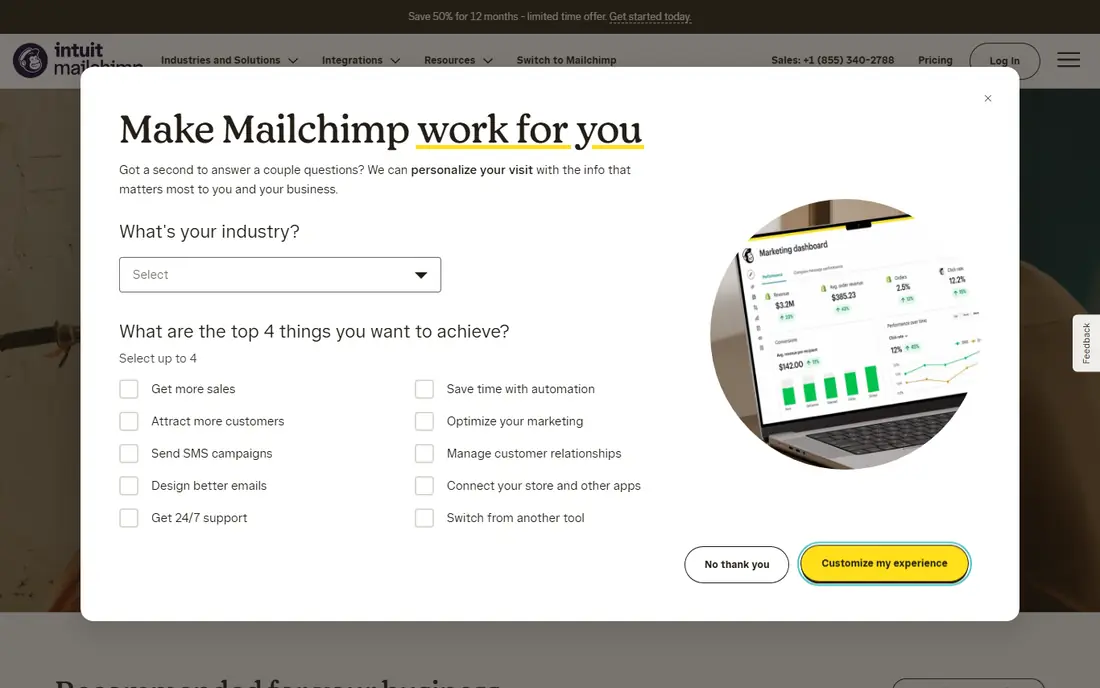
Mailchimp remains the most familiar starting point for a small business that wants to send a newsletter without a long setup. Its editor is straightforward, its templates look polished without design help, and it connects to common website, ecommerce and scheduling tools. For a shop, clinic or consultancy sending regular updates, that ease matters more than advanced features that may never be used. The free plan lets a very small list test sending before paying, which is a sensible first step.
The catch is pricing structure. Mailchimp charges by contacts, so a growing list can push the bill up even if sending frequency stays the same. Automation on the entry plan is also limited, so teams that want multi-step journeys, branching or predictive segments will need a higher tier. If your list is small and your campaigns are mostly broadcasts and welcome emails, Mailchimp is a strong fit. If you plan fast list growth, model the price at double your current size first.
- Easy editor and templates
- Many integrations
- Useful audience tools
- Costs rise with contacts
- Deeper automation sits on higher plans
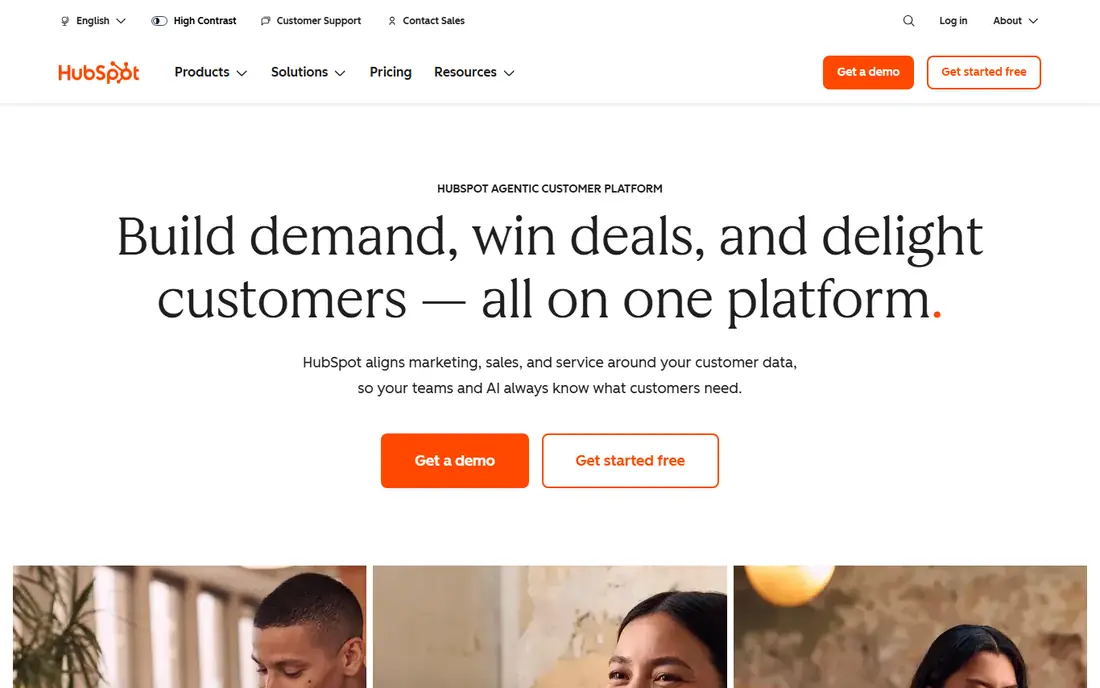
HubSpot suits a business that wants marketing and sales to work from the same record. A lead captured through a form can be tracked through email opens, page visits and a deal stage without exporting data between tools. The free CRM covers contacts, deals and basic marketing tools, which makes it possible to start without paying and add paid marketing features later. For service businesses that follow up on enquiries over weeks, that shared view is genuinely useful.
The trade-off is cost at scale. Starter pricing is accessible, but Professional and higher tiers are priced for larger teams, and contact tiers can add up. HubSpot is also broader than a pure email tool, so a team that only sends newsletters may find it more than it needs. Choose it when lead follow-up, pipeline tracking and reporting matter as much as sending email, and check the current seat and contact pricing before committing.
- Free CRM with contacts and deals
- Forms, email and reporting in one system
- Large integration library
- Higher tiers get expensive quickly
- Some features need paid seats
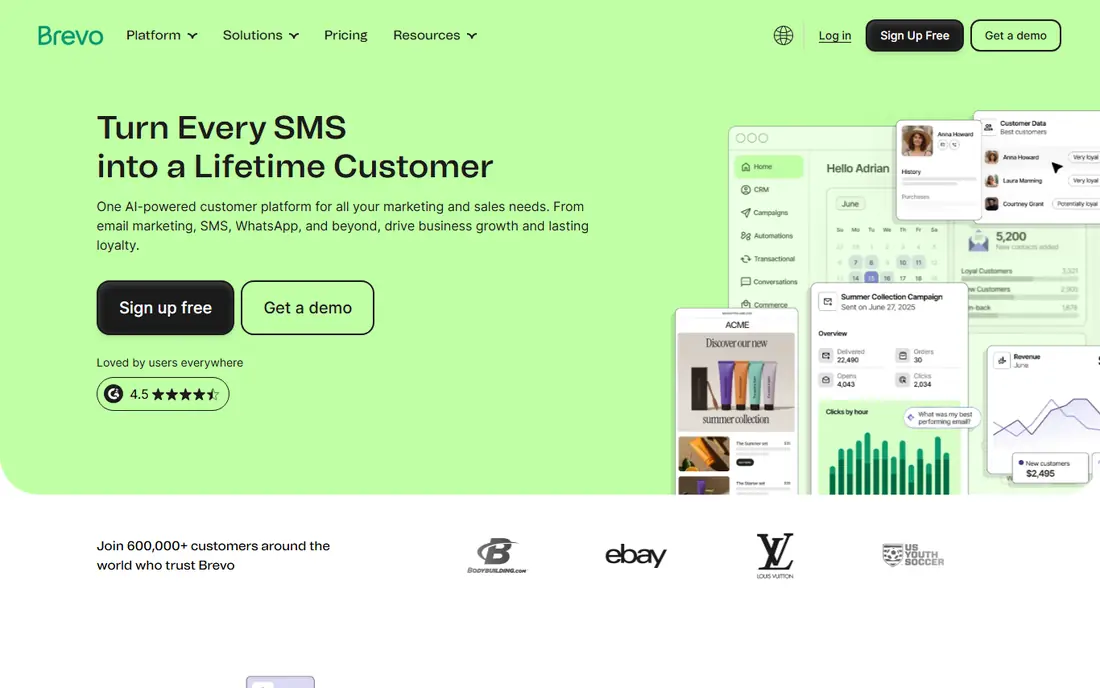
Brevo is our value pick for small businesses with a large list but modest sending frequency. Because it prices mainly by emails sent rather than by contacts, a business with thousands of contacts that mails once or twice a month can pay far less than on a contact-based plan. It also covers SMS and WhatsApp alongside email, which helps local businesses that want appointment reminders or short promotions in the same account.
The free plan allows 300 emails a day, which works for testing and very small lists but not for a single large campaign. Teams that mail weekly to a large audience should price the send volume they actually need, not just the entry tier. Brevo is less of an ecommerce specialist than Klaviyo, and its automation depth is not the equal of ActiveCampaign. For straightforward campaigns, audience growth and multi-channel messages on a budget, it is hard to beat.
- Priced by sends, not contacts
- Email, SMS and WhatsApp in one account
- Generous free starting point
- Free plan caps daily sends
- Some features need higher plans
ActiveCampaign is the choice when automation is the main job, not an afterthought. Its visual builder makes it possible to set up welcome series, abandoned cart follow-ups, lead scoring and behaviour-based messages without code. Contacts can be segmented by actions, tags and custom fields, and the built-in CRM keeps sales follow-up in the same system. For a business with a clear funnel, such as a course seller, agency or ecommerce store with repeat buyers, that depth pays off.
It is not the simplest tool here, and there is no permanent free plan, only a trial. Small teams should expect a setup period and a clear plan for what each automation should do before building a dozen flows at once. Pricing also scales with contacts, so a large, inactive list should be cleaned first. If you already send regular email and want to move from broadcasts to journeys that react to customer behaviour, ActiveCampaign is the strongest step up in this list.
- Visual automation builder
- Lead scoring and segmentation
- Strong CRM features
- No permanent free plan
- Learning curve is steeper than simple email tools
Klaviyo is built around ecommerce data. Purchase history, browsing behaviour and product data feed directly into segments and flows, so a store can send abandoned cart reminders, post-purchase follow-ups and replenishment messages that reflect what each customer actually bought. Its SMS tools sit beside email, which helps stores that want short, time-sensitive messages for sales and shipping updates. The free plan covers a small number of profiles, which is enough to test the core idea.
The main limit is fit. Klaviyo shines for online stores, especially those on Shopify, and is less compelling for a service business with no product catalogue. Pricing is based on active profiles, so a store with a large but inactive list should clean that list before judging cost. If most of your revenue comes through an online store and email plus SMS drive repeat orders, Klaviyo deserves a place at the top of the shortlist.
- Deep ecommerce data and flows
- Strong SMS alongside email
- Prebuilt flow library
- Costs rise with active profiles
- Best value is tied to online stores
MailerLite appeals to small teams that want a tidy newsletter tool without a long learning curve. The interface is uncluttered, the editor is easy to use, and landing pages, forms and basic automation are included on paid plans. A small business, charity or creator can build a list, send a regular update and track opens and clicks without hiring help. Its free plan covers a small subscriber count and a limited monthly send volume, which suits a new list.
It is not trying to match ActiveCampaign on automation or Klaviyo on ecommerce data. Teams that need complex branching, deep product-based segmentation or a full CRM will outgrow it. For the common case of a weekly or monthly newsletter, a signup form and a simple welcome series, MailerLite does the job well and at a lower price than several larger names. That focus is its strength, as long as you do not expect it to become a full sales platform later.
- Clean interface
- Landing pages and forms included
- Easy to learn
- Less ecommerce depth
- Fewer advanced automation options
Kit, formerly ConvertKit, is aimed at creators, coaches and course sellers who build an audience around content. Instead of lists, it organises subscribers with tags, so one person can belong to several interest groups without duplicate records. Sequences and simple automations cover welcome series, course launches and paid newsletter funnels, and its selling tools suit digital products. The free plan covers a large subscriber count, though automation is limited on that tier.
Kit is less suited to a business that needs a full CRM, complex ecommerce flows or advanced reporting. Its strength is clarity for a creator-led business: grow a list, send useful content, sell a product, and keep the setup simple. If your marketing is mostly newsletters, lead magnets and launches, Kit fits well. Check the current paid pricing at your subscriber count, since it rises with audience size, and confirm which automation features sit on the paid plan you need.
- Tag-based audience organisation
- Simple sequences
- Creator-friendly selling tools
- Automation and visual tools are simpler than full marketing suites
- Paid pricing rises with subscribers
Constant Contact has long served local businesses, nonprofits and community groups that want simple email and event promotion. Its templates are easy to adapt, event registration and social posting tools sit alongside email, and support by phone is a real plus for teams that prefer talking to a person. A restaurant, salon, church or local shop can send offers, announcements and event invites without learning a complex platform.
The limits are familiar: there is no permanent free plan, only a trial, and automation is more complete on higher plans. Pricing is contact-based, so list growth raises cost. Constant Contact is not the best choice for deep ecommerce automation or a full CRM, but it is a dependable option when simplicity, local event tools and human support matter more than advanced features. For a team that sends regular local updates, that combination is often enough.
- Simple templates and event tools
- Phone support
- Good for nonprofits and local groups
- No permanent free plan
- Automation starts on higher plans
How we picked these
We compared official pricing pages, feature pages and app store listings, and public reviews, and we favoured tools that are widely available in the United States, still actively sold in October 2026, and clearly suited to small business budgets and team sizes. We mixed simple newsletter tools with automation and ecommerce platforms so the list covers different kinds of small business, rather than eight versions of the same product. Prices shown are entry-level list prices where we could verify them, and we used See website where a vendor prices by seats, contacts or usage in a way that changes too much to quote safely in one figure.
What to check before you choose
Start with your list size, sending frequency and the one job that matters most. A business sending one newsletter a month needs a different tool from a store running cart recovery, post-purchase flows and SMS campaigns. Count how many contacts you have, how often you will mail them, and whether you need forms, landing pages, SMS or a CRM in the same account. That short list will rule out half the options at once.
Then test the free plan or trial with a real campaign, not just a test email to yourself. Import a small segment, build the signup form you will actually use, set up one welcome automation, and check the reports. Look at deliverability basics too, such as domain authentication, unsubscribe handling and list cleaning, since a tool that lands in spam will cost you more than a slightly higher monthly fee. Finally, price the tool at twice your current list size, and ask what happens when you cross a tier, so a growing audience does not become an unwelcome surprise.
Frequently asked questions
What is the best marketing tool for small business?
There is no single winner for every business. Brevo is a strong value choice for low cost email and SMS, Mailchimp suits simple newsletters, HubSpot fits teams that need CRM plus marketing, and Klaviyo fits online stores. Pick based on your list size, sending frequency and whether you need automation, SMS or a CRM.
What is the best digital marketing software for a beginner?
A beginner should start with a tool that has a clear editor, templates and a free plan, such as Mailchimp, MailerLite or Brevo. Send a few real campaigns, learn what your audience opens and clicks, and only move to a deeper automation tool once you know which journeys you actually need.
What is the best marketing app for a small team?
For a small team, a tool that combines email, forms and landing pages in one account saves time. HubSpot covers CRM and marketing together, Brevo covers email and SMS together, and MailerLite covers newsletters and landing pages with a simple interface. The best app is the one your team will actually use each week.
What is the best marketing platform for small business on a tight budget?
Brevo and MailerLite are the budget standouts in this list, because their entry prices are low and their free plans let you start small. Brevo prices by sends, which helps large but infrequently mailed lists, while MailerLite is simple and cheap for regular newsletters. Always check send limits on the free plan before importing a large list.
Is there a best internet marketing tool that does everything?
No single tool does email, social, advertising, SEO and CRM equally well at a small business price. Most small businesses do best with one strong email and automation platform, plus separate tools for social scheduling or advertising if needed. Start with email, since it is the channel you own, then add other tools only when a clear gap appears.
How much should a small business pay for marketing software?
It depends on list size and features, but many small businesses start in the range covered here, from free to around 20 dollars a month, and pay more as the list grows. Price the tool at your real list size and sending volume, check what automation and seats are included, and avoid paying for enterprise features you will not use in the first year.
Sources
See where you really rank - block by block
ProMapRanker scans Google Maps across a grid of your service area. Simple monthly plans from $19, white-label on every plan.
Start freeKeep reading
 zoom alternatives
Best Zoom Alternatives in 2026
Compare Zoom alternatives in 2026, with free meeting limits and prices, so you can pick the best alternative to Zoom for your team, class, or community.
Read → which software is best for remote work
Which Software Is Best for Remote Work in 2026
Answering which software is best for remote work, we compare Slack, Zoom, Asana, Notion, Teams and more, with pricing and honest tradeoffs in 2026 now.
Read → which ai tool is best for content writing
Which AI Tool Is Best for Content Writing in 2026
Wondering which ai tool is best for content writing? We compare ChatGPT, Claude, Jasper, Grammarly, and more on price, quality, and best use in 2026 now.
Read →