 ProMapRanker
Best Marketing Calendar Software for Small Business in 2026

Straightforward board-based content calendars · Pricing starts at: $5 per user per month
Direct answer
Trello leads the list, best for straightforward board-based content calendars. Listed starting prices: Trello from $5 per user per month, Monday.com from $9 per seat a month and Asana from $10.99 per user a month. For a different need, Monday.com covers adaptable workspace-based campaign planning and HubSpot Marketing Hub covers calendar planning inside a marketing system. Details, prices and limits for the rest of the 6 tools are below.
ProMapRanker compared 6 tools for marketing calendar software for small business. The goal is a practical shortlist: published prices, free plan facts, best-fit use cases and honest limits for every entry.
Key takeaways
- Trello takes the first slot, best suited to straightforward board-based content calendars.
- Trello has the lowest monthly starting price in this list: $5 per user per month.
- Only 4 of the 6 tools have a free plan (Trello, Monday.com, Asana, Airtable), so check the caps.
- CoSchedule is the one to check for social-first marketing calendar planning.
Quick comparison
| Pick | Great for | Pricing starts at | Free tier | |
|---|---|---|---|---|
| Trello | Straightforward board-based content calendars | $5 per user per month | Yes | Visit |
 Monday.com | Adaptable workspace-based campaign planning | $9 per seat a month | Yes | Visit |
 HubSpot Marketing Hub | Calendar planning inside a marketing system | See website | Not stated | Visit |
 Asana | Work management with campaign timelines | $10.99 per user a month | Yes | Visit |
 Airtable | Structured content and campaign databases | $20 per user per month | Yes | Visit |
 CoSchedule | Social-first marketing calendar planning | $29 a month | Free trial | Visit |
The full marketing calendar software for small business list
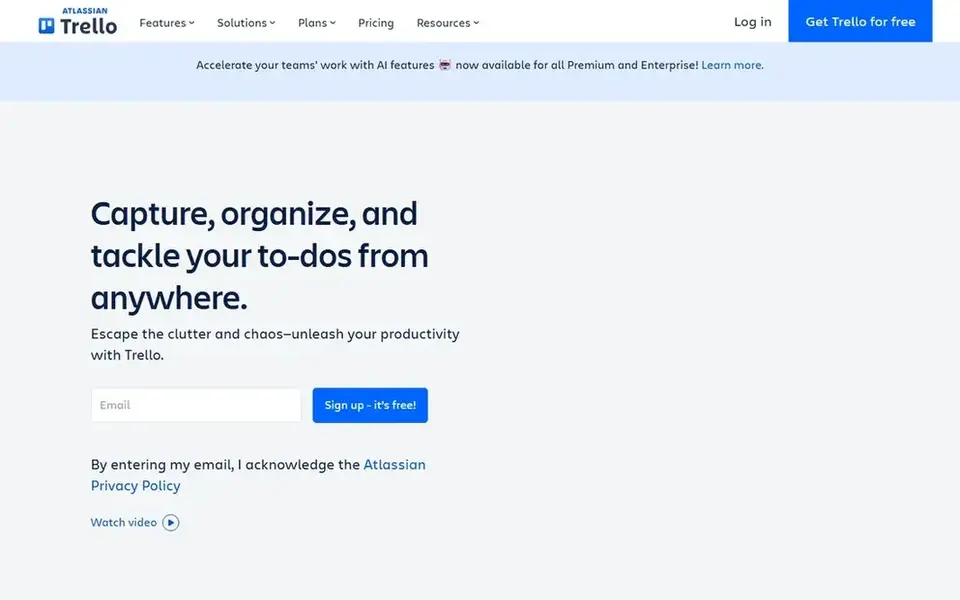
Trello works best for straightforward board-based content calendars. Trello is a visual productivity tool built around boards, lists, and cards, with Inbox, Boards, and Planner available from anywhere, including mobile.
Trello does not bundle native social publishing or marketing analytics, so publishing and measurement happen elsewhere. It also depends on disciplined card management as volume grows. On cost, Trello starts like this: $5 per user per month. Trello includes a free tier.
Drawbacks to consider: Calendar view relies on setup.
- Inbox, Boards, Planner
- Performs well on mobile
- Restricted built-in marketing features
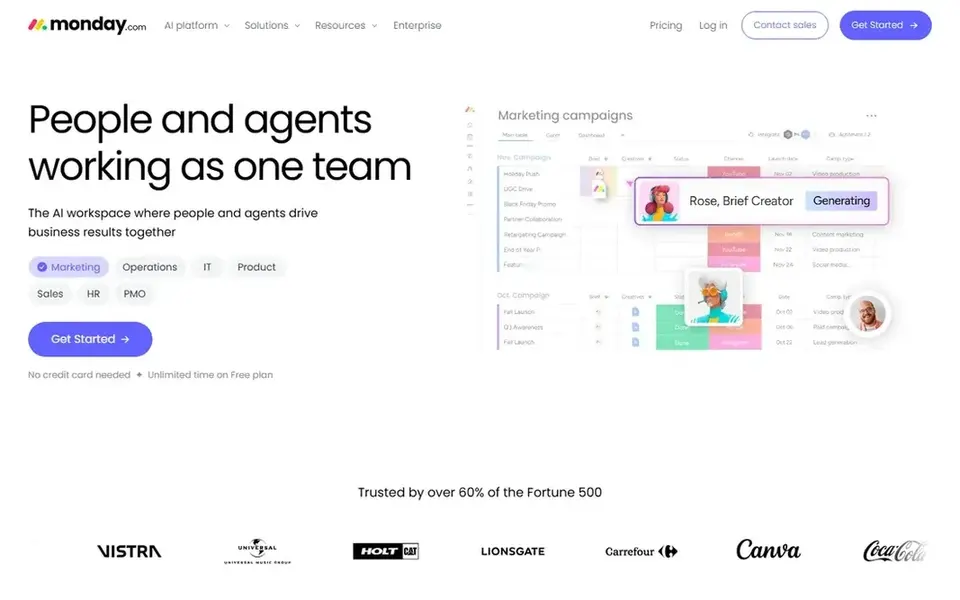
Monday.com makes the most sense for adaptable workspace-based campaign planning. Small firms can shape boards around campaigns, content, and launch dates, then use calendar-style views to see what is coming. Its strength is flexibility: the marketing calendar becomes one workflow inside a workspace that also holds tasks, approvals, and related projects, which helps when multiple people contribute to marketing.
Downsides: Needs setup for calendar views.
Since monday.com is a general work system, a marketing calendar is something you configure instead of a built-in marketing feature. That setup takes thought, and teams wanting ready-made social scheduling may prefer a dedicated tool. Also, pick monday.com when marketing planning should live alongside broader team operations and you are comfortable adapting boards to your process. Entry price for Monday.com: $9 per seat per month. Monday.com has a free plan.
- Supports cross-team execution
- AI workspace for team work
- Wide scope beyond marketing alone
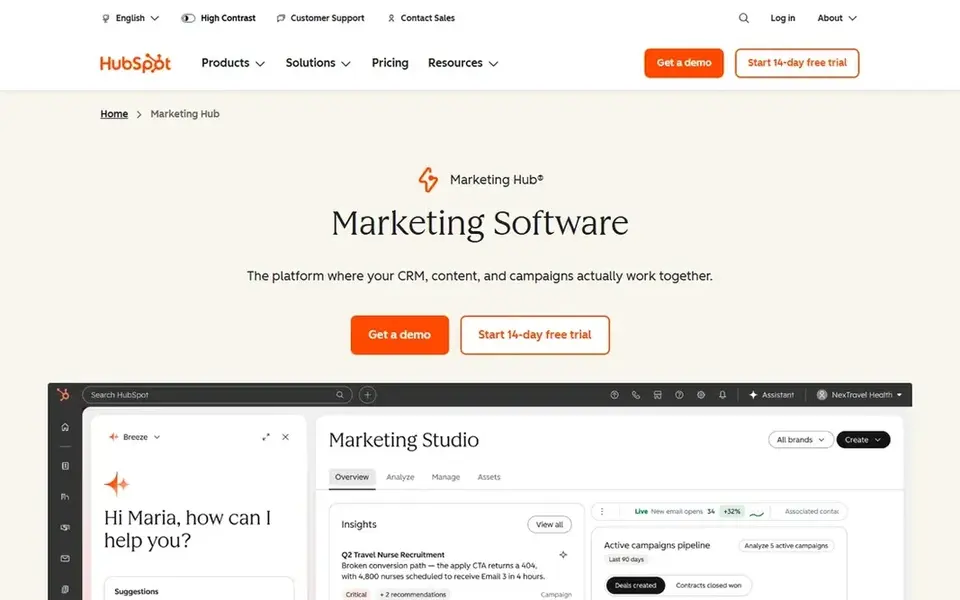
HubSpot Marketing Hub is a good fit for calendar planning inside a marketing system. HubSpot Marketing Hub is marketing software positioned around expanding and converting demand.
Worth adding: for small firms, its value in a calendar comparison is that campaign and content planning sit inside a wider marketing system instead of in a standalone scheduling tool. HubSpot Marketing Hub does not show a starting price in this comparison, so check the vendor site for current pricing. As for free access: Not stated.
Where it is weaker: May be more than straightforward planning needs.
- Suited to teams building campaigns
- Calendar work alongside marketing tools
- Broader system than a calendar alone
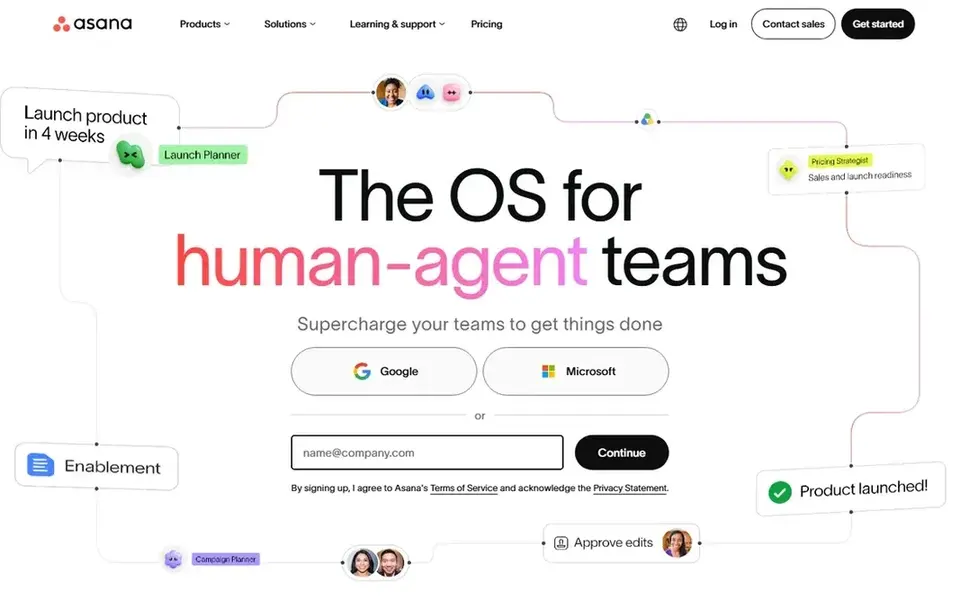
Asana is aimed squarely at work management with campaign timelines. A small business can organize marketing campaigns as projects, assign owners and due dates, and view the work on timelines and calendars.
Trade-offs to know: Calendar needs configuration.
As for the details, Asana is not a dedicated marketing or social publishing tool, so scheduling posts and tracking channel results normally means connecting other software. On cost, Asana starts like this: $10.99 per user per month. Free access exists with Asana.
- Plan and automate workflows
- Supports teams and AI agents
- Not marketing-specific
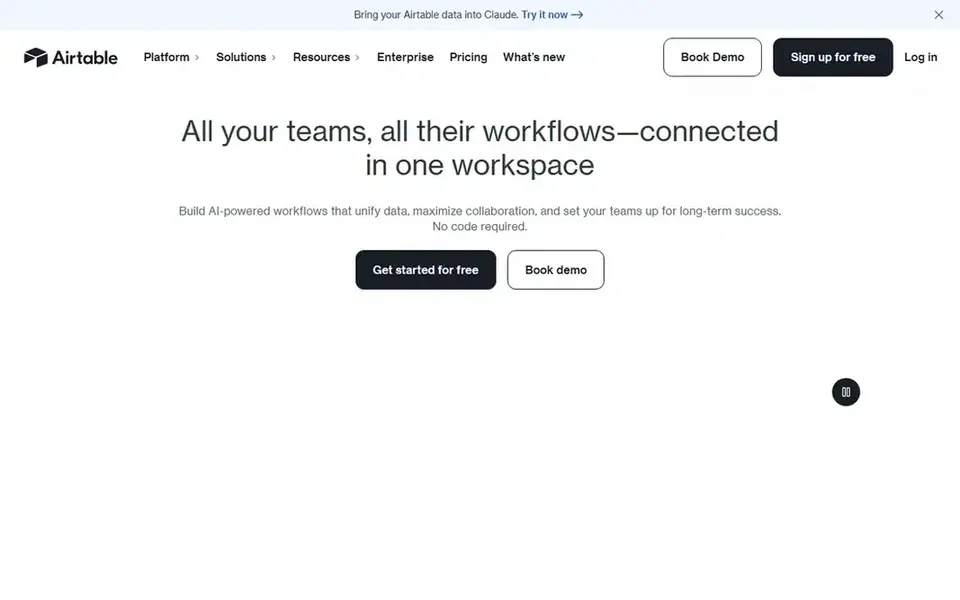
Airtable is designed for structured content and campaign databases. Airtable is an adaptable product instead of a marketing calendar product, so building the right base and views takes planning.
More specifically, choose Airtable when your calendar is really a content and campaign database that needs automation and structured reporting, and keep a more straightforward tool for teams that only need a shared schedule. Starting cost for Airtable: $20 per user per month. You can start on Airtable without paying.
What to check first: Setup needs planning.
- Database-style content planning
- Automate repetitive tasks
- Less social publishing built in

Where CoSchedule fits: social-first marketing calendar planning. CoSchedule is social media management software built on a shared calendar. As for the details, because CoSchedule centers on social media management, it is not a full replacement for general work or project management.
Teams that require calendars tied to product launches, client projects, or complicated approvals may want a broader product. Teams can plan content, schedule and publish to the major social networks, reply to engagement, and measure results from the same place. The starting price for CoSchedule: $29 per month. Free plan details: Free trial.
Points against: Focused primarily on social workflows.
- Calendar-centered social planning
- Publish to major social networks
- Less suited to wide project management
Selection criteria
Selection started from tools commonly considered for marketing calendar software for small business, then narrowed to 6 that have clear pricing information or a clear quote process. Plan names, prices and limits change often. Treat the figures here as a starting point and verify them with the vendor. Position on the page reflects fit for a typical buyer first, with price clarity and free access breaking ties. Treat it as a guide, not a ruling.
Questions to settle before buying
- Confirm the entry price on the vendor page. For HubSpot Marketing Hub that means a quote rather than a fixed price.
- Read the fine print on the free plans from Trello, Monday.com, Asana and Airtable; seat, project and feature caps differ.
- Use real work to test the free trial from CoSchedule, rather than a demo project.
- Before choosing Trello, weigh its main limit: restricted built-in marketing features.
- Check whether HubSpot Marketing Hub bills monthly or annually, and what cancelling early costs.
- Confirm you can export your data from Trello, so leaving later does not mean losing records.
Frequently asked questions
Is Trello the right pick for everyone comparing marketing calendar software for small business?
No single tool suits every team. Trello comes first because it fits simple board-based content calendars, while Monday.com suits flexible workspace-based campaign planning and HubSpot Marketing Hub suits calendar planning inside a marketing platform. Match the tool to your own size, budget and workflow before deciding.
Can I try these tools before paying?
Often, yes. Trello, Monday.com, Asana and Airtable have a free plan and CoSchedule offers a free trial. Use your own data and a real task during the test, and check what the free tier or trial limits before you rely on it.
Which options for marketing calendar software for small business have a free plan?
On this list, Trello, Monday.com, Asana and Airtable include a free plan. Caps on seats, usage or features are common, so test the free plan against your real workload. One other tool offers a trial instead.
What is the cheapest option for marketing calendar software for small business in this list?
On published monthly entry prices, Trello is the lowest here at $5 per user per month. Entry price is only part of the cost, because seats, add-ons and billing terms can change the total. Prices, free plan details and limits for all 6 tools in this marketing calendar software for small business roundup sit on the individual cards above.
Sources
See where you really rank - block by block
ProMapRanker scans Google Maps across a grid of your service area. Simple monthly plans from $19, white-label on every plan.
Start freeBrowse all guides
← Best Marketing Automation Software for Healthcare Practices (2026)Best Push Notification Segmentation Tools for Gaming (2026) →
 best location-based marketing software for remote teams
Location-Based Marketing Software for Remote Teams (2026)
Best Location-Based marketing software for remote teams: 5 tools compared on price, free plans and fit. Clear notes on pricing gaps and limits. Plain facts.
Read → best landing page builders for saas
Best Landing Page Builders for SaaS (2026)
5 products for the best landing page builders for SaaS, ranked by fit, with starting costs and free tiers. Caveats come with every verdict. Read the profiles.
Read → best field marketing event planning software
Best Field Marketing Event Planning Software (2026)
6 products for the best field marketing event planning software, ranked by fit, with starting costs and free tiers. Honest caveats for every entry. Plain facts.
Read → best omnichannel marketing platform
Best Omnichannel Marketing Platform in 2026
Compare the best omnichannel marketing platform in 2026. We review 9 omnichannel marketing tools for email, SMS, push, web personalization, and paid ads today.
Read → best ai marketing automation platform
Best AI Marketing Automation Platform in 2026
Explore the best AI marketing automation platform options, comparing email flows, AI tools, audience features, pricing and ease of use for growing teams.
Read → best airline company
Best Airline Company in 2026
We compared the best airline company options in the USA on reliability, comfort, fees and loyalty to help you pick the best company to fly with in 2026.
Read →More in Marketing Software · All guides A to Z by date · Latest guides