 ProMapRanker
Best Landing Page Builders for SaaS (2026)

AI-assisted pages with marketing integrations · Pricing starts at: $25 a month
Direct answer
Leadpages comes first here, mainly for AI-assisted pages with marketing integrations. Listed starting prices: Leadpages from $25 a month, Instapage from $79 per month and Framer from $10 per month. Look at Instapage for conversion testing and personalization, and at Framer for design-led sites with AI assistance. The full list of 5 tools follows, with prices and free plan facts.
Short on time? The summary and table above give the quick view of 5 landing page builders for SaaS, and the profiles that follow give the detail behind each entry.
Key takeaways
- Top of the list is Leadpages, which targets AI-assisted pages with marketing integrations.
- What to know about Instapage first: centred on landing pages, not full sites.
- Starting prices begin at $10 per month with Framer.
- A free plan is available from 2 of the 5 tools: Framer, Webflow.
- For design control with CMS and hosting, Webflow is worth a look.
Quick comparison
| Pick | Great for | Pricing starts at | Free tier | |
|---|---|---|---|---|
| Leadpages | AI-assisted pages with marketing integrations | $25 a month | Free trial | Visit |
 Instapage | Conversion testing and personalization | $79 per month | Free trial | Visit |
 Framer | Design-led sites with AI assistance | $10 per month | Yes | Visit |
 HubSpot | Landing pages inside a CRM suite | See website | Not stated | Visit |
 Webflow | Design control with CMS and hosting | $15 a month | Yes | Visit |
Every option for landing page builders for SaaS explained
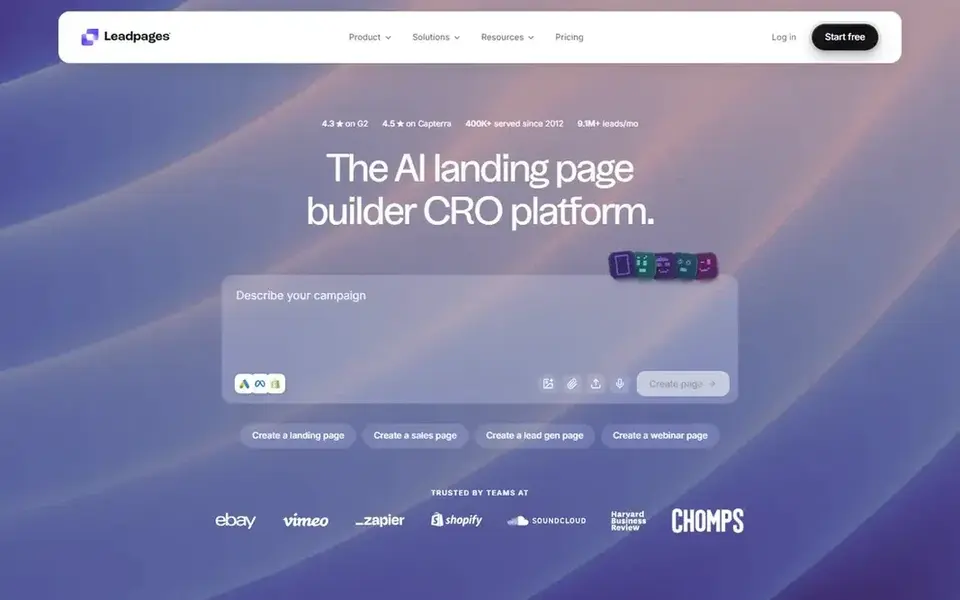
Think of Leadpages for AI-assisted pages with marketing integrations. Leadpages is an AI landing page builder that merges templates, testing, analytics, and marketing integrations.
Where it falls short: Less design freedom than code-level tools.
What users get: Built-in marketing integrations. Design adaptability is lower than with a completely visual product, and teams with unusual layout needs may feel constrained. More specifically, consider a more design-driven builder when brand expression outweighs launch speed. Leadpages pricing: $25 per month. Free options: Free trial.
- Templates, testing, analytics
- AI page creation
- Best value for teams already in its ecosystem
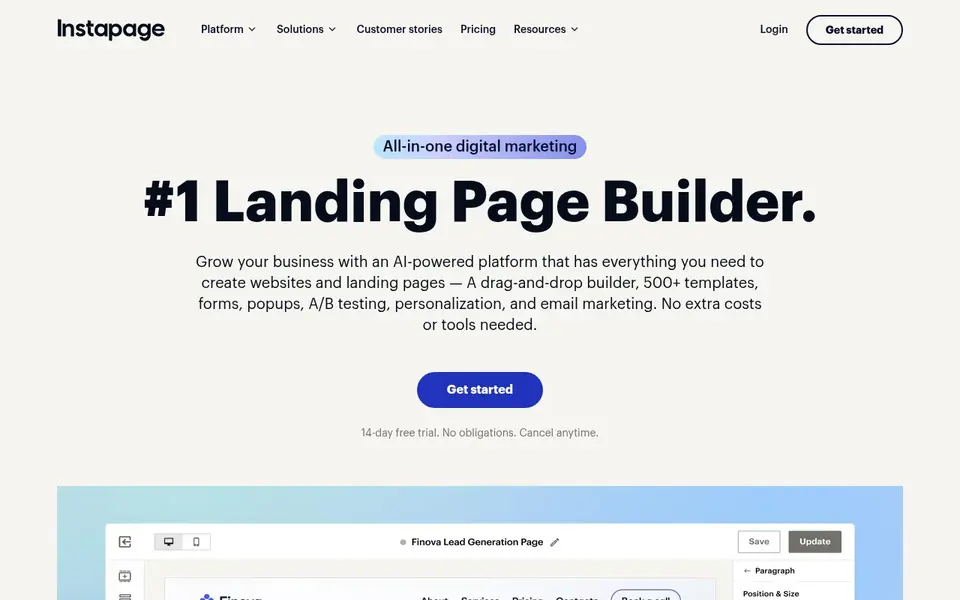
Instapage was built for conversion testing and personalization. It fits SaaS marketing teams that run premium campaigns and have to test variants rapidly.
It is specialized for landing pages instead of full website building, so teams needing a complete site may pair it with another platform. What you pay to start with Instapage: $79 per month. As for free access: Free trial.
Reasons to shortlist it: AI content assistance.
The main drawbacks: Centred on landing pages, not full sites.
- A/B testing and personalization tools
- Drag-and-drop builder with templates
- Feature depth may overwhelm beginners
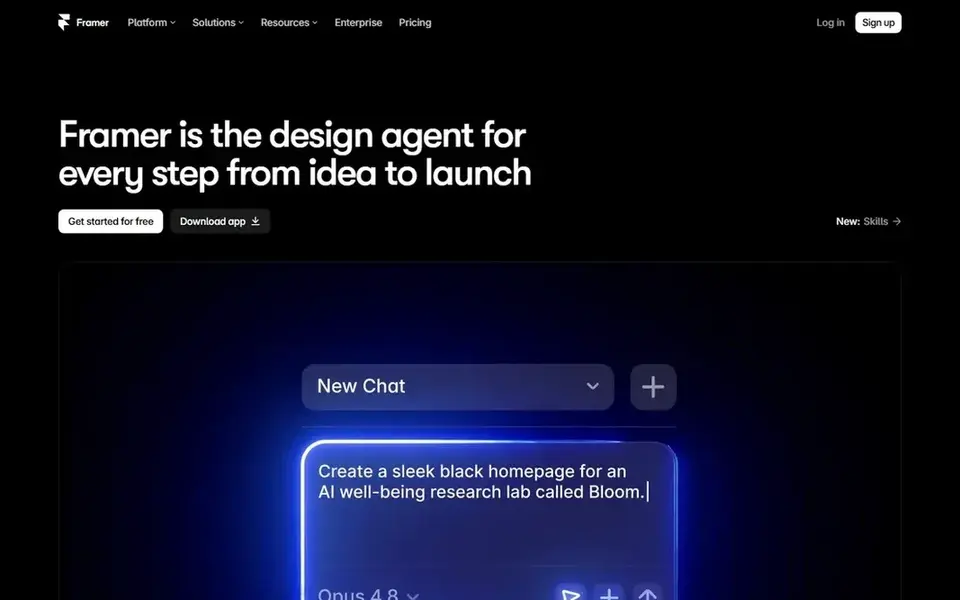
Framer makes the most sense for design-led sites with AI assistance. The design-first approach can be more than a marketer needs for a fast test page, and advanced features take time to learn.
What users get: Hosting, CMS, analytics.
What to check first: Advanced features need learning. Framer starts at: $10 per month. Framer has a free plan.
- Editable changes after launch
- AI design agent for idea to launch
- Design-first workflow may not suit all marketers
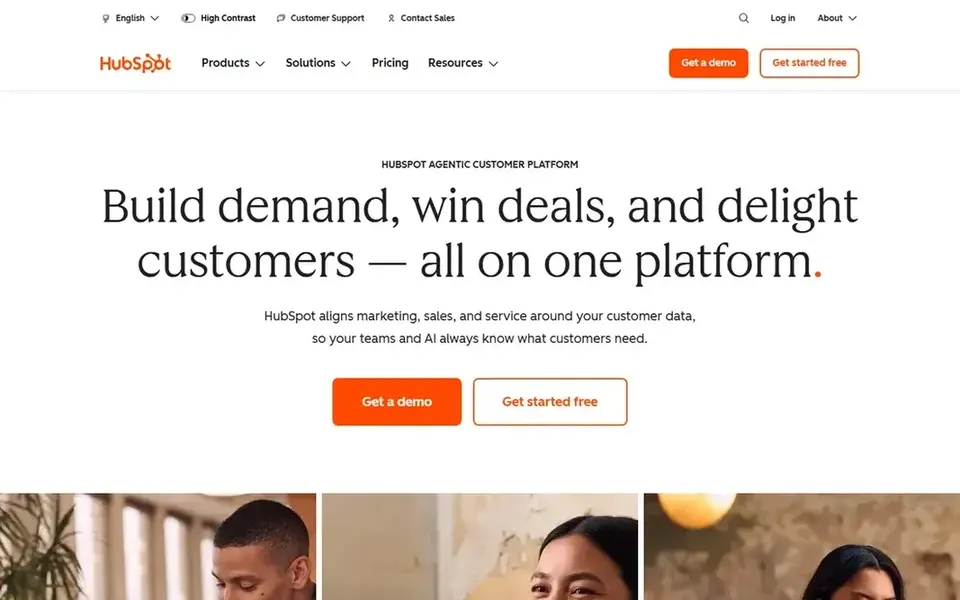
HubSpot was built for landing pages inside a CRM suite. Pick a dedicated builder when page creation is the only requirement.
Drawbacks to consider: Less specialized than dedicated page builders.
HubSpot does not show a starting price in this comparison, so check the vendor site for current pricing. On free options: Not stated.
- Centralized campaign management
- Links marketing and sales data
- Broader suite can be complicated
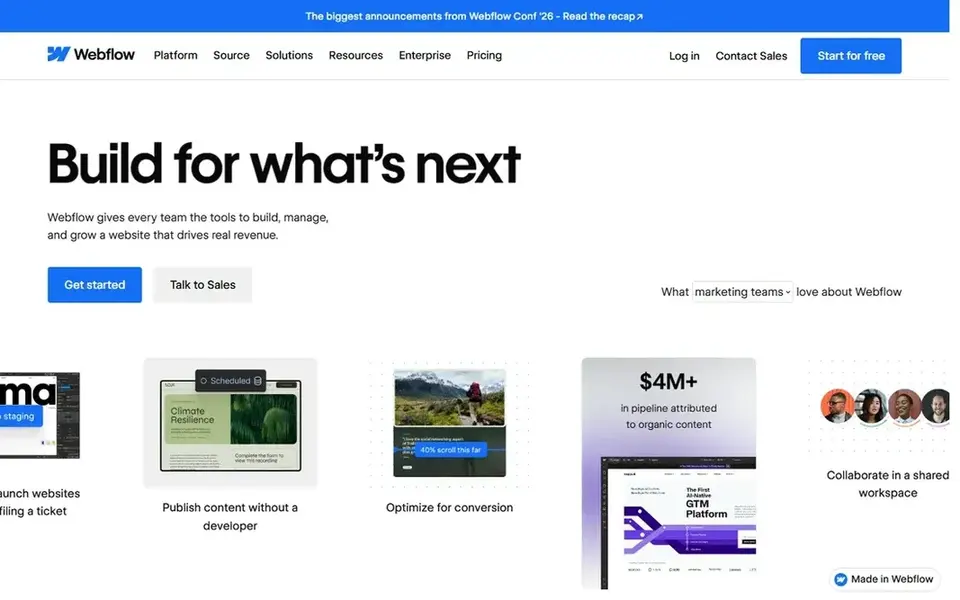
Think of Webflow for design control with CMS and hosting. Webflow is a visual web system for designing, building, and hosting sites with CMS and AI search optimization included.
Watch-outs: Can be heavy for straightforward pages.
Upsides: Enterprise-grade security choices.
In daily use, choose a simpler builder when speed matters more than layout control. The design freedom includes a ramp-up time, and smaller teams may find it more platform than they need for a single campaign page. Webflow pricing: $15 per month. Webflow offers a free plan.
- Visual design with CMS and hosting
- AI search optimization built in
- Steeper ramp-up time
Questions to settle before buying
- Ask HubSpot for a written quote, since no starting price is shown.
- Look at free plan limits closely: Framer and Webflow have one, and the caps decide whether it is usable for real work.
- Use real work to test the free trial from Leadpages and Instapage, rather than a demo project.
- Before choosing Leadpages, weigh its main limit: less design freedom than code-level tools.
- Compare total cost, not headline price: for HubSpot, add extra seats, add-ons and any usage-based charges.
- Find out what support Webflow includes on your plan, and whether onboarding help costs extra.
Frequently asked questions
Is Leadpages the right pick for everyone comparing landing page builders for SaaS?
No single tool suits every team. Leadpages comes first because it fits AI-assisted pages with marketing integrations, while Instapage suits conversion testing and personalization and Framer suits design-led sites with AI assistance. Match the tool to your own size, budget and workflow before deciding.
Can I try these tools before paying?
Often, yes. Framer and Webflow have a free plan and Leadpages and Instapage offer a free trial. Use your own data and a real task during the test, and check what the free tier or trial limits before you rely on it.
What should a SaaS team check before choosing a landing page builder?
Confirm the page structure you need, the testing and personalization features available, and how the builder links to your CRM and analytics.
How are the landing page builders for SaaS ordered?
The order follows typical fit for landing page builders for SaaS, with Leadpages first and Webflow last, then price clarity and free access. It is editorial judgement, not a score, so another team could rank the tools differently.
What is the cheapest option for landing page builders for SaaS in this list?
On published monthly entry prices, Framer is the lowest here at $10 per month. Entry price is only part of the cost, because seats, add-ons and billing terms can change the total.
Which landing page builder is a good match for SaaS teams that require design control?
The first pick on this list is Leadpages, because it suits AI-assisted pages with marketing integrations. Instapage is better for conversion testing and personalization, and Framer for design-led sites with AI assistance. Check price and limits against your own needs before choosing.
Sources
See where you really rank - block by block
ProMapRanker scans Google Maps across a grid of your service area. Simple monthly plans from $19, white-label on every plan.
Start freeBrowse all guides
← Best Field Marketing Event Planning Software (2026)Location-Based Marketing Software for Remote Teams (2026) →
 best book marketing tools for enterprise
Best Book Marketing Tools for Enterprise (2026)
Compare 6 picks for the best book marketing tools for enterprise, with prices, free plans and who each fits. Honest caveats for every entry. Decide faster.
Read → best ai-powered marketing platforms to check out
Best AI-Powered Marketing Platforms to Check Out (2026)
Weighing the best AI-Powered marketing platforms to check out? We lined up 6 products by cost, free access and fit. Read the caveats before you buy. Facts only.
Read → impact.com alternatives
Top Impact.com Alternatives for 2026, With Prices
Comparing Impact.com alternatives? 5 contenders, each with entry cost, free tier and best-fit buyer. Fit, price and catches for every tool. Start here.
Read → best real estate marketing platforms
Best Real Estate Marketing Platforms in 2026
Compare the best real estate marketing platforms for agents and teams, with IDX websites, CRM, lead follow-up, paid ads, published prices and honest limits.
Read → best visibility optimization tool
Best Visibility Optimization Tools in 2026
Compare the best visibility optimization tools that track and improve how a brand appears in search results and AI answers in 2026, with prices right now.
Read → best marketing automation software
Best Marketing Automation Software in 2026
Compare the best marketing automation software in 2026, from HubSpot and ActiveCampaign to Klaviyo and Brevo, with pricing, automation depth and fit today.
Read →More in Marketing Software · All guides A to Z by date · Latest guides