 ProMapRanker
Best Maintenance Planning Software in 2026

Key takeaways
- MaintainX and Fiix offer free starting tiers, which makes them the lowest-risk way for a small team to move off paper and spreadsheets.
- UpKeep and Limble are the easiest mobile-first options for teams that need technicians to adopt the tool quickly in the field.
- eMaint and Hippo CMMS suit larger or regulated operations that need deeper asset control, compliance records, and multi-site reporting.
- Per-user pricing adds up fast, so count every technician and supervisor who needs a paid seat, and check which requester accounts are free.
- The best test is a pilot on one site with real work orders, parts, and preventive schedules, not a demo with sample data.
Quick comparison
| Pick | Great for | Pricing starts at | Free tier | |
|---|---|---|---|---|
 MaintainX | Small teams digitising fast | Free | Yes | Visit |
 UpKeep | Mobile-first small teams | $24 per user per month | No | Visit |
 Fiix | Asset-focused manufacturers | Free | Yes | Visit |
 Limble CMMS | Easy adoption and reliability data | See website | No | Visit |
 eMaint CMMS | Regulated multi-site operations | $69 per user per month | No | Visit |
 Hippo CMMS | Facilities in health, education, and government | See website | No | Visit |
 Fracttal One | IoT and predictive maintenance | See website | Free trial | Visit |
 FMX | Schools and multi-facility operations | $35 per user per month | No | Visit |
The best maintenance planning software
We compared official pricing pages, product documentation, and public user reviews for software that plans, schedules, and tracks maintenance work, assets, and parts. Our pick for most small and mid-size teams is MaintainX, because its free tier is genuinely usable, its mobile app is easy for technicians, and its paid tiers are published clearly.
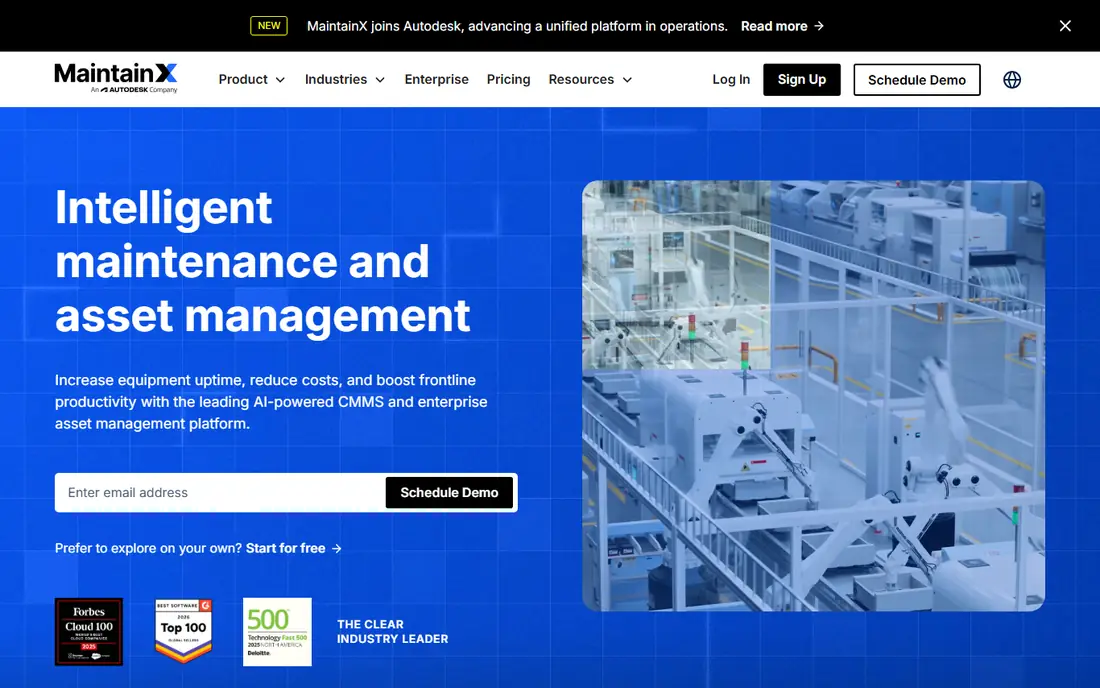
MaintainX is built for frontline teams that need to turn paper work orders into a system technicians will actually use on a phone. The free Basic tier covers unlimited work orders, unlimited procedures, and free requester accounts, with caps on work orders with attached procedures and repeating work orders, which is enough for a small team to test the workflow for real. Paid Essential starts at 20 dollars per user per month billed annually, and Premium at 65 dollars, adding meter-based maintenance, parts inventory, purchase orders, and an open API.
The honest catch is the tier jump. Teams that start free and then need inventory, purchasing, and full analytics will feel the move to Premium, so it pays to map which features the team truly needs before the pilot ends. For a single site or a distributed team that values fast adoption over deep enterprise controls, MaintainX remains the easiest starting point in this list.
- Free Basic tier
- Strong mobile app
- Free requester accounts for reporting issues
- Advanced analytics and inventory sit on higher tiers
- Essential to Premium price jump is steep
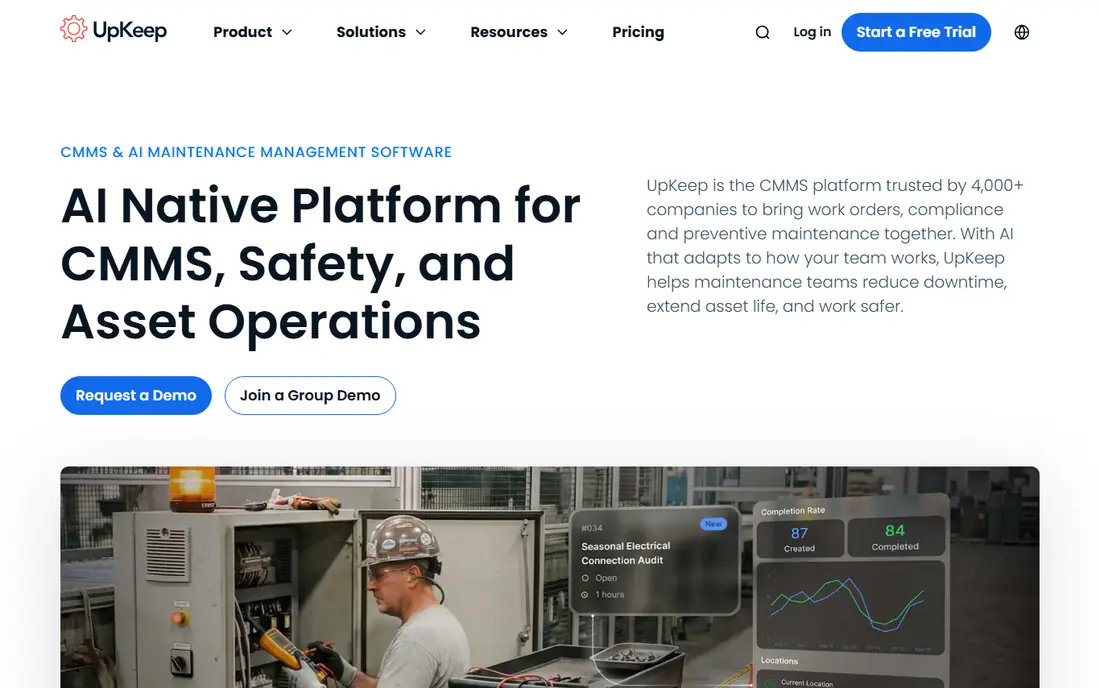
UpKeep is a mobile-first maintenance platform with work orders, preventive maintenance scheduling, asset tracking, and parts inventory, packaged so a small team can be running in days rather than weeks. Essential starts at 24 dollars per user per month, and Premium at 55 dollars, adding PM scheduling, custom checklists, parts costing, and time tracking, while Professional and Enterprise are quoted and add offline mode, workflow automation, and multi-site tools. Requester and view-only users are free, which helps a facility invite staff to report issues without buying a seat for everyone.
There is no free plan, only a trial, so the meter starts as soon as the team commits. Per-user pricing also punishes broad adoption across a large plant, since every technician and admin needs a paid seat. UpKeep fits small to mid-size teams with a defined crew of daily users, and it is a good shortlist pick when a clean mobile experience matters more than enterprise depth.
- Clear published pricing
- Mobile work orders
- Free view-only and requester users
- No free plan
- Deeper features such as offline mode and automation sit on higher tiers
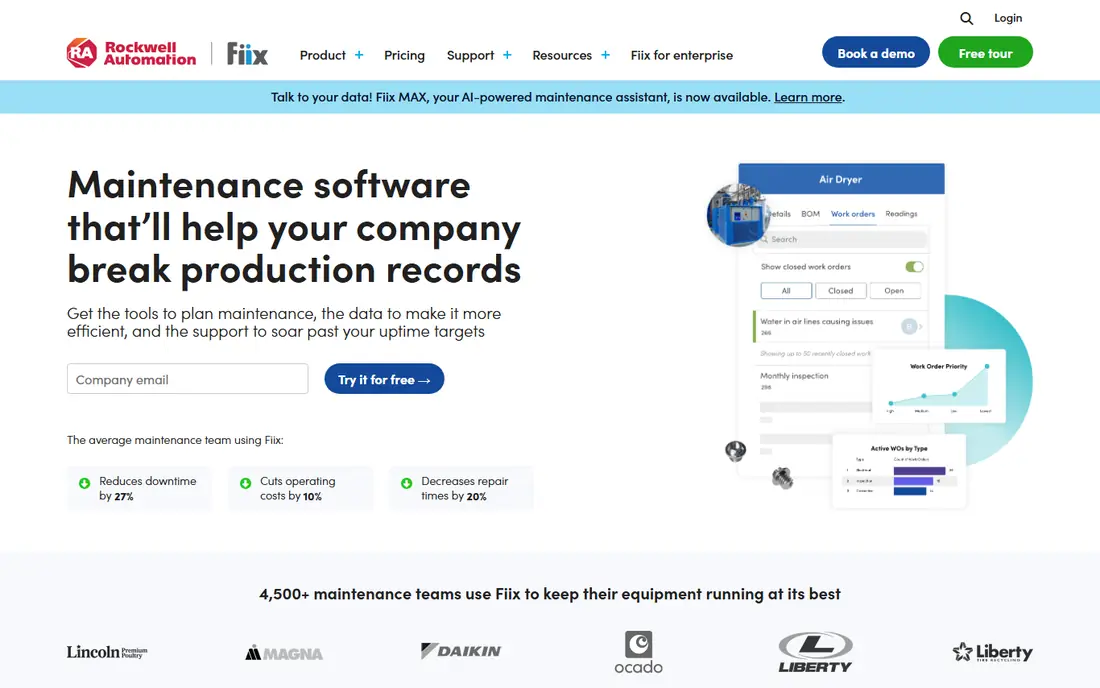
Fiix, now part of Rockwell Automation, is a CMMS for plants that think in assets rather than tickets, with a deep asset hierarchy, preventive maintenance scheduling, and parts inventory at its core. A free tier covers basic work orders and preventive tasks, while Basic starts at 45 dollars per user per month and Professional at 75 dollars, adding multi-site management, purchasing, and advanced analytics. For plants running Rockwell controls, the connection to factory systems is a genuine advantage.
The trade-off is price and setup effort. Fiix costs more per seat than MaintainX or UpKeep, and getting full value from its reporting and workflows takes more configuration time. Teams that need asset intelligence, inventory control, and multi-site reporting will find that premium justified, while teams that only need work orders digitised should start cheaper.
- Strong asset hierarchy and PM engine
- Parts inventory
- Free tier for small teams
- Paid tiers start higher than rivals
- Implementation is heavier than mobile-first tools
Limble CMMS is designed to be the first CMMS a team actually enjoys using, with work orders, preventive maintenance, asset tracking, and a mobile app that technicians pick up quickly. Its downtime reporting, including mean time between failures and mean time to repair, gives reliability-minded teams useful numbers without a separate analytics project, and its custom dashboards help managers see overdue work at a glance. Standard was previously listed at 28 dollars per user per month and Premium+ at 69 dollars, but current pricing is quoted through a price calculator.
That shift to quoted pricing is the main drawback for buyers who want a quick budget figure, and API access and some advanced controls are gated to higher tiers. Limble still suits mid-market manufacturing, food, and facilities teams that value adoption and reliability data, provided they are willing to have a sales conversation before seeing a final price.
- Easy to learn
- Downtime reporting with MTBF and MTTR
- Strong mobile experience
- Pricing is now quote-based through a calculator
- API and advanced features sit on higher tiers
eMaint, a Fluke solution, is a cloud-based CMMS with work order management, preventive and predictive maintenance, asset management, inventory, and reporting, built for manufacturing, healthcare, utilities, and other regulated settings. Team starts at 69 dollars per user per month, Professional at 85 dollars, and Enterprise at 120 dollars, with the higher tiers adding workflow automation, a web API, multi-site tools, and single sign-on. That published structure makes budgeting easier than with quote-only rivals.
The starting price is high for a small team, and eMaint is best justified when compliance records, calibration, or standardisation across sites are central to the job. Teams that need those controls will appreciate the depth, while a five-person crew that only needs work orders and PM reminders can get the same basics for less elsewhere.
- Published tiered pricing
- Strong compliance and calibration support
- Multi-site tools on Enterprise
- Higher starting price
- Smaller teams may find it more platform than they need
Hippo CMMS is a facilities-focused maintenance platform with work orders, preventive maintenance, asset tracking, and inventory, designed around the idea that features only help if staff can find them. Its layout is clean and its learning curve is short, which suits schools, hospitals, municipalities, and other facilities teams where many users are not maintenance specialists. Maintenance requesters do not count as paid users, which keeps the cost of inviting staff to report issues down.
The drawback is transparency and depth. Published list figures have varied over time, so buyers should treat the price as quote-based and confirm the current tier structure in writing. Hippo is a good fit for facilities work, but plants that need deep reliability analytics or heavy manufacturing workflows should compare it closely with Fiix or eMaint before deciding.
- Clean, easy-to-learn interface
- Work order and PM focus
- Requesters are not paid users
- Pricing is quote-based in practice
- Less depth for heavy manufacturing analytics
Fracttal One is a maintenance platform with work orders, preventive maintenance, asset management, and inventory, plus IoT sensor connections that support condition-based and predictive maintenance. That makes it a natural shortlist pick for teams that want to move beyond calendar-based schedules and react to real equipment condition, such as vibration, temperature, or usage data. It is widely used in Latin America and Europe, and it offers a free trial for evaluation.
Pricing is quote-based, so teams should ask for a scoped quote tied to asset count, sensor count, and user count, and confirm support hours and language coverage for their sites. For US teams with no IoT plans, a simpler CMMS may be better value, but for teams investing in connected equipment, Fracttal deserves a pilot.
- IoT sensor integration
- Predictive maintenance features
- Strong presence in Latin America and Europe
- Pricing is quote-based
- US support and partner depth varies by region
FMX is a facilities management platform that combines maintenance work orders and preventive schedules with facility scheduling, which suits schools, churches, municipalities, and other multi-location operations that manage rooms and events as well as equipment. Entry pricing has been listed from 35 dollars per user per month, with higher tiers adding deeper reporting and controls, and a free trial is available for evaluation. Its request portal and calendar views help non-technical staff submit and track work without training.
The limit is manufacturing depth. FMX is not the strongest pick for a plant that needs failure coding, deep inventory costing, or predictive analytics, and teams in that setting should shortlist Fiix or eMaint instead. For facilities teams that need maintenance plus scheduling in one place, FMX is a practical and affordable choice.
- Clear entry pricing
- Facility scheduling alongside maintenance
- Multi-site support
- Less manufacturing depth
- Advanced features need higher tiers
How we picked these
We compared official pricing pages, product documentation, and public reviews, and we favoured tools that are still sold and supported in October 2026, that cover the core maintenance planning jobs of work orders, preventive schedules, assets, and parts, and that serve different team sizes. We checked published versus quote-based pricing, free plans and trials, mobile experience, and multi-site capability, and we did not claim hands-on testing. Where pricing had changed recently, such as Limble moving to a calculator, we said so rather than repeating an old figure as current.
What to check before you buy
Start by counting seats honestly. List every technician, supervisor, and admin who needs to create or close work, then check which roles can be free requesters or view-only users on each platform, because that single distinction can change the annual bill by thousands. Next, run a pilot on one site with your real assets, your real preventive schedules, and your real parts list, and measure whether work orders are completed faster and overdue PMs fall.
Also check the details that only show up in daily use: offline mobile access for areas with poor signal, barcode or QR scanning for parts, meter-based triggers if your equipment is usage-driven, and reporting that your managers can read without exporting to a spreadsheet. Ask about implementation help, data import from your current spreadsheets, and what happens to your data if you cancel. A tool that is easy to leave is often easier to trust, and a pilot that proves adoption is worth more than a long feature list.
Frequently asked questions
What is maintenance planning software?
It is software that plans, schedules, assigns, and tracks maintenance work, including work orders, preventive maintenance, assets, parts, and technician time. It replaces paper forms and spreadsheets with a shared system where managers can see what is due, what is overdue, and what each asset has cost to maintain.
What is the difference between a CMMS and maintenance planning software?
A CMMS, or computerised maintenance management system, is the most common type of maintenance planning software, and the terms are often used interchangeably. Some tools also add enterprise asset management, IoT monitoring, or facilities scheduling, but the core jobs of work orders, PM schedules, and asset history are the same.
How much does maintenance planning software cost?
Most tools in this list charge per user per month, from free tiers at MaintainX and Fiix to 24 dollars at UpKeep, 35 dollars at FMX, and 69 dollars at eMaint, with higher tiers and enterprise plans quoted. The total depends on paid seat count, so a small team may pay a few hundred dollars a month while a large plant pays far more.
Do I need a free plan or a free trial?
A free plan is useful for a very small team that wants to digitise work orders without a budget approval, while a trial is enough for a team that already knows it will pay and wants to test fit. Either way, test with real work on one site before rolling out, because adoption by technicians is the deciding factor.
Can maintenance planning software work offline?
Some tools offer offline mobile mode on paid tiers, which lets technicians complete work in areas with poor signal and sync later. If your team works in basements, plants, or remote sites, confirm offline support, and which tier includes it, before you buy, since it is not standard on every plan.
Sources
See where you really rank - block by block
ProMapRanker scans Google Maps across a grid of your service area. Simple monthly plans from $19, white-label on every plan.
Start freeKeep reading
 wpforms alternatives
Best WPForms Alternatives in 2026
We compare 9 wpforms alternatives for WordPress forms, with free and paid options, current pricing notes, and honest limits for small business sites in 2026.
Read → windows task scheduler alternatives
Best Windows Task Scheduler Alternatives in 2026
Looking for Windows Task Scheduler alternatives? We compare 9 schedulers for Windows and cross-platform work, from free tools to enterprise automation.
Read → which ai video service is best
Which AI Video Service Is Best in 2026
which ai video service is best? We compare 10 legitimate AI video services on price, avatars, editing and output quality to help you pick the right tool.
Read →