 ProMapRanker
Best Location App in 2026: 8 Apps Compared

Key takeaways
- Apple Find My leads for free iPhone families, while Google Maps leads for free mixed device families.
- Life360 leads for dedicated family safety, with driving reports and crash detection on paid plans.
- Glympse leads for temporary sharing, since recipients need no app and sharing expires.
- Location tracking needs consent from every adult involved, and clear rules for children.
- Check battery use, privacy settings and history retention before you choose a paid plan.
Quick comparison
| Pick | Great for | Pricing starts at | Free tier | |
|---|---|---|---|---|
 Life360 | Family location and driving safety | Free | Yes | Visit |
 Apple Find My | iPhone families and devices | Free | Yes | Visit |
 Google Maps | Cross platform location sharing | Free | Yes | Visit |
 Glympse | Temporary sharing without an app | Free | Yes | Visit |
 FamiSafe | Parental location plus screen controls | See website | Free trial | Visit |
 Qustodio | Location plus parental controls | See website | Free trial | Visit |
 Bark | Teen privacy aware monitoring | See website | Free trial | Visit |
 Family Orbit | Family awareness and insights | See website | Free trial | Visit |
The best location apps
These eight location apps cover family sharing, device finding, temporary sharing and parental controls. Location sharing works best with consent: everyone tracked should know, agree, and be able to pause sharing where appropriate.
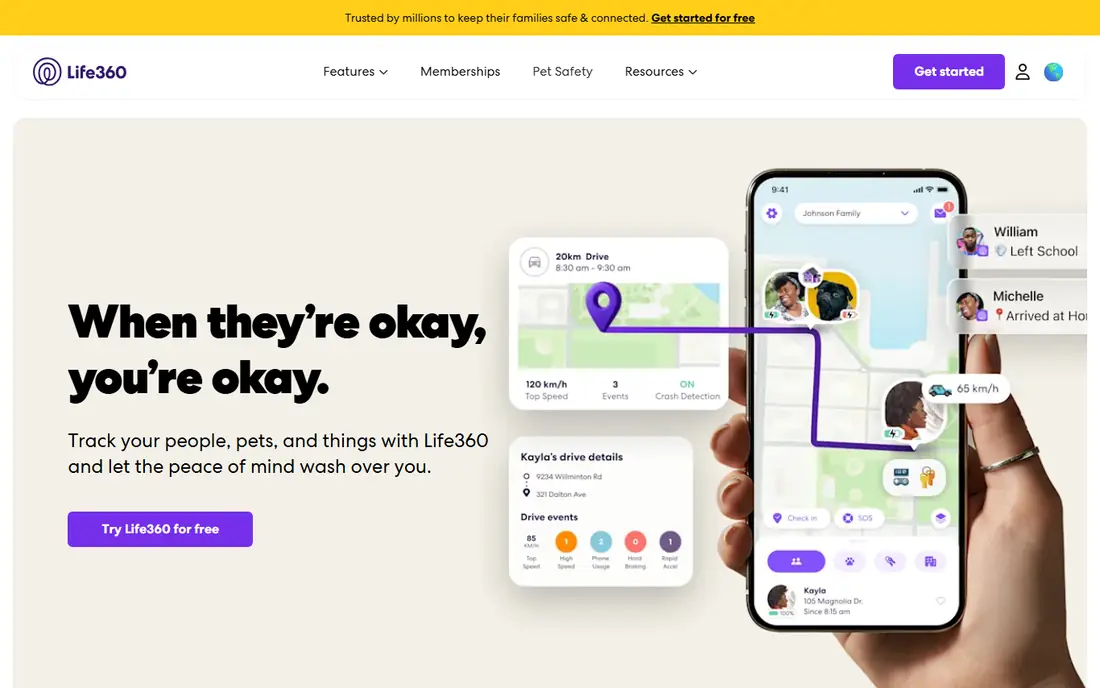
Life360 is the most widely used dedicated family locator in the US. Family members share real time location on one map, with place alerts when someone arrives or leaves home, school or work. Paid plans add driving reports, crash detection, roadside help and longer location history, which many parents value for teen drivers.
The free tier covers basic location sharing and place alerts, but safety features need payment. Privacy also needs attention: review who can see location, how long history is kept, and data sharing settings. Life360 suits families who want one dedicated app for location plus driving safety, with consent from everyone involved.
- Real time family location sharing
- Place alerts and location history on paid plans
- Crash detection and driving reports on paid plans
- Full safety features need a paid plan
- Location data is sensitive, so privacy settings need review
- Battery use can rise
Apple Find My is the best free option for all iPhone families. It finds people who share location with you, plus devices, AirTags and other items, on one map. Arrival and leave alerts, and alerts if someone is not at a place during a schedule, help parents without a subscription. The Apple network can also locate devices offline through nearby Apple devices.
It only works well if everyone uses Apple devices, so mixed Android and iPhone families need another tool. There is no Android app for Find My people sharing. Choose Find My if your household is all Apple and you want a free, private by design locator.
- Free people and device finding on Apple devices
- Arrival and leave alerts
- Offline finding through the Apple network
- Works best only within Apple devices
- No Android app
- Features vary by device and iOS version
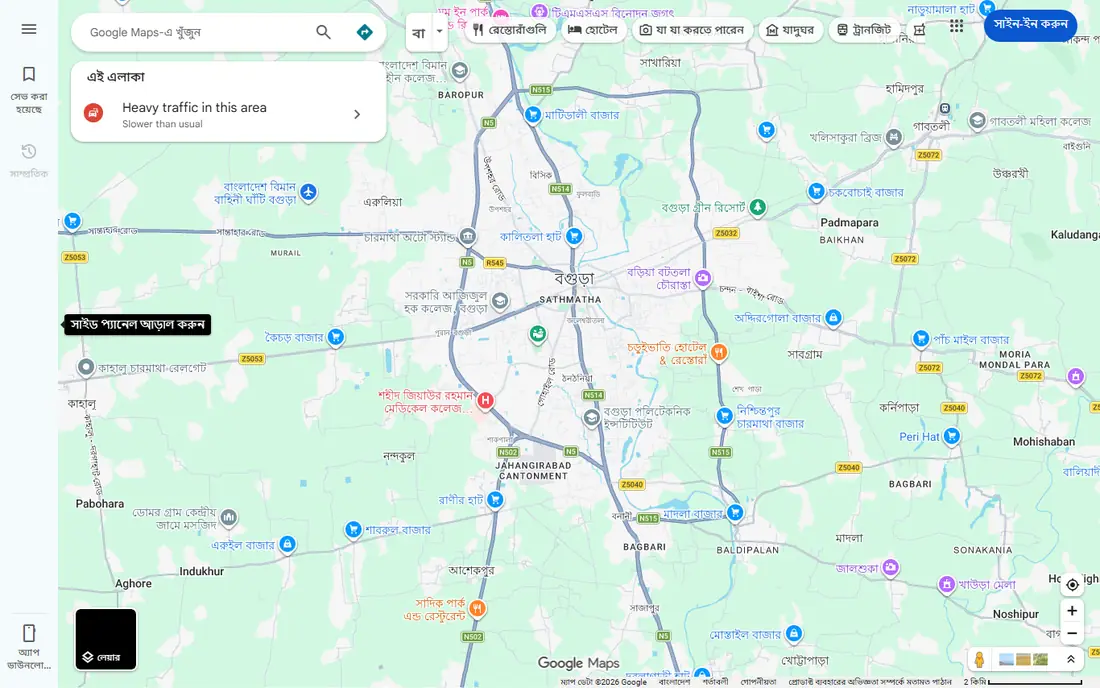
Google Maps location sharing is the best free cross platform option. Anyone with a Google account can share real time location with chosen people, across iPhone and Android, without installing a new app. Arrival and departure notifications, plus battery status in some views, help families coordinate without a subscription.
It lacks the driving reports, crash detection and long history of Life360, and it is mainly a sharing tool, not a safety suite. Privacy settings matter: check who can see you and for how long. Google Maps suits mixed device families who want simple, free sharing.
- Free real time location sharing across iPhone and Android
- Arrival and departure notifications
- Battery and charging status in sharing
- Location history and safety features are lighter than Life360
- Sharing needs a Google account
- Privacy settings need care
Glympse is built for temporary sharing. Send a link, and a friend or family member can see your live location for a set time, without installing anything. That makes it ideal for meeting up, airport pickups, or letting a family member follow a journey, without ongoing tracking. Sharing expires automatically, which protects privacy.
It is not a family safety app: there is no long history, driving report or geofence suite. That limit is intentional. Use Glympse for short term sharing, and pair it with Find My, Google Maps or Life360 for ongoing family location.
- Temporary location sharing by link
- Recipients need no app
- Sharing expires automatically
- No long term family history or safety suite
- Features are basic
- Sharing is time limited by design
FamiSafe combines location tracking with parental controls. Parents get GPS location, geofence alerts and location history, plus screen time limits, app blocking and web filtering on supported devices. That mix suits families who want safety and online controls in one subscription, rather than two separate apps.
Full use needs a subscription, and some child controls work better on Android than iOS, due to platform limits. Setup also takes time across devices. FamiSafe suits parents who want location plus broader parental controls, and who will configure it carefully with their children.
- GPS location and geofence alerts
- Screen time, app and web controls
- Location history
- Subscription needed for full use
- Child device controls vary by platform
- Setup takes time
Qustodio is a parental control suite with location tracking included. It offers location and geofence alerts, screen time limits, web filtering and activity reports, which help parents see both where a child is and what they do online. Reports can prompt useful conversations about safety and screen habits.
Location is one part of a larger suite, so families who only need location may find it heavy. iOS limits also affect some controls. Qustodio suits families who want location plus screen and web controls in one paid plan, with clear rules agreed with children.
- Location tracking and geofence alerts
- Screen time and web filtering
- Activity reports for parents
- Full features need a paid plan
- Location accuracy depends on device settings
- IOS controls are limited by Apple rules
Bark takes a privacy aware approach for older children and teens. It offers location alerts and check ins, plus monitoring that flags risky messages, bullying or concerning content on supported platforms, rather than showing parents every message. That balance can help teens accept location sharing, since it feels less like constant watching.
Monitoring coverage varies by app and platform, and location detail is lighter than Life360. A subscription is needed for full features. Bark suits families with older teens who value some privacy, and where trust and conversation matter as much as a map.
- Location alerts and check ins
- Monitoring for risky messages and content on supported platforms
- Teen focused privacy approach
- Full monitoring needs a subscription
- Coverage varies by platform
- Location is not as detailed as Life360
Family Orbit aims to give parents awareness without making children feel watched. It offers location sharing, geofence alerts and insights on routines, plus parental controls on supported devices. That insight angle suits families who want patterns, such as regular school and home times, rather than only a live dot on a map.
It has a smaller user base than Life360, and features vary by platform, so check your devices before subscribing. Full use needs payment. Family Orbit suits families who want location plus routine insights, and who will discuss tracking openly with children.
- Family location sharing and geofence alerts
- Insights on routines
- Parental controls on supported devices
- Subscription needed for full use
- Smaller user base than Life360
- Features vary by platform
How we picked these
We compared official feature pages, pricing pages and app store listings for products live in October 2026. We checked what each tool actually does, what its free tier includes, and what its paid plan costs. We left out discontinued tools and tools whose claims we could not verify from the vendor.
We did not claim hands-on testing that did not happen. Our notes rest on vendor pages, public documentation and public reviews, so you can verify any claim before you pay.
How to choose a location app
Start with your devices and your need
If everyone uses iPhones, Find My may be enough for free. If devices are mixed, Google Maps sharing covers the basics free. If you need driving safety, crash detection or long history, Life360 is the dedicated pick. If you only need to share a journey once, Glympse avoids ongoing tracking altogether. Match the app to the job, rather than paying for a safety suite you will not use.
Agree rules and privacy settings first
Location data is sensitive. For adults, tracking without consent is not acceptable and may be unlawful in many places. For children, agree what is shared, when, and why, and review settings together. Check who can see location, how long history is kept, whether data is sold, and how to pause sharing. A conversation about trust will do more for safety than any map.
Test battery, accuracy and alerts
GPS polling can drain battery, especially on older phones. Test location accuracy indoors and outdoors, and check how fast place alerts arrive. If alerts lag or battery drops sharply, adjust update frequency or try another app. Also test what happens when a phone is off or out of signal: most apps show last known location, not live tracking, in that case.
Frequently asked questions
What is the best location app?
Life360 suits dedicated family safety, Apple Find My suits free iPhone families, and Google Maps suits free mixed device families. Glympse suits temporary sharing without an app.
What is the best location app for family tracking?
Life360 is the most complete family tracker, with place alerts, driving reports and crash detection on paid plans. Find My and Google Maps cover basic family sharing free, without the safety suite.
Can I track a phone without the person knowing?
No, and you should not try. Legitimate location apps require consent and visible permissions. Tracking an adult without consent can breach privacy law and trust, and apps that promise secret tracking are often unsafe.
Does location sharing drain battery?
Yes, to some degree, depending on update frequency and device. Dedicated trackers can use more battery than built in sharing. Lowering update frequency and checking battery settings can help.
What is the best free location app?
Apple Find My is best free for iPhone families, Google Maps is best free for mixed devices, and Glympse is best free for temporary sharing. Life360 free also covers basic family sharing.
Sources
See where you really rank - block by block
ProMapRanker scans Google Maps across a grid of your service area. Simple monthly plans from $19, white-label on every plan.
Start freeKeep reading
 wpforms alternatives
Best WPForms Alternatives in 2026
We compare 9 wpforms alternatives for WordPress forms, with free and paid options, current pricing notes, and honest limits for small business sites in 2026.
Read → windows task scheduler alternatives
Best Windows Task Scheduler Alternatives in 2026
Looking for Windows Task Scheduler alternatives? We compare 9 schedulers for Windows and cross-platform work, from free tools to enterprise automation.
Read → which ai video service is best
Which AI Video Service Is Best in 2026
which ai video service is best? We compare 10 legitimate AI video services on price, avatars, editing and output quality to help you pick the right tool.
Read →