 ProMapRanker
Best Local SEO Tools for Carpet Cleaning Companies in 2026

All-in-one local SEO for service-area businesses · Pricing starts at: See website
Direct answer
BrightLocal is my top pick for carpet cleaning companies because it puts rank tracking, review monitoring, citation checks and local audit reports in one dashboard built around service-area businesses. It has no free plan stated, so check its pricing page before you commit. If reviews are your main gap, look at Birdeye, and if you want to see how far your van travels across a metro for each carpet cleaning keyword, Local Falcon is the better fit.
I put this list together from vendor documentation and public sources, not from hands-on testing. I looked at what each tool actually does for a service-area business that books jobs by phone, and where each one stops being useful. The order reflects fit for carpet cleaning companies specifically, not overall market share.
Key takeaways
- Carpet cleaning is a service-area business, so you need tools that track rankings across several suburbs, not just one city centre pin.
- Review volume and recency matter more than almost any other signal for "carpet cleaning near me" searches, so a review tool belongs in your stack.
- Call tracking shows which keywords actually produce booked jobs, which matters when most enquiries arrive by phone.
- Google Business Profile accuracy (service areas, hours, categories) should be fixed before you spend on any paid tool.
- Most of these tools overlap, so pick two or three that cover rankings, reviews and calls rather than buying everything.
Quick comparison
| Pick | Great for | Pricing starts at | Free tier | |
|---|---|---|---|---|
| BrightLocal | All-in-one local SEO for service-area businesses | See website | No free plan stated | Visit |
 Local Falcon | Grid-based map rank tracking | See website | No free plan stated | Visit |
 Whitespark | Citation building and local rank tracking | See website | No free plan stated | Visit |
 Birdeye | Review generation and customer messaging | See website | No free plan stated | Visit |
 CallRail | Call tracking and lead attribution | See website | Free trial | Visit |
 Yext | Central listings management at scale | See website | No free plan stated | Visit |
 Semrush | Keyword and competitor research | See website | Free plan | Visit |
The best local SEO tools for carpet cleaning companies compared
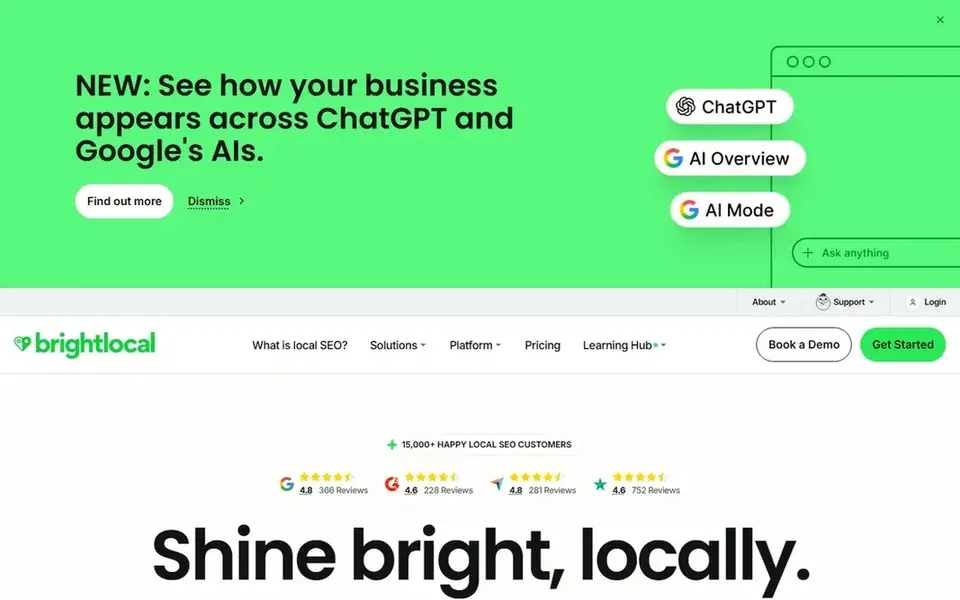
BrightLocal is a local SEO platform aimed at agencies and small businesses. For a carpet cleaning company it covers the three things that matter most: where you rank in each suburb you serve, what customers are saying in reviews, and whether your business details are consistent across directories. You can run a local audit and get a list of fixable issues on your Google Business Profile and citations.
In practice, you would set up your main city plus the surrounding towns you drive to, then check rankings weekly. The review monitoring pulls in new Google reviews so you can reply from one place, which matters because carpet cleaning customers often mention specific technicians or stains. The citation audit flags listings with old phone numbers, which is a common problem after a rebrand or a move.
The limits are cost and complexity. If you only serve one small town and get most work by referral, a simpler review tool may be enough. Skip it if you want a single-purpose tool and nothing else.
- Rank tracking across multiple locations
- review monitoring and response tools
- citation audit and local audit reports
- Some features cost extra as add-ons
- interface has a lot to learn at first
Local Falcon runs grid scans that show where your business appears on Google Maps across a map of pins. For carpet cleaning this is genuinely useful, because a company based in one suburb may rank well there and barely appear three towns over where the jobs are just as good.
You can set a scan around your service area, see which pins are green and which are red, and then decide where to push reviews or local content. It pairs well with BrightLocal if you want the grid view alongside citation and review data. The main limit is that it tracks position, not why you rank, so you still need to act on the results yourself.
- Visual grid shows ranking across a whole service area
- good for spotting weak suburbs
- tracks Google Maps positions over time
- Scans consume credits
- not a full SEO suite
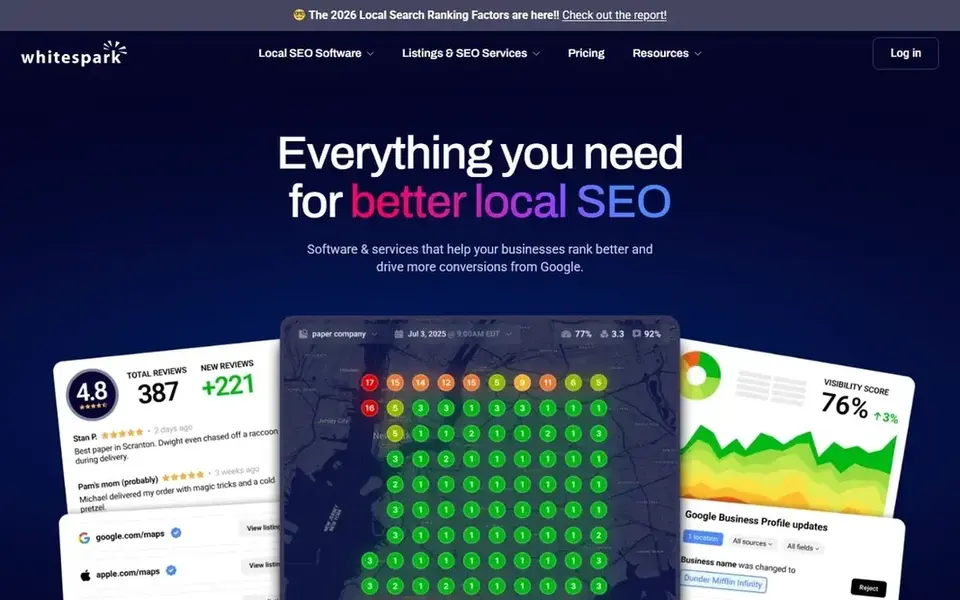
Whitespark is known for citation research and local rank tracking. If your carpet cleaning business is not listed in the local directories customers actually use, the citation finder shows the gaps, and you can submit listings yourself or use the done-for-you service.
For a carpet cleaning company, the value is in consistency: the same business name, address and phone number across every listing. Whitespark's rank tracker then shows whether those fixes move you for terms like "carpet cleaning [suburb]". It is a focused tool rather than a full platform, so budget time for the manual submissions if you do them in-house.
- Citation finder surfaces directories you are missing
- local rank tracker covers multiple keywords
- citation building service available
- Citation submissions are manual work
- not a review management tool
Birdeye handles review requests and customer messaging. For carpet cleaning, the workflow fits well: after a job is marked complete, the customer gets a request to leave a Google review, and you can reply to reviews and messages from one inbox.
Reviews are one of the strongest signals for local pack placement, and carpet cleaning customers are usually happy to leave one right after the carpets dry. Birdeye automates that timing so you are not chasing reviews manually. The limit is price and scope: a one-van operation may find it heavy, and a simpler review request tool could do the job.
- Automated review requests after a job
- unified inbox for messages and reviews
- review responses in one place
- Priced for larger operations
- more features than a small carpet cleaner needs
CallRail is call tracking software. Most carpet cleaning enquiries arrive as phone calls, so knowing which keyword or ad produced a call tells you where to spend your marketing budget. You assign a tracking number to a page or campaign and the call is attributed to its source.
For a local SEO programme this closes the loop: you can see whether "carpet cleaning near me" or a suburb-specific page is generating calls, not just clicks. Call recording and routing help you handle missed calls. The limit is cost per number and setup time, and if your volume is low the data may not justify it.
- Tracks which keyword or source produced each call
- call recording and routing
- integrates with Google Ads and Analytics
- Costs rise with each tracked number
- overkill if you get few calls
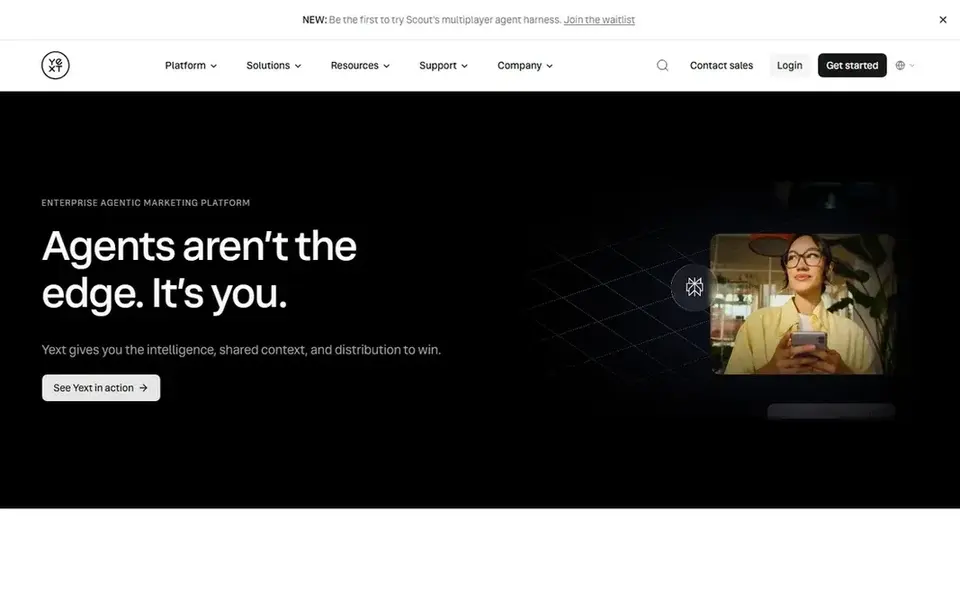
Yext manages business listings from a central source. If you run several carpet cleaning branches or franchise territories, changing a phone number or adding a new service area once and having it propagate is a real time saver.
For a single-location cleaner the value is thinner, because the cost is built around scale. It does not replace review management or rank tracking, so treat it as one layer of the stack. Check contract terms carefully before signing.
- Updates business details across many directories from one place
- good for multi-location cleaners
- structured data control
- Annual contracts
- expensive for a single location
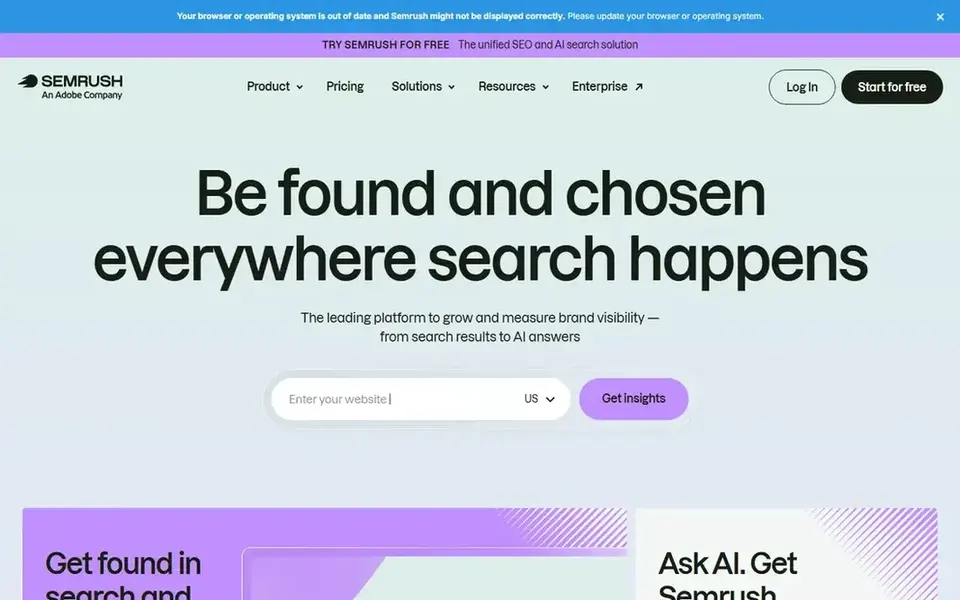
Semrush is a broad SEO platform. For carpet cleaning companies the useful parts are keyword research (finding terms like "pet stain removal [town]") and competitor analysis, so you can see which local pages are pulling traffic.
It is not built specifically for local service businesses, so you will use a fraction of it. Pair it with a dedicated local tool rather than relying on it alone. The free plan is limited, which is fine for checking a few terms before you commit.
- Keyword research for service and suburb terms
- competitor domain analysis
- local listing and ranking checks
- Local features are secondary to the main SEO suite
- learning curve
How I chose
I compared these tools using vendor documentation, public help centres and product pages, plus what is publicly known about how each one is positioned. I did not run hands-on tests, and I have not measured results for any carpet cleaning company. The ranking reflects fit for a service-area business that books jobs by phone and competes in several suburbs at once.
I weighted three things: whether the tool tracks rankings across a service area rather than a single pin, whether it handles reviews or calls (the two channels that produce carpet cleaning bookings), and whether the price structure makes sense for a small operator. Tools that only work at scale, or that duplicate something already covered, rank lower. Where a tool has a clear limit, I say so rather than hiding it.
What to check before you buy
- Confirm the tool can track rankings across multiple suburbs or a grid, not just one city centre location.
- Check whether review requests can be triggered after a job, since timing drives response rates.
- Make sure call tracking numbers will not break your Google Business Profile phone number consistency.
- Verify that citation tools cover the directories your customers actually use in your region.
- Ask whether pricing is per location, per user or per tracked keyword, because service-area businesses often need several locations.
- Confirm the tool follows Google's review guidelines and does not offer review gating or incentives.
Frequently asked questions
Do carpet cleaning companies really need local SEO tools?
Not all of them, but most benefit from at least a rank tracker and a review tool. Carpet cleaning is a "near me" search category, so visibility in the local pack across your service area drives calls. Tools make it easier to see where you rank and to collect reviews consistently.
Which tool should I start with if I have a small budget?
Start with a rank tracker that covers your service area, then add review requests. BrightLocal bundles both, which is why it tops this list. If budget is very tight, fix your Google Business Profile first, since that costs nothing.
How do I track rankings across several towns?
Use a grid-based tracker such as Local Falcon, or set up multiple locations in BrightLocal. A single city-level rank does not tell you much when your customers are spread across suburbs, so grid or multi-location tracking gives a more honest picture.
Do review tools break Google's rules?
Only if they gate reviews or offer incentives. Asking every customer for an honest review after a job is fine. Avoid tools that filter out unhappy customers before they reach Google, and never pay for reviews.
Can I manage listings without paying for a tool?
Yes, but it takes time. You can claim your Google Business Profile and submit to the main directories manually. A tool like Whitespark or Yext speeds this up and keeps details consistent, which matters more as you add locations.
Sources
See where you really rank - block by block
ProMapRanker scans Google Maps across a grid of your service area. Simple monthly plans from $19, white-label on every plan.
Start freeBrowse all guides
← Best Local SEO Tools for Bike Shops in 2026Best Local SEO Tools for Furniture Stores in 2026 →
 best local rank tracking tools for storage facilities
Best Local Rank Tracking Tools for Storage Facilities in 2026
A practical guide to the best local rank tracking tools for storage facilities in 2026, covering grid scans, Google Business Profile checks and reporting.
Read → best local rank tracking tools for real estate agents
Best Local Rank Tracking Tools for Real Estate Agents in 2026
A practical guide to local rank tracking tools for real estate agents, compared from vendor docs and public sources, with pricing and fit notes.
Read → best local rank tracking tools for orthodontists
Best Local Rank Tracking Tools for Orthodontists in 2026
A practical guide to the best local rank tracking tools for orthodontists, compared from vendor documentation and public sources for 2026.
Read → google business profile posts
Google Business Profile Posts: How to Use Them for Rankings and Clicks
How to use Google Business Profile posts to stay active, attract clicks, and support your local rankings.
Read → why geo grid is mostly red
Why Your Geo-Grid Is Mostly Red (and the Fix Workflow)
Why your geo-grid is mostly red and a prescriptive workflow to turn red zones green.
Read → local pack rankings
Local Pack Rankings: A Complete Guide
Everything you need to know about local pack rankings: what it is, why it matters for local SEO, and exactly how to act on it.
Read →More in Local SEO & Google Maps · All guides A to Z by date · Latest guides