 ProMapRanker
Best Local Rank Tracking Tools for IT Support Companies in 2026

Grid and local pack rank tracking · Pricing starts at: See website
Direct answer
Places Scout is my first pick for IT support companies because it tracks local pack and map grid rankings at the postcode level and lets you watch several service areas from one project. It has no free plan stated, so check its pricing page before you commit. If you want a lower-cost keyword tracker with a client-friendly dashboard, look at SE Ranking, and if you mainly need map grid visibility across a metro area, Local Falcon is the other one to shortlist.
I put this list together from vendor documentation, help centre articles and public product pages, and I did not run hands-on tests of each tool. My focus was how each one handles the things an IT support business actually needs: several service towns, map pack position, postcode-level grids and reports a client can read.
Key takeaways
- IT support companies usually rank in several towns at once, so a tool that tracks grids or multiple locations matters more than a single national keyword list.
- Map pack position is what brings the phone call for "computer repair near me" and "managed IT services [town]", so check that the tool reports local pack rank separately from organic rank.
- Postcode or neighbourhood level tracking shows which suburbs you actually win, which helps you decide where to build citations and get reviews next.
- A tool that exports clean PDF or shared-link reports saves hours when you report to a business owner or a marketing manager.
- None of these tools fix a weak Google Business Profile on their own; they measure the result of profile, review and citation work you do separately.
Quick comparison
| Pick | Great for | Pricing starts at | Free tier | |
|---|---|---|---|---|
| Places Scout | Grid and local pack rank tracking | See website | Not stated | Visit |
 SE Ranking | All-round local SEO with reporting | See website | Free trial | Visit |
 Local Falcon | Map grid scans across a service area | See website | Not stated | Visit |
 BrightLocal | Rank tracking with citations and reviews | See website | Free trial | Visit |
 Whitespark | Local rank tracking tied to citation work | See website | Not stated | Visit |
 WhatConverts | Tying rankings to calls and leads | See website | Free trial | Visit |
 Semrush Local | Teams already using Semrush | See website | No free plan | Visit |
The best local rank tracking tools for IT support companies compared
Places Scout is a desktop rank tracking tool built around local search. It scans a grid of points around a location and reports where you appear in the map pack at each point, which suits an IT support company that serves a city plus the surrounding towns rather than one pin on a map.
For an IT support business, the useful part is seeing that you rank well near your office but drop off two suburbs out. That tells you where to ask for reviews from clients in those areas and where to add citations. You can run several locations in one project, so a company with two branches or a partner covering a wider region can compare them side by side.
The limits are practical: it is installed software, so there is a learning curve, and it is aimed at people who do SEO regularly rather than a business owner checking once a month. If you want a browser dashboard your client logs into, look further down this list.
- Postcode-level grid scans
- tracks local pack and organic separately
- handles multiple locations per project
- Desktop install rather than browser-only
- interface takes time to learn
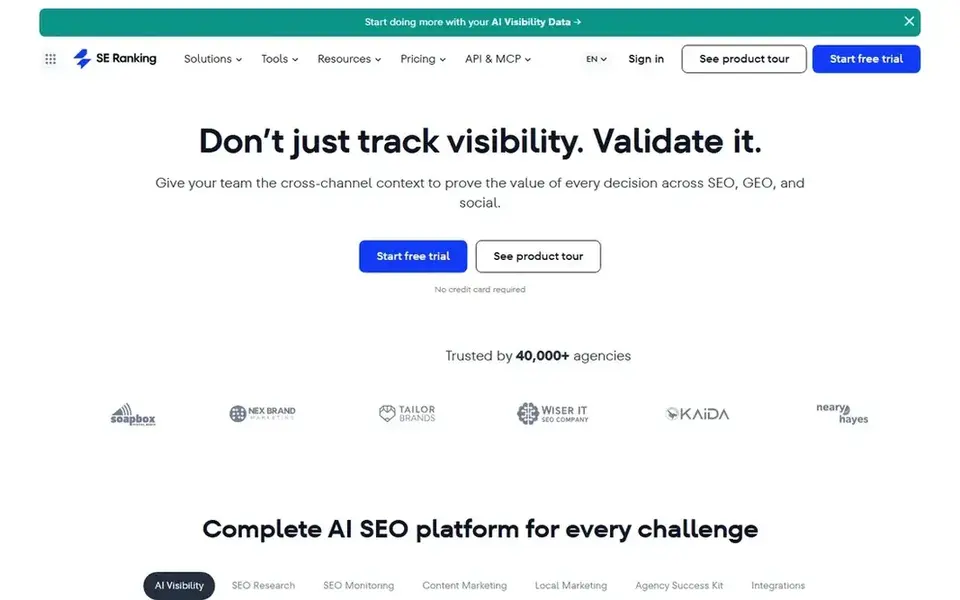
SE Ranking is a general SEO platform with a local rank tracking module. You add keywords like "managed IT services [town]" and "computer repair near me", set the location, and it records your position in both the local pack and the standard results.
For IT support companies, the reporting side is the draw. You can build a branded report showing movement over time and send it to a client or your own management without rebuilding it each month. It also tracks competitors, so you can see which rival MSP keeps appearing above you in the map pack for a specific town.
The limit is that the deepest local pack data sits on higher plans, and the platform covers much more than local search. A one-person IT shop may find it heavier than needed.
- Clear client-facing reports
- tracks local pack and organic together
- competitor tracking included
- Deep local pack data depends on the plan
- more features than a small MSP needs
Local Falcon runs map grid scans and shows the results as a heat-style grid around a business location. Each point on the grid is a place where a searcher might be standing, and the tool records whether you appear in the local pack there.
That fits an IT support company with a wide service radius. If you cover a metro area, a single grid scan shows whether your visibility fades at the edges, which is often where the next client is. It is a good tool to run before and after a review push or a citation clean-up to see whether the map pack reach changed.
The main limit is that a scan is a snapshot of one moment, not a live rank. It also does not replace keyword rank tracking for your website pages, so most businesses pair it with another tool.
- Visual grid of map pack positions
- good for spotting weak suburbs
- simple scan setup
- Scans are point-in-time snapshots
- less useful for organic keyword tracking
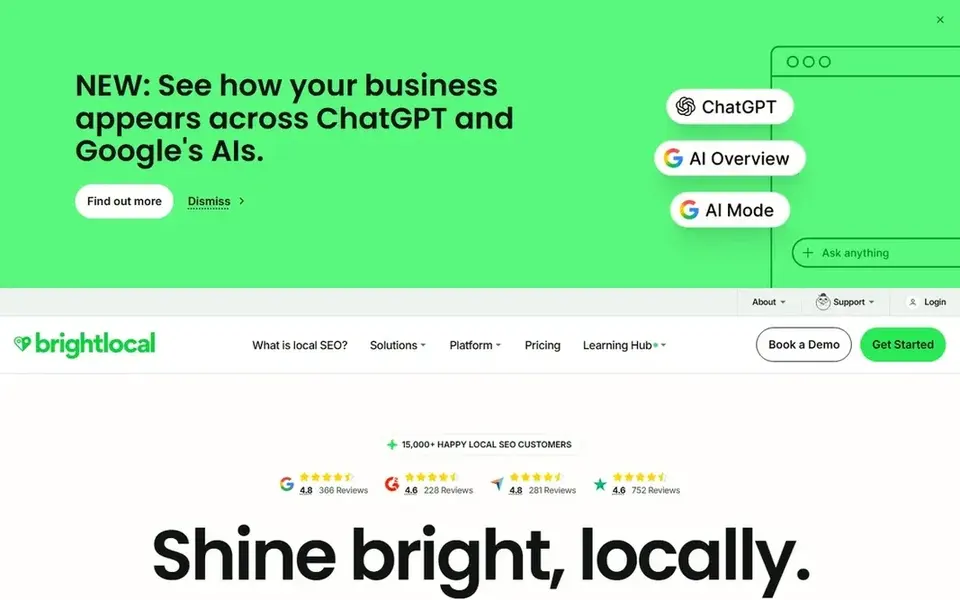
BrightLocal combines local rank tracking with citation building and review tools. You set up a business, add keywords and locations, and it reports where you appear in local search over time.
For an IT support company, the value is having ranking, citations and reviews in one place. If you notice you rank poorly in a nearby town, you can check the citation coverage for that area and fix gaps without switching tools. The reports are written for local business owners, which helps when you explain results to a client who does not work in SEO.
The limit is that rank checks are scheduled rather than on demand, so you will not get an instant check after every change. Businesses that only want rank data may find the extra modules unnecessary.
- Rank tracking, citation building and review monitoring in one account
- reports aimed at local businesses
- good for multi-location work
- Rank checks run on a schedule
- interface covers a lot of ground
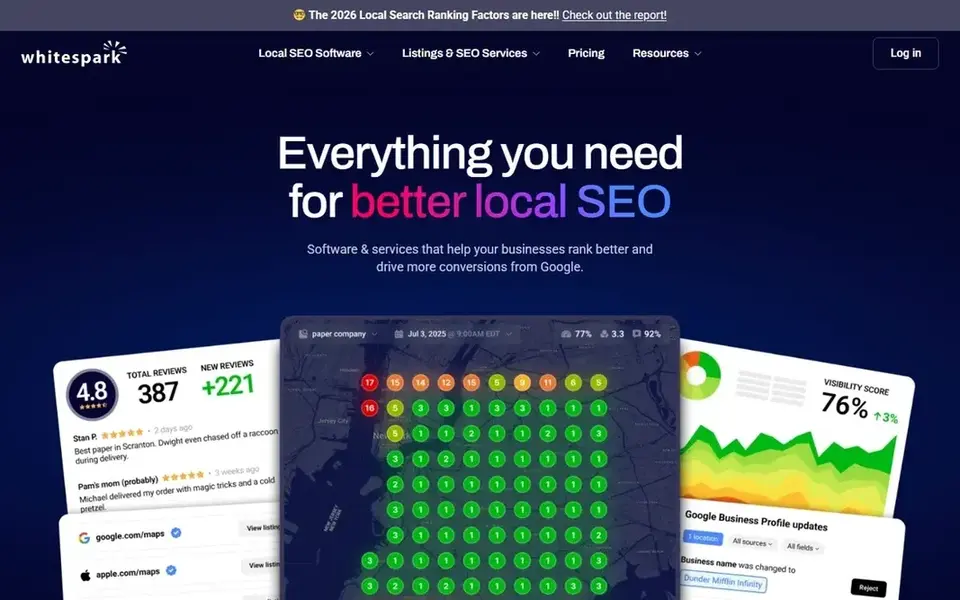
Whitespark is a local SEO toolkit with a rank tracker at its centre. It tracks local pack and organic positions for keywords tied to a location, and it sits next to citation finding and building tools from the same company.
An IT support company that serves several towns can use it to see where it appears in the map pack for each town, then use the citation tools to strengthen listings in the places where it is weak. That pairing is the reason to pick it: ranking data and the fix for weak rankings live in the same account.
The limit is scope. It is built for local search rather than general SEO, so if you also want site audits and backlink analysis you will need another tool. No free plan is stated, so check the pricing page.
- Local rank tracker built for service-area businesses
- citation finder and builder alongside it
- strong local search focus
- Narrower than a full SEO suite
- no free plan stated
WhatConverts is a lead tracking tool that records calls, forms and chats and ties each one back to the source that produced it, including the keyword and landing page. It also includes rank tracking so you can see position alongside lead data.
For an IT support company, this answers the question that matters: did the ranking change bring in more support enquiries? If "managed IT services [town]" moves up and the phone starts ringing from that town, you can see it in one report. That is more useful than a rank number on its own when you are deciding where to spend effort.
The limit is that rank tracking is a supporting feature, not the core. If you only want rank data, a dedicated tracker is a better fit. No free plan is stated beyond the trial.
- Call and form lead tracking
- shows which keyword or source produced a lead
- lead reports for clients
- Rank tracking is secondary
- not a full local SEO platform
Semrush Local adds location-based rank tracking and listing management to the wider Semrush platform. You can track keywords by town and see local pack positions next to the organic data you already have.
This makes sense for an IT support company that already pays for Semrush for site audits, competitor research or content planning. Adding local tracking keeps everything in one login, and the listing management add-on helps keep business details consistent across directories.
The limit is cost and weight. Local features sit on top of the main subscription, and a small MSP that only needs rank tracking will pay for a lot it does not use. No free plan is available.
- Local rank tracking inside a large SEO platform
- listing management add-on
- familiar interface for existing users
- Local features cost extra on top of the main plan
- heavy for a small IT business
How I chose
I compared these tools by reading vendor documentation, help centre articles and public product pages, and I did not run hands-on tests. I looked at how each tool handles the specific job of an IT support company: tracking map pack position across several towns, reporting in a way a client can understand, and fitting alongside the citation and review work that local rankings depend on.
I also weighed limits honestly. Some tools are broad platforms where local rank tracking is one module, and others are narrow local specialists. I noted where a tool needs a desktop install, where rank checks are scheduled rather than instant, and where local features cost extra. The order reflects fit for this audience, not a claim that one tool is better than another in every case. Check each vendor's current documentation before you decide.
What to check before you buy
- Confirm the tool tracks local pack position separately from organic position, because the map pack is where most "near me" IT support searches end.
- Check whether you can track by postcode or grid point, not just by city name, so you can see which suburbs you actually reach.
- Ask how often rank checks run and whether you can trigger a check on demand after a profile or citation change.
- Make sure you can add several locations or service areas to one account if you cover more than one town.
- Look at the report output: a shared link or PDF a non-technical client can read is worth more than a raw data export.
- Check whether rank tracking comes bundled with citation or review tools, since local rankings depend on both.
Frequently asked questions
Do IT support companies need a special rank tracker?
A general rank tracker shows your website position, but it often misses the map pack, which is where local service searches end. A local rank tracker records your position in the map results at a specific location or grid point. For an IT support company serving several towns, that location-level view is the part that matters most.
How many locations should I track?
Track every town you actively serve and want enquiries from, plus your office location. If you cover a metro area, a grid scan shows where visibility fades at the edges. Adding towns you do not serve wastes checks and muddies the report, so keep the list to places where you can actually take on work.
Can rank tracking show me which suburbs I am losing?
Yes, if the tool supports postcode or grid-level tracking. A grid scan shows your map pack position at points around your location, so you can see the suburbs where you drop out. That tells you where to focus review requests from existing clients and where to check citation coverage.
Does rank tracking replace citation building?
No. Rank tracking measures where you appear; citations and a complete Google Business Profile help you appear there in the first place. Most local SEO work is the citation and review side, with rank tracking used to check whether the work moved the needle. Use them together rather than treating one as a substitute for the other.
Why is there no price in this guide?
Prices change and vary by plan, location and billing period, so I left them out and pointed you to each vendor's pricing page instead. Check the current price, what the plan includes and whether local pack data sits on the tier you are considering before you commit.
Sources
See where you really rank - block by block
ProMapRanker scans Google Maps across a grid of your service area. Simple monthly plans from $19, white-label on every plan.
Start freeBrowse all guides
← Best Local Rank Tracking Tools for Home Inspectors in 2026Best Local Rank Tracking Tools for Personal Trainers in 2026 →
 best local rank tracking tools for eyewear stores
Best Local Rank Tracking Tools for Eyewear Stores in 2026
A practical guide to the best local rank tracking tools for eyewear stores in 2026, covering grid tracking, reviews and listing accuracy.
Read → best local rank tracking tools for event planners
Best Local Rank Tracking Tools for Event Planners in 2026
A practical guide to the best local rank tracking tools for event planners, compared from vendor docs and public sources, with limits and buying checks.
Read → best local rank tracking tools for courier services
Best Local Rank Tracking Tools for Courier Services in 2026
A guide to the best local rank tracking tools for courier services in 2026, covering grid tracking, review signals and map ranking checks for delivery areas.
Read → local seo for pest control
Local SEO for Pest Control Companies: More Jobs From Maps
A pest control local SEO guide: service-area GBP, reviews, and geo-grid tracking to book more jobs.
Read → how to audit local citations
How to Audit Local Citations and Find Errors Fast
How to audit your local citations, spot NAP errors, and prioritize fixes for the biggest ranking impact.
Read → top local citation sites
Top Local Citation Sites Every Business Should Be On
The top local citation sites and data aggregators that feed the local ecosystem, with priorities.
Read →More in Local SEO & Google Maps · All guides A to Z by date · Latest guides