 ProMapRanker
Best Live Wallpaper App in 2026

Key takeaways
- Android gives you true animated home screen wallpapers, while iPhone live wallpapers work as motion clips on the lock screen only.
- Zedge is our pick for most people who want a large ready-made library without building anything from scratch.
- Wallpaper Engine is the strongest choice for Windows desktop users who also want synced wallpapers on Android.
- KLWP suits Android users who want to design their own animated home screen, with clocks, weather and system data built in.
- Animated wallpapers can use extra battery, so test one for a day before you settle on it.
Quick comparison
| Pick | Great for | Pricing starts at | Free tier | |
|---|---|---|---|---|
 Zedge | Large ready-made live library | Free | Yes | Visit |
 Wallpaper Engine | Windows desktop and Android sync | $4.99 one-time | No | Visit |
 KLWP Live Wallpaper Maker | Custom animated designs on Android | Free | Yes | Visit |
 Muzei | Calm daily art rotation | Free | Yes | Visit |
 intoLive | Turning your videos into iPhone lock screen clips | Free | Yes | Visit |
 Lively Wallpaper | Free animated Windows wallpapers | Free | Yes | Visit |
 Video Live Wallpaper | Your own videos as Android wallpapers | Free | Yes | Visit |
 Walloop | Curated live wallpapers on Android | Free | Yes | Visit |
 Tapet | Generative patterns that never repeat | Free | Yes | Visit |
The best live wallpaper apps
Live wallpapers are not one product. Some apps sell you a library, some give you tools to build your own, and some turn a video you already own into a moving background. We compared library size, platform support, price and battery impact, and we kept the focus on apps that still work in October 2026.
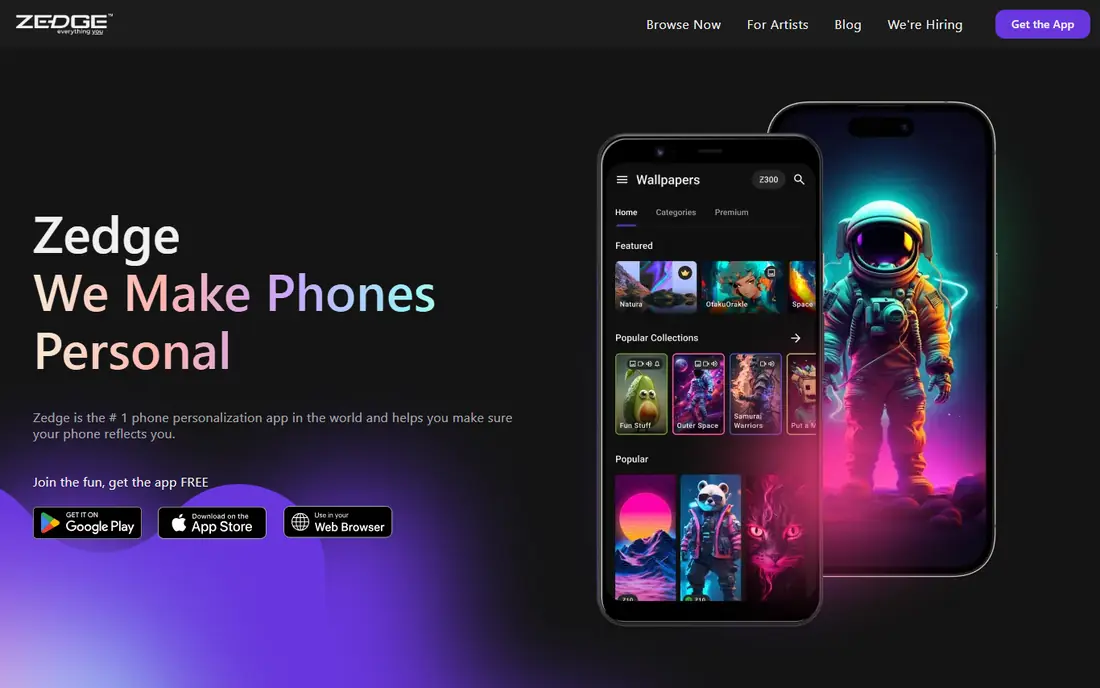
Zedge is the easiest place to start. You open the app, browse live and video wallpapers by theme, and set one in a few taps. The range covers nature scenes, abstract motion, cars, anime style art and calmer loops, so most people find something they like without editing anything. It also covers ringtones and static wallpapers, which makes it a handy all-round personalization app.
The catch is the business model. The free version shows ads, and some items sit behind credits or a Zedge Plus subscription. On iPhone, remember the platform limit: the result is a Live Photo style clip on the lock screen, not a moving home screen. If you want breadth and speed above all else, Zedge still wins.
- Very large library of live and video wallpapers
- Works on Android and iPhone
- AI wallpaper maker for custom designs
- Ads in the free version
- Some premium items need credits or a subscription
Wallpaper Engine is the standard for animated PC desktops. It plays video, real-time 2D and 3D scenes, web pages and interactive wallpapers, and the Steam Workshop library runs into millions of community creations. Its performance handling matters: it can pause or slow the wallpaper when a game or full screen app takes over, so it does not sit there burning graphics power for no reason.
The Android companion app is free on Google Play and can sync favourites from the desktop app. That makes it a good pair if you already own the desktop version. If you are on a Mac, look elsewhere, since there is no official macOS version. For Windows users, the one-time price is low for what you get.
- Huge community library through Steam Workshop
- Pauses or throttles when another app is in front
- Editor for your own scenes
- Desktop version is Windows only
- Android app works best alongside the desktop app
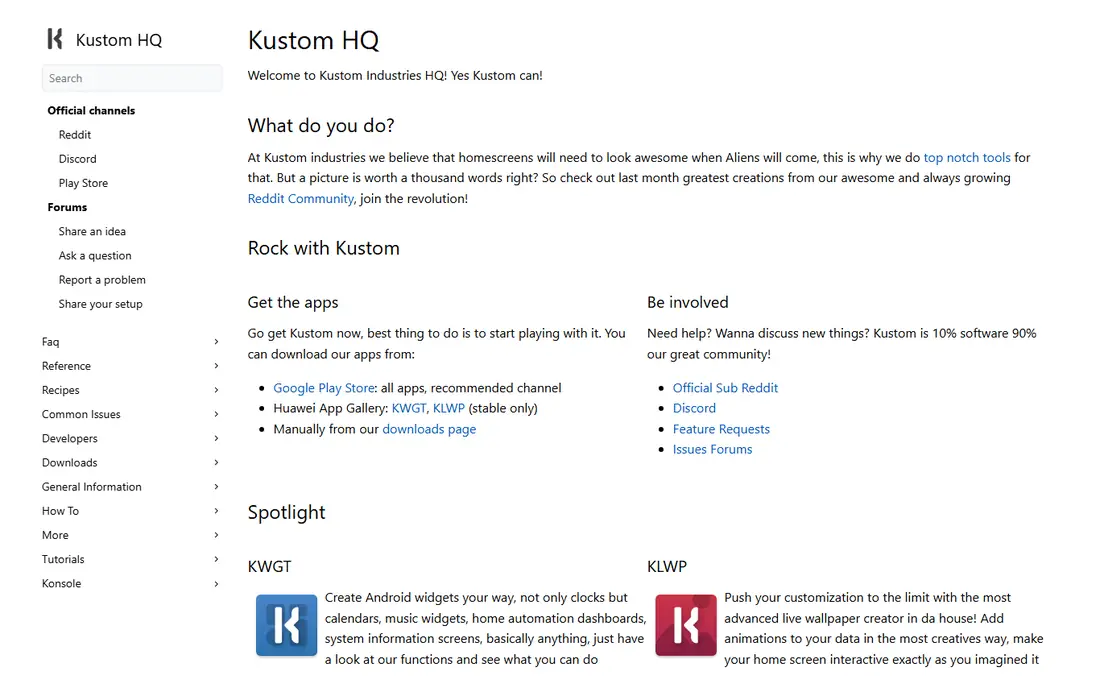
KLWP, short for Kustom Live Wallpaper, is a builder rather than a library. You start with a preset or a blank canvas, then add text, shapes, images, clocks, weather readouts, battery meters and music controls, with animations tied to time, location or touch. People who like Rainmeter on Windows will recognise the idea at once.
That power comes with effort. A simple preset takes minutes, but a polished custom design takes time to learn, and some launchers handle its animations better than others. A paid Pro key removes ads and opens preset import and export. If you want a home screen that looks like no one else's, this is the tool to learn.
- Deep editor with clocks, weather, maps and system data
- Large community of shared presets
- Animations react to touch and device data
- Steep learning curve for beginners
- Animations depend on launcher support
Muzei takes the opposite approach to most live wallpaper apps. Each day it shows a famous work of art, blurred and dimmed so your icons stay readable, and a double tap brings the full artwork into view. You can also point it at your own photos and let it rotate through them every few hours.
It is free, open source and free of the ad-heavy feel of many rivals. The trade is excitement: if you want video, particle effects or bold motion, Muzei will feel quiet. For people who want a home screen that changes daily without shouting for attention, it is hard to beat.
- Free and open source
- Daily famous artwork, gently blurred behind icons
- Can rotate your own photos
- Android only
- Not a source of flashy video wallpapers
intoLive answers the most common iPhone question: how do I use my own video as a wallpaper. You pick a clip, trim it, adjust speed or add an effect, and export it as a Live Photo that you set on the lock screen. Press and hold on the lock screen to play the motion.
It does not change what iOS allows. The home screen still shows a still image, and the clip plays only on the lock screen. Paid features open more editing options. If your goal is a personal clip rather than a library download, intoLive is the most direct route on iPhone.
- Converts videos and GIFs into Live Photos
- Editing tools for length, speed and effects
- Simple lock screen workflow
- IPhone focused
- Motion plays on the lock screen only
- Some features need a paid upgrade
Lively Wallpaper is the free, open source answer for Windows users who do not want to pay for Wallpaper Engine. It supports video files, web pages, shaders and animated GIFs as desktop backgrounds, and it can pause playback when another window covers the screen. That keeps the battery and performance cost down on laptops.
Setup is simple for video files you already own, and the project is actively maintained. The community library is smaller than the Steam Workshop, so you may need to supply your own videos more often. For a no-cost Windows setup, it is a strong pick.
- Free and open source
- Video, web page and shader wallpapers
- Playback pauses when apps are in front
- Windows only
- Community library is smaller than Wallpaper Engine
Video Live Wallpaper does one job and does it plainly. Pick a video from your phone, trim it, mute the audio if you want, and set it as your home screen, lock screen or both. Short clips work best, since long videos eat storage and battery for little visual gain.
It is a good fit for people who want a pet, a trip or a favourite scene behind their icons rather than a downloaded design. Check the preview on your own phone before you commit, since a low resolution clip will look soft stretched across a large screen. Paid options in similar apps remove ads, so compare the store listing before you buy.
- Simple video to wallpaper workflow
- Trimming and mute options
- Supports home and lock screens on Android
- Android only
- Quality depends on the source video
- Some versions show ads
Walloop sits between a big library and a curated gallery. Its collections are organised by theme, which helps if you know you want nature, cars or abstract motion but do not want to scroll through thousands of mixed uploads. Setting a wallpaper takes a few taps, and previews show the motion before you commit.
Ads support the free version, and some designs are paid. Library depth is smaller than Zedge, so very specific tastes may run out of options faster. If you prefer a tidier, themed browse to an endless feed, Walloop is worth a look.
- Curated live wallpaper collections
- Categories by theme and mood
- Easy set as home or lock screen
- Android focused
- Free version includes ads
- Some premium designs need payment
Tapet generates abstract patterns on your device instead of downloading pictures. Each generation is different, and you can schedule it to change on its own, which keeps the home screen fresh without any browsing. The patterns are clean and geometric, and they tend to sit well behind icons.
The limit is scope. Tapet does not do video, photography or themed scenes, so it cannot replace a library app for most people. As a second app, or for someone who likes minimal abstract design, it is a neat, low effort choice.
- Generates a new pattern each time, so no two days look alike
- Scheduled auto change
- Light on resources
- Android only
- Patterns only, no video or photo wallpapers
- Limited control over exact artwork
How we picked these
We compared official feature pages, app store listings and current pricing pages, and we favoured apps with a live version in October 2026, clear platform support and a real free or low cost route in. We left out apps that only promise iPhone home screen animation, since iOS does not allow third party animated home screens, and we left out desktop tools with no current maintenance. We did not claim hands-on testing, and prices below come from vendor and store listings, with See website where a price could not be confirmed.
What to check before you pick a live wallpaper
Start with your phone, not the app. On Android, almost any of the apps above will give you a moving home screen. On iPhone, plan for a lock screen clip and a matching still image on the home screen, and judge apps on how good that clip looks. On Windows, choose between the huge paid library of Wallpaper Engine and the free, open source route of Lively Wallpaper.
Battery use is the next check. Video and 3D scenes use more power than a still image or a slowly changing pattern. Try a wallpaper for a full day, then check battery use in settings before you decide it is a keeper. Darker, simpler loops tend to cost less, and apps that pause during full screen use are worth favouring on laptops.
Finally, think about where the content comes from. Library apps save time but show ads or charge for premium items. Builder apps like KLWP take longer to learn but give you a design no one else has. Video tools are best when you already have a clip you love. Pick the model that matches how much time you want to spend, not just the prettiest screenshot.
Frequently asked questions
What is the best live wallpaper app for Android?
For most Android users, Zedge gives the fastest route to a large live library, while KLWP is the pick for custom designs. If you want your own video as a wallpaper, Video Live Wallpaper is the simplest tool. Try the free version first and check battery use over a day.
What are the best live wallpaper apps for iPhone?
On iPhone, live wallpapers work as Live Photo clips on the lock screen. Zedge and intoLive are the practical picks: Zedge for ready-made clips and intoLive for turning your own videos into lock screen clips. No app can animate the iPhone home screen.
Are live wallpaper apps free?
Many are free to download, with ads or paid extras. Muzei and Lively Wallpaper are free and open source. Wallpaper Engine charges a one-time fee on Steam, while Zedge, KLWP and Walloop offer free versions with optional paid upgrades.
Do live wallpapers drain battery?
They can, especially video and 3D scenes. The effect varies by phone, screen brightness and how complex the animation is. Apps that pause when another app is in front help, and simpler or darker loops tend to use less power. Test one for a day before you judge it.
Can I use my own video as a live wallpaper?
Yes, on Android and Windows. Video Live Wallpaper on Android and Lively Wallpaper on Windows both accept your own video files. On iPhone, intoLive converts a video into a Live Photo for the lock screen.
Which live wallpaper app uses the least battery?
Muzei and Tapet tend to be lighter because they change slowly or generate simple patterns rather than playing constant video. Still, the only reliable test is your own phone, since screen type and brightness matter as much as the app.
Sources
See where you really rank - block by block
ProMapRanker scans Google Maps across a grid of your service area. Simple monthly plans from $19, white-label on every plan.
Start freeKeep reading
 wpforms alternatives
Best WPForms Alternatives in 2026
We compare 9 wpforms alternatives for WordPress forms, with free and paid options, current pricing notes, and honest limits for small business sites in 2026.
Read → windows task scheduler alternatives
Best Windows Task Scheduler Alternatives in 2026
Looking for Windows Task Scheduler alternatives? We compare 9 schedulers for Windows and cross-platform work, from free tools to enterprise automation.
Read → which ai video service is best
Which AI Video Service Is Best in 2026
which ai video service is best? We compare 10 legitimate AI video services on price, avatars, editing and output quality to help you pick the right tool.
Read →