 ProMapRanker
Best Live Chat Software in 2026


SaaS and AI-first support · Pricing starts at: $29 per seat per month
Key takeaways
- Intercom is the strongest pick for SaaS teams that want AI answers plus in-app messaging, starting at $29 per seat per month.
- LiveChat is the simplest dedicated chat tool for small and mid-sized stores, starting at $20 per agent per month.
- Zendesk Suite suits larger support teams that need chat alongside email, phone and ticketing, starting at $55 per agent per month.
- Tawk.to, Crisp and HubSpot give small teams a genuine free starting point, though AI features usually cost extra.
- AI resolution charges are now a separate cost on most platforms, so model your monthly conversations before you compare headline prices.
Quick comparison
| Pick | Great for | Pricing starts at | Free tier | |
|---|---|---|---|---|
| Intercom | SaaS and AI-first support | $29 per seat per month | Free trial | Visit |
 Zendesk Zendesk | Enterprise omnichannel support | $55 per agent per month | Free trial | Visit |
 LiveChat LiveChat | Dedicated SMB chat | $20 per agent per month | Free trial | Visit |
 Tidio Tidio | Small stores and startups | $29 per month | Yes | Visit |
 Crisp Crisp | Flat-rate startup inbox | $45 per month | Yes | Visit |
 Freshchat Freshchat | SMB to mid-market suites | $19 per agent per month | Yes | Visit |
 HubSpot Service Hub HubSpot Service Hub | CRM-native chat | Free | Yes | Visit |
 Tawk.to Tawk.to | Zero-budget teams | Free | Yes | Visit |
 Gorgias Gorgias | Ecommerce helpdesks | $10 per month | Free trial | Visit |
The best live chat software
Live chat software is no longer just a widget on a page. The best tools now combine a visitor chat box, a shared agent inbox and an AI layer that answers routine questions. We compared official pricing, free tiers and channel coverage to find tools that fit different team sizes and budgets.
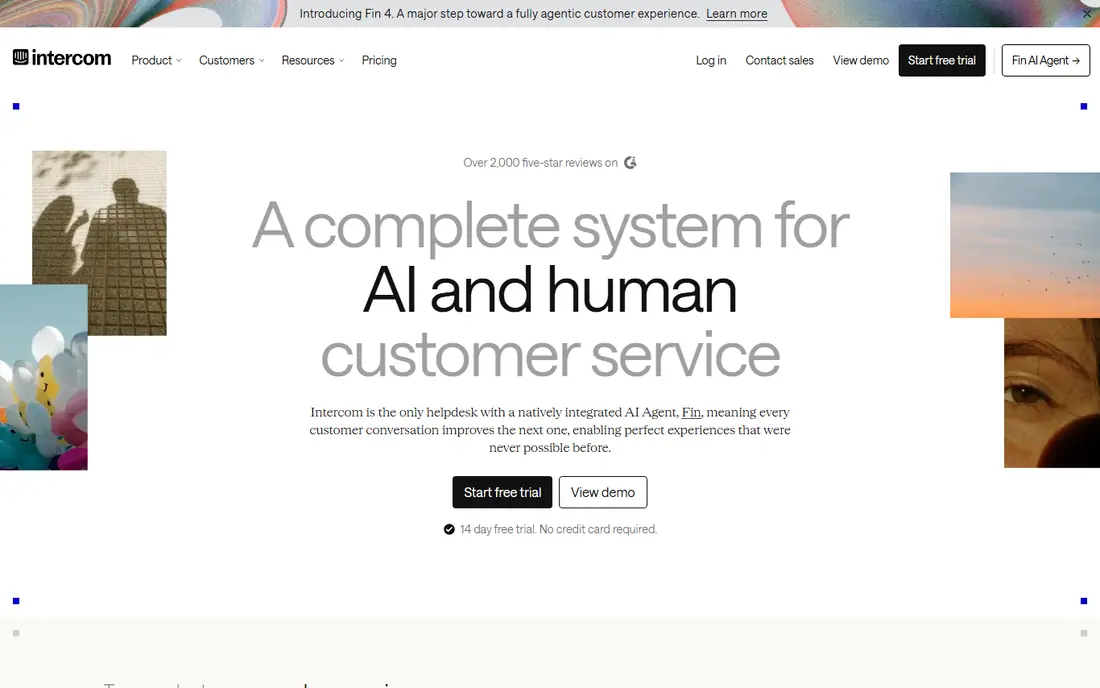
Intercom is built for software companies that want support inside the product, not only on a marketing site. Its Fin AI agent can answer common questions from your help content, then hand over to a human with full context when the question gets complex. That combination is why many SaaS teams choose it even when cheaper chat tools exist.
The catch is the second bill. The Essential plan starts at $29 per seat per month, but Fin AI resolutions are charged per resolution, with a monthly minimum on some plans. If your volume is high, model AI resolutions alongside seats. For teams that can measure deflection honestly, Intercom often pays for itself, but it is not a set-and-forget cheap widget.
- Strong Fin AI agent for routine answers
- In-app messaging and product tours
- Deep customer data and automation
- AI resolutions are billed separately
- Costs rise quickly as seats and resolutions grow
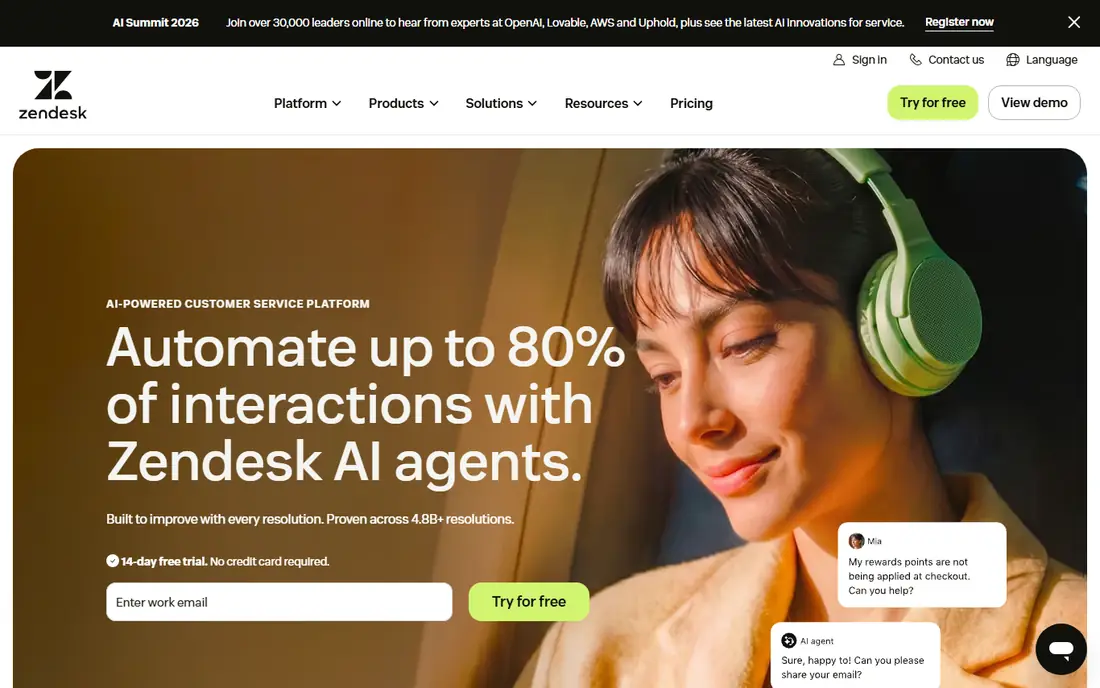
Zendesk Suite is the choice when chat is one channel among many. Agents work from one ticket queue that covers chat, email, phone and social messages, with service level agreements, macros and reporting built in. Large teams also get workforce tools and AI agents on higher tiers, which helps when volume spikes.
Small teams may find Zendesk heavy. The Suite Team plan starts at $55 per agent per month on annual billing, and AI agent resolutions are billed separately on some plans. If you only need a chat bubble, LiveChat or Tidio will be simpler and cheaper. If you need a support operation with audit trails and complex routing, Zendesk is hard to beat.
- Full Suite with email, chat, phone and social
- Strong ticketing, SLAs and reporting
- Huge integration library
- Higher entry price than dedicated chat tools
- Setup and admin take real time
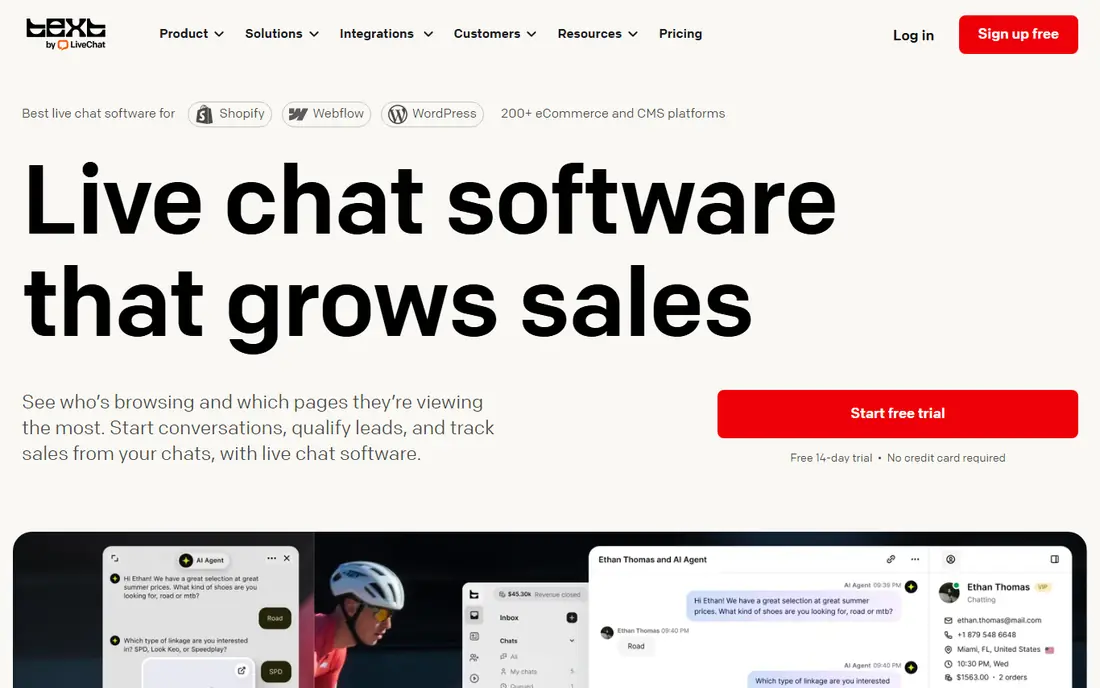
LiveChat does one job well, which is live chat. The widget is quick to install, the agent console is clean under load, and features such as canned responses, tags, routing and chat ratings cover the daily work of a small support team. Ecommerce teams also get product cards and integrations with Shopify and other platforms.
Pricing starts at $20 per agent per month for Starter on annual billing, with higher tiers adding automation and reporting. There is no free plan, though a trial is available. LiveChat is our pick for teams that want chat to be the main channel and do not want to pay for a full helpdesk they will not use.
- Fast, focused agent console
- Good ecommerce integrations
- Canned responses and chat routing
- No free plan for ongoing use
- Helpdesk depth is lower than Zendesk or Gorgias
Tidio is a friendly starting point for small stores. The free plan covers basic live chat, and the Starter plan at $29 per month adds more capacity and automation. Its Lyro AI agent can answer questions from your content, which helps a one-person shop stay responsive outside working hours.
Watch the package model. Tidio prices by workspace and included conversations rather than only by seat, so a busy store can hit limits faster than expected. Check included conversations, seats and AI usage before you buy. For a new store with modest traffic, Tidio offers a good balance of chat, bots and price.
- Free tier to start
- Lyro AI agent for routine questions
- Strong Shopify and WordPress integrations
- Package limits on conversations and seats need careful checking
- AI is a separate add-on on some plans
Crisp stands out because it prices by workspace, not by seat. The Mini plan at $45 per month covers a small team, which makes costs predictable when many people answer chats occasionally. The free plan is also genuinely usable for a very small team getting started.
The trade-off is AI depth. Unlimited AI features sit on the higher Plus plan, while lower plans cap AI use. Crisp also feels less enterprise-grade than Zendesk for complex ticketing. For startups and founders who want one inbox without watching seat counts, Crisp is a strong, budget-friendly pick.
- Flat workspace pricing instead of per-seat billing
- Free plan for small teams
- Shared inbox with chat, email and social
- AI features are capped on lower plans
- Advanced automation sits on higher tiers
Freshchat, part of Freshworks, combines live chat with messaging channels such as WhatsApp in one inbox. The free tier, which has covered up to 10 agents in past listings, makes it easy for a small team to start without a card. Growth plans from $19 per agent per month add automation, bots and deeper reporting.
Freshworks changes plan names and prices more often than some rivals, so confirm the current Growth price on the vendor site before you budget. Freddy AI Copilot, which drafts replies and summaries, is an add-on cost on some plans. Freshchat suits teams that want a suite path from chat to full helpdesk without jumping vendors later.
- Free tier for up to 10 agents on some plans
- Omnichannel inbox
- Freddy AI copilot on higher tiers
- Best features require higher tiers
- Pricing pages change often, so verify the current plan
HubSpot live chat is free to start, and that is a real advantage for teams already using HubSpot CRM. Chats land on the contact record, so sales and support see the same history, and basic bots can route visitors or book meetings. For a business that already lives in HubSpot, this avoids a second system.
Paid Service Hub seats add automation, reporting and AI features, with Starter seats from around $15 per seat per month in recent listings. If you do not use HubSpot CRM, the value drops, and a dedicated tool such as LiveChat may feel sharper. If you do use HubSpot, start free here and only pay when volume or automation demands it.
- Free chat with CRM records
- Conversations tied to contacts and deals
- Easy setup for HubSpot users
- Advanced automation and AI need paid seats
- Less focused than a dedicated chat tool
Tawk.to is free, and that is not a trial trick. Core live chat, unlimited agents and mobile apps are included at no cost, which makes it the best option for a bootstrapped business that simply needs to be reachable. Setup takes minutes, and the widget works on most websites.
Paid add-ons cover branding removal, video and voice features and managed hiring services. The interface and reporting are less polished than LiveChat or Intercom, and AI automation is limited. If your budget is zero and your need is a working chat box today, Tawk.to wins. Upgrade later when chat volume justifies a paid inbox.
- Free forever for core chat
- Unlimited agents on the free plan
- Mobile apps for agents
- Branding removal and some features are paid add-ons
- Support and polish lag paid rivals
Gorgias is built for online stores, and it shows in the ticket view. Agents can see, edit and refund Shopify orders without leaving the conversation, which cuts handling time on the most common ecommerce questions. Chat sits alongside email and social messages, so nothing falls between tools as a store grows.
Pricing starts at $10 per month for a small ticket allowance, with higher tiers for more tickets and automation. Stores with high ticket volume should model tickets, not just seats, because overages add up. For Shopify and WooCommerce stores that want chat plus order-aware support, Gorgias is the most store-focused pick on this list.
- Chat, email and social in one helpdesk
- Shopify order actions inside tickets
- Revenue reporting per conversation
- Ticket-based pricing can surprise high-volume stores
- Entry tier has a small ticket allowance
How we picked these
We compared official pricing pages, free tiers and channel coverage for tools that are actively sold in October 2026. We included dedicated chat tools, helpdesks with chat and free options, so the list covers a solo founder, a small store and an enterprise support team. We excluded tools that are discontinued or that only offer chat as a minor add-on. Prices are US list prices before tax, and annual billing is noted where it changes the figure.
What to check before you buy
Start with volume, not features. Count your monthly chats, the share that are routine questions, and how many agents answer at peak times. That tells you whether a per-seat plan, a workspace plan or a ticket-based plan will be cheapest. A tool that looks cheap per seat can be expensive if AI resolutions or tickets are billed separately.
Test the agent console under load
A chat tool lives or dies in the agent inbox. Run a trial with two agents answering at once, test canned responses, tags, transfers and chat ratings, and check the mobile app if your team answers on the move. A pretty widget means little if agents lose chats when traffic spikes.
Check AI costs and handoff
Ask what the AI agent can answer, what data it learns from, and how it hands over to a human. Check the per-resolution price, any monthly minimum and whether failed AI answers still count. The best setup resolves routine questions fast and passes complex ones with full context, rather than trapping visitors in a bot loop.
Confirm integrations and data
Confirm the tool connects to your store, CRM or helpdesk without custom work. Check that chat transcripts, contact records and consent settings meet your privacy needs. If you sell in the European Union or handle health data, confirm data residency and retention options before you sign.
Frequently asked questions
What is the best live chat software?
Intercom is the best all-round pick for SaaS teams, LiveChat is the best dedicated chat tool for small businesses, and Zendesk is the best full helpdesk for larger teams. The right answer depends on whether chat is your only channel or one of many.
What is the best free live chat app?
Tawk.to offers a free core plan with unlimited agents, and Crisp and HubSpot offer useful free tiers. Tawk.to wins on price alone, while Crisp and HubSpot give a cleaner path to paid features later. Free plans usually limit AI features and reporting.
How much does live chat software cost?
Expect free for Tawk.to, $10 to $29 per month for entry plans from Gorgias, Tidio and Crisp, $20 to $29 per seat for LiveChat and Intercom, and $55 per agent for Zendesk Suite. AI resolutions, extra seats and ticket overages can add a second cost, so check those before you compare.
Is live chat better than email support?
Live chat suits urgent, simple questions where a fast answer removes doubt, especially before checkout. Email suits complex cases that need research or attachments. Most growing teams need both, with chat for speed and email for depth, in one shared inbox.
Can live chat increase sales?
Yes, when it is staffed and fast. Shoppers who get a quick answer on shipping, returns or product fit are more likely to complete a purchase than shoppers who browse in silence. Proactive messages on cart and pricing pages help, but only if a human or a good AI agent answers quickly.
Sources
See where you really rank - block by block
ProMapRanker scans Google Maps across a grid of your service area. Simple monthly plans from $19, white-label on every plan.
Start freeKeep reading
 zoom alternatives
Best Zoom Alternatives in 2026
Compare Zoom alternatives in 2026, with free meeting limits and prices, so you can pick the best alternative to Zoom for your team, class, or community.
Read → which software is best for remote work
Which Software Is Best for Remote Work in 2026
Answering which software is best for remote work, we compare Slack, Zoom, Asana, Notion, Teams and more, with pricing and honest tradeoffs in 2026 now.
Read → which ai tool is best for content writing
Which AI Tool Is Best for Content Writing in 2026
Wondering which ai tool is best for content writing? We compare ChatGPT, Claude, Jasper, Grammarly, and more on price, quality, and best use in 2026 now.
Read →