 ProMapRanker
Best Listing Management Software for Lawn Care Companies in 2026

Citation consistency for single and small multi-area companies · Pricing starts at: See website
Direct answer
Moz Local is my top pick for lawn care companies because it focuses on the citation work that decides whether your business shows up correctly across maps and directories, and it keeps your name, address and phone number consistent everywhere. It has no free plan stated, so check its pricing page before you commit. Synup suits companies managing several service areas, and GatherUp fits owners who want to turn finished jobs into a steady flow of Google reviews.
I compared these tools from vendor documentation and public sources rather than hands-on testing. My focus was on what a lawn care company actually does: cover several towns, keep hours and service details accurate, and collect reviews after each job. I looked at how each tool handles name, address and phone number consistency, Google Business Profile updates, and review requests, then noted where each one stops short.
Key takeaways
- For most lawn care companies the core job is keeping name, address and phone number identical across Google, Apple Maps, Bing and the main directories, because inconsistent data splits your visibility.
- Listing software matters most when you serve several towns, because each service area needs clean, matching citations rather than one vague city listing.
- Review tools belong in the same stack as listing tools, since reviews on your Google Business Profile influence whether you appear in the local pack for "lawn care near me".
- Seasonal businesses benefit from tools that let you update hours, service descriptions and seasonal offers in bulk instead of editing each profile by hand.
- None of these tools fix a weak website or a thin Google Business Profile, so treat them as maintenance, not as a growth shortcut.
Quick comparison
| Pick | Great for | Pricing starts at | Free tier | |
|---|---|---|---|---|
| Moz Local | Citation consistency for single and small multi-area companies | See website | Not stated | Visit |
 Synup | Lawn care companies covering several towns or branches | See website | Not stated | Visit |
 GatherUp | Collecting reviews after mowing and landscaping jobs | See website | Not stated | Visit |
 Uberall | Central control of Google Business Profile and directories | See website | Not stated | Visit |
 Yext | Businesses that want one central record for all listings | See website | Not stated | Visit |
 BrightLocal | Citation building plus local rank checks in one place | See website | Not stated | Visit |
 SE Ranking | Local rank tracking alongside general SEO work | See website | Not stated | Visit |
The best listing management software for lawn care companies compared
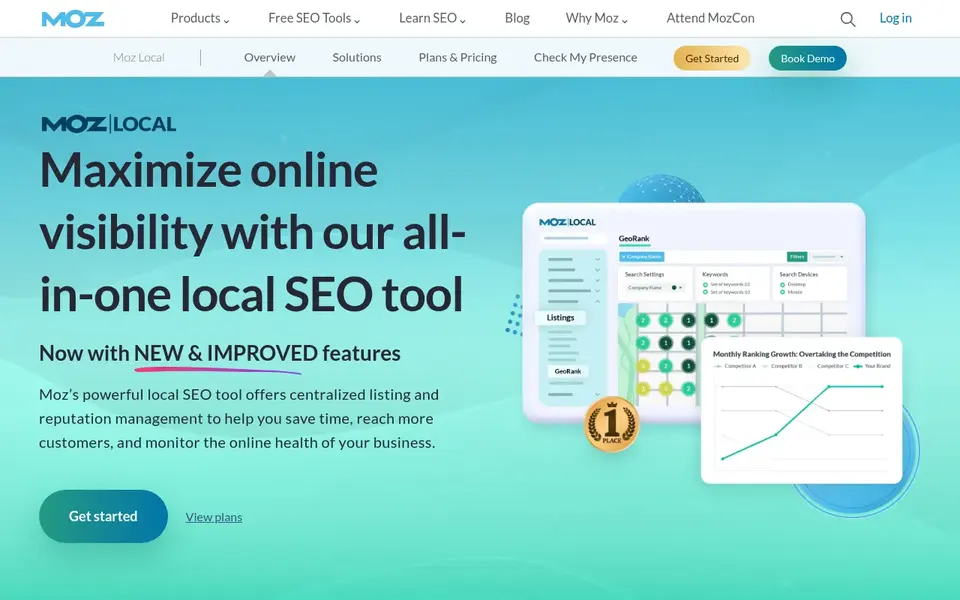
Moz Local is a listing and citation tool built around one problem: making sure your business details match everywhere they appear. For a lawn care company that runs one crew in one town, that is usually the whole job. You claim your listing, it checks the main data aggregators and directories, and it flags where your address, phone number or business name differs from your Google Business Profile.
The workflow fits lawn care well because your details change more often than you think. A new phone number, a moved yard, a second depot, or a switch from a home address to a commercial one all ripple across directories. Moz Local gives you one place to push those changes and see which listings accepted them. It also helps you spot duplicate listings, which is common for lawn care businesses that have changed names or traded under a former owner's name.
The limit is scale. If you run five or more locations with separate phone numbers and staff, Moz Local starts to feel thin compared with multi-location platforms. Skip it if you need review requests, messaging or social posting in the same dashboard.
- Strong focus on citation accuracy
- clear duplicate detection
- simple dashboard for owners who are not SEO specialists
- Limited multi-location depth
- fewer social and messaging features than enterprise tools
Synup is a listing management platform aimed at businesses with more than one location. A lawn care company that serves four or five towns often lists each service area separately, and that is exactly where Synup helps. You manage every location from one dashboard, push consistent details to directories, and keep hours and service descriptions aligned.
For lawn care specifically, the useful part is keeping service-area pages and directory listings in step. If you add a new town in spring, you want the citation to appear with the same phone number and hours as your main listing. Synup also monitors reviews across locations, which helps when one branch gets a run of negative feedback about scheduling.
The trade-off is setup time and cost. A one-truck operation will find it heavier than needed. It also does not replace a good Google Business Profile strategy, so treat it as the plumbing, not the whole system.
- Handles many locations from one account
- listing sync across a wide directory network
- review monitoring built in
- Setup takes more effort
- more expensive than single-listing tools
GatherUp is a review and reputation tool, and for lawn care it solves a very specific problem: the customer is happy right after the mow, then forgets. GatherUp lets you send a review request by text or email shortly after a job is marked complete, which is when a homeowner is most likely to respond.
The workflow is straightforward. You import customers, trigger a request after service, and route happy customers to your Google Business Profile while capturing private feedback from unhappy ones so you can call them before they post. That private-feedback path is the honest way to handle complaints; it is not review gating, because you are not stopping anyone from posting publicly.
GatherUp does not manage citations, so pair it with a listing tool. Skip it if your main problem is wrong addresses across directories rather than too few reviews.
- Simple review request flows by text and email
- review monitoring in one inbox
- supports review replies
- Not a citation or directory tool
- needs another tool for listing consistency
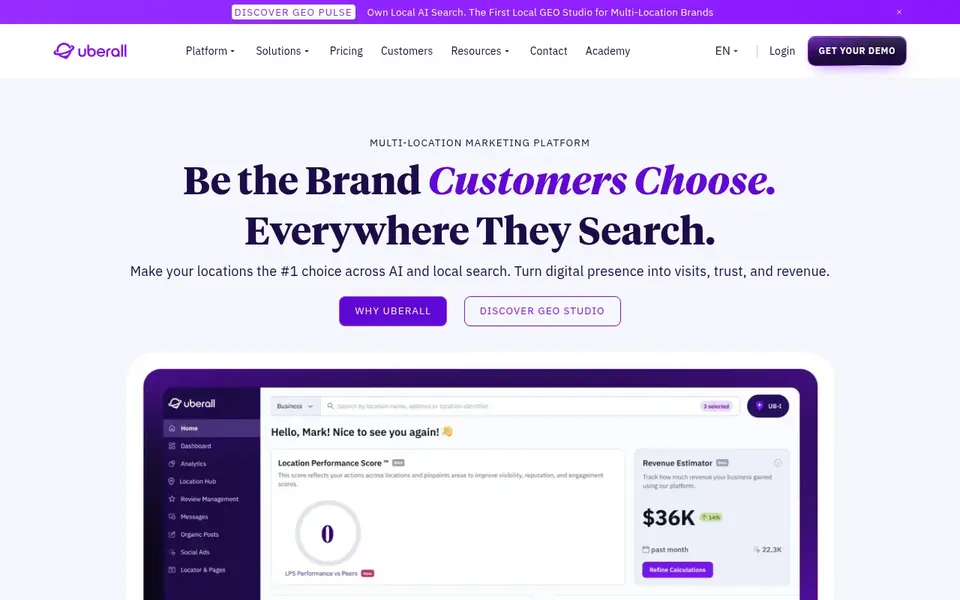
Uberall is a location management platform that keeps business data consistent across Google, Apple Maps, Bing, Facebook and many directories. For a lawn care company with a handful of branches, it gives one source of truth for hours, phone numbers and service descriptions, and it pushes changes everywhere at once.
The seasonal angle is useful. Lawn care hours shift with daylight and weather, and holiday closures matter. Uberall lets you update those details in bulk rather than editing each profile. It also handles review monitoring and messaging, which helps when homeowners ask about scheduling through a map listing.
The main limit is fit. Uberall is built for larger multi-location operations, and a small owner-operator will pay for features they never touch. Check whether the directory list matches the ones your customers actually use.
- Wide directory and map coverage
- bulk updates across locations
- review and messaging features in one place
- Aimed at larger businesses
- quote-based pricing takes time to sort out

Yext takes a different approach from citation cleanup tools. You maintain one master record of your business, and Yext pushes that data to its network of publishers, maps and directories. For a lawn care company that wants tight control over how services, hours and contact details appear, that central record is appealing.
In practice, it suits companies that are growing and want a single place to update everything when they add a service like fertilization or aeration, or when they open a second yard. The structured fields let you describe services clearly rather than cramming everything into a short description.
The limits are cost and commitment. Pricing is quote-based, and the model works best when you use the full network. A single-location lawn care business may find it more than necessary.
- Central data record that feeds many publishers
- strong Google Business Profile management
- structured fields for services and hours
- Quote-based pricing
- commitment can be heavy for small companies
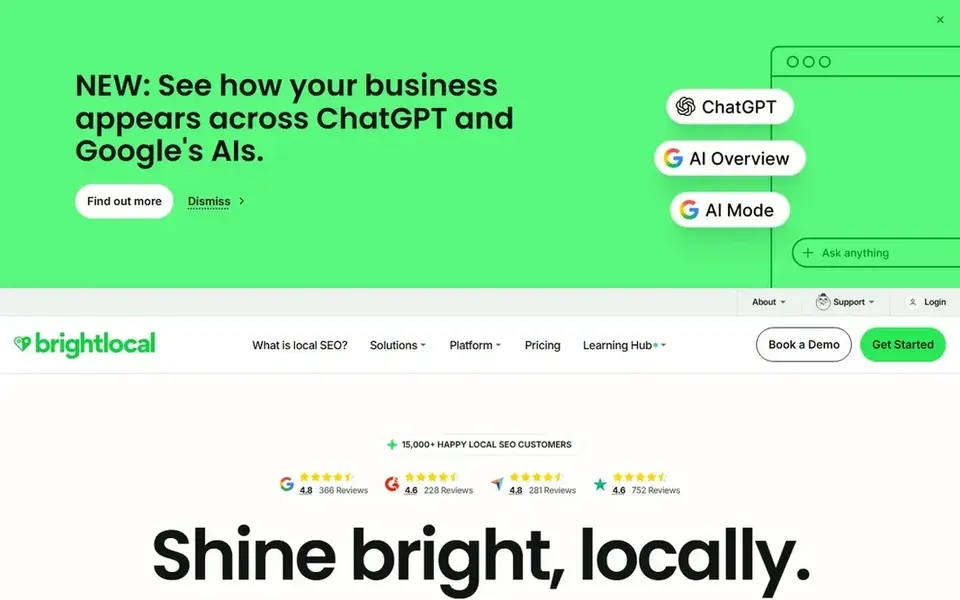
BrightLocal is a local SEO toolkit with citation building, citation audits, local rank tracking and review tools. For lawn care companies, the citation audit is the practical starting point: it shows where your name, address and phone number disagree across directories, then helps you fix the important ones.
The rank tracking is useful for a service business because it shows how you place for terms like "lawn mowing" plus a town name, which is how homeowners search. You can track several towns and see where you are invisible.
The limit is that citation submission is partly manual, so it takes time. It is a good fit for an owner or marketer willing to work through a list, less so for someone who wants everything automated.
- Citation building and audit tools
- local rank tracking by keyword and town
- review and reputation features
- Citation submission is partly manual
- interface has a learning curve
SE Ranking is an SEO platform with local rank tracking features. For a lawn care company, the value is seeing where you rank in each town you serve and how competitors compare, which informs where to push citations and reviews.
It is not a listing management tool first. If your main problem is inconsistent business details across directories, a dedicated citation tool does that job better. SE Ranking fits when you already do SEO work and want local visibility data in the same place as keyword and competitor tracking.
Skip it if you want one tool that fixes listings. Use it alongside a citation tool if rank tracking across several towns is your priority.
- Local rank tracking by town
- competitor tracking
- broader SEO tools in the same account
- Listing management is a smaller part of the platform
- not a dedicated citation tool
How I chose
I built this list from vendor documentation and public sources, not from hands-on testing. I read what each tool says it does, checked which directories and platforms it covers, and looked at how it handles the details lawn care companies deal with: multiple towns, seasonal hours, service descriptions and review requests. I did not run trials or measure results for any of them.
I then filtered by fit. A single-crew lawn care business needs citation consistency and a simple review request flow, not an enterprise location platform. A company with several branches needs bulk updates and multi-location dashboards. I noted where each tool stops short so you can match it to your size rather than buying the biggest option. Pricing changes often, so I left every price as "see website" and recommend you confirm current terms directly with each vendor before you commit.
What to check before you buy
- Confirm the tool covers the directories your customers actually use, including Google, Apple Maps, Bing and the main local directories for your area.
- Check how it handles multiple service towns, since listing each town separately is common for lawn care and some tools handle it better than others.
- Ask whether you can update seasonal hours and holiday closures in bulk, because lawn care schedules change with weather and daylight.
- Look at how the tool detects and merges duplicate listings, which are common after a business changes name, owner or address.
- Confirm the review request flow sends customers to your Google Business Profile without filtering out unhappy customers, which would break Google's guidelines.
- Check whether citation updates are automatic or manual, because manual submission takes real time each month.
Frequently asked questions
What is listing management software?
It is software that keeps your business name, address, phone number, hours and service details consistent across Google, Apple Maps, Bing and directories. For a lawn care company, that consistency decides whether homeowners find the right number and whether Google trusts your business enough to show it in local results.
Do I need listing software if I only serve one town?
Not always. If your details are already correct on Google and the main directories, a free audit may be enough. Listing software earns its place when you change address or phone number, add a second crew, or notice wrong details on directory sites you cannot easily edit yourself.
How does listing management help with Google reviews?
Listing tools and review tools overlap. Some platforms monitor reviews across directories and let you reply in one place, while dedicated review tools send requests after each job. Reviews on your Google Business Profile influence local visibility, so a simple request after every mow is worth setting up.
Can listing software help me rank in several towns?
It helps indirectly. Consistent citations and a well-filled Google Business Profile support local visibility, but they do not replace service-area pages, useful content or genuine reviews. Tools that track local rankings by town show you where you are weak so you can focus effort there.
Is it against Google's rules to ask for reviews?
No. Asking customers for reviews is allowed. What breaks the rules is offering incentives, selectively asking only happy customers, or gating reviews so negative feedback never reaches Google. Use tools that send requests to everyone and route complaints to a private channel for follow-up, not suppression.
Sources
See where you really rank - block by block
ProMapRanker scans Google Maps across a grid of your service area. Simple monthly plans from $19, white-label on every plan.
Start freeBrowse all guides
← Best Listing Management Software for Land Surveyors in 2026Best Listing Management Software for Mattress Stores in 2026 →
 best listing management software for hardwood floor refinishers
Best Listing Management Software for Hardwood Floor Refinishers (2026)
A practical guide to listing management software for hardwood floor refinishers, covering GBP sync, service areas, review requests and local rank checks.
Read → best listing management software for coworking spaces
Best Listing Management Software for Coworking Spaces in 2026
A practical guide to listing management software for coworking spaces, covering location data, Google Business Profile sync, reviews and multi-site control.
Read → best listing management software for auto parts stores
Best Listing Management Software for Auto Parts Stores in 2026
A guide to the best listing management software for auto parts stores in 2026, covering Yext, Uberall, Synup and other tools for local parts retailers.
Read → diy vs done for you local seo
DIY vs Done-For-You Local SEO: Which Is Right for You?
DIY vs done-for-you local SEO compared on time, cost, and results to help you decide.
Read → local seo for hvac
Local SEO for HVAC Companies: Dominate Your Service Area
An HVAC local SEO guide covering seasonal demand, service-area GBP, reviews, and geo-grid tracking.
Read → geo grid scan cost
How Much Should a Geo-Grid Scan Actually Cost? The Real Math
A no-fluff breakdown of geo-grid scan cost: what drives the price per scan, how to calculate it, and what you should actually be paying.
Read →More in Local SEO & Google Maps · All guides A to Z by date · Latest guides