 ProMapRanker
Best Listing Management Software for Auto Parts Stores in 2026
Direct answer
Yext is my top pick for auto parts stores that want one place to control store hours, phone numbers, and parts categories across many directories. It has no free plan stated, so check its pricing page. For multi-location parts chains that want a lighter workflow, Uberall is a good second choice. For teams that mainly want to fix and monitor Google Business Profile data, Synup fits well.
I compared these tools from vendor documentation and public sources. I did not run hands-on tests, so treat this as a starting point for your own trial. I focused on how each tool handles the details auto parts stores actually manage: store hours, holiday closures, phone numbers, parts categories, and review flow at the counter.
Key takeaways
- Auto parts stores live on accurate hours and phone numbers, because a customer with a broken alternator will call before driving over.
- Listing tools matter most when you run more than one store, since a wrong holiday hour on one branch sends buyers to a competitor.
- Category and attribute accuracy on Google Business Profile affects whether you show up for searches like "brake pads near me".
- Review requests belong in the same workflow as listings, because walk-in buyers often check ratings before they visit.
- No tool fixes bad source data, so clean up your store details before you sync anything.
Quick comparison
| Pick | Great for | Pricing starts at | Free tier | |
|---|---|---|---|---|
 Yext | Large multi-store parts chains | See website | No free plan | Visit |
 Uberall | Multi-location retailers wanting a clean dashboard | See website | Not stated | Visit |
 Synup | Google Business Profile cleanup and monitoring | See website | Not stated | Visit |
 Rio SEO | Enterprise chains with many branches | See website | Not stated | Visit |
 Local Viking | Local rank tracking per store | See website | Free trial | Visit |
 SE Ranking | Affordable rank tracking and local audits | See website | Free trial | Visit |
 Grade.us | Review requests after counter sales | See website | Free trial | Visit |
The best listing management software for auto parts stores compared
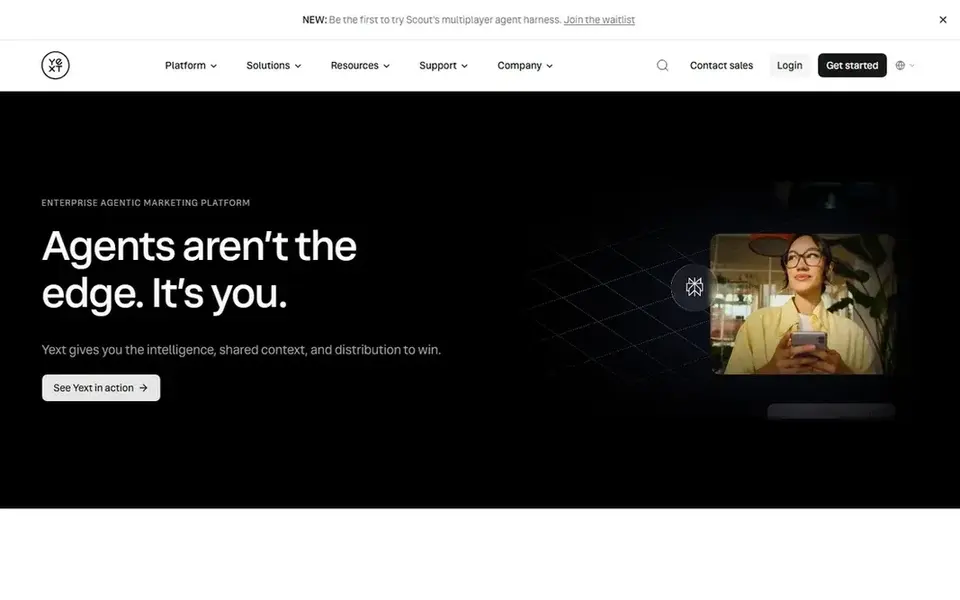
Yext is a listing management platform built around a central record of your business facts. For an auto parts chain, that means one place to hold each store's address, phone, hours, and the categories that describe what you sell. When you change a holiday closing time, it pushes that update outward instead of leaving you to edit each directory by hand.
The workflow fits stores with several branches. You enter the details once, then manage them as a set. That matters when a district manager changes Saturday hours at three locations and the website, maps, and directories all need to match. Yext also handles the kind of structured data that helps a store appear correctly when someone searches for a specific part category nearby.
The limit is scale. A single independent parts shop will find it more than it needs, and the quote-based pricing means you should ask questions before committing. Skip it if you run one counter and just want a simple Google Business Profile fix.
- Strong control over structured business data
- wide directory network
- good for many locations
- Quote-based pricing
- setup needs planning
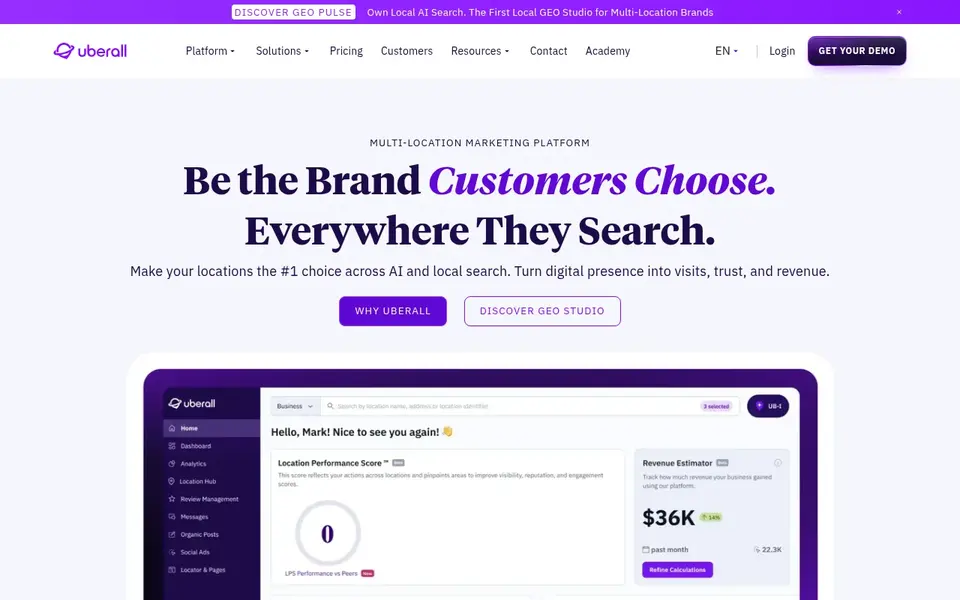
Uberall is a location marketing platform that covers listings, reviews, and local pages. For an auto parts retailer with stores across a region, it gives each branch its own profile while letting head office keep control of the core facts. That split is useful when store managers know their local hours but should not be editing the brand name or main phone line.
In practice, you would use it to keep store hours, holiday schedules, and department details consistent, then watch reviews from the same screen. A parts store that gets a review about a wrong closing time can reply and fix the listing in one place. The local pages feature also helps when each branch needs its own landing page with directions and hours.
One limitation is tiering. Some of the features that make it useful for a chain sit above the entry level, so map your needs to the plan before you buy. A small two-store operation may find it heavier than necessary.
- Clear multi-location dashboard
- handles listings and reviews together
- good for retail chains
- Some features sit in higher tiers
- pricing needs a quote
Synup is a local marketing platform with a strong focus on Google Business Profile data and listing accuracy. For an auto parts store, the useful part is the scan: it shows where your hours, phone, and address disagree across the web, which is exactly the kind of mismatch that sends a caller to a disconnected number.
The workflow is audit first, then fix. You review the discrepancies it finds, correct the source, and let it push updates. That suits a store that has changed hands, moved, or switched phone providers and now has stale data scattered across directories. Review monitoring sits alongside, so counter staff can respond to complaints about stock or wait times.
It is not built for the smallest shops, and the directory list depends on the plan you choose. Check which directories matter to your local buyers before you commit.
- Strong GBP monitoring
- listing accuracy checks
- review management included
- Directory coverage varies by plan
- not aimed at tiny shops

Rio SEO is an enterprise local marketing platform. It suits auto parts chains with dozens or hundreds of branches, where head office needs reporting across regions and a consistent local page for every store. The listing side keeps store facts aligned, and the local pages give each branch a page that search engines can index.
For a parts retailer, that combination matters when customers search by suburb or by part type plus location. The platform is designed to scale, so the workflow assumes a team managing many locations rather than one owner editing a single profile.
Most independent stores and small chains should skip it. The sales process is quote-based and the setup assumes resources a small business may not have.
- Built for large location counts
- local pages and listings together
- enterprise reporting
- Overkill for small chains
- quote-based sales process
Local Viking focuses on local rank tracking, showing how a store ranks in a grid of points around its location. For an auto parts store, that answers a practical question: when someone two suburbs away searches for a battery, do you appear in the map results, or does a competitor closer to them win?
You would use it alongside a listing tool rather than instead of one. It shows whether your Google Business Profile changes moved the needle, and it helps you spot areas where a second location might make sense. The grid view is easy to read for someone who is not an SEO specialist.
The limit is scope. It tracks and reports; it does not push your hours to directories. If your main problem is inconsistent store data rather than visibility, start elsewhere.
- Grid-based local rank tracking
- good for spotting map visibility changes
- simple per-location view
- Listing sync is not the main job
- needs another tool for directory updates
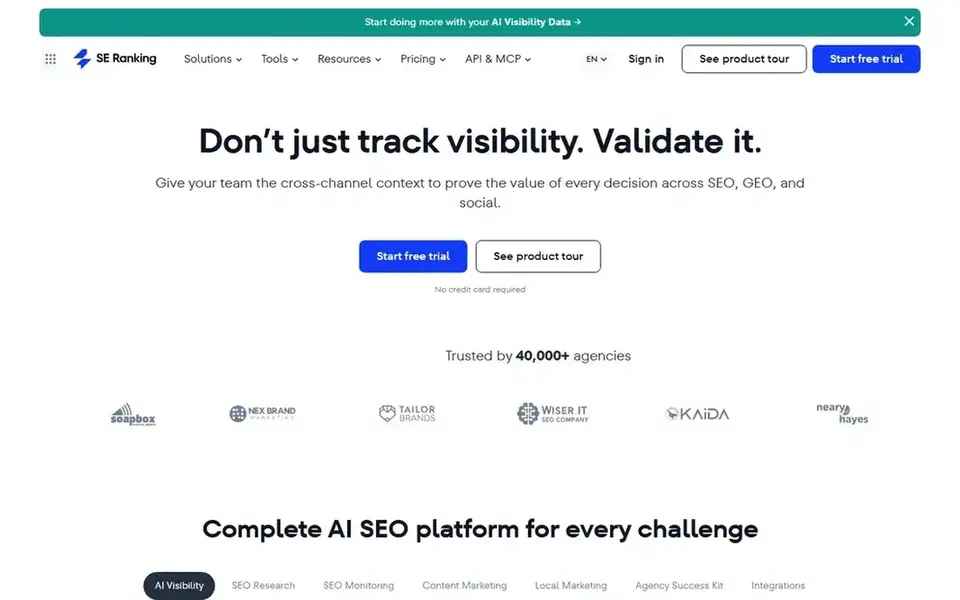
SE Ranking is an SEO platform with local rank tracking and audit tools. For an auto parts store, the useful pieces are the local rankings view and the site audit, which can catch broken pages on a store locator or a missing phone number on a branch page.
The workflow suits a store that already has listings mostly correct and wants to track visibility for searches like "auto parts [town]" or "brake pads near me". You set the keywords, pick the location, and check progress over time. The audit side helps when a branch page is not indexed or a contact form is broken.
It is not a dedicated listing management tool, so directory distribution is limited. Use it for tracking and site health, and pair it with a listing platform if data consistency is your main gap.
- Local rank tracking included
- site audit tools
- reasonable entry point
- Listing distribution is limited
- local features are one part of a bigger suite
Grade.us is a review management tool built around asking customers for feedback. For an auto parts store, the natural moment is after a counter sale or a special order pickup, when the buyer has just had a good or bad experience and is still thinking about it.
The workflow is straightforward: you send a request, the customer leaves a review, and you monitor and reply from one place. That matters because walk-in buyers often check ratings before they drive over, and a steady flow of honest reviews helps a branch stand out against a big-box competitor nearby.
It does not manage directory listings, so it works best after your store data is already accurate. Skip it if reviews are not your bottleneck.
- Simple review request flow
- works for counter and online sales
- monitoring included
- Not a directory listing tool
- needs clean listings to work well
How I chose
I built this list from vendor documentation and public sources, not from hands-on testing. I read what each platform says it does, checked which features apply to retail locations with physical counters, and weighed how each one handles the details auto parts stores deal with: store hours, holiday closures, phone numbers, parts categories, and review flow. I also noted where a tool is clearly built for enterprises and where it suits a small chain.
The second filter was fit and limits. A tool that tracks rankings but does not push listings is useful, but only next to something that does. A platform built for hundreds of branches is a poor match for a two-store operation, no matter how good it is. I have tried to say plainly where each tool stops being the right choice, so you can match the list to your own situation rather than to a ranking.
What to check before you buy
- Confirm the tool can hold separate hours for each store, including holiday and seasonal schedules, because parts stores often change Saturday hours.
- Check whether it supports the categories and attributes that describe parts, not just generic retail categories.
- Ask how it handles phone numbers, since a wrong number on a directory sends callers to a competitor.
- Confirm the directory list covers the sites your local buyers actually use, not just the biggest names.
- Check whether review requests and replies sit in the same workflow, or whether you need a second tool.
- Ask what happens to your data if you leave, and whether you can export your location records.
Frequently asked questions
Do auto parts stores need listing management software?
Yes, if you run more than one store or your details have changed. Buyers search for a part near them and call before driving over, so wrong hours or a stale phone number costs sales. A single shop with accurate data can start with Google Business Profile alone and add software when the workload grows.
Can I just use Google Business Profile instead?
For one location with stable details, Google Business Profile is enough. The gap appears when you have several branches or your data lives on many directories. Listing software keeps those sources aligned so a holiday change reaches every place a customer might look, not just Google.
How does listing software help with parts categories?
It lets you set consistent categories and attributes across directories, so a store that sells brakes, batteries, and filters is described the same way everywhere. That consistency helps you appear for specific part searches and reduces the chance a directory lists you under a vague category.
Should I ask every customer for a review?
Ask, but do not filter or gate. Send a request to all customers after a sale, keep it simple, and never offer incentives for positive reviews or screen out unhappy buyers. Reply to both good and bad reviews, and fix the underlying problem when a review points to a wrong hour or a stock issue.
What should I fix before syncing listings?
Clean your source data first. Confirm the store name, address, phone, hours, and categories for each branch, then check that your website and Google Business Profile match. Syncing bad data just spreads the errors faster, so correct the basics before you connect any tool.
Sources
See where you really rank - block by block
ProMapRanker scans Google Maps across a grid of your service area. Simple monthly plans from $19, white-label on every plan.
Start freeBrowse all guides
← Best Listing Management Software for Art Galleries in 2026Best Listing Management Software for Coworking Spaces in 2026 →
 best google business profile management software for campgrounds
Best Google Business Profile Software for Campgrounds in 2026
A practical guide to Google Business Profile management software for campgrounds, covering listing tools, review platforms and local rank tracking.
Read → best call tracking software for window installers
Best Call Tracking Software for Window Installers in 2026
A guide to the best call tracking software for window installers in 2026, comparing call attribution, recording and routing tools from vendor documentation.
Read → best call tracking software for shoe repair shops
Best Call Tracking Software for Shoe Repair Shops in 2026
A practical guide to call tracking software for shoe repair shops, comparing tools for call recording, missed-call follow-up and local search reporting.
Read → gbp optimization
GBP Optimization: How to Optimize a Google Business Profile for Local SEO
GBP optimization explained: a local-SEO-focused walkthrough to turn your profile into a lead engine.
Read → best copilot rank tracker software
Best Copilot Rank Tracker Software in 2026
Best Copilot rank tracker software compared for 2026: tools that track brand mentions, citations and links inside Microsoft Copilot answers every day.
Read → local seo for florists
Local SEO for Florists
A local SEO guide for florists: Google Business Profile setup, reviews, and same-day delivery and occasion-based local SEO.
Read →More in Local SEO & Google Maps · All guides A to Z by date · Latest guides