 ProMapRanker
Best Listing Management Software for Art Galleries in 2026
Direct answer
Yext is my first pick for art galleries because it pushes gallery details to maps, directories and review sites from one dashboard and keeps opening hours and exhibition-related info consistent. Pricing is quote-based, so check its pricing page. If you mainly want to fix inconsistent listings on a budget, Synup is a good alternative, and Uberall fits galleries that also manage several locations or partner venues.
I compared these tools from vendor documentation and public sources, not from hands-on testing. I looked at how each one handles the details a gallery actually needs: address and hours accuracy, Google Business Profile syncing, review handling and support for more than one space. The list below reflects fit for galleries rather than overall market size.
Key takeaways
- Art galleries live on accurate hours, address and phone data, so listing consistency matters more than volume of directories.
- A listing tool should let you update seasonal or exhibition-driven hours without editing every directory by hand.
- Review features help you respond to visitor comments about openings, accessibility and events.
- Multi-location support matters if you run more than one gallery space or a separate studio.
- Check that the tool syncs with Google Business Profile and Apple Maps, since most gallery visits start there.
Quick comparison
| Pick | Great for | Pricing starts at | Free tier | |
|---|---|---|---|---|
 Yext | Broad listing coverage from one dashboard | See website | Not stated | Visit |
 Uberall | Multi-location galleries and partner venues | See website | Not stated | Visit |
 Synup | Fixing inconsistent listings on a budget | See website | Not stated | Visit |
 Rio SEO | Enterprise and multi-venue gallery groups | See website | Not stated | Visit |
 Reputation.com | Review and reputation management | See website | Not stated | Visit |
 Grade.us | Simple review requests | See website | Free trial | Visit |
 Local Viking | Tracking Google Maps visibility | See website | Free trial | Visit |
The best listing management software for art galleries compared
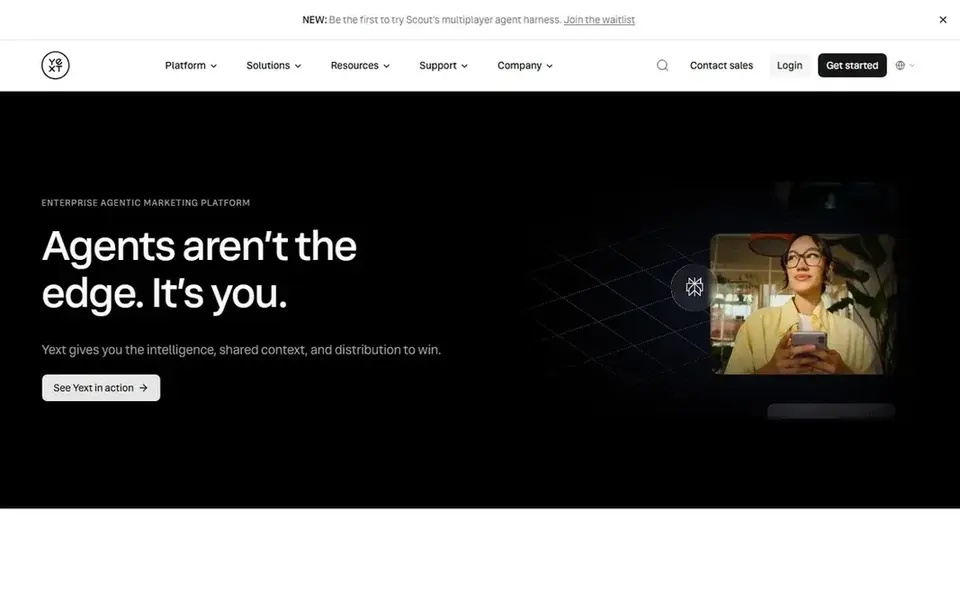
Yext is a listings platform that lets you manage business information across a large network of maps, directories and apps from one place. For a gallery, that means your address, phone, opening hours and website stay the same wherever a visitor looks. It suits galleries that are tired of correcting the same details on several sites and want one source of truth.
The workflow fits gallery life. When you change hours for a late opening, a private view or a seasonal closure, you update the record once and the connected listings follow. You can also keep descriptions and category labels consistent, which helps people find you when they search for "art gallery near me" or a specific neighbourhood. Review monitoring sits alongside the listings, so you can reply to comments about access or event times.
The limits are mostly about commitment. Pricing is quote-based and contracts tend to be annual, which is heavy for a single small gallery. If you only need Google Business Profile and a handful of directories, a lighter tool may be enough.
- Wide network of directories and maps
- central control of hours and address
- review monitoring in the same place
- Quote-based pricing
- annual contract terms
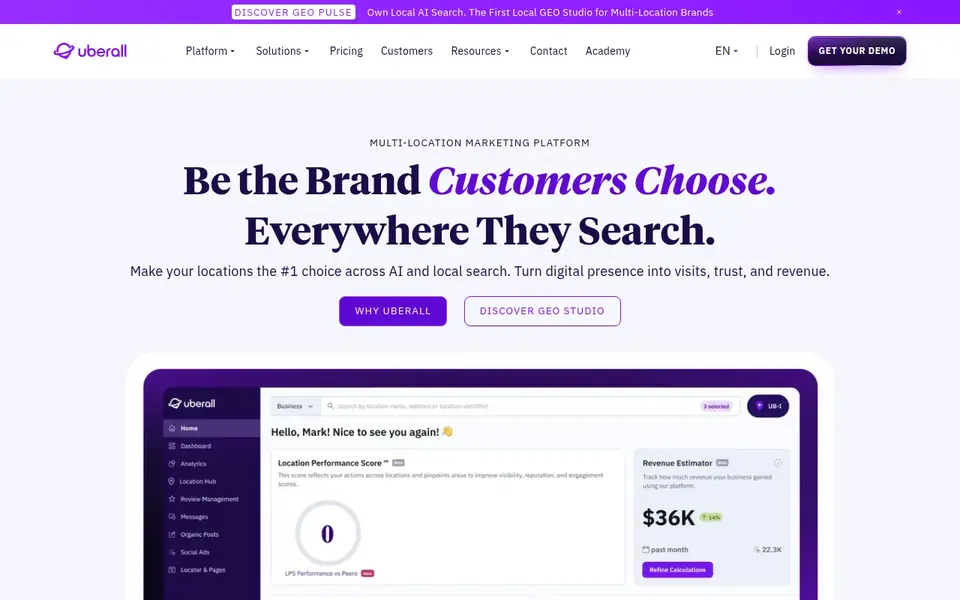
Uberall is a location marketing platform built around managing many business locations. It fits galleries that run more than one space, a main gallery plus a studio, or a group that manages several venues under one brand. Each location can carry its own hours and contact details while sharing brand information.
For galleries, the useful part is keeping each space accurate without duplicating work. You can set opening hours per venue, publish event-related updates and monitor reviews per location. If your gallery hosts pop-ups or partner exhibitions in other buildings, the multi-location structure helps you keep those addresses clean rather than creating duplicate listings.
The trade-off is setup. Getting every location mapped and connected takes time, and pricing is quote-based. A single-room gallery with one address will find it more than it needs.
- Strong multi-location management
- listings plus reviews in one place
- good for venue groups
- Setup takes effort
- pricing is quote-based
Synup is a listings and local marketing platform that focuses on finding and fixing inconsistent business information. For a gallery, that often means correcting an old address after a move, fixing hours that still show winter times in summer, or removing duplicate listings created by past event pages.
The audit view is the part I find most relevant for galleries. You can see where your name, address and phone number differ across directories and fix them from one dashboard. Review management is included, so replies to visitor comments about opening times or accessibility happen in the same place. It is a practical choice for a gallery that wants cleaner listings without a large enterprise contract.
The limits are in depth. It does not match the largest platforms on integrations, and pricing is quote-based. Galleries needing advanced multi-location workflows should compare it with Uberall first.
- Listing audit and cleanup
- review management included
- simpler than enterprise suites
- Fewer integrations than large platforms
- pricing is quote-based

Rio SEO is a local marketing platform aimed at organisations with many locations. It fits museum-scale gallery groups, art centres with several buildings, or institutions that manage venue pages across a website and multiple directories. It combines local listings with local landing pages, which helps when each venue needs its own page.
For galleries, the value is in keeping a large set of venue details aligned with the website. If your organisation runs exhibitions across several buildings, each with its own hours and contact details, a platform built for portfolios makes more sense than a single-location tool. Review and listing data sit in one place for the team.
The limit is scale. A single independent gallery will find it too large and too quote-driven. It is a fit for institutions, not for a one-room space.
- Built for large location portfolios
- local listings plus local pages
- suited to organisations
- Overkill for small galleries
- quote-based pricing

Reputation.com is a reputation management platform built around reviews and customer feedback. For a gallery, that means watching what visitors say about their experience, from opening hours confusion to comments about accessibility or staff, and replying in one place. It suits galleries that get steady visitor feedback and want a structured way to handle it.
The workflow is review-first. You collect feedback across sites, see it in a dashboard and respond. Some listing management is included, but it is not the core of the product. If your main problem is inaccurate directory data rather than review volume, a listings-first tool will serve you better.
The limits follow from that focus. Listings coverage is narrower than dedicated platforms, and pricing is quote-based. Small galleries with few reviews may not need this level of tooling.
- Strong review monitoring
- sentiment and response tools
- good for visitor feedback
- Listings are secondary
- quote-based pricing
Grade.us is a review management tool focused on requesting and collecting reviews. For a gallery, it fits the simple habit of asking visitors to leave a review after a show opening or a workshop. You can send requests by email or link and keep the responses in one dashboard.
The gallery use case is narrow but real. Reviews help people decide whether to visit, and a steady flow of honest feedback supports that. Grade.us handles the asking and collecting side well, and it is easy for a small front-of-house team to run.
The limit is scope. It is not a listings manager, so it will not fix your address across directories. Pair it with a listings tool if data accuracy is also a problem.
- Straightforward review request campaigns
- easy to start
- good for small teams
- Limited listing distribution
- not a full listings manager
Local Viking is a local SEO tool built around Google Business Profile and Google Maps visibility. For a gallery, it shows how you appear in Maps searches around your neighbourhood, which helps when you want to know whether visitors nearby can find you for terms like "art gallery" or "exhibition".
The workflow is tracking and monitoring rather than directory cleanup. You can watch Maps positions over time and adjust your profile, posts and categories based on what you see. It is a useful companion to a listings platform, not a replacement for one.
The limits are clear. It does not distribute your data across directories, so it will not fix inconsistent listings. Galleries that mainly need clean data across many sites should start elsewhere.
- Grid-based Maps rank tracking
- Google Business Profile tools
- useful for local visibility checks
- Not a listings manager
- limited directory coverage
How I chose
I chose these tools by reading vendor documentation and public sources and matching what each one does to how art galleries operate. I did not run hands-on tests, and I have not used every tool in a live gallery account. The comparison is based on documented features, stated use cases and the practical needs of a venue that depends on accurate hours, address and visitor reviews.
The main filters were listing coverage, Google Business Profile syncing, review handling and support for more than one location. I also weighed how much setup each tool demands, because a small gallery team has limited time. Tools built for enterprises stayed in the list only where a gallery group might genuinely need them. Where a product is review-first or tracking-first, I said so rather than presenting it as a full listings manager.
What to check before you buy
- Confirm the tool syncs with Google Business Profile and Apple Maps, since most gallery visits start from a map search.
- Check whether you can set special hours for openings, private views and seasonal closures without editing each directory.
- Ask how the tool handles duplicate listings, which often appear after past exhibition or event pages.
- Make sure review replies can be handled by more than one staff member if your front desk shares the job.
- Check multi-location support if you run a main gallery plus a studio or partner venue.
- Read the contract length and cancellation terms before committing, since many listings platforms are annual.
Frequently asked questions
What is the best listing management software for art galleries?
Yext is my first pick for most galleries because it keeps address, hours and contact details consistent across a wide network of maps and directories from one dashboard. Synup is a good alternative if you mainly want to audit and fix inconsistent listings. Uberall fits galleries with several venues, and Rio SEO suits larger institutions.
Do art galleries need listing management software at all?
If you have one address and rarely change hours, Google Business Profile alone may be enough. Listing software earns its place when your details appear wrong on several sites, when you run more than one space, or when seasonal and event hours change often. It saves the manual work of correcting each directory.
Can listing software help with exhibition and event hours?
Yes, if the tool lets you set special hours that flow to connected listings. That matters for late openings, private views and seasonal closures. Check that special hours are supported before you buy, because not every platform handles them the same way.
How does review management fit with listings for a gallery?
Reviews often mention opening times, access and events, so replying in the same place you manage listings saves time. Tools like Reputation.com and Grade.us focus on reviews, while Yext, Uberall and Synup include review handling alongside listings. Pick based on whether listings or reviews are your bigger problem.
Is a free plan enough for a small gallery?
Free plans and trials are useful for checking whether a tool fits your workflow, but most listings platforms price by quote and expect a paid contract. Use a trial to test Google Business Profile syncing and special hours, then decide. Do not assume a free tier covers multi-directory distribution.
Sources
See where you really rank - block by block
ProMapRanker scans Google Maps across a grid of your service area. Simple monthly plans from $19, white-label on every plan.
Start freeBrowse all guides
← Best Google Business Profile Software for Campgrounds in 2026Best Listing Management Software for Auto Parts Stores in 2026 →
 best call tracking software for window installers
Best Call Tracking Software for Window Installers in 2026
A guide to the best call tracking software for window installers in 2026, comparing call attribution, recording and routing tools from vendor documentation.
Read → best call tracking software for shoe repair shops
Best Call Tracking Software for Shoe Repair Shops in 2026
A practical guide to call tracking software for shoe repair shops, comparing tools for call recording, missed-call follow-up and local search reporting.
Read → best call tracking software for mobile mechanics
Best Call Tracking Software for Mobile Mechanics in 2026
A practical guide to the best call tracking software for mobile mechanics in 2026, compared from vendor documentation and public sources.
Read → local seo 2017
Local SEO 2017: A Complete Guide
Everything you need to know about local seo 2017: what it is, why it matters for local SEO, and exactly how to act on it.
Read → how to verify my business on google
How to Verify Your Business on Google When Verification Fails
Verification keeps failing? Try these alternate methods and fixes to finally verify your Google Business Profile.
Read → local pack meaning
Local Pack Meaning: A Complete Guide
Everything you need to know about local pack meaning: what it is, why it matters for local SEO, and exactly how to act on it.
Read →More in Local SEO & Google Maps · All guides A to Z by date · Latest guides