 ProMapRanker
Best Call Tracking Software for Mobile Mechanics in 2026

Call tracking with lead attribution · Pricing starts at: See website
Direct answer
WhatConverts is my top pick for mobile mechanics because it ties each inbound call to its marketing source and lets you record and route calls from one dashboard. It has no free plan stated, so check its pricing page before you commit. CallTrackingMetrics suits shops that want deeper routing and IVR control, and Synup fits mechanics who mainly want call tracking alongside Google Business Profile management.
I compared these tools from vendor documentation and public sources rather than running hands-on tests. I looked at how each one handles inbound calls, number management, attribution and the day-to-day workflow of a mechanic who answers the phone between jobs. The list below is ordered by how well each fits a small mobile repair business that depends on calls.
Key takeaways
- Mobile mechanics live on inbound calls, so tracking which ad, map listing or page produced each call matters more than raw call volume.
- Look for dynamic number insertion on your website plus call recording, so you can see whether a Google Ads click or a Google Business Profile view turned into a booking.
- Call routing and after-hours handling decide whether a roadside call gets answered or goes to voicemail while you are under a car.
- A tool that connects calls to leads and revenue helps you judge which channels deserve more of your ad budget.
- Check how each vendor handles local and toll-free numbers, since you may want a number that looks local to each service area you cover.
Quick comparison
| Pick | Great for | Pricing starts at | Free tier | |
|---|---|---|---|---|
| WhatConverts | Call tracking with lead attribution | See website | Not stated | Visit |
 CallTrackingMetrics | Call routing and IVR control | See website | Free trial | Visit |
 Synup | Call tracking plus GBP management | See website | Not stated | Visit |
 CallRail | Simple call tracking for small shops | See website | Free trial | Visit |
 Invoca | Call intelligence at larger scale | See website | Not stated | Visit |
 Marchex | Call analytics for service businesses | See website | Not stated | Visit |
 Phonexa | All-in-one call and lead tracking | See website | Not stated | Visit |
The best call tracking software for mobile mechanics compared
WhatConverts is a lead tracking platform that captures phone calls, web forms and chat conversations and puts them in one place. For a mobile mechanic, that means a call from a Google Ads click and a form fill from your service area page can both be traced back to the channel that produced them. It fits owners who want to know which marketing actually brings in booked jobs.
The workflow suits a mobile business because you can set up tracking numbers per channel and keep your main business number on your van and Google Business Profile. When someone calls the number on your website, dynamic number insertion swaps in a tracking number so the call is attributed to that page or campaign. Recordings and lead reports then let you review which jobs came from maps, ads or organic search.
The limits are practical: there is no free plan stated, and the reporting depth is aimed at people who will actually review it. If you only want a call log and never look at source data, a simpler tool may be enough.
- Ties calls, forms and chats to a single lead record
- call recording and dynamic number insertion
- lead reporting that shows which source produced each call
- No free plan stated
- can be more than a one-person shop needs
CallTrackingMetrics is a call management platform with routing, IVR and reporting built in. It suits a mobile mechanic who has grown past a single phone and wants calls routed to the right person, whether that is the owner, a second tech or an after-hours answering service.
For a roadside repair business, the routing rules are the useful part. You can send calls from a specific service area page to the tech who covers that area, or push after-hours calls to voicemail with a recorded message about next-day bookings. Dynamic number insertion on your site and call recording give you a record of what was booked and where the call came from.
The trade-off is setup time. IVR trees and routing rules need planning, and the platform has more settings than a solo mechanic will touch. Skip it if you want something you can switch on in ten minutes.
- Flexible call routing and IVR
- call recording and reporting
- supports multiple numbers and queues
- Setup takes more planning
- feature depth can overwhelm a small shop
Synup is a local presence management platform that includes call tracking alongside listings and Google Business Profile work. It fits a mobile mechanic who serves several towns and wants one place to manage how the business appears in maps and directories while also tracking calls.
The value for a mobile business is consistency. If your hours, service area and phone number are the same across Google, Apple Maps and the main directories, customers are less likely to call a number that no longer works. Synup lets you track calls from those listings and see which locations or pages generate contact, which helps when you decide where to spend local ad money.
The limit is depth. If call routing, IVR and detailed lead scoring are your priority, a dedicated call tracking tool does more. Synup makes sense when listings management is the main job and call tracking is a bonus.
- Combines call tracking with local listing management
- helps keep business hours and service areas consistent
- call data sits next to location data
- Call analytics are not as deep as dedicated trackers
- no free plan stated
CallRail is one of the better-known call tracking tools for small businesses, and it fits a mobile mechanic who wants to see which ads and pages produce calls without a long setup. The dashboard is readable, and the core features cover the basics a one-van operation needs.
In practice you would put a tracking number on your website and ads, keep your main number on the van and Google Business Profile, and review recordings and source reports weekly. That tells you whether the calls coming in are brake jobs from a local search or tyre changes from a paid campaign. You can also route calls to a mobile so you never miss a booking while driving between jobs.
One limitation is tiering. Some of the features that make call tracking genuinely useful, like form tracking or deeper integrations, sit on higher plans. A solo mechanic may find the entry tier enough, but check what is included before you commit.
- Straightforward setup and dashboard
- call recording and dynamic number insertion
- integrations with common ad and CRM tools
- Advanced features sit on higher tiers
- no free plan stated beyond the trial
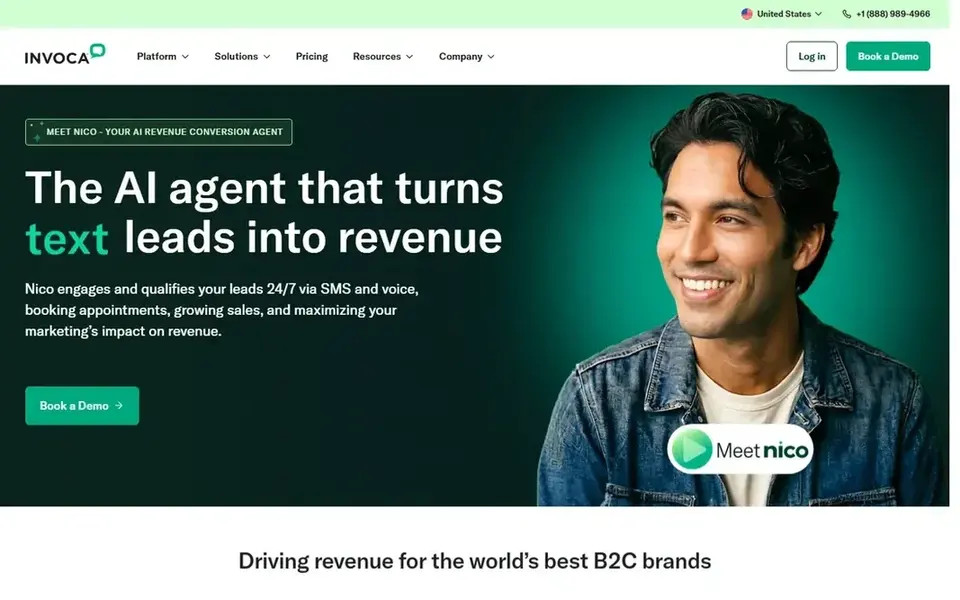
Invoca is a call intelligence platform that analyses conversations and reports on outcomes. It is built for organisations with a marketing team and meaningful call volume, so it is a stretch for a single mobile mechanic but worth knowing if you run a small fleet of vans and a call centre.
For a mobile repair business with several techs, the appeal is understanding what happens on calls at scale: which campaigns produce bookings, which produce price shoppers, and where callers drop off. That is useful when you are spending on local ads across multiple towns and need to justify the budget.
The limits are size and cost. Invoca is not designed for a one-person shop, and there is no free plan stated. Most solo mechanics should look at the simpler tools above first.
- Conversation analytics that read call outcomes
- strong reporting for marketing teams
- integrates with major ad platforms
- Aimed at larger operations
- no free plan stated
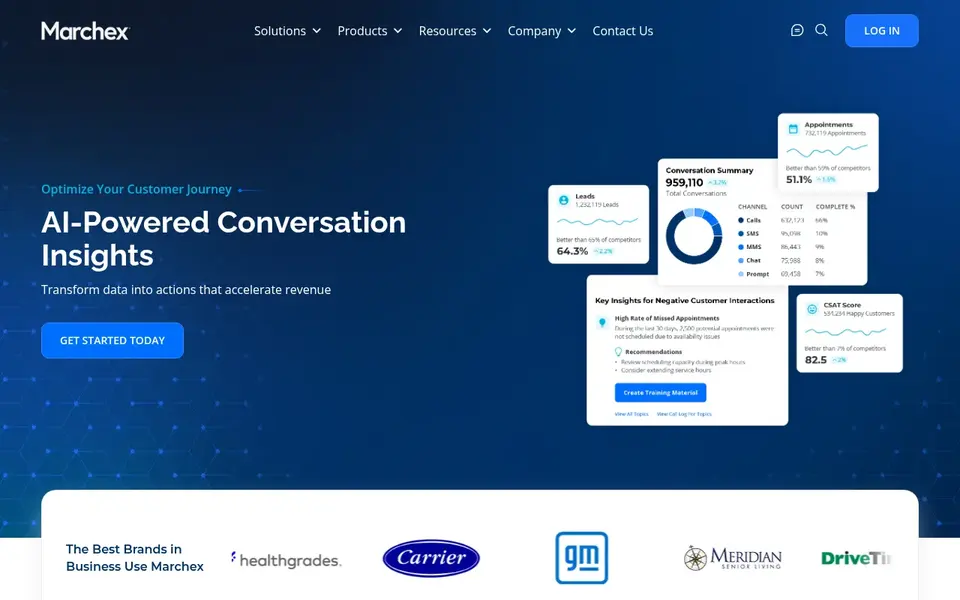
Marchex provides call analytics and marketing intelligence for businesses that generate a lot of inbound calls. It fits service businesses, including automotive and home services, that need to measure lead quality across campaigns rather than just count calls.
A mobile mechanic with a growing ad budget could use it to see which campaigns produce real bookings and which produce calls that never convert. That kind of reporting helps when you are deciding whether to keep spending on a particular town or keyword.
The main limit is access. Marchex is sold through a sales conversation and is aimed at larger advertisers, so a solo operator will usually find it more than needed. There is no free plan stated.
- Call tracking and conversation analytics
- reporting built around lead quality
- works with large ad campaigns
- Enterprise-style sales process
- no free plan stated
Phonexa is an all-in-one marketing platform with call tracking, lead management and related tools. It suits a mobile mechanic who wants one system for calls, leads and campaign reporting rather than stitching several tools together.
The call tracking side covers the basics a mobile business needs: tracking numbers, call recording and attribution to campaigns. Where it differs is the surrounding lead management, which can help if you are running paid ads and want to follow a call through to a booked job in one place.
The trade-off is weight. Phonexa is a broad platform, and a one-van operation may not need most of it. There is no free plan stated, so review the pricing page and ask for a demo before deciding.
- Combines call tracking with lead management and marketing tools
- supports multiple channels
- reporting across campaigns
- Broad platform that can feel heavy
- no free plan stated
How I chose
I built this list from vendor documentation and public sources, not from hands-on testing. I read each vendor's own pages on call tracking, number management, routing, recording and reporting, and I checked how those features map to the way a mobile mechanic actually works: calls coming in while you are on the road, jobs booked by phone, and marketing spread across local search and maps.
I also weighed limits. A tool that needs a marketing team to be useful is a poor fit for a solo mechanic, and a tool with no free plan stated is a bigger commitment than one with a trial. I left out anything I could not confirm as a real, operating product with an official site. Where a vendor's pricing is not public, I say so rather than guess.
What to check before you buy
- Confirm the tool supports dynamic number insertion on your website, so calls from different pages and campaigns are attributed correctly.
- Check whether you can keep your main business number on the van and Google Business Profile while using tracking numbers online.
- Ask how after-hours calls are handled, since a missed roadside call is a lost job.
- Confirm call recording is available and that you understand the consent rules in your area before recording customers.
- Check whether local numbers are available for each town you serve, not just a single national number.
- Review how call data exports or integrates with your booking or CRM system, so you are not retyping job details.
Frequently asked questions
Do I need call tracking if I am a one-person mobile mechanic?
It helps once you spend money on ads or local search. Call tracking shows which channel produced each booking, so you can stop paying for campaigns that only produce price shoppers. If you get all your work from repeat customers and referrals, a simple call log may be enough.
Can call tracking work with my Google Business Profile number?
Yes, in most setups. You keep your main number on the profile and use tracking numbers on your website and ads, then compare the two. Some tools also track calls from listings directly. Check with each vendor how they handle profile numbers before you switch anything.
Will call recording upset my customers?
It can if you do not tell them. Many regions require consent, and a short recorded message at the start of the call is the usual approach. Confirm the rules where you operate and use recordings to improve bookings, not to pressure customers.
What is the difference between call tracking and call analytics?
Call tracking captures the call and its source. Call analytics goes further and reports on outcomes, such as which campaigns produce booked jobs. Small shops usually start with tracking and add analytics when ad spend grows.
Can I track calls from multiple towns I serve?
Yes, if the vendor offers local numbers for each area. You can assign a number per town or service page and see which areas call most. That helps you decide where to run local ads and where to spend less.
Sources
See where you really rank - block by block
ProMapRanker scans Google Maps across a grid of your service area. Simple monthly plans from $19, white-label on every plan.
Start freeBrowse all guides
← Best Call Tracking Software for Kennels in 2026Best Call Tracking Software for Shoe Repair Shops in 2026 →
 best call tracking software for drywall contractors
Best Call Tracking Software for Drywall Contractors in 2026
A guide to the best call tracking software for drywall contractors in 2026, compared from vendor documentation and public sources, with limits noted.
Read → best call tracking software for blinds installers
Best Call Tracking Software for Blinds Installers in 2026
A practical guide to call tracking software for blinds installers, comparing tools for measuring phone leads, quotes and booked fitting jobs.
Read → best review request software for kitchen remodelers
Best Review Request Software for Kitchen Remodelers in 2026
A practical guide to review request software for kitchen remodelers, comparing tools on timing, reminders, channels, and Google policy fit.
Read → how to remove bad reviews from google my business
How to Remove Bad Reviews From Google My Business
How to flag and remove fake or policy-violating reviews from your Google Business Profile, step by step.
Read → why is my business not showing up on google
Why Is My Business Not Showing Up on Google? Full Troubleshooting Guide
A complete troubleshooting guide for when your business won't appear on Google Search or Maps, with fixes for each cause.
Read → local falcon alternative
Local Falcon Alternative: Why Agencies Are Switching to ProMapRanker
A Local Falcon alternative that unifies geo-grid and AI search tracking with transparent pricing.
Read →More in Local SEO & Google Maps · All guides A to Z by date · Latest guides