 ProMapRanker
Best Listing Management Software for Hardwood Floor Refinishers (2026)
Direct answer
Moz Local is my first pick for most hardwood floor refinishers because it fixes the messy name, address and phone data that sends calls to the wrong listing, and it pushes core business details to the main directories from one dashboard. It has no free plan stated, so check its pricing page before you commit. Synup suits refinishers who want more control over location pages, and GatherUp fits the review side once the listings are clean.
I put this comparison together from vendor documentation and public sources rather than hands-on testing. I looked at what each tool actually does with business name, address, phone, hours, service areas and reviews, then matched those features to how a floor refinishing business gets found and booked. Where a tool is built for bigger companies, I say so.
Key takeaways
- Listings matter more for refinishers than for many trades because customers compare three or four local companies before they call, and inconsistent hours or service areas lose the job.
- A refinisher usually works from one shop or home base but travels across several towns, so the service area settings inside Google Business Profile need regular checks.
- Review requests should go out after the final coat has cured and the customer has walked the floor, not on the day the job is booked.
- Directory cleanup is a one-time push plus ongoing monitoring, so pick software that shows you what changed rather than only what you submitted.
- No listing tool replaces a complete Google Business Profile, so confirm your categories, services, photos and service area are correct before syncing anywhere.
Quick comparison
| Pick | Great for | Pricing starts at | Free tier | |
|---|---|---|---|---|
 Moz Local | Core directory cleanup and monitoring | See website | Not stated | Visit |
 Synup | Service-area control across several towns | See website | Not stated | Visit |
 GatherUp | Review requests after a finished floor | See website | Not stated | Visit |
 Uberall | Several shops or showrooms | See website | Not stated | Visit |
 Yext | Central control of many listing fields | See website | Not stated | Visit |
 SE Ranking | Local rank tracking alongside SEO checks | See website | Not stated | Visit |
 CallRail | Tracking calls from listings and ads | See website | Not stated | Visit |
The best listing management software for hardwood floor refinishers compared
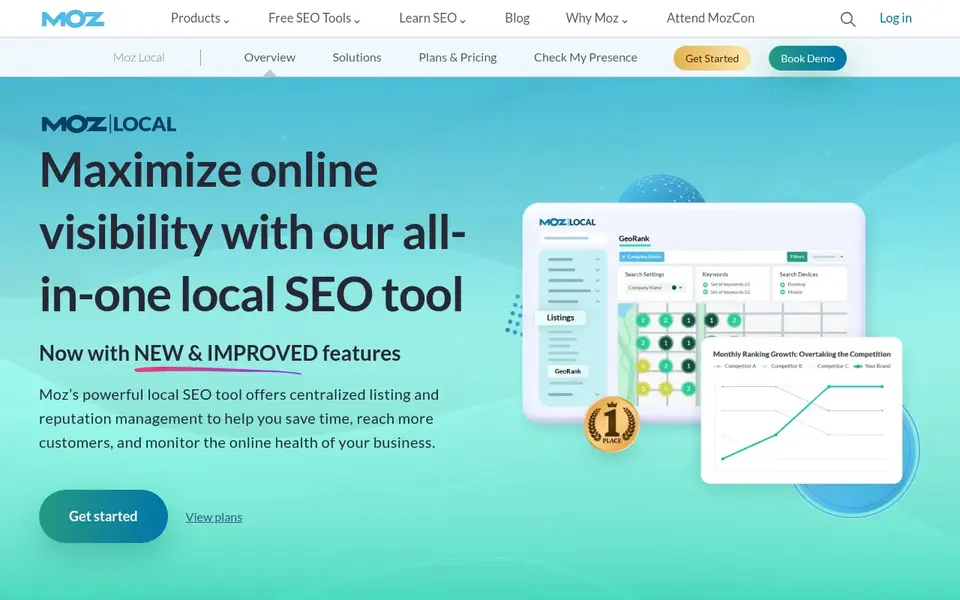
Moz Local is a listing management tool that takes your business name, address, phone number, hours and categories and pushes them to major data aggregators and directories. For a refinisher with one base and a van, that is usually the right level of complexity. It fits owners who want the directory side handled without learning a full marketing platform.
The workflow that matters here is consistency. If your Google Business Profile says you serve three towns but a directory still lists your old address from a previous shop, a customer in the fourth town may never see you. Moz Local helps you find those mismatches and keep hours accurate, which matters when you close early on Fridays or take a week off between jobs.
The limits are on the marketing side. If you want landing pages for each town you serve, or review request automation built in, you will need another tool. Skip it if you already run a multi-branch operation with a marketing team.
- Simple setup around one business location
- shows duplicate and inconsistent listings
- monitoring after the initial sync
- Fewer location-page and social tools than larger platforms
- not built for many branches
Synup is a listings and local marketing platform aimed at businesses that want control over how they appear across directories and location pages. A refinisher covering a wide radius, or one with a showroom plus a workshop, gets more use from it than a one-address competitor would.
The useful part for this trade is the ability to keep service-area details and hours aligned everywhere. When you add a new town to your Google service area, you want the same change reflected in the directories customers check. Synup also brings review monitoring into the same place, so you can see new reviews without logging into several dashboards.
It is more platform than many small refinishers need. If you only want directory cleanup, a simpler tool does the job. Skip it if you have no plans to grow beyond one location.
- Manages listings across many directories
- location and service-area settings
- review monitoring in the same dashboard
- Setup takes more effort
- more features than a single-van business needs
GatherUp is a customer feedback and review request tool. It fits refinishers because the best moment to ask for a review is after the customer has lived with the floor for a few days and seen how it wears, not while the dust is still settling.
You can set a request to go out a few days after the job closes, route unhappy responses into private feedback, and send happy customers to your Google Business Profile. That sequence matters in a trade where one bad review about dust or a missed edge can cost several jobs.
The limit is scope. GatherUp does not fix your directory listings, so pair it with a listing tool. Skip it if you already have a review process you are happy with.
- Automated review request sequences
- feedback capture before a public review
- review monitoring in one inbox
- Not a directory listing manager
- needs clean listings to work well
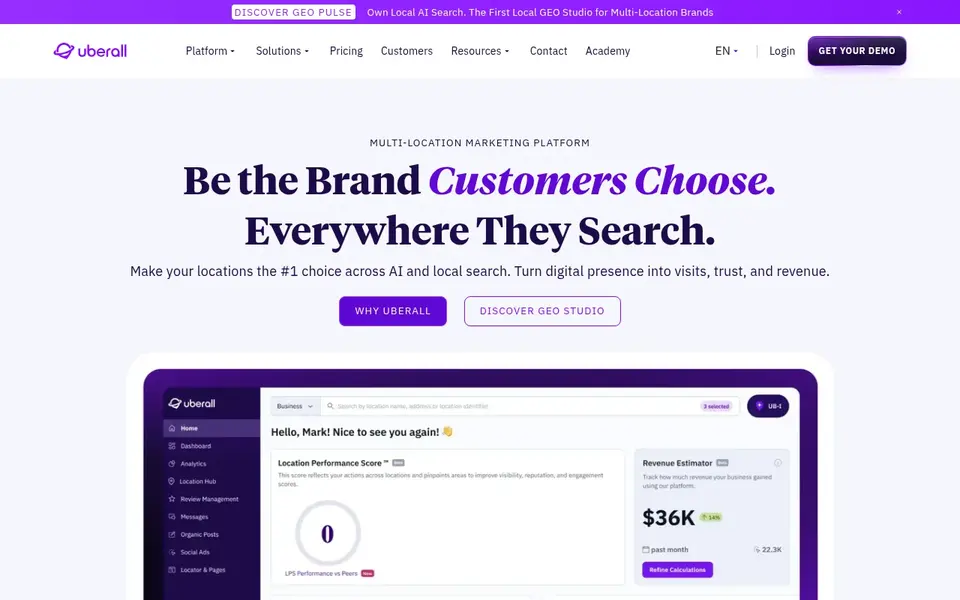
Uberall is a location marketing platform for businesses with multiple physical sites. A refinishing company with a showroom, a warehouse and a second branch can keep all of them consistent from one place.
For this trade, the value shows up when each location needs its own hours, photos and service notes. A showroom open on Saturdays and a workshop that is not open to the public need different listing details, and Uberall keeps those straight.
Most single-location refinishers should skip it. The setup and cost only make sense once you have several sites to manage.
- Central control of listing data
- location pages
- review and messaging tools
- Priced and built for larger businesses
- overkill for one address
Yext lets you manage business information across a large network of directories and services from one place. It suits a refinisher who wants tight control over every field, from services offered to holiday hours.
The practical benefit is that changes you make in one place flow outward. If you add a new service such as stair refinishing or change your winter hours, you update it once. That saves time compared with editing each directory by hand.
The trade-off is that Yext is a subscription platform with more than a small business usually needs. If you want a light cleanup and nothing more, a simpler tool will do.
- Wide directory reach
- structured control of business fields
- review and page tools
- Subscription model for the full feature set
- can be heavy for a small shop
SE Ranking is an SEO platform with local rank tracking and listing tools. It fits a refinisher who wants to see where the business appears in map results for searches like "hardwood floor refinishing near me" across different towns.
Because refinishing demand is spread across suburbs, tracking rankings by location helps you see which towns you actually show up in. That informs where to ask for reviews and where to add service-area coverage.
It is a broad suite, so the listing side is not the main event. Skip it if you only want directory cleanup and nothing else.
- Local rank tracking by location
- competitor checks
- listing management features
- Listings are one part of a broad SEO suite
- not a dedicated listing tool
CallRail tracks phone calls so you can see which listings, ads or pages generate them. For a refinisher, calls are the main booking channel, so knowing whether a call came from a directory, your Google Business Profile or a paid ad is useful.
Use it alongside a listing tool. When you know which listings produce calls, you can put effort where it pays. Keep your main business number as the primary listing number and use tracking numbers carefully so you do not create new inconsistencies.
It does not manage listings, so it is not a replacement for Moz Local or Synup. Skip it if you already track calls another way.
- Call tracking with source attribution
- recordings and routing
- works with many marketing channels
- No listing sync
- adds a tracking number that must be handled carefully
How I chose
I built this list from vendor documentation and public sources, not from hands-on tests. I read what each product says it does with business data, directories, reviews and location pages, then checked whether those features match how a floor refinishing business actually gets found. A trade that serves several towns from one base has different needs from a restaurant or a retail chain, so I weighted service-area handling, hours accuracy and review timing heavily.
I also looked at limits. Tools built for multi-location brands can be more than a small refinisher needs, and review tools do not fix directory data. My aim was to give you a shortlist where each tool has a clear job, so you can pick one or two rather than a whole stack. Where I was unsure about pricing or a free plan, I left it as "See website" rather than guess.
What to check before you buy
- Confirm the tool syncs the directories your customers actually use, and that it handles service-area businesses rather than only storefront addresses.
- Check how it treats hours, including seasonal changes and holiday closures, because a wrong Saturday closing time loses weekend calls.
- Make sure review request timing can be delayed until after the finish has cured, so customers review a settled floor.
- Ask whether the tool monitors for duplicate listings created by old addresses or previous business names.
- Check that it lets you keep one primary phone number consistent across listings if you also use call tracking.
- Look for a way to export or back up your business data, so you are not locked in if you switch tools later.
Frequently asked questions
Do I need listing management software if I only have one location?
Not strictly, but it helps. One location still means dozens of directories, and old addresses or wrong hours creep in over time. A basic tool like Moz Local keeps the core data consistent and flags duplicates. If you serve several towns, the service-area details make consistency more important, not less.
How does listing software help with service-area businesses?
It keeps the towns you serve, your base address and your hours aligned across directories. When those details disagree, customers in outer towns may see outdated information. Check that the tool supports service-area settings rather than assuming a storefront model, since refinishers often work from a shop or home base.
When should I ask customers for reviews?
After the floor has cured and the customer has used the room for a few days. That timing gives a fair picture and reduces complaints about dust or smell that settle down later. Use a review tool to schedule the request automatically, and never offer incentives or filter out unhappy customers.
Can listing software improve my Google Maps ranking?
It removes friction rather than guaranteeing rankings. Consistent listings, accurate categories, complete services and steady reviews all support visibility, but Google decides placement. Treat listing software as maintenance, and put real effort into your Google Business Profile and genuine customer reviews.
Should I use a call tracking number on my listings?
Be careful. A tracking number on directories can create a second phone number that competes with your main one. Many refinishers keep the main number on listings and use tracking numbers on ads or website pages instead. If you do use tracking, keep the setup consistent and document it.
Sources
See where you really rank - block by block
ProMapRanker scans Google Maps across a grid of your service area. Simple monthly plans from $19, white-label on every plan.
Start freeBrowse all guides
← Best Listing Management Software for Coworking Spaces in 2026Best Listing Management Software for Land Surveyors in 2026 →
 best listing management software for auto parts stores
Best Listing Management Software for Auto Parts Stores in 2026
A guide to the best listing management software for auto parts stores in 2026, covering Yext, Uberall, Synup and other tools for local parts retailers.
Read → best listing management software for art galleries
Best Listing Management Software for Art Galleries in 2026
A guide to the best listing management software for art galleries in 2026, comparing Yext, Uberall, Synup and others on listings, maps and reviews.
Read → best google business profile management software for campgrounds
Best Google Business Profile Software for Campgrounds in 2026
A practical guide to Google Business Profile management software for campgrounds, covering listing tools, review platforms and local rank tracking.
Read → accuranker alternatives
AccuRanker Alternatives in 2026
Compare the best AccuRanker alternatives for 2026, from full SEO suites to focused rank trackers, with pricing, keyword limits, and team fit for small teams.
Read → local seo for driving schools
Local SEO for Driving Schools
A local SEO guide for driving schools: Google Business Profile setup, reviews, and teen-driver and adult-student local SEO.
Read → backlink audit local business
How to Run a Backlink Audit for a Local Business
A step-by-step backlink audit process for local businesses, using free and low-cost tools.
Read →More in Local SEO & Google Maps · All guides A to Z by date · Latest guides