 ProMapRanker
Best Legal Matter Management Software in 2026


Broad practice management for most firms · Pricing starts at: $49 per user per month
Key takeaways
- Clio Manage is the broadest pick for small and mid-size firms, with the largest integration ecosystem on this list.
- MyCase, PracticePanther, Smokeball, and CosmoLex suit firms that want matter, billing, and accounting in one place.
- LEAP, Filevine, and Actionstep fit firms with deeper document, workflow, or practice-specific needs.
- This article gives general information only, not legal advice, and software alone does not make a practice compliant.
Quick comparison
| Pick | Great for | Pricing starts at | Free tier | |
|---|---|---|---|---|
| Clio Manage | Broad practice management for most firms | $49 per user per month | Free trial | Visit |
 MyCase | All-in-one practice management | See website | Free trial | Visit |
 PracticePanther | Automated workflows and billing | See website | Free trial | Visit |
 Smokeball | Document automation for small firms | See website | Free trial | Visit |
 LEAP | Integrated practice and accounting | See website | Free trial | Visit |
 Filevine | Custom workflows and collaboration | See website | Free trial | Visit |
 CosmoLex | Practice management with accounting | See website | Free trial | Visit |
 Actionstep | Workflow-driven matter management | See website | Free trial | Visit |
The best legal matter management software
These tools organize legal matters, clients, documents, time, billing, and deadlines for law firms. We compared official product pages, pricing pages, documentation, and public reviews. This is general information only, not legal advice.

Clio Manage is our pick for most firms because it covers the daily workflow in one place: matters, contacts, documents, calendars, tasks, time tracking, billing, and client payments. Its integration library is the largest in this category, so firms that use specialized intake, document, or reporting tools will usually find a connection. Current plans also include built-in accounting, which reduces the need for a separate ledger for smaller firms.
The catch is price clarity. Clio publishes a starting price for its Starter plan, while higher tiers are quote-based, so a growing firm should get a full quote before budgeting. Solo lawyers may also find some advanced features more than they need, but the core plan remains a strong starting point.
- Wide matter, document, and billing coverage
- Large integration library
- Built-in accounting on current plans
- Higher tiers are quote-based
- Advanced features add cost for larger firms
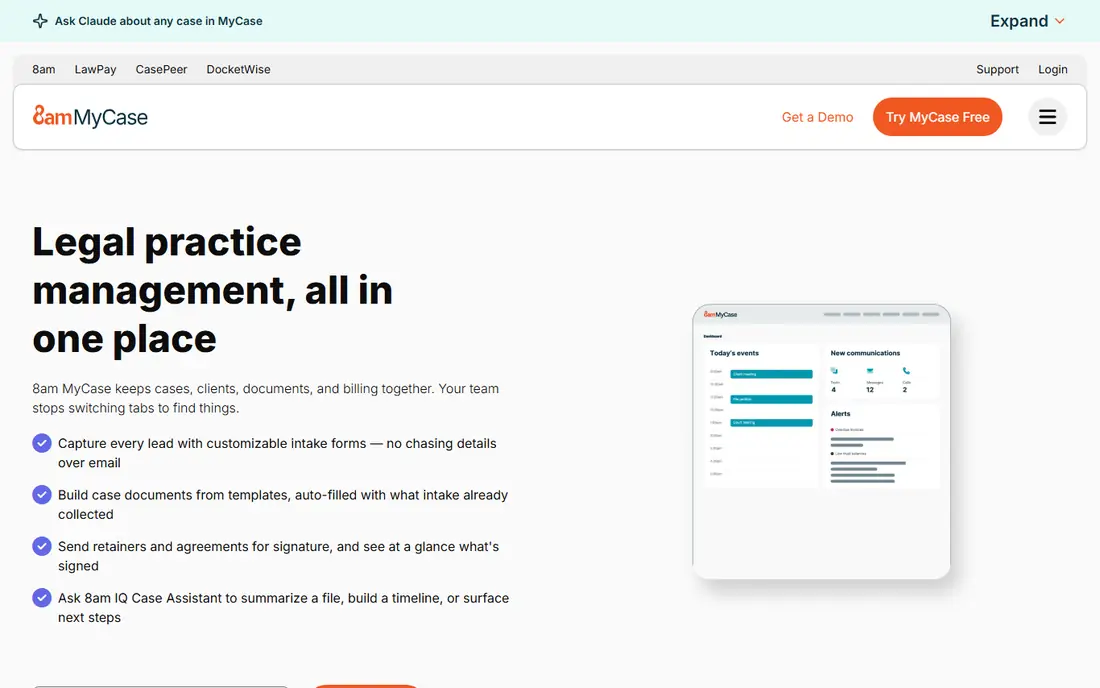
MyCase suits firms that want one system for the whole client journey, from intake and matter setup through billing and payment. Its client portal lets clients share documents, view invoices, and pay online, which cuts the email back-and-forth that slows many small firms. The interface is direct, so new staff can learn it without long training.
The trade-off is tiering. Features such as advanced reporting and some integrations sit on higher plans, so firms should compare the full plan table against their real needs. For a small firm that wants a single, coherent system, MyCase is still one of the easiest recommendations on this list.
- Matters, billing, and client portal in one system
- Built-in payments
- Straightforward interface
- Pricing varies by plan and add-ons
- Some advanced reporting needs higher tiers
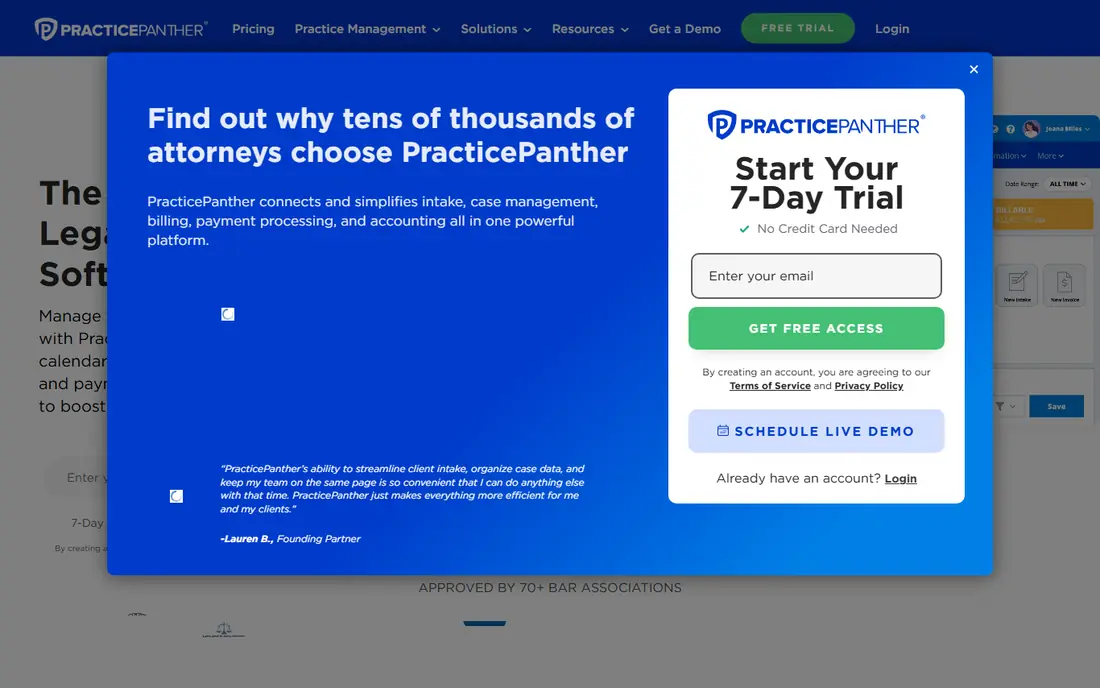
PracticePanther focuses on getting routine work out of the way. Automated workflows can assign tasks, send reminders, and move a matter through its stages, while billing, time tracking, and payments stay linked to each matter. Firms with repeatable practice areas, such as family or immigration work, often benefit most from that automation.
The honest cost is setup. Automation only helps once workflows match how the firm actually works, so allow time to configure and test them. Pricing also needs a current check, since plans and add-ons change. Once tuned, though, PracticePanther can remove a surprising amount of daily admin.
- Strong workflow automation
- Matter and billing tools
- Integrations with common legal apps
- Quote and plan details need a demo
- Automation setup takes time to tune
Smokeball stands out for how it handles documents and time. It can capture time automatically from work done in documents and matter files, which helps firms that lose billable hours to manual time entry. Document automation and matter templates further cut repetitive drafting for small firms.
The limit is fit. Smokeball is strongest for small firms in its core practice areas, and larger firms or unusual practices should confirm depth during a demo. Pricing is handled by quote, so budget planning needs a sales conversation rather than a public price page.
- Automatic time capture from document work
- Strong document automation
- Matter-centered design
- Pricing is quote-based
- Practice-area depth varies
LEAP is a full practice platform that combines matter management, document production, billing, and accounting, with forms and templates for common practice areas. Firms that want to stop stitching separate systems together often choose LEAP for that single-platform promise. Cloud access means staff can work from office or home without a local server.
The trade-off is weight. LEAP covers a lot, and solo lawyers who only need matters and billing may find it more than necessary. Implementation and training should be planned as a project, especially for firms moving years of files into a new system.
- Matter, document, billing, and accounting in one platform
- Practice-area forms and templates
- Cloud access
- Quote-based pricing
- Breadth can feel complex for solo lawyers
Filevine suits firms that run on custom processes rather than standard templates. Its workflow tools let teams build matter stages, tasks, deadlines, and approvals that match their real practice, and collaboration features keep staff, clients, and outside parties aligned on one file. Personal injury, mass tort, and insurance practices are common users.
The catch is administration. Flexibility only pays off if someone owns the workflow design and keeps it current, so firms without an admin champion may underuse it. Pricing is quote-based, and a demo with a real matter type is the best way to judge fit.
- Flexible custom workflows
- Strong team collaboration
- Document and deadline tracking
- Quote-based pricing
- Customization needs admin time
CosmoLex combines practice management with built-in legal accounting, including trust accounting, in a single subscription. That matters because many firms otherwise pay for two systems and reconcile between them. Matters, documents, time, billing, and accounting stay linked, which helps at month-end and during audits.
The trade-off is ecosystem. CosmoLex has fewer third-party integrations than Clio, so firms tied to niche tools should confirm connections first. For a firm that values clean accounting and a single bill, though, CosmoLex is a strong and often overlooked pick.
- Built-in legal accounting including trust
- Matter and billing in one system
- Single subscription model
- Smaller integration library than Clio
- Pricing needs a current check
Actionstep is built around workflows: matters follow step-by-step templates that assign tasks, deadlines, and documents as work progresses. That structure suits mid-size firms that want consistency across staff and offices, without forcing every matter into an identical shape. Billing and trust accounting are included, so finance stays close to matter work.
The honest limit is setup time. Workflow templates need design and testing before they save time, and pricing is quote-based. Firms willing to invest that setup effort get a system that enforces their own best practices, rather than just storing files.
- Workflow-based matter templates
- Billing and trust accounting
- Good for mid-size firms
- Quote-based pricing
- Setup effort for custom workflows
How we picked these
We compared official product pages, pricing pages, documentation, and public reviews, and we kept only tools that are still sold and supported in October 2026. We favored matter-centered design, billing and trust handling, document tools, and client portals, and we mixed broad platforms with workflow-focused options. Where pricing was not published, we list See website rather than repeating outdated tier prices. Remember, this is general information only, and software alone does not make a practice compliant with any bar, trust, or record rule.
What to check before you choose
Start with trust accounting and your jurisdiction. Confirm how each tool handles trust ledgers, three-way reconciliation, and the reports your bar expects, and check the rules that apply to your own practice rather than assuming a vendor covers them. Next, test intake to invoice: a trial matter should flow from client intake through documents, time, billing, and payment without awkward exports.
Check data migration and exit terms before signing. Ask how your matters, documents, and billing history import, and how you export them if you leave. Finally, confirm security, access controls, and backup practices, since client files are sensitive and a breach or loss carries real professional risk.
Frequently asked questions
What is the best legal matter management software for small firms?
Clio Manage, MyCase, and PracticePanther are the usual starting points for small firms, since they cover matters, billing, and client communication in one system. CosmoLex is worth a look if built-in accounting matters most to you.
What is the best legal matter management tool for trust accounting?
CosmoLex and Clio Manage both include built-in trust accounting features, and LEAP and Actionstep also cover trust in their platforms. Confirm the exact ledger reports and reconciliation tools against your jurisdiction's rules before choosing.
How much does legal matter management software cost?
Pricing varies widely and is often quote-based above an entry plan. Clio publishes a starting price, while most rivals require a quote based on users and features, so get comparable quotes for the same user count.
Can this software replace a practice management consultant?
No. Software organizes matters and billing, but workflow design, trust compliance, and staff training still need human judgment. Use a trial and, where needed, professional advice for your jurisdiction.
Does matter management software include document automation?
Some tools do, notably Smokeball and LEAP, while others focus more on matters and billing. Check template and automation depth for your practice area during a demo.
Sources
See where you really rank - block by block
ProMapRanker scans Google Maps across a grid of your service area. Simple monthly plans from $19, white-label on every plan.
Start freeKeep reading
 wpforms alternatives
Best WPForms Alternatives in 2026
We compare 9 wpforms alternatives for WordPress forms, with free and paid options, current pricing notes, and honest limits for small business sites in 2026.
Read → windows task scheduler alternatives
Best Windows Task Scheduler Alternatives in 2026
Looking for Windows Task Scheduler alternatives? We compare 9 schedulers for Windows and cross-platform work, from free tools to enterprise automation.
Read → which ai video service is best
Which AI Video Service Is Best in 2026
which ai video service is best? We compare 10 legitimate AI video services on price, avatars, editing and output quality to help you pick the right tool.
Read →