 ProMapRanker
Best Law Practice Management Software for Solo in 2026

Key takeaways
- Clio Manage is the safest all-round pick for a solo lawyer, thanks to its wide integration range and clear solo-friendly entry plan.
- MyCase suits solos who compete on client communication, with a client portal, texting, and straightforward billing in one place.
- PracticePanther suits solos who want workflow automation without code, while Smokeball suits document-heavy practices.
- CosmoLex suits solos who want built-in accounting and trust accounting without a separate QuickBooks subscription.
- Always trial the billing and document workflow on a real matter, since those two tasks decide whether a tool saves time or adds work.
Quick comparison
| Pick | Great for | Pricing starts at | Free tier | |
|---|---|---|---|---|
 Clio Manage | All-round solo practice | See website | Free trial | Visit |
 MyCase | Client communication | See website | Free trial | Visit |
 PracticePanther | Workflow automation | See website | Free trial | Visit |
 Smokeball | Document-heavy practices | See website | Free trial | Visit |
 CosmoLex | Built-in accounting | See website | Free trial | Visit |
 Rocket Matter | Simple, visual workflow | See website | Free trial | Visit |
 Filevine | Custom matter workflows | See website | Free trial | Visit |
 CARET Legal | Document automation | See website | Free trial | Visit |
 TimeSolv | Time and billing focus | See website | Free trial | Visit |
The best law practice management software for solo
A solo lawyer needs the same core jobs as a large firm, with one person doing them: matters, clients, documents, time, billing, and payments. These nine tools cover that core, with different strengths in communication, documents, accounting, and automation. Prices change often, so check the vendor pricing page before you buy.

Clio Manage is the default many solos start with, and for good reason. It covers matters, contacts, documents, time tracking, billing, and online payments, and it connects to a wide range of other legal and business tools. A solo lawyer can start on an entry plan and add features as the practice grows, rather than switching systems later.
The risk is paying for breadth you do not use. Higher plans add the client portal, advanced reporting, and other features that matter, but they also raise the monthly bill. Trial the entry plan on a real matter first, and check which features sit on which plan. For a solo who wants one system that can grow, Clio remains the safest pick.
- Largest integration ecosystem in this list
- Solo-friendly entry plan
- Strong mobile app and client portal on higher plans
- Full feature set needs higher plans
- Pricing has risen over time
- Setup takes care to avoid paying for unused features
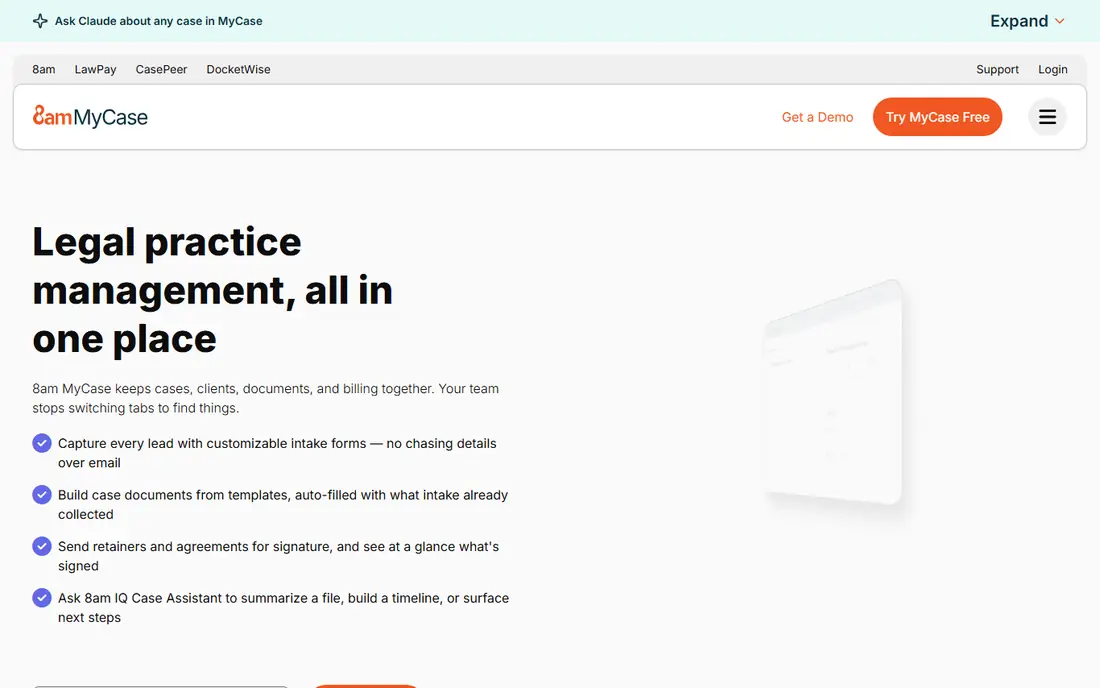
MyCase suits solos who want clients to feel looked after without extra admin. The client portal, secure messaging, and texting keep communication in one place, and billing and payments sit beside case work rather than in a separate system. For consumer-facing practices such as family, personal injury, or estate work, that communication focus matters.
Customisation is the limit. Firms that need deeply custom workflows or complex reporting may find MyCase simpler than they need. For a solo who values a clean, easy-to-learn system and strong client contact, MyCase is a strong, predictable choice.
- Client portal and texting built in
- Straightforward billing and payments
- Easy to learn for a solo
- Customisation is more limited than Filevine or Clio
- Advanced features sit on higher plans
- Reporting is simpler than some rivals
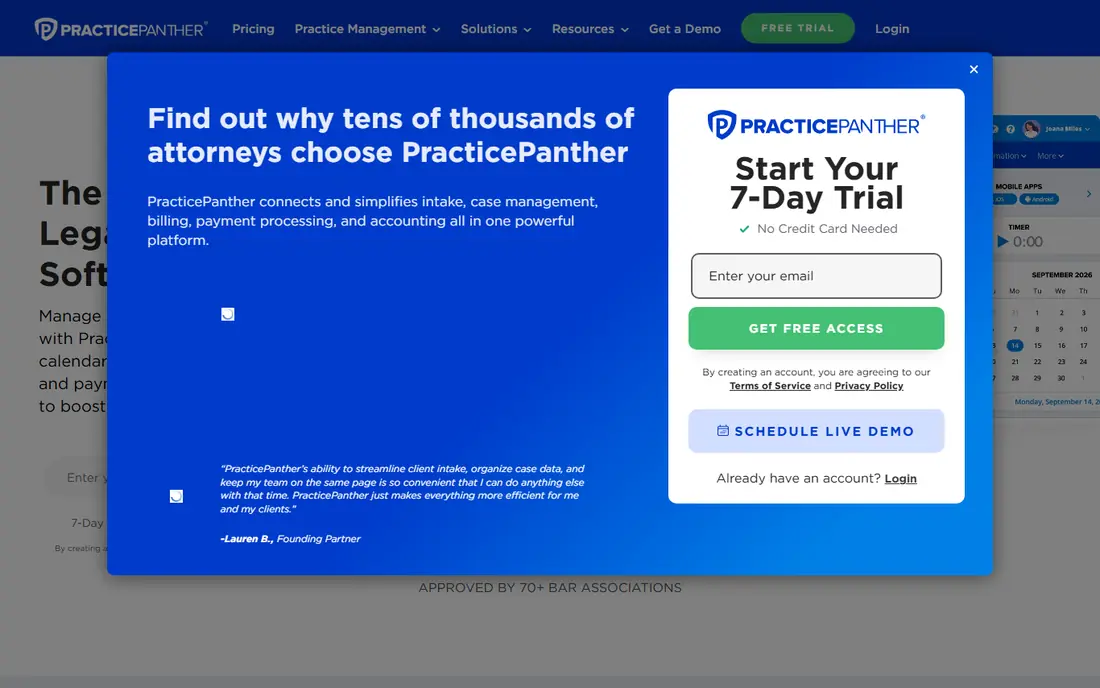
PracticePanther is a good fit for a solo who wants routine work to run itself. Its workflow automation can create tasks, send reminders, and move a matter forward without manual steps, and its solo plan is priced for one lawyer. Billing, payments, and intake sit in the same system, which cuts down on duplicate entry.
Automation only pays off if you set it up well, so allow time to build workflows for your main matter types. Higher plans also rise in price, so check what the solo plan includes before assuming a feature is covered. For a solo who likes systems and wants less admin, PracticePanther is worth a trial.
- Solo plan available
- Code-free workflow automation
- Billing, payments, and client intake in one place
- Higher plans get pricey
- Some users report billing quirks
- Automation needs setup time to pay off
Smokeball is built for lawyers who produce many documents. Its automation pulls matter data into forms and precedents, and its automatic time capture records work that might otherwise go unbilled. For real estate, estate planning, family, and corporate work with standard documents, that combination can save hours each week.
The catch is price and fit. Smokeball pricing is personalised by plan and firm size, and it is not the cheapest solo option. A litigation practice with highly custom documents will get less value than a document-heavy practice. Trial it with your own forms, not demo forms, to judge the real saving.
- Strong document automation
- Automatic time capture
- Large form and precedent library
- Pricing is personalised and can be high
- Best value is for document-heavy work
- Less suited to very simple practices
CosmoLex is the pick for a solo who dreads the accounting side. It includes legal accounting, trust and IOLTA accounting, billing, and payments in the same system, so you do not need a separate accounting subscription for core firm finances. That single ledger also reduces the risk of trust accounting errors from duplicate entry.
The trade-off is focus. CosmoLex document and workflow tools are solid, but they do not match Smokeball for document automation or Filevine for custom workflows. If accounting and trust compliance are your main worry, CosmoLex solves that worry directly. If documents are the priority, compare it with Smokeball first.
- Native legal accounting and trust accounting
- Billing and payments included
- No separate QuickBooks needed for many solos
- Interface is accounting-heavy for some users
- Pricing varies by plan
- Document tools are solid rather than best in class
Rocket Matter suits a solo who wants practice management without a steep learning curve. Visual boards show where each matter stands, time and billing are straightforward, and the interface stays calm even when the caseload grows. For a solo moving from spreadsheets, that simplicity is a real benefit.
Advanced users may want more. Automation and reporting are more limited than PracticePanther or Clio, and the integration range is smaller. If you need a simple, visual system and you do not want to spend weeks learning software, Rocket Matter is a sensible trial.
- Clear visual matter boards
- Straightforward billing
- Easy learning curve for a solo
- Fewer advanced automations than PracticePanther
- Smaller integration range than Clio
- Reporting is basic on lower plans
Filevine is the customisation pick. It lets firms build matter workflows, task sets, and document assembly around their own process, which suits litigation, personal injury, and high-volume practices. A solo with a repeatable, high-volume workflow can benefit from that structure.
For a general solo practice, Filevine may be more system than needed, and pricing is quote-based rather than published. Setup also takes time, since custom workflows need thought before they help. It fits best when your matter types repeat often and your current system cannot keep up.
- Deep customisation for matter types
- Document assembly
- Strong for litigation and high-volume work
- Quote-based pricing
- Setup can be heavy for a solo
- More system than a simple solo practice may need
CARET Legal, formerly Zola Suite, combines practice management with HotDocs document automation. That link matters for solos who rely on standard forms, since matter data can flow into documents without retyping. Matter management, billing, and email also sit in the same workspace.
Pricing is quote-based, so a solo should get a clear written quote before committing. The community and integration range are also smaller than Clio. For a form-heavy solo who wants automation without a separate document system, CARET Legal is worth a demo.
- HotDocs document automation inside practice management
- Matter, billing, and documents in one place
- Solid for form-heavy work
- Quote-based pricing
- Smaller community than Clio or MyCase
- Automation setup needs time
TimeSolv is best judged as a time and billing system with practice management beside it, rather than a full all-rounder. Its time tracking, invoicing, and payment tools suit solos who bill by the hour and want clean, flexible bills. Multiple billing rates and payment options help firms with varied client arrangements.
The limit is breadth. Matter, document, and client tools are present but simpler than Clio or MyCase. A solo who mainly needs accurate time capture and billing, and who already handles documents elsewhere, will like TimeSolv. A solo who wants one system for everything should trial Clio or MyCase first.
- Strong time tracking and billing
- Multiple billing and payment options
- Good for solos who bill by the hour
- Practice management breadth is narrower than Clio
- Client portal is simpler
- Document tools are basic
How we picked these
We compared official feature and pricing pages, plus public buyer guides, for practice management tools that offer a solo plan or that work well for one lawyer in October 2026. We kept tools that are still sold and supported, and we favoured a mix of all-round, communication, document, accounting, and billing strengths. Where pricing was quote-based or unclear, we wrote See website.
How to choose as a solo lawyer
Start with your two most painful tasks. For most solos, those are billing and documents, or client communication and intake. Pick the tool that fixes those two tasks first, not the tool with the longest feature list. A system that bills cleanly and produces documents fast will save more time than a system with features you never open.
Trial on a real matter, not a demo matter. Enter a real client, create real documents, record real time, and send a test invoice. Check trust accounting if you hold client funds, and check data export before you sign, since leaving a system should be possible. Also confirm the total monthly cost, including payment processing and any add-ons, since headline prices often exclude them. This is general business information, not legal advice about your practice.
Frequently asked questions
What is the best practice management software for a solo lawyer?
Clio Manage is a safe all-round pick, MyCase suits client communication, PracticePanther suits automation, and Smokeball suits document-heavy work. The best pick depends on whether billing, documents, communication, or accounting is your main pain point.
How much does solo practice management software cost?
Entry plans for solos are often in the range of one lawyer licence per month, but prices change and many vendors now use quote-based pricing. Check the vendor pricing page and get a written quote that includes add-ons and payment fees.
Do I need trust accounting in my practice software?
If you hold client funds, yes, you need reliable trust accounting and reconciliation. CosmoLex includes it natively, while other tools handle it through integrations or add-ons. Check your state rules and your bar requirements before you choose.
Can I migrate from spreadsheets to practice software?
Yes, most tools offer import help for contacts and matters, and some offer guided onboarding. Clean your data first, import a small test set, and check matters, contacts, and billing before a full migration.
Is a client portal worth it for a solo?
Often yes. A portal cuts email back-and-forth, lets clients upload documents securely, and gives them a clear view of invoices. MyCase and Clio both offer portals on suitable plans, so check which plan includes it.
Should a solo pick an all-rounder or a specialist tool?
Start with an all-rounder unless one task dominates your week. If documents dominate, a specialist such as Smokeball may save more time. If billing dominates, a billing-focused tool such as TimeSolv may be enough.
Sources
See where you really rank - block by block
ProMapRanker scans Google Maps across a grid of your service area. Simple monthly plans from $19, white-label on every plan.
Start freeKeep reading
 wpforms alternatives
Best WPForms Alternatives in 2026
We compare 9 wpforms alternatives for WordPress forms, with free and paid options, current pricing notes, and honest limits for small business sites in 2026.
Read → windows task scheduler alternatives
Best Windows Task Scheduler Alternatives in 2026
Looking for Windows Task Scheduler alternatives? We compare 9 schedulers for Windows and cross-platform work, from free tools to enterprise automation.
Read → which ai video service is best
Which AI Video Service Is Best in 2026
which ai video service is best? We compare 10 legitimate AI video services on price, avatars, editing and output quality to help you pick the right tool.
Read →