 ProMapRanker
Best Language Translation Software in 2026


Broad free translation for everyday use · Pricing starts at: Free
Key takeaways
- Google Translate is the best free starting point for broad language coverage, text, speech, image and offline use.
- DeepL is the strongest pick for natural-sounding European language text, with a free tier and a paid individual plan.
- Microsoft Translator suits Microsoft 365 users, with free consumer use and strong integration options.
- For travel and conversation, Papago, SayHi, iTranslate and Reverso add strengths in specific languages or contexts that the big three do not cover as well.
Quick comparison
| Pick | Great for | Pricing starts at | Free tier | |
|---|---|---|---|---|
| Google Translate | Broad free translation for everyday use | Free | Yes | Visit |
 DeepL | Natural-sounding European language text | Free | Yes | Visit |
 Microsoft Translator | Microsoft 365 users and team use | Free | Yes | Visit |
 iTranslate | Travel translation and conversation | Free | Yes | Visit |
 SayHi | Voice conversation translation | Free | Yes | Visit |
 Papago | Korean, Japanese and Chinese translation | Free | Yes | Visit |
 Reverso | Context, examples and word choice | Free | Yes | Visit |
 Lingvanex | Offline and private translation needs | Free | Yes | Visit |
The best language translation software
Translation tools differ in language coverage, accuracy by language pair, offline support and document handling. We compared consumer apps and web translators that most readers can open today, and we note where a free tier is limited, so you can judge the real cost of regular use.
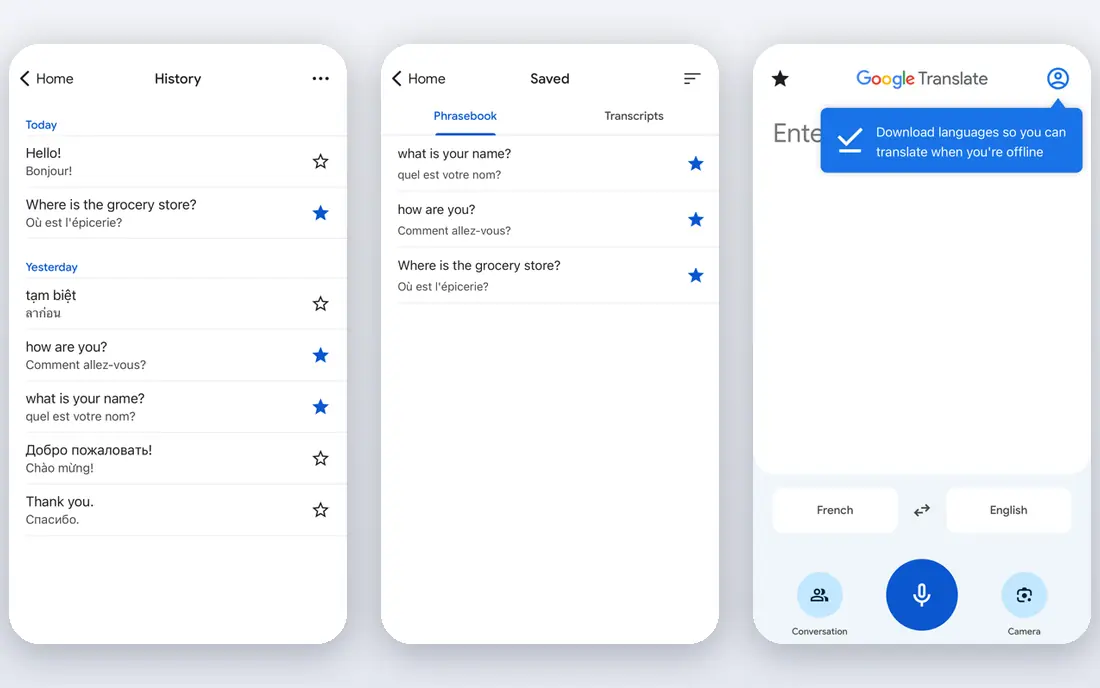
Google Translate is the default free translator for most people, and the breadth is the reason. It handles typed text, spoken input, camera translation of signs and menus, and document translation in the web version, with many languages available offline on mobile after download. For travel, study and quick understanding, it is hard to beat at no cost.
The limit is quality control. Machine output can miss idiom, formality and technical terms, and it can change meaning in a contract, medical note or legal text. Use it freely for understanding and drafting, but have a fluent speaker check anything where an error would cause harm or cost.
- Very broad language coverage
- Text, speech, image and document translation
- Offline languages on mobile
- Tone and nuance can be lost in formal or technical text
- Output still needs a human check for important documents
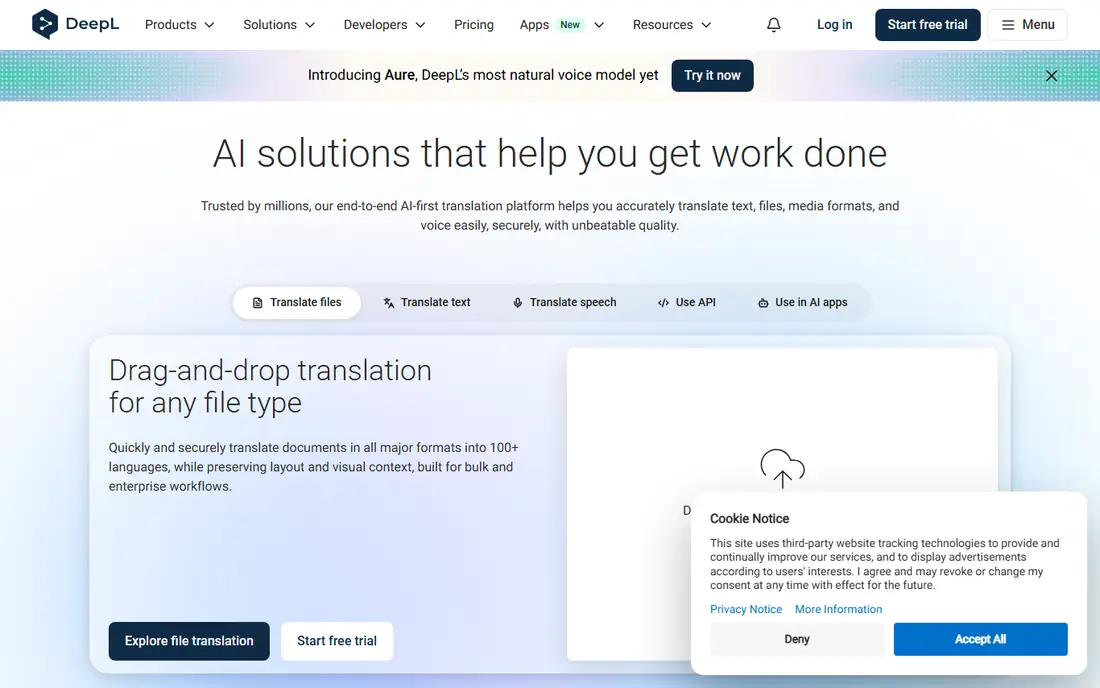
DeepL is often praised for fluency in European languages, where its output reads more like a human draft than a word-for-word conversion. The web translator and apps handle text and documents, and paid plans add larger limits, glossaries and team controls. For business writing in French, German, Spanish, Italian or similar pairs, it is our first test.
The free tier is limited, with published guidance noting 50,000 characters and one file per month for the free Translator tier, while Individual is listed at $10.49 per user per month. If you translate large volumes or less common languages, Google or Microsoft may cover more ground for less cost.
- Smooth, natural output for many European pairs
- Document translation
- Glossary controls on paid plans
- Language coverage is narrower than Google
- Free tier limits characters and files per month
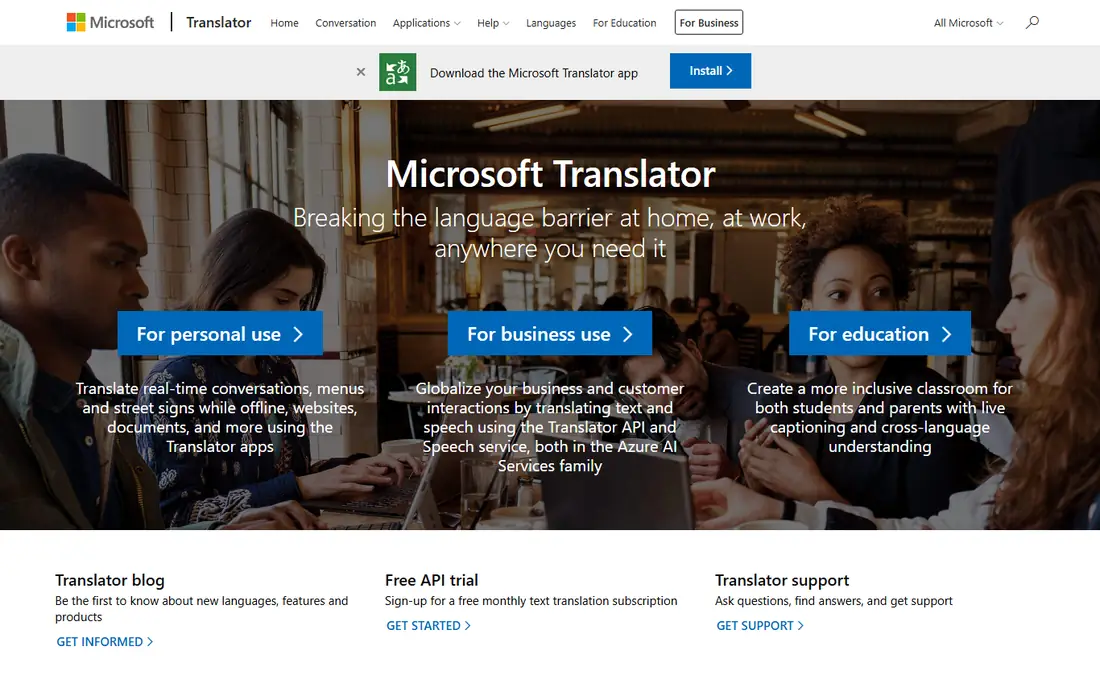
Microsoft Translator is a strong free option that fits naturally into Microsoft tools. The consumer app translates text, speech and images, and the service powers translation inside Office, Teams and Edge for many users. That integration matters if you already work in Microsoft 365 and want translation without switching apps.
For API and high-volume business use, pricing is usage-based, with a free tier for a set number of characters per month in cloud plans. For everyday consumer use, the app is free and practical. Check the current free allowance on the Microsoft page if you plan heavy API use.
- Free consumer app for text, speech and images
- Strong Microsoft integration
- Broad language coverage
- Less natural idiom handling than DeepL for some pairs
- Advanced API use is billed by volume
iTranslate is designed for travel and face-to-face conversation. You can speak into the app, show the translated text or play it aloud, and switch languages quickly. Camera translation helps with signs and menus, and the interface is simple enough to use while travelling.
The free tier covers basic translation, while Pro adds offline languages, camera mode extras and unlimited translations in app store listings. If you travel often to places with weak data coverage, download offline languages before you leave and test voice mode with a short conversation first.
- Voice conversation mode
- Camera and text translation
- Offline languages on paid plans
- Full offline and advanced features need a paid plan
- Free tier has limits
SayHi focuses on spoken conversation, and that focus makes it easy to use with another person. You speak, the app translates aloud, the other person replies, and the app translates back. That turn-taking flow works well for a shop, a clinic visit or a short meeting where both people need to be understood.
It is less suited to long documents or team workflows, where DeepL or Microsoft Translator fit better. Speak clearly, in short sentences, and confirm key numbers, names and dates by showing the text, because voice recognition errors can change meaning.
- Fast voice translation for conversations
- Simple two-person mode
- Broad language list
- Fewer document and business features than DeepL or Microsoft
- Accuracy depends on clear speech and connection
Papago, from Naver, is the specialist pick for Korean, and it also handles Japanese and Chinese well. It offers text, voice, image and conversation modes, and it understands Korean honorifics and context better than many general translators in our comparison. For study, travel or work involving Korea, it deserves a place beside Google Translate.
For languages outside East Asia, Google or DeepL will usually give broader coverage. Use Papago as your first check for Korean, and compare its output with Google when a sentence matters, because two engines can catch each other's errors.
- Strong Korean translation
- Good Japanese and Chinese coverage
- Image and voice input
- Coverage outside East Asian languages is less deep
- Offline set is smaller than Google
Reverso is different because it shows translation in context. Instead of only giving one result, it shows example sentences where a word or phrase appears, which helps you choose the right meaning when a word has several uses. Dictionary, conjugation and grammar tools sit alongside the translator, making it useful for language learners.
That context view is the reason to keep Reverso open while you draft. Use it to check a tricky phrase, then use DeepL or Google for a full document draft. For important writing, a human review remains the safest final step.
- Context examples show how words are used
- Conjugation and dictionary tools
- Document and text translation
- Free tier limits apply
- Machine output still needs review for formal text
Lingvanex suits readers who want translation without always relying on a cloud service. Its apps offer offline language packs and desktop and mobile versions, which help on flights, in rural areas or where privacy matters and you prefer to keep text on your device. The language list covers common pairs for travel and study.
The trade is scale. Lingvanex does not match Google breadth or DeepL fluency for every pair, and full features sit on paid plans. Test it on your main language pair, compare the output with Google Translate, and choose it when offline use or on-device processing is your priority.
- Offline translation options
- Apps for mobile and desktop
- Broad language list for personal use
- Smaller brand and support footprint than Google or Microsoft
- Paid plans needed for full features
How we picked these
We compared official product pages, app store listings and published free tier and pricing guidance. We kept tools that exist and work today, that cover text and at least one other mode such as speech, image or documents, and that offer a usable free tier or free consumer app. We excluded API-only services that most readers cannot open and use directly, because this guide is for people who need translation now, not developers building a product.
How to choose and use a translator well
Start with your main language pair and your main task. For everyday understanding, Google Translate is enough. For polished European business text, test DeepL. For Korean, test Papago. For live conversation, test SayHi or iTranslate. Running two translators on the same tricky sentence often reveals an error that one engine alone would miss.
Next, check offline needs before you travel. Download languages, test camera translation on a real sign, and try a short voice conversation with a friend. A translator that works only with strong data will fail exactly when you need it most, in a station, a rural road or a building with weak signal.
Finally, treat machine translation as a draft for anything important. Check names, numbers, dates, medical terms and legal wording with a fluent speaker. Keep sensitive text out of free web translators when privacy matters, and use offline or enterprise options for confidential material. Good translation is a mix of a strong engine and a careful human check.
Frequently asked questions
What is the best language translation software?
Google Translate is the best free general pick, DeepL is the best pick for natural European text, and Microsoft Translator is the best pick inside Microsoft 365. The best tool depends on your language pair and task.
What is the best free translation app?
Google Translate, Microsoft Translator, Papago and SayHi all offer free consumer use. Google covers the most languages, while Papago is stronger for Korean and SayHi is simpler for voice conversation.
Can I translate documents with these tools?
Yes, Google Translate and DeepL both translate documents on the web, with limits on the free tiers. Check formatting after translation, because tables and layout can shift.
Are machine translators accurate enough for business use?
They are good for drafts and understanding, but not a substitute for human review on contracts, medical notes or public business text. Use a fluent reviewer for anything where an error would cause harm or cost.
Which translator works offline?
Google Translate, iTranslate and Lingvanex offer offline languages on mobile or desktop after download. Download your languages before travel and test them without data.
Sources
See where you really rank - block by block
ProMapRanker scans Google Maps across a grid of your service area. Simple monthly plans from $19, white-label on every plan.
Start freeKeep reading
 wpforms alternatives
Best WPForms Alternatives in 2026
We compare 9 wpforms alternatives for WordPress forms, with free and paid options, current pricing notes, and honest limits for small business sites in 2026.
Read → windows task scheduler alternatives
Best Windows Task Scheduler Alternatives in 2026
Looking for Windows Task Scheduler alternatives? We compare 9 schedulers for Windows and cross-platform work, from free tools to enterprise automation.
Read → which ai video service is best
Which AI Video Service Is Best in 2026
which ai video service is best? We compare 10 legitimate AI video services on price, avatars, editing and output quality to help you pick the right tool.
Read →