 ProMapRanker
Landing Page Builders for Portfolios: Best Picks of 2026

Template-driven portfolios with AI assistance · Pricing starts at: $12 per month
Direct answer
If you need template-driven portfolios with AI assistance, Squarespace is the first tool to look at here. Listed starting prices: Squarespace from $12 per month, Framer from $10 a month and Leadpages from $25 a month. Look at Wix Studio for agencies building client portfolio sites, and at Framer for design-led portfolios with an AI agent. Prices, free plans and limits for all 5 tools follow.
This ProMapRanker guide covers 5 landing page builders for portfolios. Each profile lists a starting price, free plan details, strengths and drawbacks, so you can drop poor fits quickly.
Key takeaways
- Squarespace takes the first slot, best suited to template-driven portfolios with AI assistance.
- For the cheapest start, look at Framer: $10 per month.
- Free plans exist at 2 of 5 tools (Framer, Webflow).
- Webflow fits custom-designed portfolio sites with CMS.
- One limit worth knowing about Squarespace: less granular design control than code-friendly tools.
Quick comparison
| Pick | Great for | Pricing starts at | Free tier | |
|---|---|---|---|---|
| Squarespace | Template-driven portfolios with AI assistance | $12 per month | Free trial | Visit |
 Wix Studio | Agencies building client portfolio sites | See website | Not stated | Visit |
 Framer | Design-led portfolios with an AI agent | $10 a month | Yes | Visit |
 Leadpages | Conversion-focused portfolio landing pages | $25 a month | Free trial | Visit |
 Webflow | Custom-designed portfolio sites with CMS | $15 a month | Yes | Visit |
Every option for landing page builders for portfolios explained
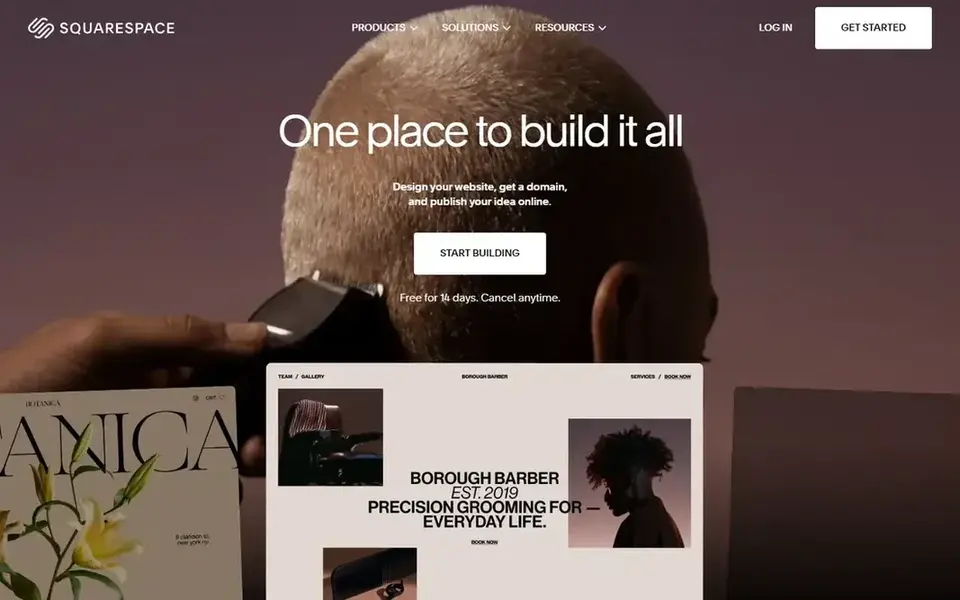
Squarespace serves template-driven portfolios with AI assistance. It suits creatives who want a refined portfolio landing page without building every layout from scratch, and who prefer guided setup over a blank design canvas.
What you pay to start with Squarespace: $12 per month. Free plan details: Free trial.
Limits to weigh: Less granular design control than code-friendly tools.
- AI website builder tools
- Domain name choices available
- Template structure can limit unusual layouts
Where Wix Studio fits: agencies building client portfolio sites. Wix Studio is positioned as a web product for agencies and enterprises, with smart design, development, and management capabilities.
Wix Studio shows no starting price here, so confirm the cost on the vendor site. Free access: Not stated.
Points against: Feature set may overwhelm solo creators.
- Management tools for agencies and enterprises
- Smart design and development capabilities
- Targeted at professional teams instead of beginners
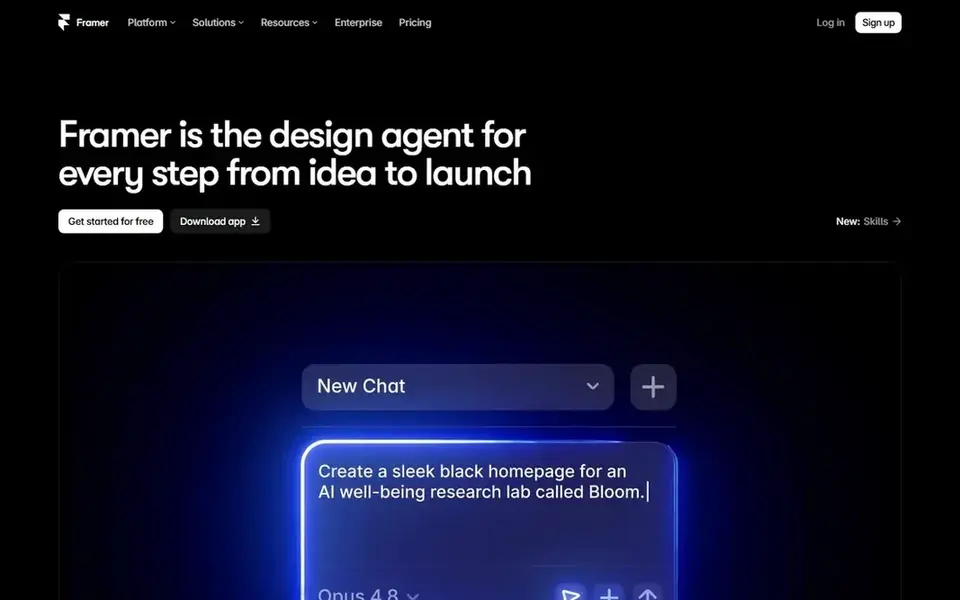
Framer is aimed squarely at design-led portfolios with an AI agent. It suits designers who want to move rapidly on a portfolio landing page but still expect to adjust the result instead of lock into a fixed template.
Starting cost for Framer: $10 per month. You can start on Framer without paying.
Reasons to shortlist it: Changes stay editable after generation. Where it is weaker: Design-first model may not suit content-heavy sites.
- SEO built in
- Design agent moves from idea to launch
- Agent output may need manual refinement

Leadpages serves conversion-focused portfolio landing pages. Leadpages is an AI landing page builder concentrated on high-converting pages with templates, testing, analytics, and marketing integrations.
Main advantages: analytics included; Templates, testing.
Where it is weaker: Optimized for campaigns instead of full sites.
On top of that, the tool is built around campaign pages, so deep project galleries or CMS-driven portfolios may exceed its intended use. Entry price for Leadpages: $25 per month. Free options: Free trial.
- AI-assisted landing page creation
- Built-in marketing integrations
- Less suited to deep portfolio content
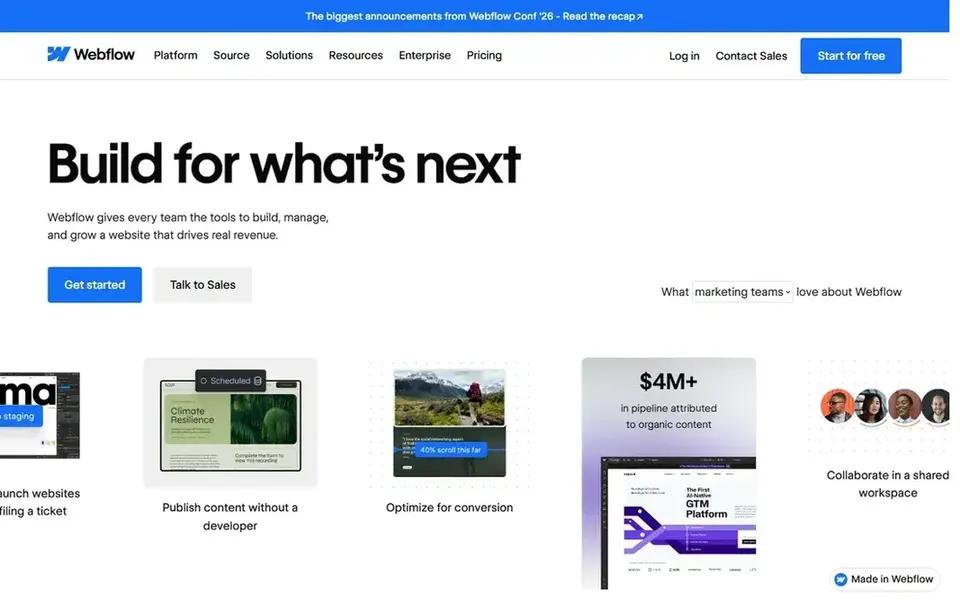
Webflow is designed for custom-designed portfolio sites with CMS. The system assumes some willingness to learn its design model, so it may feel heavy for a straightforward one-page portfolio.
On cost, Webflow starts like this: $15 per month. You can start on Webflow without paying.
Honest limits: More setup than template-first builders.
- Supports in-depth
- Visual design with CMS and hosting built in
- Steeper ramp-up time for beginners
How we compared the tools
We compared the tools on published pricing, free plan or trial availability, feature coverage for landing page builders for portfolios, and the limits each vendor documents. Prices and plan limits come from vendor pages and can change, so confirm them on the vendor site before you buy. The sequence is a judgement call: typical use case first, then pricing transparency, then free access. Use the profiles to check fit.
Before you commit
- Confirm the entry price on the vendor page. For Wix Studio that means a quote rather than a fixed price.
- Check what the free option really includes: Framer and Webflow offer a free plan, and usage caps differ.
- Take the trial from Squarespace and Leadpages and push a live task through it before you pay.
- Read the limits listed for Squarespace first: less granular design control than code-friendly tools.
- Check the support hours and onboarding help Wix Studio offers; smaller vendors vary a lot here.
- Run a one or two week pilot of Webflow with the people who will use it every day.
Frequently asked questions
Can I try these tools before paying?
Often, yes. Framer and Webflow have a free plan and Squarespace and Leadpages offer a free trial. Use your own data and a real task during the test, and check what the free tier or trial limits before you rely on it.
How are the tools for landing page builders for portfolios ordered?
The order follows typical fit for landing page builders for portfolios, with Squarespace first and Webflow last, then price clarity and free access. It is editorial judgement, not a score, so another team could rank the tools differently.
What should I check before choosing a portfolio builder?
Confirm whether you need a CMS for project entries, how much design control you want, and whether testing or analytics matters. Also verify integration choices and whether hosting is included so the platform suits your workflow.
Which landing page builder is a good match for a design portfolio?
This list starts with Squarespace, which fits template-driven portfolios with AI assistance. For other needs, Wix Studio is aimed at agencies building client portfolio sites, and Framer at design-led portfolios with an AI agent. Check each tool's price and main limit first.
Do these tools publish their prices?
Not all of them. Wix Studio publishes no starting price, so expect a quote request for it. The rest, Squarespace included, show a starting price, though seats and billing terms still change the final cost.
What is the cheapest option for landing page builders for portfolios in this list?
On published monthly entry prices, Framer is the lowest here at $10 per month. Entry price is only part of the cost, because seats, add-ons and billing terms can change the total. For the full picture, the cards above cover all 5 entries of this landing page builders for portfolios list, including price, free plan and limits.
Sources
See where you really rank - block by block
ProMapRanker scans Google Maps across a grid of your service area. Simple monthly plans from $19, white-label on every plan.
Start freeBrowse all guides
← Best Graphic Design Software for Marketing Teams in 20265 Best Marketing Automation Software for Photographers for 2026 →
 best lead generation tools for photographers
5 Best Lead Generation Tools for Photographers in 2026
Searching for the best lead generation tools for photographers? Here are 5 options with prices and free plans. Each pick lists its main limit. No filler.
Read → best graphic design software for small agencies
Best Graphic Design Software for Small Agencies in 2026
Best graphic design software for small agencies, compared. 6 tools with published prices, free plans and limits. The catches are listed up front. Numbers first.
Read → best platform for online content creation
Platform for Online Content Creation in 2026: Top 5 Compared
5 products for the best platform for online content creation, ranked by fit, with starting costs and free tiers. Pros and cons for every tool. Prices checked.
Read → best meditation apps for beginners
Best Meditation Apps for Beginners in 2026
We compared the best meditation apps for beginners on price, free content, guided courses and session length, so you can start a daily habit with confidence.
Read → best shopping cart software
Best Shopping Cart Software in 2026
Looking for the best shopping cart software? We compare 8 cart platforms on price, fees, hosting, design and scale to help your store choose well today.
Read → best vector drawing software
Top 6 Vector Drawing Software Options for 2026, Compared
Best vector drawing software in 2026: 6 tools with starting prices, free plans and limits. Costs and caveats sit beside each pick. Updated November 2026.
Read →More in Design & Creative · All guides A to Z by date · Latest guides