 ProMapRanker
Top 6 Vector Drawing Software Options for 2026, Compared
Key takeaways
- Figma sits first on this list: UI design and team collaboration.
- Before buying Inkscape, weigh this: no native CMYK support, which limits professional print work.
- Expect to ask for a quote from Figma, Sketch and Adobe Illustrator; the other tools show a starting price.
- Only 3 of the 6 tools have a free plan (Figma, Inkscape, Affinity), so check the caps.
- Adobe Illustrator is the one to check for professional print and branding work.
Direct answer
If you need UI design and team collaboration, Figma is the first tool to look at here. Alternatives: CorelDRAW Graphics Suite for sign making and print production, and Inkscape for free open-source vector editing. All 6 tools are compared below on price, free plan and limits.
Quick comparison
| Pick | Great for | Pricing starts at | Free tier | |
|---|---|---|---|---|
 Figma | UI design and team collaboration | See website | Yes | Visit |
 CorelDRAW Graphics Suite | Sign making and print production | $269 per year | Free trial (15 days) | Visit |
 Inkscape | Free open-source vector editing | Free | Yes | Visit |
 Affinity | Best overall value in 2026 | Free | Yes | Visit |
 Sketch | Mac-based interface design | See website | Free trial | Visit |
 Adobe Illustrator | Professional print and branding work | See website | Free trial (7 days) | Visit |
The best vector drawing software
Choosing vector drawing software usually comes down to price, fit and limits. This ProMapRanker guide sets 6 tools side by side on those three points, with the facts kept short and checkable.
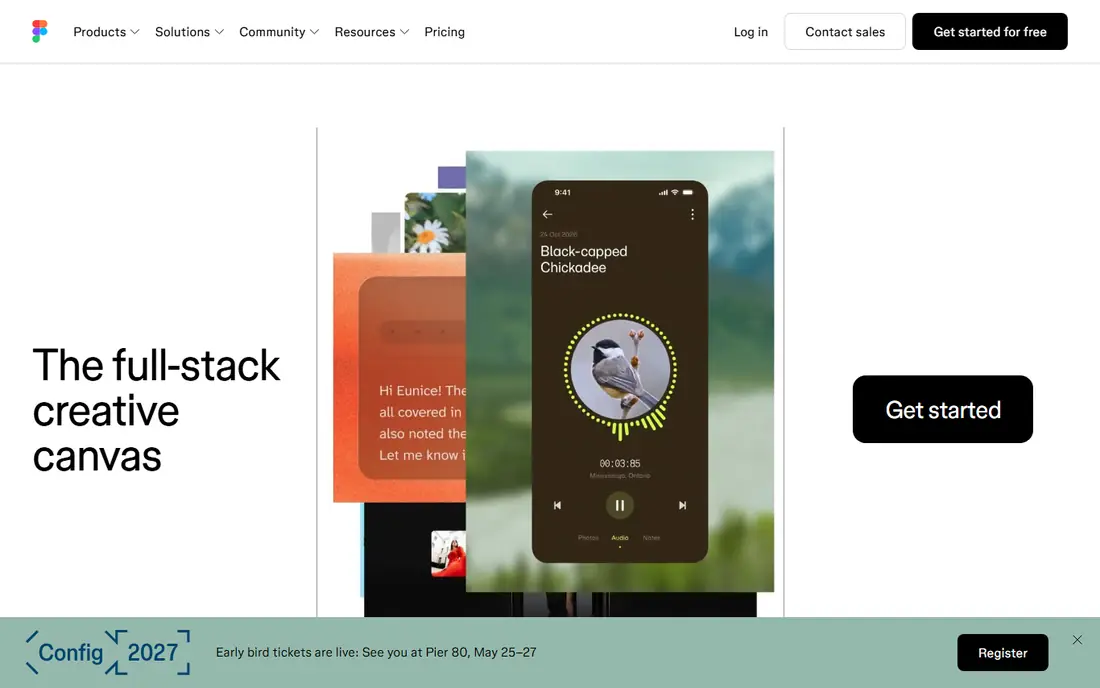
Figma is built with UI design and team collaboration in mind. Pricing is per editor, which means costs grow linearly as your team grows, whereas viewers stay free.
Where it falls short: Per-editor pricing scales rapidly with team size.
This comparison lists no price for Figma; ask the vendor. Figma offers a free plan.
- Ample free Starter level
- Live collaboration that actually works
- Needs an internet connection for full functionality
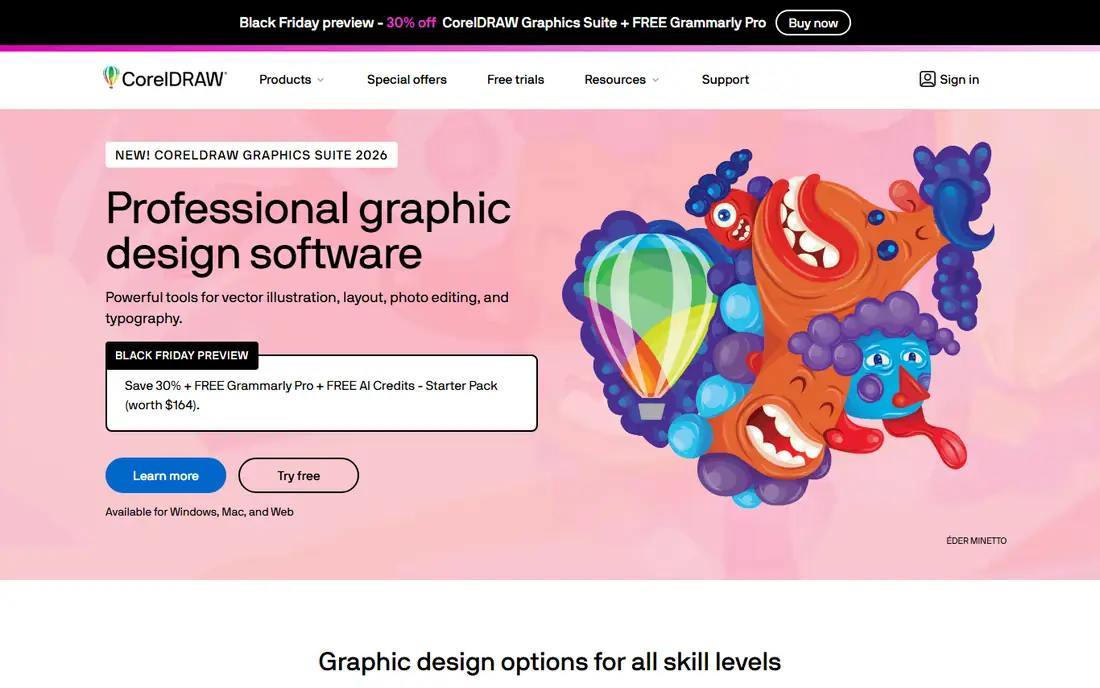
CorelDRAW Graphics Suite was built for sign making and print production. CorelDRAW has been the quiet workhorse of the sign and print industry since 1989, and version 2026 added AI-assisted image remixing and text presets to a toolset that already covered vector illustration, photo editing, page layout and font management. Beyond that, pricing is straightforward and vendor-published: $269 a year on subscription, or $549 as a one-time purchase if you would rather own your software.
Trade-offs to know: Interface can feel dated.
That perpetual license alone makes it attractive to shops that disliked Adobe's subscription-only turn. Beyond that, the 15-day trial is enough to test it against a real job. Where it truly separates from the pack is production art: vinyl cutting, laser engraving, screen printing and vehicle wraps are workflows CorelDRAW manages natively, with features like PowerTRACE for converting bitmaps to clean vectors. What you pay to start with CorelDRAW Graphics Suite: $269 per year. As for free access: Free trial (15 days).
- Engraving and large-format work
- Superb for signage
- MacOS version lags the Windows one in places
Inkscape was built for free open-source vector editing. Inkscape is the answer when the budget is zero and the work still needs to look professional.
Worth adding: there is no true CMYK color mode, so print designers who require exact color separations will hit a wall. In daily use, as a free and open-source editor, it spans the fundamentals well: bezier drawing, node editing, boolean path operations, layers, gradients and text on paths. Inkscape pricing: Free. You can start on Inkscape without paying.
Points against: No native CMYK support, which limits professional print work.
- Runs on Windows
- Native SVG workflow a strong match for web graphics
- Interface feels dated
Affinity serves best overall value in 2026. The old Affinity Designer, Photo and Publisher are gone as separate premium apps, replaced by a single free application with Vector, Pixel and Layout studios you switch between with one click. As for the details, the tradeoffs are modest: you sign in with a free Canva account.
The newer AI tools like generative fill sit behind Canva's premium level. From a buyer's view, for vector drawing specifically, the Vector studio carries over the pen, node and shape tools that made Affinity Designer widely used, plus GPU-accelerated rendering that keeps complicated documents responsive. If you can live without AI generation, this is the most capable free vector editor available today. It deserves a serious look before you pay for anything. Also, the core toolset that used to cost money per app is now free, with no subscription required to download or use it. Price to start with Affinity: Free. Affinity has a free plan.
Downsides: AI features need a premium Canva plan. Best features of Affinity: photo and layout tools in one free app.
- Quick performance on large files
- Opens PSD, AI
- Needs a free Canva account
Sketch is built with Mac-based interface design in mind. Sketch practically invented the modern UI design tool category, and on the Mac it remains quick and pleasant to use. Its symbols, shared styles and libraries make it solid for design systems.
The plugin ecosystem handles handoff to developers through integrations with tools like Zeplin. In practice, the macOS-only limitation is the big filter. More specifically, Figma's browser-based collaboration has also pulled plenty of teams away. Pricing for Sketch is not stated here, so ask the vendor for current figures. Free access: Free trial.
Trade-offs to know: MacOS only, which excludes mixed-platform teams.
- Quick native Mac app
- Very good symbol and component system
- Collaboration happens through the web app
Think of Adobe Illustrator for professional print and branding work. Illustrator has defined professional vector work for decades, and that position has not really shifted. Worth adding: for a small business that needs a logo touched up twice per year, it is a lot to pay for software that sits idle.
Points against: Can feel heavy for straightforward jobs.
Also, buy it when vector work is core to your revenue, not when it is an occasional chore. On top of that, Illustrator is subscription only, and Adobe's annual-billed-monthly plans carry early-cancellation fees that surprise first-time buyers. Check the vendor site for Adobe Illustrator pricing; none is listed in this comparison. Trial and free access: Free trial (7 days).
- Industry-standard file format clients expect
- Solid typography and print prepress controls
- Subscription only, no perpetual license
Selection criteria
For each of the 6 tools we noted price, free plan or trial, fit for vector drawing software and the main limit, using vendor pages and documentation. Figures are shown as the vendors publish them. Billing terms, seat minimums and add-ons can change the real cost. The ranking is editorial: typical fit first, then clear pricing, then free access. If your needs are unusual, read the profiles rather than relying on position.
Pre-purchase checklist
- Confirm the entry price on the vendor page. For Figma, Sketch and Adobe Illustrator that means a quote rather than a fixed price.
- Look at free plan limits closely: Figma, Inkscape and Affinity have one, and the caps decide whether it is usable for real work.
- Run a trial of CorelDRAW Graphics Suite, Sketch and Adobe Illustrator with real work before paying for a year; your own workflow is the best test.
- Before choosing Figma, weigh its main limit: aimed at screens, not print.
- Read the plan comparison for CorelDRAW Graphics Suite carefully; key features often start on a higher tier.
- Ask Affinity whether prices are locked for the first term and what happens at renewal.
Frequently asked questions
Which options for vector drawing software have a free plan?
Figma, Inkscape and Affinity offer a free plan in this list. Free plans usually cap users, projects or features, so check the limits on the vendor page. Several others offer a trial instead.
Is Figma the right pick for everyone comparing vector drawing software?
No single tool suits every team. Figma comes first because it fits UI design and team collaboration, while CorelDRAW Graphics Suite suits sign making and print production and Inkscape suits free open-source vector editing. Match the tool to your own size, budget and workflow before deciding.
Can I try these options before paying?
Often, yes. Figma, Inkscape and Affinity have a free plan and CorelDRAW Graphics Suite, Sketch and Adobe Illustrator offer a free trial. Use your own data and a real task during the test, and check what the free tier or trial limits before you rely on it.
Do these tools publish their prices?
Not all of them. Figma, Sketch and Adobe Illustrator publish no starting price, so expect a quote request for those. The rest, CorelDRAW Graphics Suite included, show a starting price, though seats and billing terms still change the final cost.
Sources
See where you really rank - block by block
ProMapRanker scans Google Maps across a grid of your service area. Simple monthly plans from $19, white-label on every plan.
Start freeKeep reading
 zscaler alternatives
Best Zscaler Alternatives in 2026
Looking for zscaler alternatives? We compare 9 SASE and zero trust platforms on architecture, data protection, pricing, and fit for your network and team.
Read → zapier alternatives free
Best Zapier Alternatives Free in 2026
Nine automation tools for zapier alternatives free in 2026, all with genuinely free tiers, plus free plan limits, starting prices and upgrade paths explained.
Read → which platform is best for online reputation
Which Platform Is Best for Online Reputation in 2026
Wondering which platform is best for online reputation? We compare 8 review, listing, and response tools for small and multi-location businesses and agencies.
Read →