 ProMapRanker
Best Knowledge Management Software in 2026
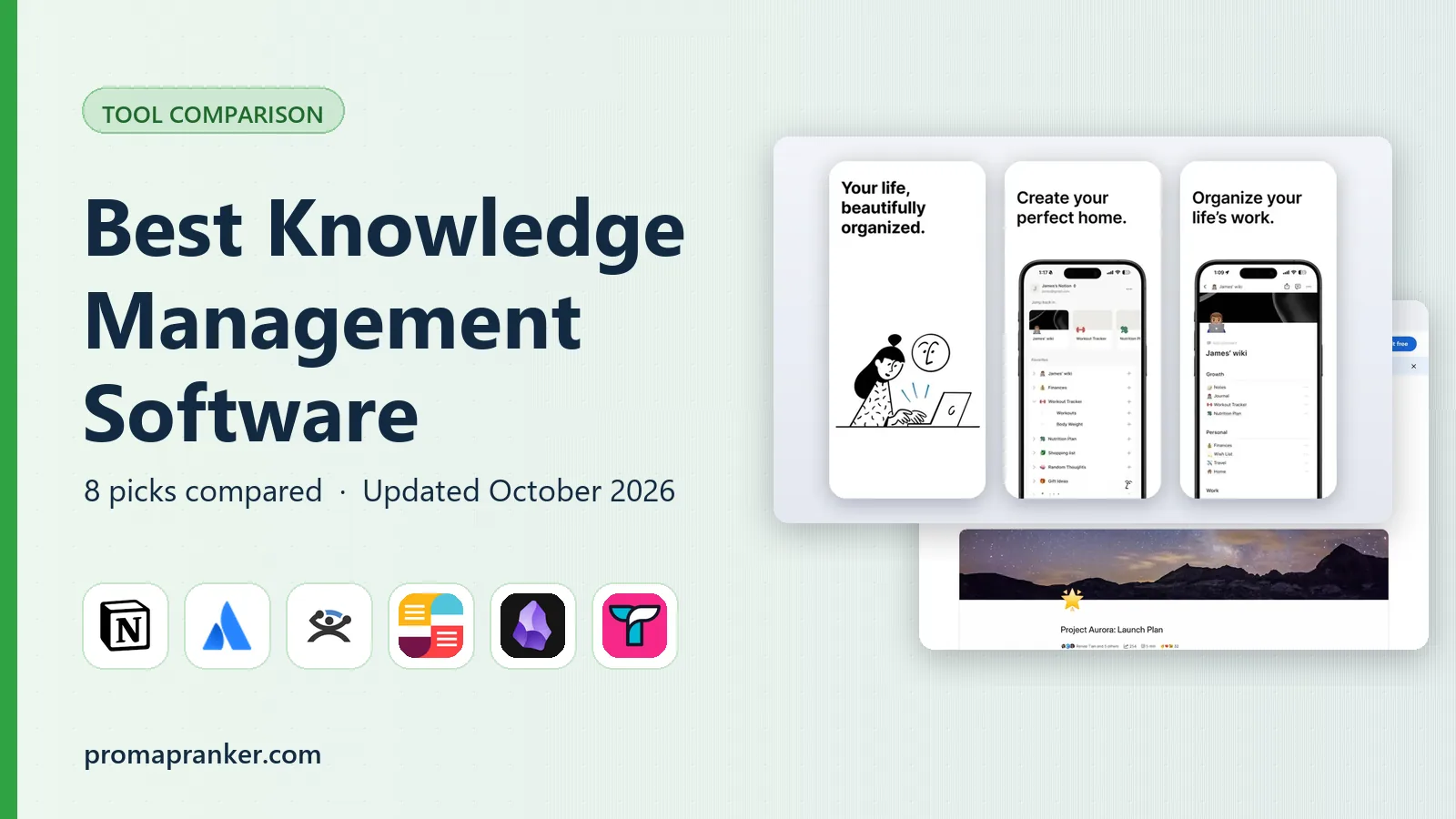

Docs, wiki, and projects in one place · Pricing starts at: $10 per member per month
Key takeaways
- Notion suits teams that want docs, wikis, and projects in one workspace, while Confluence suits teams already using Jira.
- Slab is the cleanest dedicated wiki here, with a usable free plan for small teams, and Guru suits support teams that need verified answers inside Slack.
- Obsidian is the pick for personal knowledge that you own as plain files, with no vendor lock-in.
- Document360 and Bloomfire suit customer-facing help centers and large content libraries, not simple internal wikis.
Quick comparison
| Pick | Great for | Pricing starts at | Free tier | |
|---|---|---|---|---|
| Notion | Docs, wiki, and projects in one place | $10 per member per month | Yes | Visit |
 Confluence | Jira teams and structured wikis | $5.78 per user per month | Yes | Visit |
 Guru | Verified answers inside other tools | See website | Free trial | Visit |
 Slab | Clean dedicated team wiki | $6.67 per user per month | Yes | Visit |
 Obsidian | Personal knowledge you own | Free | Yes | Visit |
 Tettra | Answering repeat questions in Slack | $4 per user per month | Free trial | Visit |
 Document360 | Customer-facing help centers | See website | Free trial | Visit |
 Bloomfire | Large video and document libraries | See website | No | Visit |
The best knowledge management software
We compared official pricing pages and recent knowledge management roundups to find tools that store, organize, and surface knowledge in October 2026, from personal vaults to enterprise wikis.

Notion is the most flexible workspace on this list, because it combines docs, wikis, databases, and projects in one place. A team can run its handbook, meeting notes, project tracker, and knowledge base from the same workspace, and templates give new teams a fast start. The free plan covers personal use, and Plus starts at $10 per member per month when billed annually, which makes Notion an easy first wiki for a small team.
Flexibility needs discipline. Without owners, naming rules, and regular cleanup, a Notion workspace can grow into a maze where nobody trusts search results. AI features, including Notion AI and agent tools, also sit on higher plans, so the headline price is not the full AI price. Pick Notion when you want one workspace for docs and work, and assign an owner to keep it tidy.
- Flexible pages, databases, and templates
- Free for personal use
- AI features on higher plans
- Can grow messy without ownership rules
- AI and advanced features sit on pricier plans
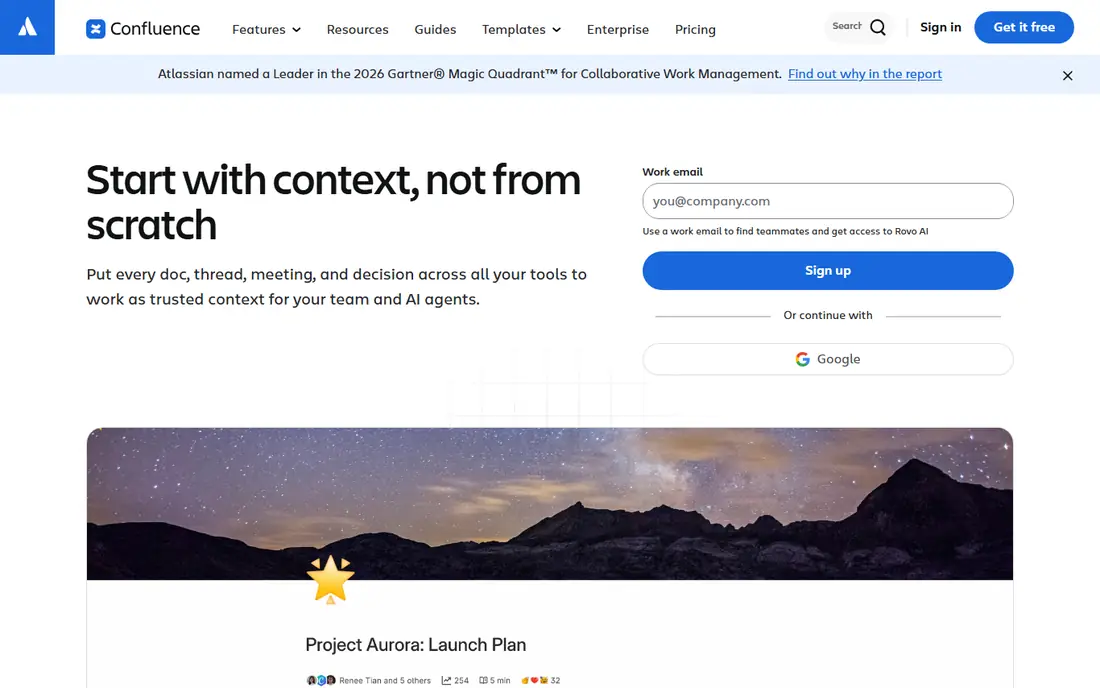
Confluence is the standard wiki for teams already running on Atlassian tools, and its Jira integration is the reason. Pages link to issues, project docs sit next to the work they describe, and templates give engineering and product teams a consistent structure. The free plan covers up to 10 users, and Standard starts at $5.78 per user per month, which makes it cheap for a small engineering team.
The interface feels heavier than Slab or Notion, and casual users may find page editing less inviting. AI features such as Rovo search and agents also vary by plan, so teams should check what their tier includes. If your team already lives in Jira, Confluence is the natural knowledge home, and moving elsewhere would cost more in lost integration than it saves in polish.
- Structured pages and templates
- Deep Jira integration
- Free for up to 10 users
- Interface feels heavier than Slab or Notion
- AI search features vary by plan
Guru is built for a different moment than a wiki, which is the moment someone asks a question in Slack and needs a trusted answer without opening another app. Its cards surface verified knowledge inside Slack, browsers, and other tools, and expert verification with review dates keeps answers from going stale. Support and sales teams, who answer the same questions daily, get the most value from that design.
Pricing is not published, so buyers need a custom quote, and Guru makes less sense for a team that rarely answers repeat questions. A 30-day free trial lets teams test whether verified answers actually reduce repeat questions. Pick Guru when answer quality and speed matter more than having a large, free-form wiki.
- Verified knowledge with expert review
- Answers surface in Slack and browsers
- AI search across company knowledge
- Pricing is not published
- Best value needs a team that answers repeat questions daily
Slab is the cleanest dedicated wiki on this list, and that focus is its appeal. It does one job well, which is storing team knowledge in organized, searchable topics, without turning into a project manager or a database builder. The free plan covers up to 10 users, and Startup starts at $6.67 per user per month when billed annually, which makes Slab affordable for a small team that wants a real wiki.
Teams that want docs plus projects will miss Notion's databases and Confluence's Jira links, and AI Ask features sit on the Business tier. Slab suits teams that want a tidy handbook, onboarding docs, and process pages, and that are happy to run projects elsewhere. If your wiki keeps growing messy in a general workspace, Slab's focus may fix that.
- Clean, focused wiki experience
- Usable free plan for up to 10 users
- Good search and organization
- Less project tooling than Notion or Confluence
- AI Ask sits on higher plans
Obsidian is the pick for personal knowledge management, because your notes live as plain Markdown files on your own device. That means no vendor lock-in, fast offline access, and a graph view that shows how notes link together. The plugin community adds calendars, task views, and publishing options, so a personal vault can grow into a serious research system.
Obsidian is not a team wiki. Real-time collaboration is limited, and the optional Sync service costs extra, while a commercial license applies to business use. The app itself is free for personal use, which makes it the cheapest serious knowledge tool here. Pick Obsidian for personal notes, research, and writing, and pick a cloud wiki when a team must edit together.
- Local Markdown files you own
- Fast and offline
- Large plugin community and graph view
- No built-in team collaboration
- Sync and publish are paid add-ons
Tettra is built around one workflow, which is answering repeat questions inside Slack. Team members ask in Slack, experts answer, and those answers become searchable knowledge, so the next person with the same question finds it without asking again. That loop suits growing teams whose knowledge lives in chat threads and keeps getting lost.
Tettra's scope is narrower than Notion or Confluence, since it is not a general docs platform, and its Scaling plan costs more per user than the Basic tier. A 30-day free trial lets a team test whether Slack-based answers actually reduce interruptions. Pick Tettra when repeat questions in Slack are your main knowledge problem, not when you need a full company handbook.
- Built for Slack workflows
- Question tracking and expert answers
- Kai AI answers on higher plans
- Smaller scope than a full wiki
- Scaling plans cost more per user
Document360 is built for knowledge bases that customers see, not just internal wikis. It supports structured articles, versioning, analytics, and AI features such as Eddy for writing help and search answers, which suit product documentation and support centers. Teams can run internal and customer-facing bases from the same platform, with separate permissions for each audience.
Pricing is quote-based, and a 14-day free trial is the way to test it, so small teams should confirm costs before planning around it. Document360 is more than a simple internal wiki needs, and its strength shows when documentation is a product feature. Pick it when customers read your docs, not when only your team does.
- Structured knowledge bases for staff and customers
- AI writing and search features
- Versioning and analytics
- Pricing is quote-based
- More than a small internal wiki needs
Bloomfire suits enterprises with large libraries of documents, videos, and community knowledge, where search quality matters more than simple page storage. Its search covers content types that simpler wikis handle poorly, and its analytics show what people actually use. That makes it a fit for customer insights, training libraries, and research collections that grow into thousands of items.
Enterprise pricing is quote-based, and there is no free plan, so Bloomfire is not a small-team purchase. Setup and governance also take more effort than Slab or Notion. Pick Bloomfire when your knowledge problem is scale and search across mixed media, not when you need a tidy handbook for ten people.
- Strong search across documents and video
- Suits large enterprise libraries
- Engagement and analytics tools
- Quote-based enterprise pricing
- Heavier than a small team wiki needs
How we picked these
We compared official pricing pages and recent knowledge management roundups, and we kept only tools that exist and work in October 2026 and truly fit knowledge storage, search, and sharing. We favored a mix of team wikis, verified answer tools, personal vaults, and customer help centers, so different knowledge problems are covered. Where a vendor does not publish a price, we wrote See website instead of repeating a third-party estimate as a list price.
What to check before you buy
Start with who reads the knowledge and where they ask questions. If answers live in Slack, Guru or Tettra fit better than a wiki nobody opens. If customers read docs, Document360 fits better than an internal wiki. If one person builds a research vault, Obsidian fits better than any team tool.
Assign ownership and review dates
A wiki without an owner goes stale, and stale knowledge is worse than no knowledge, since people stop trusting search. Assign an owner for each section, set review dates for key pages, and delete or archive pages that no longer apply. The best tool cannot fix a wiki nobody maintains.
Test search with real questions
During a trial, search for ten questions your team actually asks, and count how many give a correct answer on the first try. Check permissions too, since a tool that leaks internal docs to the wrong audience creates a bigger problem than slow search. Pick the tool whose search your team trusts after that test.
Frequently asked questions
What is the best knowledge management tool for small teams?
Notion and Slab are strong picks for small teams, with Notion offering docs plus projects and Slab offering a cleaner dedicated wiki. Confluence also suits small teams already using Jira, with a free plan for up to 10 users. The best choice follows whether your team needs projects, Jira links, or just a tidy wiki.
What is the best knowledge management platform for enterprises?
Confluence, Guru, and Bloomfire all suit enterprises, with Confluence fitting Atlassian shops, Guru fitting support and sales teams, and Bloomfire fitting large media libraries. Enterprise buyers should test search, permissions, and AI features on their own content before signing, since scale changes what matters.
What is the best knowledge management software tool for personal use?
Obsidian is our pick for personal use, because notes live as plain files you own, with offline access and a large plugin community. Notion also works for personal use with a free plan, though it stores notes in the cloud. Pick Obsidian for ownership and speed, and Notion for templates and cloud access.
How is knowledge management software different from a wiki?
A wiki is one type of knowledge management software, built from linked pages and search. Modern knowledge tools add AI search and answers, verification and review dates, permissions, and integrations with chat tools like Slack. The difference matters most when knowledge must stay accurate and reach people where they work.
What are the top knowledge management software options for support teams?
Guru and Tettra lead for support teams, since both surface verified answers inside Slack and other tools. Document360 suits support teams that run customer-facing help centers. Pick based on whether your answers live in chat, in a help center, or in both places.
Sources
See where you really rank - block by block
ProMapRanker scans Google Maps across a grid of your service area. Simple monthly plans from $19, white-label on every plan.
Start freeKeep reading
 best resource management software
Best Resource Management Software in 2026
We compared the best resource management software for scheduling, capacity and utilization, with current pricing and free trials, to help teams choose well.
Read → best reporting tools
Best Reporting Tools in 2026
Compare the best reporting tools for dashboards, scheduled reports, and business insights, from Power BI and Tableau to Looker Studio for every team size.
Read → best remote support software
Best Remote Support Software in 2026
Looking for the best remote support software? We compare 9 tools on price, security, session controls, and fit for helpdesks, MSPs, and small teams in 2026.
Read →