 ProMapRanker
Best IT Management Software for Franchises (2026)

Automating repetitive IT tasks · Pricing starts at: See website
Direct answer
Our first pick is ConnectWise Automate, best for automating repetitive IT tasks. Listed starting prices: NinjaOne from $1.50 per device a month. Action1 is better for autonomous patch management and remediation, and Datto RMM is better for cloud-based remote endpoint management. The remaining 3 options are covered below with prices and limits.
This ProMapRanker guide covers 6 IT management software for franchises. Each profile lists a starting price, free plan details, strengths and drawbacks, so you can drop poor fits quickly.
Key takeaways
- ConnectWise Automate is the opening pick, best for automating repetitive IT tasks.
- Just one of the 6 tools, Action1, has a free plan.
- NinjaOne is the lowest-priced starter here at $1.50 per device per month.
- For managing plenty of endpoints with less manual work, Kaseya VSA is worth a look.
- A fair warning about Datto RMM: may need extras for full backup.
Quick comparison
| Pick | Great for | Pricing starts at | Free tier | |
|---|---|---|---|---|
| ConnectWise Automate | Automating repetitive IT tasks | See website | Not stated | Visit |
 Action1 | Autonomous patch management and remediation | See website | Yes | Visit |
 Datto RMM | Cloud-based remote endpoint management | See website | Not stated | Visit |
 NinjaOne | Unified endpoint operations across locations | $1.50 per device a month | Free trial | Visit |
 ManageEngine Endpoint Central | Unified endpoint management and security | See website | Not stated | Visit |
 Kaseya VSA | Managing numerous endpoints with less manual work | See website | Not stated | Visit |
The full IT management software for franchises list
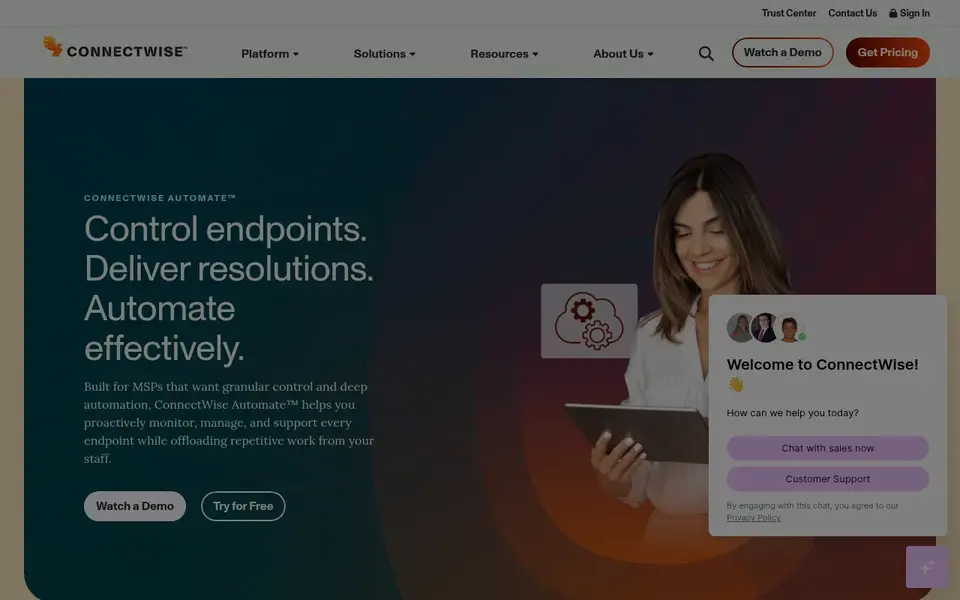
ConnectWise Automate targets automating repetitive IT tasks. Franchise IT teams with recurring maintenance tasks across locations may benefit from its automation-first approach.
ConnectWise Automate does not show a starting price in this comparison, so check the vendor site for current pricing. Free plan details: Not stated.
Drawbacks to consider: May need dedicated admin time.
- Built to boost team efficiency
- Emphasizes automation of technical work
- Automation setup can be complicated
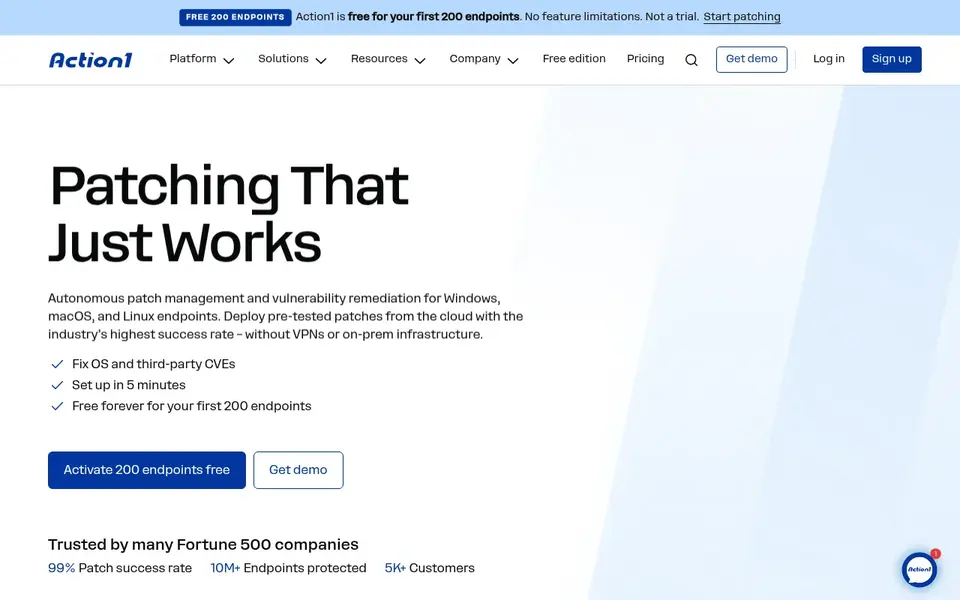
Action1 is designed for autonomous patch management and remediation. If you need a complete operations system, a wider suite could be a better primary choice. On top of that, Action1 offers autonomous patch management and vulnerability remediation for Windows, macOS, and Linux endpoints through a cloud-native product.
It deploys pre-tested operating system and external patches from one place. Also, Action1 centers on patching and remediation, so it may not replace broader IT management or remote support tools. Beyond that, pick Action1 when patch management and vulnerability remediation are the central gaps you have to close. Franchises that want to strengthen patch compliance across locations without a full RMM suite may find it a practical, focused choice. Check the vendor site for Action1 pricing; none is listed in this comparison. Free access exists with Action1.
The main drawbacks: May need other tools for broader operations.
- Cloud-native patching system
- Spans Windows, macOS, Linux
- Concentrated on patching instead of full IT management
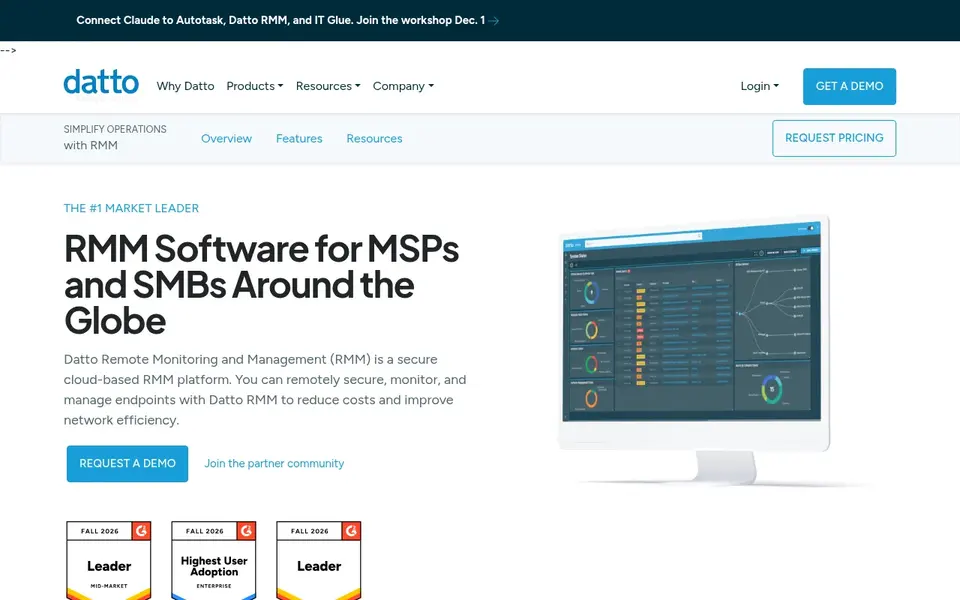
Datto RMM is aimed squarely at cloud-based remote endpoint management. Datto RMM is remote monitoring and management software that lets IT teams handle, monitor, and secure endpoints from the cloud.
Downsides: Most useful for managed IT contexts.
Smaller franchises without dedicated IT staff might find it more capable than necessary. Pricing for Datto RMM is not stated here, so ask the vendor for current figures. Trial and free access: Not stated.
- Supports managing and securing endpoints
- Cloud-hosted remote monitoring
- May need extras for full backup
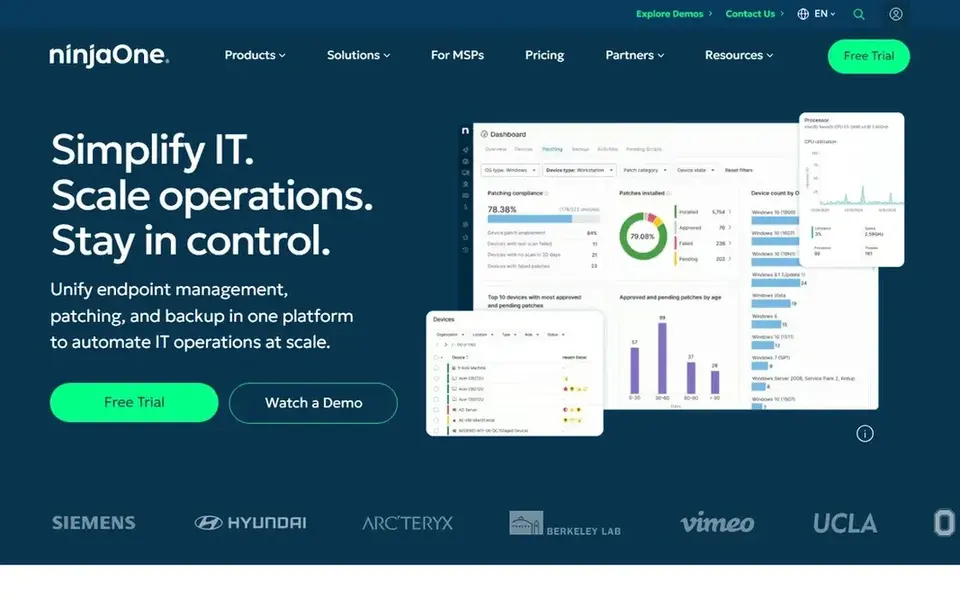
NinjaOne is designed for unified endpoint operations across locations. The product's breadth means smaller franchises may find some capabilities beyond their immediate needs, and full automation takes initial configuration. More specifically, NinjaOne presents itself as a unified IT operations system for endpoint management, autonomous patching, backup, and remote access.
It is geared toward IT teams and managed service providers who want a single console to oversee plenty of devices across sites. In practice, if you only need entry-level patching instead of a complete operations suite, a narrower tool may be a better fit. The starting price for NinjaOne: $1.50 per device per month. Free options: Free trial.
Limits to weigh: May be more than small franchises need.
- Merges patching, backup
- Suits IT teams and managed service providers
- Needs setup for full automation
ManageEngine Endpoint Central
Great for: Unified endpoint management and security
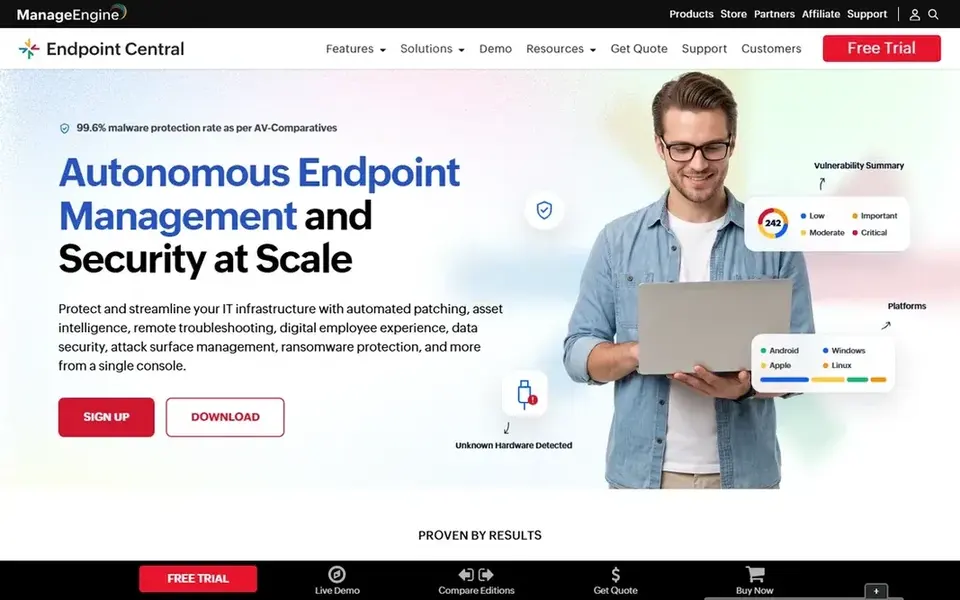
ManageEngine Endpoint Central serves unified endpoint management and security. ManageEngine Endpoint Central is a unified endpoint management and security option for managing and securing servers, desktops, laptops, and mobile devices centrally.
In practice, the breadth of features means configuration and administration effort, which could be heavy for very small IT teams. For everyday use, if you only need patching or remote monitoring, a narrower product may be simpler to run. This comparison lists no price for ManageEngine Endpoint Central; ask the vendor. Free options: Not stated.
Drawbacks to consider: Wide feature set needs configuration.
- Mobile devices
- Handles servers, desktops, laptops
- May need dedicated admin
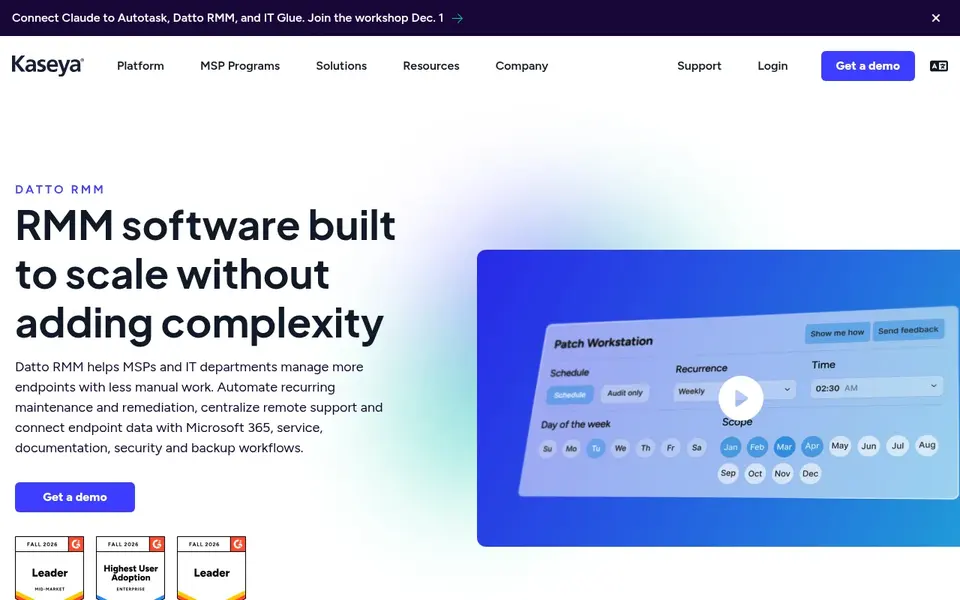
Kaseya VSA is designed for managing numerous endpoints with less manual work. Kaseya VSA is remote monitoring and management software built to help teams handle more endpoints with less manual work by automating monitoring, patching, remediation, and remote support.
Check the vendor site for Kaseya VSA pricing; none is listed in this comparison. On free options: Not stated.
Downsides: Needs planning for rollout.
- Automates monitoring and patching
- Bundles remote support workflows
- Feature depth can overwhelm new users
How we chose
We compared the tools on published pricing, free plan or trial availability, feature coverage for IT management software for franchises, and the limits each vendor documents. Plan names, prices and limits change often. Treat the figures here as a starting point and verify them with the vendor. The ranking is editorial: typical fit first, then clear pricing, then free access. If your needs are unusual, read the profiles rather than relying on position.
What to check before you buy
- Confirm the entry price on the vendor page. For ConnectWise Automate, Action1, Datto RMM and others that means a quote rather than a fixed price.
- Look at the free plan from Action1 closely: its caps decide whether it is usable for real work.
- Run a trial of NinjaOne with real work before paying for a year; your own workflow is the best test.
- Read the limits listed for ConnectWise Automate first: automation setup can be complicated.
- List the apps you already depend on and check that ConnectWise Automate supports each one on the plan you would buy.
- Ask Datto RMM how an export works before you move any records in; an easy exit lowers the risk.
Frequently asked questions
Do these tools publish their prices?
Not all of them. ConnectWise Automate, Action1, Datto RMM and others publish no starting price, so expect a quote request for those. The rest, NinjaOne included, show a starting price, though seats and billing terms still change the final cost.
What is the cheapest option for IT management software for franchises in this list?
On published monthly entry prices, NinjaOne is the lowest here at $1.50 per device per month. Entry price is only part of the cost, because seats, add-ons and billing terms can change the total. For the full picture, the cards above cover all 6 entries of this IT management software for franchises list, including price, free plan and limits.
Can I try these tools before paying?
Often, yes. Action1 has a free plan and NinjaOne offers a free trial. Use your own data and a real task during the test, and check what the free tier or trial limits before you rely on it.
Which options for IT management software for franchises have a free plan?
Action1 is the only tool in this list with a free plan. Free plans usually cap users, projects or features, so check the limits on the vendor page. One other tool offers a trial instead.
Is cloud-based IT management suitable for multi-location franchises?
Cloud-based tools can ease oversight of distributed locations since they do not need on-site infrastructure. Check connectivity and data handling requirements for each franchise site before committing.
What should franchise IT teams look for in management software?
Franchise IT teams should prioritize centralized visibility across locations, steady patching, and remote support capabilities. Confirm that the tool suits your device mix and existing systems.
Sources
See where you really rank - block by block
ProMapRanker scans Google Maps across a grid of your service area. Simple monthly plans from $19, white-label on every plan.
Start freeBrowse all guides
6 Best Network Monitoring Software for Franchises in 2026 →
 proxmox alternatives
Proxmox Alternatives in 2026
Explore proxmox alternatives for VMs and containers in 2026, from enterprise hypervisors and Windows servers to open source platforms for labs and clusters.
Read → tor alternatives
Best Tor Alternatives in 2026
Find tor alternatives for lawful privacy browsing, from private browsers to trusted VPNs, with clear picks for speed, simplicity, and strong privacy today.
Read → best all in one internet security software
8 Best All in One Internet Security Software for 2026
Best all in one internet security software in 2026: 8 tools with starting prices, free plans and limits. Honest caveats for every entry. Budget notes included.
Read → best scribe company
Best Scribe Company in 2026
Compare the best scribe company options for AI medical scribing and human scribe support, with pricing, EHR fit and privacy checks for practices today.
Read → google drive alternatives
Google Drive Alternatives in 2026
We compare the best google drive alternatives for storage, sync and sharing, from privacy focused services to full office suites, without Google Drive.
Read → best cryptocurrency recovery service
Best Cryptocurrency Recovery Service in 2026
Compare the best cryptocurrency recovery services for lost wallets and stolen funds, with scam warnings, fee models, tracing options, and no-guarantee advice.
Read →More in IT, Cloud & Security · All guides A to Z by date · Latest guides