 ProMapRanker
Best Tor Alternatives in 2026

Key takeaways
- Brave and Firefox give most people strong everyday privacy without a steep learning curve.
- Mullvad Browser and LibreWolf suit readers who want stricter defaults and less tracking.
- A VPN hides traffic from a local network, but it does not make browsing anonymous on its own.
- Free tools can work well, but paid VPNs in this list add more servers, speed, and support.
- Use these tools only for lawful privacy, research, journalism, and protection from tracking.
Quick comparison
| Pick | Great for | Pricing starts at | Free tier | |
|---|---|---|---|---|
 Brave | Everyday private browsing | Free | Yes | Visit |
 Mullvad Browser | Anti-fingerprint browsing | Free | Yes | Visit |
 LibreWolf | Hardened Firefox-based browsing | Free | Yes | Visit |
 Firefox | Flexible privacy with add-ons | Free | Yes | Visit |
 DuckDuckGo | Simple mobile and desktop privacy | Free | Yes | Visit |
 Proton VPN | Free VPN with unlimited data | Free | Yes | Visit |
 Mullvad VPN | Simple flat-rate VPN privacy | €5 per month | No | Visit |
 IVPN | Advanced VPN controls | $6 per month | No | Visit |
 Windscribe | Flexible free and low-cost VPN | Free | Yes | Visit |
The best tor alternatives
These tor browser alternatives and alternatives to tor cover two different jobs: stopping trackers in the browser, and hiding traffic from a network provider. We compared official feature pages, pricing pages, privacy policies, and app store listings, and we kept only tools that are live and suited to lawful privacy use.
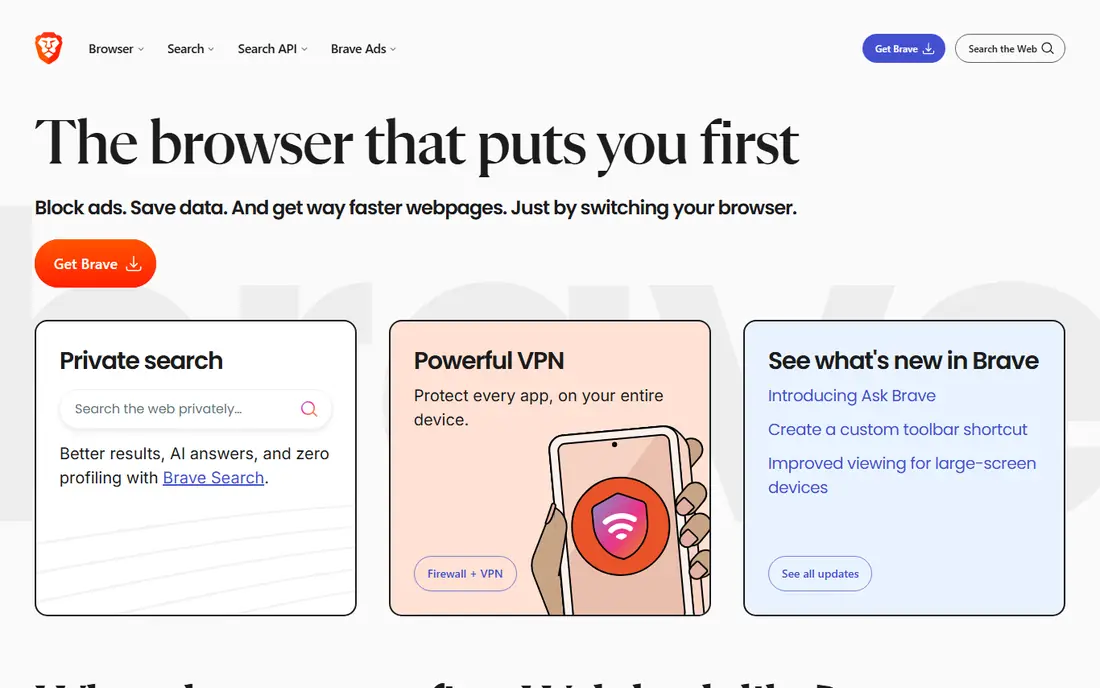
Brave is our pick for most people who want a private browser without changing how they browse. It blocks third-party ads and trackers by default, and it can import bookmarks and passwords from Chrome. That makes the switch short, and most sites still work as expected.
The honest catch is clutter. Brave adds optional features that some readers will want to turn off, such as Rewards, Wallet, and News. Once those are hidden, the browser is simple again. It is free, and the paid Firewall plus VPN is optional for readers who also want network-level protection.
- Blocks ads and trackers by default
- Works with Chrome extensions
- Fast setup for most users
- Extra features such as Rewards and Wallet can feel busy
- Paid VPN is a separate upgrade
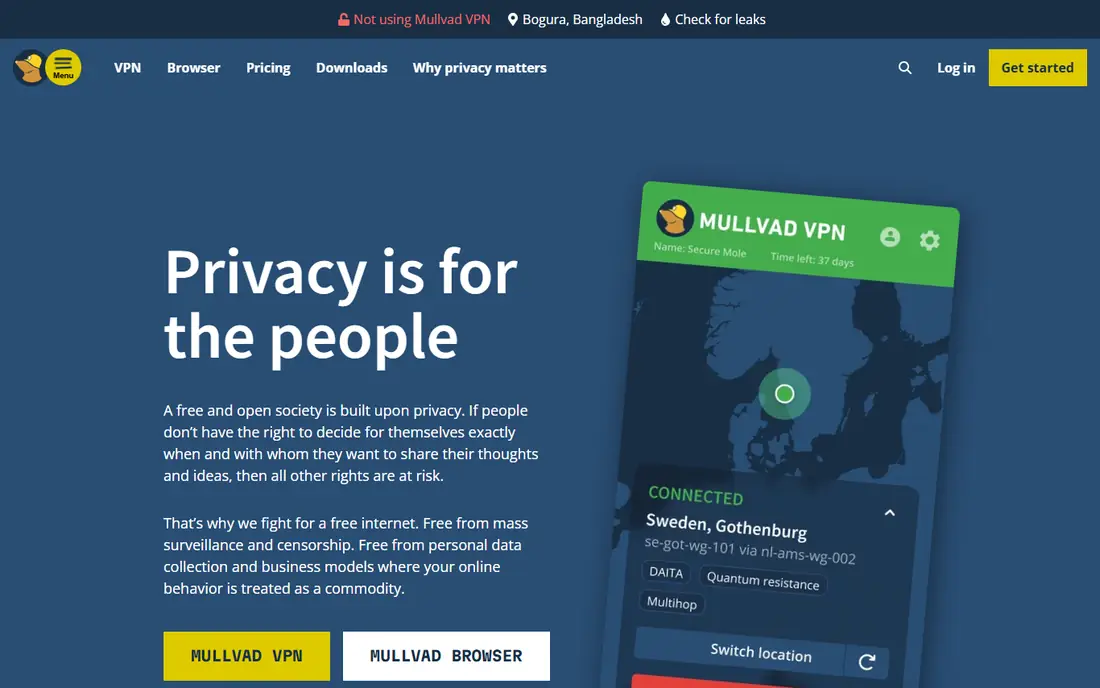
Mullvad Browser is designed to make many users look similar, which helps resist fingerprinting. It was built with the Tor Project and is based on Firefox, so it feels familiar to Firefox users while keeping stricter defaults. It is free to download and does not require an account.
This browser suits readers who value consistency over convenience. It may log you out more often, and a few sites may behave differently than in Chrome or standard Firefox. Pair it with Mullvad VPN if you want both browser privacy and encrypted network traffic, but the browser alone is still useful.
- Built with the Tor Project for fingerprint resistance
- No account needed
- Private by default
- Fewer conveniences than a mainstream browser
- Some sites may need settings changes
LibreWolf takes Firefox and changes the defaults toward privacy from the first launch. Telemetry and data collection features are removed, and the browser ships with stricter cookie and tracking controls. Readers who already like Firefox will find the layout familiar.
The trade-off is that stricter settings can break a site now and then, and you may need to adjust a setting to stay signed in. It is a good choice for a desktop user who wants a hardened browser and does not mind a little setup. It is free, and it works on Windows, macOS, and Linux.
- Telemetry removed and tracking protection tightened
- Open source
- Supports many Firefox extensions
- Community project with less hand-holding
- Sync and some Mozilla services are limited
Firefox remains the most flexible mainstream choice in this list. Its Enhanced Tracking Protection blocks many known trackers, and its extension library lets you add tools such as uBlock Origin, container tabs, and password managers. It also works well across desktop and mobile.
Firefox is best for readers who want control without giving up everyday convenience. Out of the box it is less strict than LibreWolf or Mullvad Browser, so privacy-minded users should review the privacy settings and add one or two trusted extensions. The browser itself is free, and Mozilla offers an optional paid VPN separately.
- Independent engine and large extension library
- Enhanced Tracking Protection built in
- Strong sync options
- Needs add-ons and settings tweaks for the strongest setup
- Defaults are less strict than LibreWolf
DuckDuckGo is the simplest option here, and that is its strength. Its browser blocks third-party trackers, forces encrypted connections where possible, and offers a Fire Button to clear tabs and data in one tap. The private search engine does not build a personal search profile.
This is a good pick for phones and for readers who do not want to manage extensions. Power users may miss deeper settings, container tabs, and detailed fingerprint controls. For everyday browsing, banking over a trusted network, and general tracking protection, it is a clean and free starting point.
- One-tap data clearing and tracker blocking
- Private search built in
- Easy on mobile
- Fewer advanced controls than Firefox forks
- Desktop version is newer and simpler
Proton VPN is different from the browsers above because it encrypts all device traffic, not just browser traffic. Its free plan is unusually usable, with unlimited data, no ads, and servers in a small set of countries. That makes it a strong first VPN for public Wi-Fi and basic privacy.
Paid VPN Plus adds more countries, faster speeds, streaming support, and up to 10 devices. The free plan allows one device and picks a server for you, which is fine for casual use but limiting for a household. Proton is based in Switzerland and publishes open-source apps, which helps readers check its privacy claims.
- Free plan has no data cap and no ads
- Open-source apps
- Audited no-logs claims
- Free plan limits device count and server choice
- Paid plans cost more month to month
Mullvad VPN keeps pricing simple: one flat rate of 5 euros per month, with the same rate for any length of time. Accounts use a number rather than an email address, and users can pay by card, PayPal, bank transfer, cryptocurrency, or cash by mail. That setup appeals to readers who want to share as little personal detail as possible.
The service includes WireGuard support, multi-hop connections, and DNS content blocking for ads, trackers, and malware domains. It is not the best pick for streaming, and there is no free plan to test first. For a straightforward VPN with clear pricing, it is one of the easiest choices to understand.
- Flat price with no tiers
- Anonymous account numbers
- No activity logs stated in its policy
- No free plan
- No discount for long terms
- Streaming support is limited
IVPN is a good fit for readers who want more control than a one-button VPN. Its Standard plan covers two devices, while Pro covers seven devices and adds port forwarding and multi-hop connections. Both plans include the full server network and anti-tracker tools, so the choice is mainly about devices and advanced features.
Pricing starts at 6 dollars per month for Standard, with lower monthly equivalents on longer terms. There is no free plan, so readers should check the refund terms and the supported platforms before paying. If you want a privacy-first VPN and you are comfortable with settings, IVPN is a solid and transparent option.
- Standard and Pro tiers with clear device limits
- Multi-hop on Pro
- Anti-tracker features
- No free plan
- Pro costs more
- Interface assumes some technical comfort
Windscribe suits readers who want a free VPN for light use or a low-cost plan built around a few locations. The free plan starts with a small data allowance that rises when you confirm an email address, and it allows unlimited device connections. Paid Pro adds all locations and unlimited data.
Its build-your-own plan lets you add locations for 1 dollar each per month, with a 3 dollar minimum, which can be cheaper than a full Pro plan for a single-country need. The 7-day money-back window is shorter than many rivals, so test the free plan first. For budget users, it is one of the most flexible VPNs in this list.
- Free plan with confirmed-email data allowance
- Unlimited devices
- Build-your-own plan option
- Free data is capped
- Money-back window is short
- Apps assume some patience with settings
How we picked these
We compared official feature pages, pricing pages, privacy policies, and app store listings for browsers, VPNs, and proxy-style tools that are live in October 2026. We kept tools that fit lawful privacy use, such as blocking trackers, reducing fingerprinting, or encrypting traffic on untrusted networks. We left out tools that are built for bypassing access controls for unlawful use, and we did not list Tor itself in its own alternatives list.
We also weighed ease of use, platform coverage, price transparency, and honest limits. A browser that blocks trackers is not the same as a VPN that hides traffic from a provider, so the list mixes both kinds of tools and says which job each one does best.
Choosing between a browser and a VPN
Start with the threat you actually face. If ads and trackers follow you across sites, a private browser with tracker blocking will help most, and it costs nothing to try. If you use public Wi-Fi, a shared network, or a provider you do not trust, a VPN adds encryption for all apps on the device, not just the browser.
Match the tool to the job
Use a browser for tracker blocking, cookie control, and fingerprint resistance. Use a VPN for network privacy, location privacy from a local network, and protection on public Wi-Fi. Many readers use both: a private browser for daily use, plus a VPN when they travel or use a network they do not control.
Check the limits before you pay
Free plans often limit servers, devices, or data. Paid plans often limit devices too, and streaming support varies by provider. Read the privacy policy for logging claims, check which platforms are supported, and test a free plan or a short term before a long commitment.
Keep lawful use in mind
These tools protect privacy, but they do not make unlawful activity lawful, and they do not guarantee anonymity. Use strong passwords, keep software updated, and remember that a VPN provider can still see that you are connected, even when it states that it keeps no activity logs. This article is general information, not legal advice.
Frequently asked questions
What are good tor alternatives for everyday browsing?
Brave, Firefox, and DuckDuckGo are good everyday tor alternatives because they block trackers by default, are free, and work with most sites. Mullvad Browser and LibreWolf are stricter, so they suit readers who accept more setup and occasional site fixes for stronger defaults.
Are tor browser alternatives as private as Tor itself?
No, most alternatives to tor are not as anonymous as Tor, because Tor routes traffic through multiple relays run by volunteers. A private browser mainly blocks trackers and fingerprinting, while a VPN hides traffic from a local network but still routes it through one provider. Use Tor itself if you need that level of anonymity for lawful work.
Should I use a browser or a VPN for privacy?
Use a browser to stop trackers and control cookies, and use a VPN to encrypt traffic on untrusted networks. Many people use both, since they solve different problems. A VPN alone does not block trackers inside the browser, and a browser alone does not hide traffic from a network provider.
Is a free VPN safe to use?
A free VPN can be safe when it comes from a known provider with a clear privacy policy, open-source apps, and a paid plan that funds the free tier. Avoid free VPNs that sell browsing data, show intrusive ads, or hide ownership. Proton VPN and Windscribe are safer starting points because their limits and funding models are public.
Do these tools hide my activity from my internet provider completely?
A VPN hides the contents and destinations of traffic from a local provider, but the provider can still see that you use a VPN. A browser alone does not hide destinations from a provider. For stronger anonymity, researchers and journalists often combine tools and follow operational security practices for their specific work.
Can I use these tools on my phone?
Yes, Brave, Firefox, DuckDuckGo, Proton VPN, Mullvad VPN, IVPN, and Windscribe all offer mobile apps. Mullvad Browser and LibreWolf are desktop focused, so check platform support before you commit. On mobile, also review app permissions and keep the app updated.
Sources
See where you really rank - block by block
ProMapRanker scans Google Maps across a grid of your service area. Simple monthly plans from $19, white-label on every plan.
Start freeKeep reading
 zscaler alternatives
Best Zscaler Alternatives in 2026
Looking for zscaler alternatives? We compare 9 SASE and zero trust platforms on architecture, data protection, pricing, and fit for your network and team.
Read → zapier alternatives free
Best Zapier Alternatives Free in 2026
Nine automation tools for zapier alternatives free in 2026, all with genuinely free tiers, plus free plan limits, starting prices and upgrade paths explained.
Read → which platform is best for online reputation
Which Platform Is Best for Online Reputation in 2026
Wondering which platform is best for online reputation? We compare 8 review, listing, and response tools for small and multi-location businesses and agencies.
Read →