 ProMapRanker
Best Internet Security Software in 2026

Key takeaways
- Norton 360 and Bitdefender Total Security offer the broadest suites, with antivirus, VPN, firewall and extra tools in one plan.
- Avast One and Microsoft Defender offer the best free starting points, with Defender built into Windows at no extra cost.
- Check renewal prices, not just first year prices, since many suites renew at a much higher rate.
- Device limits matter, so count phones, tablets and computers before choosing a plan.
- We compared official feature and pricing pages and public lab summaries, and we did not claim hands on testing we did not do.
Quick comparison
| Pick | Great for | Pricing starts at | Free tier | |
|---|---|---|---|---|
 Norton 360 | Broadest home suite | See website | Free trial | Visit |
 Bitdefender Total Security | Value and low load | See website | Free trial | Visit |
 McAfee+ | Unlimited devices | See website | Free trial | Visit |
 Avast One | Strong free tier | See website | Yes | Visit |
 ESET Home Security | Light system load | See website | Free trial | Visit |
 Trend Micro Maximum Security | Simple family protection | See website | Free trial | Visit |
 Malwarebytes Premium | Extra malware layer | See website | Free trial | Visit |
 Kaspersky Plus | Strong core protection | See website | Free trial | Visit |
 Microsoft Defender | Built in Windows protection | Free | Yes | Visit |
The best internet security software
We compared internet security suites that cover everyday online risks, including malware, phishing, unsafe downloads and account theft. A suite adds tools such as a VPN, firewall, password manager and parental controls on top of basic antivirus.
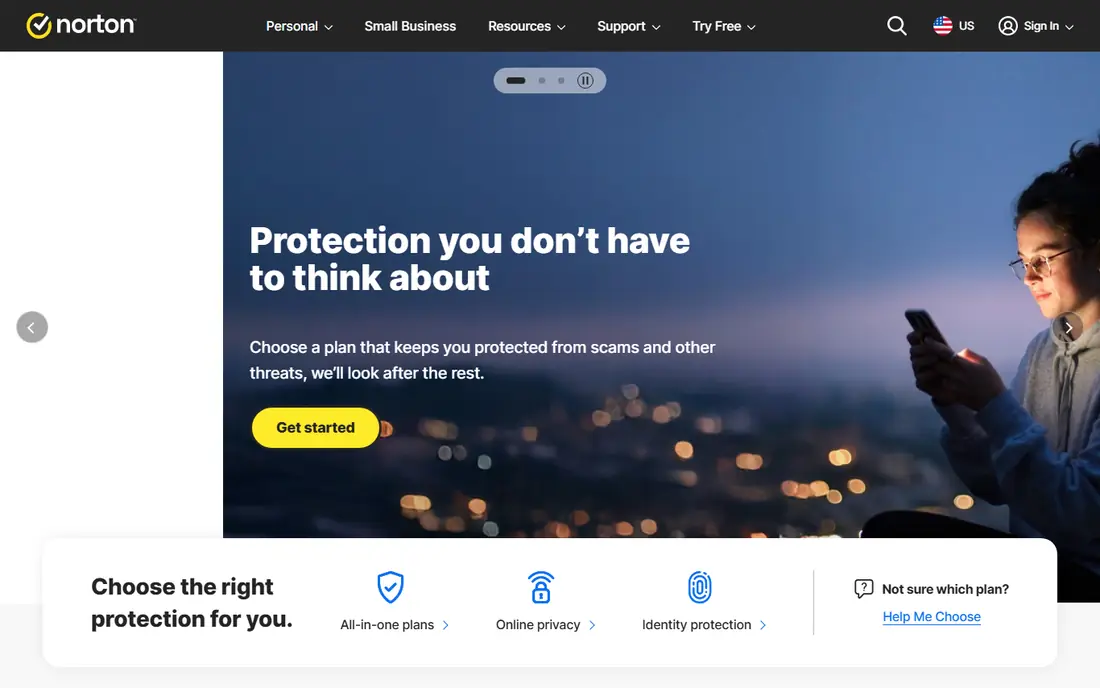
Norton 360 is the most complete home suite in this list, bundling antivirus, firewall, VPN with no data cap on paid plans, cloud backup, password manager, parental controls and dark web monitoring. That breadth suits families who want one subscription to cover several risks. Lab results for malware protection are consistently strong.
The catch is price over time. First year discounts are steep, and renewal rates are much higher, so check the renewal price on the official site before buying. The suite can also feel heavy on older machines, and some tools need separate setup. For broad coverage, Norton 360 remains a top pick.
- Antivirus plus VPN, backup and dark web monitoring
- Parental controls
- Strong lab results
- Renewal price is higher than first year price
- Suite can feel heavy
- Some features need separate setup
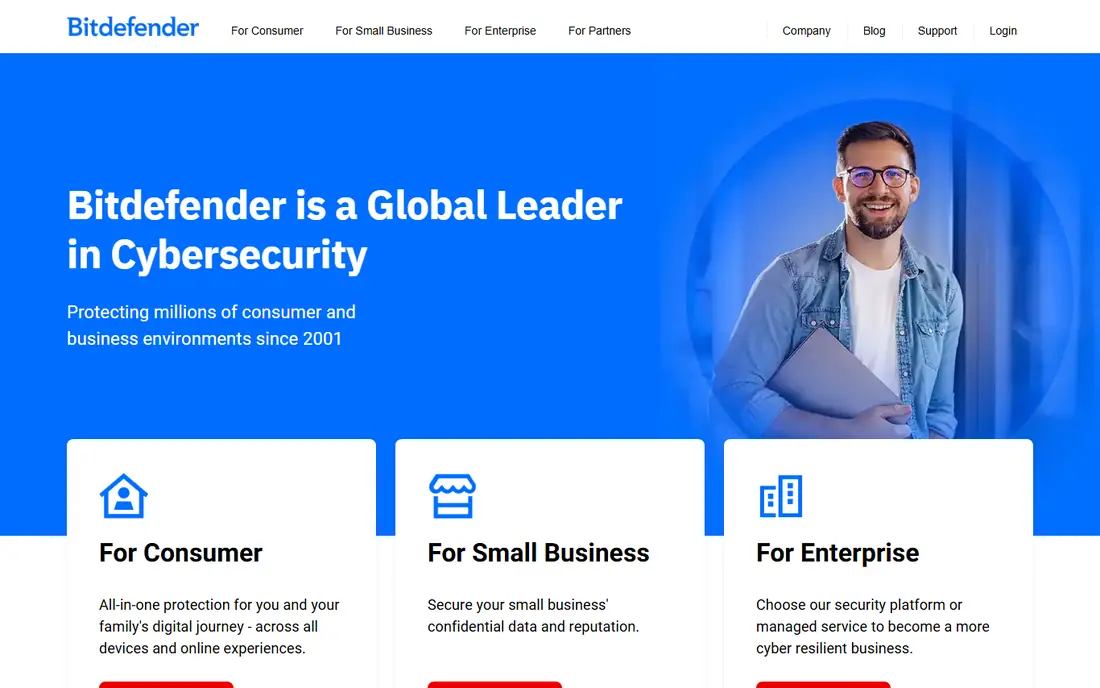
Bitdefender Total Security pairs strong malware protection with a light system load, which matters on older computers. The suite covers Windows, Mac, Android and iOS, with firewall, parental controls, webcam protection and a password manager. Performance impact in lab tests is low compared with heavier suites.
The bundled VPN is limited to a daily data allowance unless you upgrade, which frustrates users who want a full VPN. Renewal pricing is also higher than first year pricing. For core protection at good value, Bitdefender is hard to beat.
- Strong malware protection
- Low system load
- VPN, parental controls and webcam protection
- Bundled VPN has a daily data limit
- Renewal price is higher
- Interface can feel busy
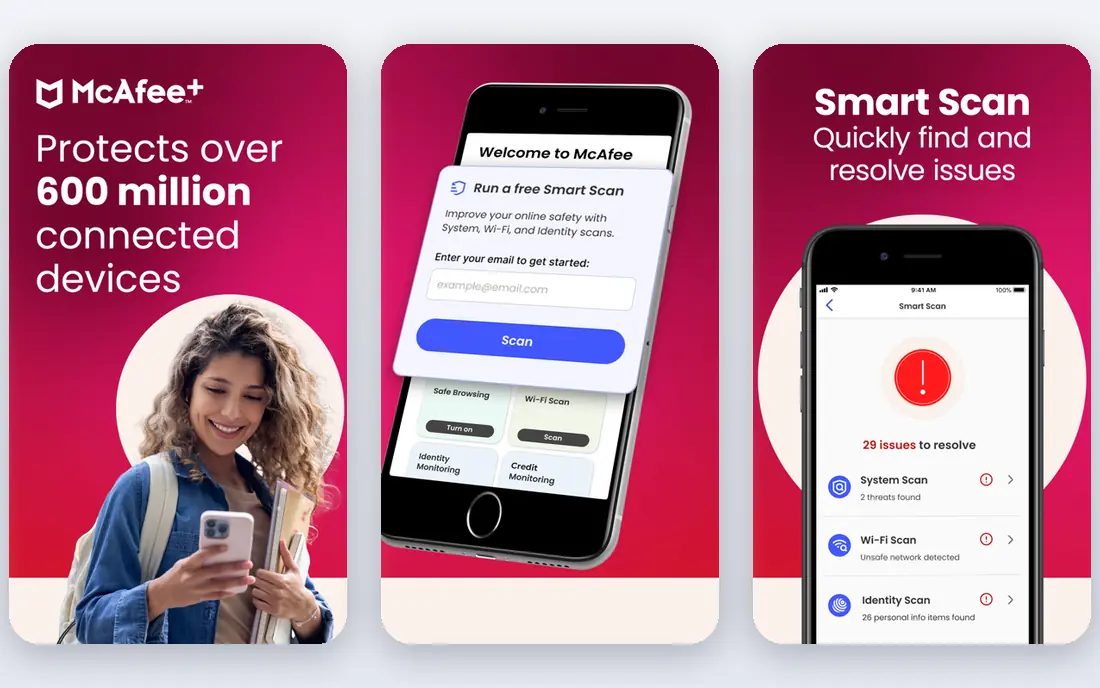
McAfee+ suits households with many devices, since some plans cover unlimited devices rather than a fixed count. The suite includes antivirus, firewall, VPN and identity monitoring, plus mobile tools that are stronger than many rivals. For families with phones, tablets and computers for everyone, that device freedom is valuable.
System load can be higher than Bitdefender or ESET, and renewal prices rise sharply after the first year. Check the renewal rate and device terms on the official site. For device heavy homes, McAfee+ is still a strong pick.
- Unlimited device coverage on some plans
- VPN included
- Identity monitoring tools
- System load can be higher
- Renewal price jumps
- Interface can feel cluttered
Avast One offers the strongest free antivirus tier in this list, with the same core protection engine as the paid version. Free users get real time protection, while paid plans add VPN, firewall, ransomware protection and cleanup tools. The modular design lets users switch on only the extras they want.
Free users will see prompts to upgrade, and some suite extras stay behind the paywall. Paid VPN limits also vary by plan, so check terms before relying on it as a full VPN. For a free starting point with a clear upgrade path, Avast One is the pick.
- Free tier uses the same core engine
- VPN and cleanup tools on paid plans
- Modular design
- Free tier lacks some suite extras
- Upsell prompts appear
- Paid VPN limits vary
ESET Home Security suits users who notice slowdowns from heavier suites. It is known for low system load and clean design, with strong core antivirus, firewall and anti phishing tools. Gamers and users on older hardware often prefer its light footprint.
Bundled extras are thinner than Norton or Bitdefender, with fewer identity and backup tools. Parental controls are also more basic. For users who want strong, quiet protection without a large suite, ESET is a good fit.
- Very light on system resources
- Strong core protection
- Clean interface
- Fewer bundled extras than Norton or Bitdefender
- Parental tools are basic
- Pricing varies by tier
Trend Micro Maximum Security suits families who want simple, clear protection. The interface is easy to follow, web and phishing protection is strong, and parental controls help manage children's devices. It covers Windows, Mac, Android and iOS on multi device plans.
System load can be more noticeable than ESET or Bitdefender during scans, and VPN data limits apply on standard plans. Advanced users may miss deeper tools found in larger suites. For straightforward family protection, Trend Micro is easy to recommend.
- Simple interface
- Good phishing and web protection
- Parental controls included
- System load can be noticeable
- VPN limits apply
- Fewer advanced tools
Malwarebytes Premium is best known as a strong second layer against malware, ransomware and malicious websites. Many users run it alongside Windows Defender or another antivirus, since it focuses on threats that slip past traditional scanners. The interface is simple and the load is light.
It is not a full internet security suite on its own, with fewer firewall, parental and backup tools than Norton or Bitdefender. The VPN is sold separately. For users who want extra malware muscle, Malwarebytes Premium is a strong add on.
- Strong malware and ransomware blocking
- Light feel
- Works alongside other antivirus
- Not a full suite on its own
- VPN is a separate product
- Fewer family tools
Kaspersky Plus offers strong core protection with low system load, plus VPN, password management and privacy tools on paid plans. Lab results for detection are consistently high, and the interface is clear. For pure protection quality, it ranks near the top.
Trust and availability vary by region, and some US users and organisations avoid Kaspersky for policy reasons, so check your own requirements and local guidance. Some advanced features are also Windows only. Users comfortable with the brand will find strong protection here.
- Strong malware protection
- Low system load
- VPN and password tools included
- Availability and trust concerns vary by region
- Some features are Windows only
- Renewal pricing varies
Microsoft Defender is already on Windows, which makes it the simplest option. It offers solid real time antivirus, firewall and phishing protection at no extra cost, with no extra install or subscription. For users who keep Windows updated and browse carefully, it covers the basics well.
Suite extras are thinner, with limited VPN, backup and identity tools compared with paid suites. Some lab summaries note weaker offline detection than top paid suites. Pairing Defender with Avast free or Malwarebytes free adds a layer, but for many homes, Defender alone is a reasonable starting point.
- Built into Windows at no extra cost
- Solid core protection
- No extra install needed
- Fewer suite extras
- Parental and VPN tools are limited
- Offline detection can be weaker
How we picked these
We compared official feature and pricing pages for internet security suites available in October 2026, plus public lab summaries and reviews. We weighed malware protection, system load, VPN terms, device limits, parental controls and renewal pricing. We excluded discontinued products and tools that only cover one device type, and we did not claim hands on testing we did not do.
What to check before you buy
Start with device count. Count every phone, tablet and computer you want covered, including family devices, and compare that with the plan device limit. Unlimited plans suit large households, while five device plans suit smaller homes.
Next, check the two year cost. Note the first year price and the renewal price on the official site, and set a reminder before renewal. A cheap first year that renews at triple the price can cost more than a steadier plan over two years.
Finally, check what you actually need. A VPN, password manager and cloud backup may already be covered by other subscriptions you own. If so, a lighter antivirus may serve you better than a large suite with duplicate tools.
Frequently asked questions
Which internet security software is best?
Norton 360 suits users who want the broadest suite, Bitdefender Total Security suits users who want value and low load, and Microsoft Defender suits users who want free built in protection. The best pick depends on device count, budget and which extras you need.
Is free internet security software enough?
For careful users on updated Windows, Microsoft Defender plus safe browsing habits covers the basics. Free tiers such as Avast One add a stronger engine, but lack some suite extras. Paid suites add VPN, backup, parental controls and identity monitoring for users who need them.
What is the best internet security app for families?
Norton 360 and Trend Micro Maximum Security both offer parental controls, multi device coverage and web protection for families. Check device limits, parental control features and renewal prices on the official site before choosing for children.
Does internet security software slow down a computer?
All security software adds some load, but Bitdefender and ESET are known for low impact, while heavier suites can slow older machines more. Keep the software updated, avoid running two full antivirus suites at once, and test performance during the trial period.
How many devices does an internet security suite cover?
Device limits vary by plan, from one device to five, ten or unlimited on some McAfee plans. Count all phones, tablets and computers before buying, and check whether the plan counts each device install separately.
Should I use a VPN from my security suite?
Suite VPNs suit casual browsing and public Wi-Fi use, but data limits often apply, such as a daily cap on Bitdefender base plans. Heavy VPN users who stream or download large files may need a standalone VPN with no cap. Check the VPN data terms for your exact plan.
Sources
See where you really rank - block by block
ProMapRanker scans Google Maps across a grid of your service area. Simple monthly plans from $19, white-label on every plan.
Start freeKeep reading
 best virtual meeting platform
Best Virtual Meeting Platforms in 2026
Searching for the best virtual meeting platform? We compare 9 video meeting tools on price, free plans, capacity, and features for teams of all sizes.
Read → best social media reporting tools
Best Social Media Reporting Tools in 2026
Compare the best social media reporting tools in 2026, with pricing and free plans, and the right pick for creators, agencies, and large marketing teams.
Read → best social media platforms for business
Best Social Media Platforms for Business in 2026
We compared the best social media platforms for business, from Facebook and Instagram to LinkedIn and TikTok, with ad strengths and who each platform suits.
Read →