 ProMapRanker
Best Interactive Demo Software in 2026

Key takeaways
- Storylane and Supademo give most SaaS teams the best mix of screenshot and HTML demos, editing, and published pricing.
- Navattic suits marketing teams that need true HTML clones of a live product, but its entry price is higher.
- Arcade fits design-led teams that want polished, story-style demos and video, while HowdyGo suits flat-rate unlimited seats.
- Walnut, Demostack, and Reprise serve enterprise sales teams that need personalization, sandboxes, or cloned environments.
- Start with a free plan and one real demo, and check analytics, sharing, and editing speed before you pay for a team plan.
Quick comparison
| Pick | Great for | Pricing starts at | Free tier | |
|---|---|---|---|---|
 Storylane | All-round demo programs | $40 per user per month | Yes | Visit |
 Supademo | Solo creators and startups | $38 per creator per month | Yes | Visit |
 Navattic | HTML marketing demos | $500 per month | Yes | Visit |
 Arcade | Polished story demos | See website | Yes | Visit |
 Walnut | Enterprise personalization | See website | No | Visit |
 Demostack | Product sandboxes | See website | No | Visit |
 Reprise | Enterprise cloning | See website | No | Visit |
 HowdyGo | Flat-rate HTML demos | $159 per month | No | Visit |
The best interactive demo software
Interactive demo software lets a buyer click through your product on their own, without a sales call or a trial account. The best tools differ in how they capture a product: screenshot tours are fast to build, HTML clones feel closer to the live app, and video demos suit storytelling. These eight tools cover those paths.
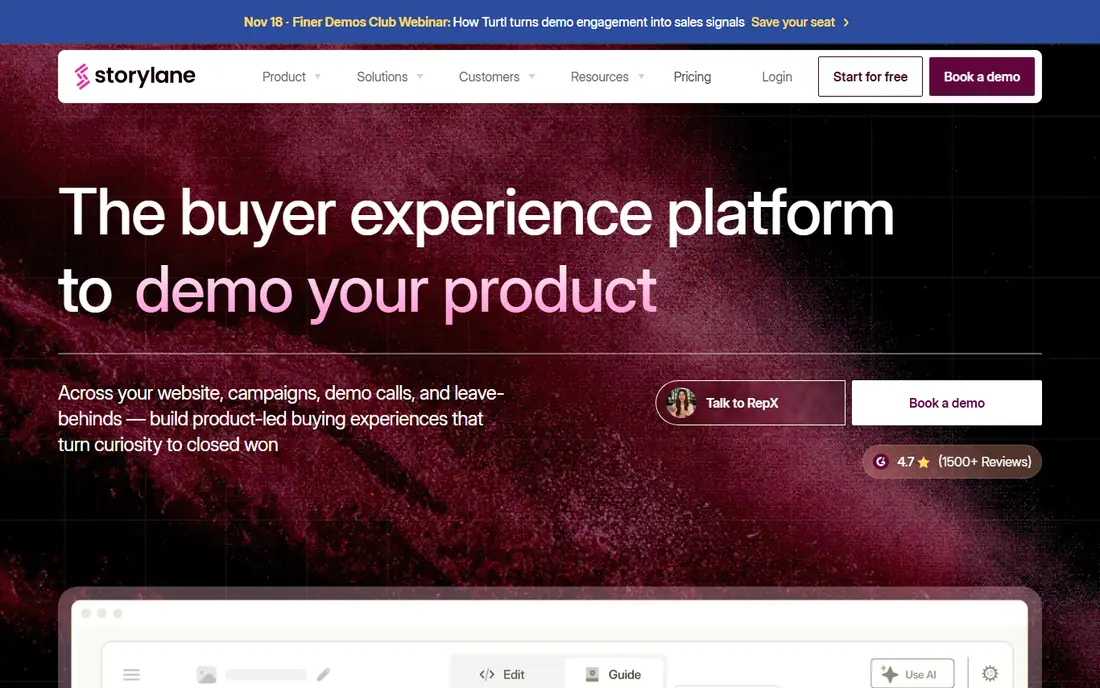
Storylane is the safest all-round pick for a B2B SaaS team that needs more than one demo type. You can capture a product as screenshots, as an HTML demo, or as video, then edit steps, add guides, and share the result on a website or in a sales email. Personalization tokens let you swap in a prospect company name and logo without rebuilding the whole flow.
The Starter plan at $40 per user per month, billed annually, covers the basics, while Growth adds HTML editing and A/B testing, and Premium adds Salesforce links and single sign-on. If you only need one or two simple tours, a cheaper tool may do, but for a team building a demo library, Storylane covers the most ground.
- Screenshot, HTML, and video demos in one tool
- Personalization tokens
- A/B testing on higher plans
- HTML editing and SSO sit in higher tiers
- Per-seat pricing adds up for large teams
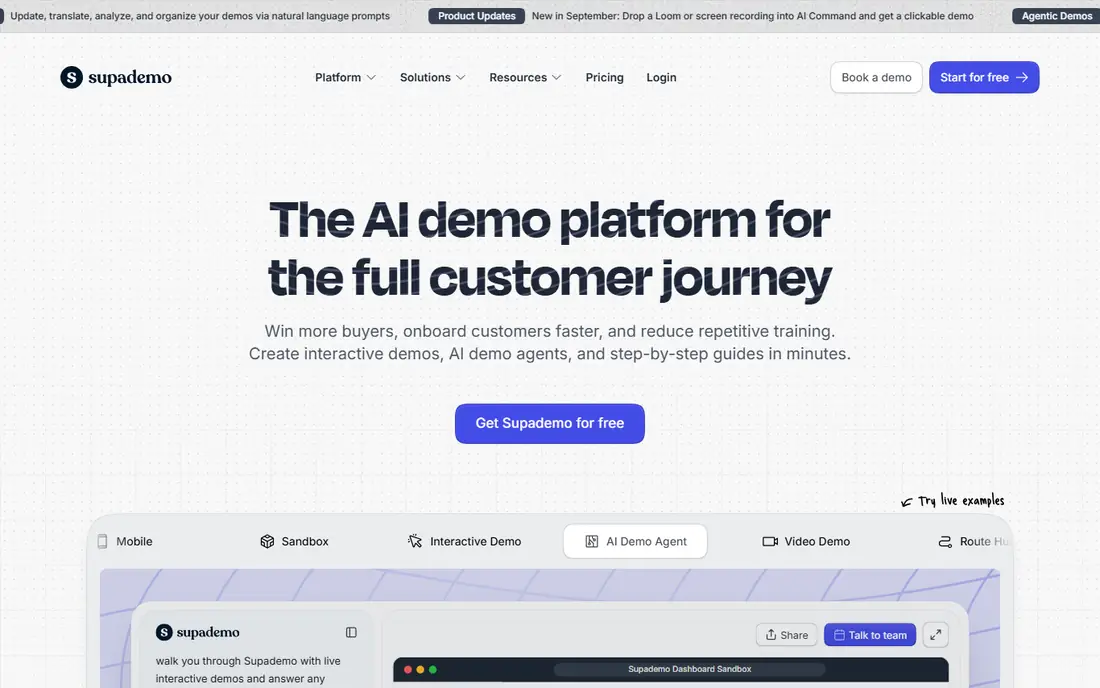
Supademo suits solo creators, founders, and small go-to-market teams that need to publish demos quickly. The free plan covers five demos, and the paid plan at $38 per creator per month adds custom domains, collections, and trackable links. Capture is quick, editing is direct, and sharing a demo link takes minutes rather than a project plan.
The limit is tiering. HTML demos and sandbox demos sit in higher plans, so a team that needs true HTML capture for a complex app should check the Business plan price before committing. For screenshot-led tours, onboarding guides, and support demos, Supademo is hard to beat on value.
- Low entry price for a full-featured tool
- Screenshot, HTML, and video capture
- Fast setup
- HTML and sandbox demos sit in higher plans
- Analytics depth grows with plan tier
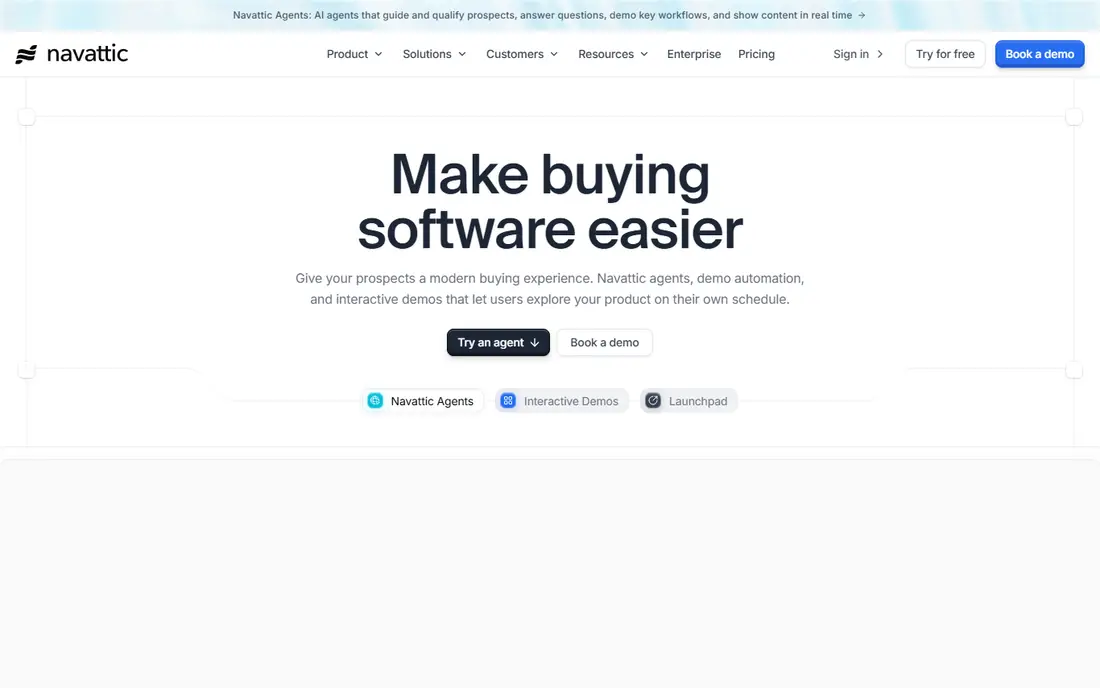
Navattic is built for marketing teams that want a demo that feels like the live product, not a slide deck of screenshots. Its HTML capture clones web pages so buyers can click, scroll, and explore realistic flows, and its analytics show which steps buyers complete and where they drop off. That depth helps account-based marketing teams tailor demos to target accounts.
The entry price is the barrier. Base plans start around $500 per month for a seat pack, which is a lot for a startup with one demo. If your demo is a core marketing asset and your deal sizes justify the cost, Navattic earns it, but smaller teams should start with Storylane or Supademo first.
- True HTML cloning for marketing pages
- Strong analytics
- Good fit for account-based marketing
- High entry price for small teams
- Seat packs make solo use costly
Arcade fits design-led marketing teams that care how a demo looks as much as what it shows. Its story format, smooth transitions, and AI video tools produce demos that feel like a product film you can click through, which suits website embeds and product-led growth pages. The free plan lets you test the format before you pay.
Pricing changed in 2026, with Growth moving to a flat rate that includes several seats, which raised the cost for very small teams. HTML capture also sits in Growth and above, so check the current plan page for your team size before you assume the older per-user price still applies.
- Beautiful, story-style demos
- AI video generation
- Fast production for marketing teams
- Growth pricing moved to a flat team rate in 2026
- HTML capture sits in higher tiers
Walnut serves enterprise sales teams that need to tailor demos to each buyer. You can personalize copy, data, and branding for a target account, control who sees which demo, and track engagement across a buying group. That control matters when deals involve several stakeholders and strict security review.
The price reflects that scope. Walnut is quote-based, with published comparisons putting entry bundles in the hundreds of dollars per month, and it needs sales operations support to run well. A small team with simple demos will not use its depth, but a large sales org will value the governance.
- Strong personalization for enterprise sales
- Governance and security controls
- Sales team workflows
- Quote-based pricing
- Overkill for small teams
- Setup needs sales ops support
Demostack is the pick when buyers need to explore a near-live copy of your product, not just a guided tour. It clones the product into a sandbox where prospects can try real workflows, enter test data, and see integrations work, which helps technical buyers who distrust canned demos. Sales teams can reset, customize, and share those sandboxes for each deal.
That power comes at enterprise cost and effort. Demostack is quote-based, with annual prices reported in the tens of thousands of dollars, and setup needs engineering time. It fits companies with large deal sizes and technical buyers, not teams that just need a website tour.
- Near-live cloned environments
- Strong for technical buyers
- Sandbox controls for sales teams
- Enterprise pricing only
- Long setup
- Needs engineering and sales ops time
Reprise covers a similar enterprise need to Demostack, with a focus on code-level cloning and live demo environments. Teams can build demos that mirror the real product closely, run them for live sales calls, and share them as self-guided experiences, with security controls that satisfy enterprise buyers. That closeness helps when a product has complex data or custom workflows.
As with Demostack, the cost and setup are enterprise-scale, with annual pricing reported in the tens of thousands of dollars. Companies with a dedicated demo operations role will get the most from Reprise, while smaller teams should look at Navattic or Storylane for HTML demos at a lower price.
- Code-level product cloning
- Enterprise security
- Live demo environments for complex products
- Quote-based pricing
- Long implementation
- Needs dedicated demo operations
HowdyGo is the simplest pricing story in this list. For $159 per month, you get unlimited users and unlimited HTML demos, which makes budgeting easy for a growing team. If your team has many creators and you are tired of per-seat math, that flat rate can save money fast, and HTML capture is included from the start.
The trade-off is depth. HowdyGo lacks some enterprise governance, analytics, and personalization features found in higher-priced tools, and there is no free plan, only a trial. For a team that needs solid HTML demos at a predictable price, that is a fair trade, but enterprise buyers should check security and admin features first.
- Unlimited users and HTML demos at a flat rate
- Simple pricing
- Fast HTML capture
- No free plan, only a trial
- Fewer enterprise governance features than Walnut or Reprise
How we picked these
We compared official pricing pages, vendor product pages, and public demo-tool comparisons from 2026, and we kept only tools that are still sold and produce clickable, self-guided demos. We weighed demo type, editing speed, sharing options, analytics, security features, and published pricing, and we used See website where pricing was quote-based rather than guessing. We did not claim hands-on use, and we based our notes on vendor pages and public comparisons.
What to check before you buy
Start with one real demo, not a sample. Pick a product flow your buyers actually ask about, build it in each shortlisted tool, and share it with a colleague who has never seen the product. The tool that produces a clear, clickable demo in the least time, with the fewest workarounds, is usually the right one.
Choose the demo type first
Screenshot tours are fastest for simple flows and onboarding guides. HTML clones suit complex web apps where buyers need to click real controls. Video demos suit storytelling and top-of-funnel pages. A tool that excels at one type may be weak at another, so match the type to the buyer stage you care about most.
Check analytics and sharing
Ask what you can track: views, step completion, drop-off points, and time per step. Ask how demos embed on a website, share by link, and connect to your CRM or marketing tools. A beautiful demo that you cannot measure or share easily will not help sales as much as a simpler demo with clear data.
Count seats and renewal costs
Per-seat pricing adds up when marketing, sales, and support all create demos. Flat-rate tools like HowdyGo can be cheaper for large creator teams, while per-creator tools like Supademo suit small teams. Confirm renewal prices, seat minimums, and what happens to published demos if you downgrade.
Frequently asked questions
What is the best interactive demo software?
For most SaaS teams, Storylane is the best interactive demo software, since it covers screenshot, HTML, and video demos with published pricing. Supademo is the best value for solo creators, while Navattic leads for true HTML marketing demos.
What are the best interactive demo platforms for small teams?
Supademo, Storylane, and HowdyGo are the strongest small-team platforms. Supademo starts at $38 per creator per month, Storylane at $40 per user per month, and HowdyGo at $159 per month for unlimited users, so the best pick depends on how many people create demos.
What is the difference between screenshot and HTML demos?
Screenshot demos use captured images with clickable hotspots, which are fast to build but feel less like the live product. HTML demos clone real web pages, so buyers can click actual controls and scroll realistic layouts, which takes more setup but feels closer to a trial.
Do interactive demos replace live sales demos?
No, they support them. Interactive demos let buyers explore on their own before a call, which makes the live call shorter and more focused. Complex deals still need a live demo for questions, custom data, and technical checks.
Can I embed an interactive demo on my website?
Yes, most tools here offer an embed code or a share link for websites, landing pages, and emails. Check whether embedding, custom domains, and branding are included in your plan tier, since some tools gate those features to higher plans.
How much does interactive demo software cost?
Prices range from free plans with a few demos to $38 to $40 per creator per month for mid-market tools, $159 per month flat for HowdyGo, and quote-based enterprise pricing for Walnut, Demostack, and Reprise. Start free, then pay for the tier that covers your demo type and seat count.
Sources
See where you really rank - block by block
ProMapRanker scans Google Maps across a grid of your service area. Simple monthly plans from $19, white-label on every plan.
Start freeKeep reading
 free alternatives to grok imagine
Free Alternatives to Grok Imagine in 2026
We compared the best free alternatives to grok imagine for image generation, from fast daily credits to design tools, so you can create without paying.
Read → best tools for instagram content creation
Best Tools for Instagram Content Creation in 2026
Compare the best tools for Instagram content creation, from Canva and CapCut to Later and Buffer, on design, video, planning, scheduling, and price in 2026.
Read → best tool to split pdf files
Best Tool to Split PDF Files in 2026
We compared the best tool to split pdf files on split modes, file limits, privacy and price, so you can split a PDF cleanly and keep every page in one go.
Read →