 ProMapRanker
Best Intelligent Character Recognition Software in 2026

AI document processing for transactions · Pricing starts at: $18,000 a year
Direct answer
Rossum comes first here, mainly for AI document processing for transactions. Listed starting prices: Rossum from $18,000 a year, Kofax OmniPage from $129 one time per license and ABBYY FineReader from $16 a month. Look at Kofax OmniPage for dedicated OCR and document management, and at ABBYY FineReader for AI-based OCR with PDF editing. The remaining 2 options are covered below with prices and limits.
This ProMapRanker guide covers 5 options for intelligent character recognition software. Each profile lists a starting price, free plan details, strengths and drawbacks, so you can drop poor fits quickly.
Key takeaways
- Number one here is Rossum, a fit for AI document processing for transactions.
- Kofax OmniPage comes with a trade-off: narrower PDF editing scope.
- Neither Rossum nor Azure AI Document Intelligence, nor any of the other 3 tools, has a permanent free plan; trials and quotes are the norm.
- Starting prices begin at $16 per month with ABBYY FineReader.
- Azure AI Document Intelligence suits extracting text, structure, and fields.
Quick comparison
| Pick | Great for | Pricing starts at | Free tier | |
|---|---|---|---|---|
| Rossum | AI document processing for transactions | $18,000 a year | Free trial | Visit |
 Kofax OmniPage | Dedicated OCR and document management | $129 one time per license | Free trial | Visit |
 ABBYY FineReader | AI-based OCR with PDF editing | $16 a month | Free trial | Visit |
 Amazon Textract | Extracting text, forms, and tables | See website | Not stated | Visit |
 Azure AI Document Intelligence | Extracting text, structure, and fields | See website | Not stated | Visit |
Intelligent Character Recognition Software profiles
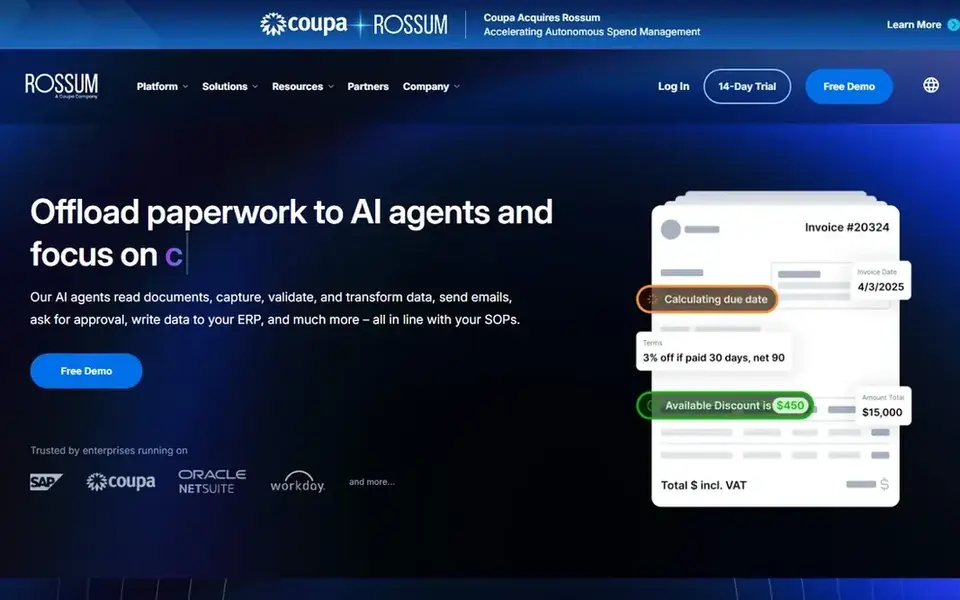
Rossum is designed for AI document processing for transactions. Rossum is oriented toward transactional document workflows, so it is not the right fit for general PDF editing, conversion, or ad hoc OCR tasks. On top of that, Rossum is an AI document processing option for transactional workflows.
It aims to automate complicated transactional workflows, cut manual tasks, and drive efficiency. In practice, the tool suits operations teams handling high volumes of transactional documents who want to cut manual handling, and it fits organizations looking for an AI layer over document-heavy processes instead of a general desktop OCR utility. For everyday use, teams needing wide document editing or custom model building across numerous document types should consider a PDF editor or a cloud document AI product. On cost, Rossum starts like this: $18,000 per year. Trial and free access: Free trial.
Trade-offs to know: Centred on transactional documents.
- Cuts manual tasks
- Aims to increase accuracy
- Not a general PDF editor
Kofax OmniPage is a good fit for dedicated OCR and document management. Pick OmniPage when straightforward, accurate OCR is the primary requirement and deep customization is not.
Drawbacks to consider: Narrower PDF editing scope.
In practice, OmniPage is built around OCR and document management instead of full PDF editing or custom machine learning models. Kofax OmniPage cost at the entry level: $129 one time per license. Free plan details: Free trial.
- Accurate optical character recognition
- Document management tools
- Less suited to custom model building
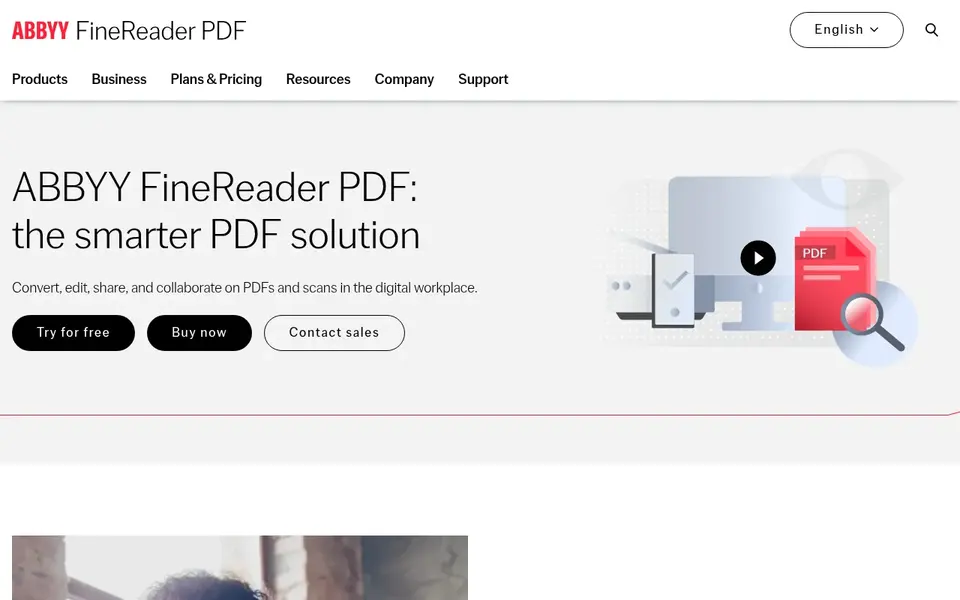
ABBYY FineReader is a good fit for AI-based OCR with PDF editing. ABBYY FineReader is a PDF editor powered by ABBYY's AI-based OCR technology.
Points against: Desktop-focused workflow.
It is also less suited to high-volume, automatic transaction processing than dedicated document AI services. Entry price for ABBYY FineReader: $16 per month. Free access: Free trial.
- AI-based OCR technology
- Edit, share, collaborate
- Advanced automation may need other tools
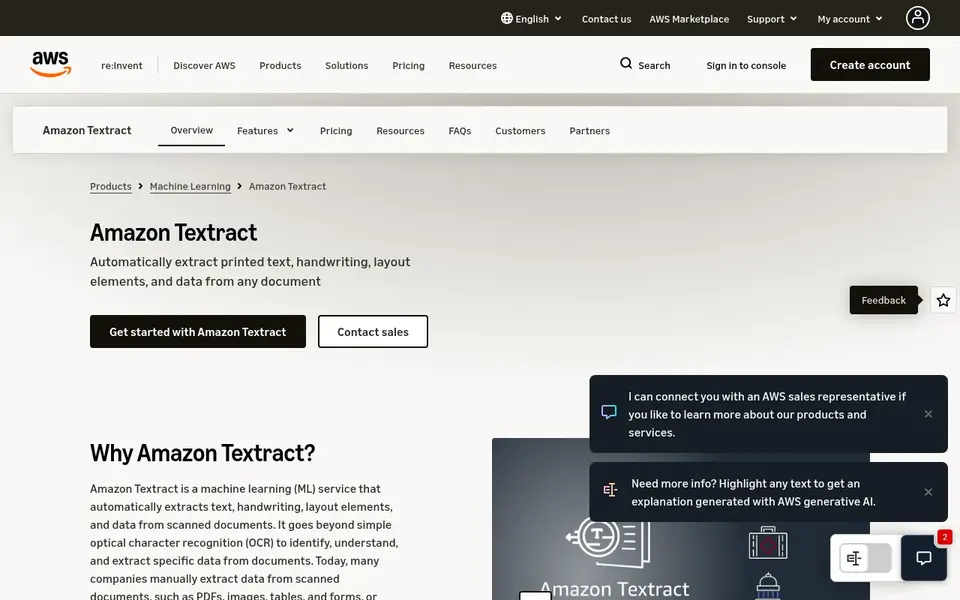
Amazon Textract makes the most sense for extracting text, forms, and tables. Amazon Textract is a machine learning service that uses optical character recognition to extract text, handwriting, and data from scanned PDF documents, forms, and tables.
For everyday use, teams wanting a desktop tool for editing and converting files should choose a PDF editor instead. Worth adding: pick Textract when structured extraction from forms and tables at scale is the goal and your stack already runs on AWS. Amazon Textract shows no starting price here, so confirm the cost on the vendor site. On free options: Not stated.
Trade-offs to know: API-first.
- Extracts text and handwriting
- Machine learning OCR service
- Not a desktop editor
Azure AI Document Intelligence
Great for: Extracting text, structure, and fields
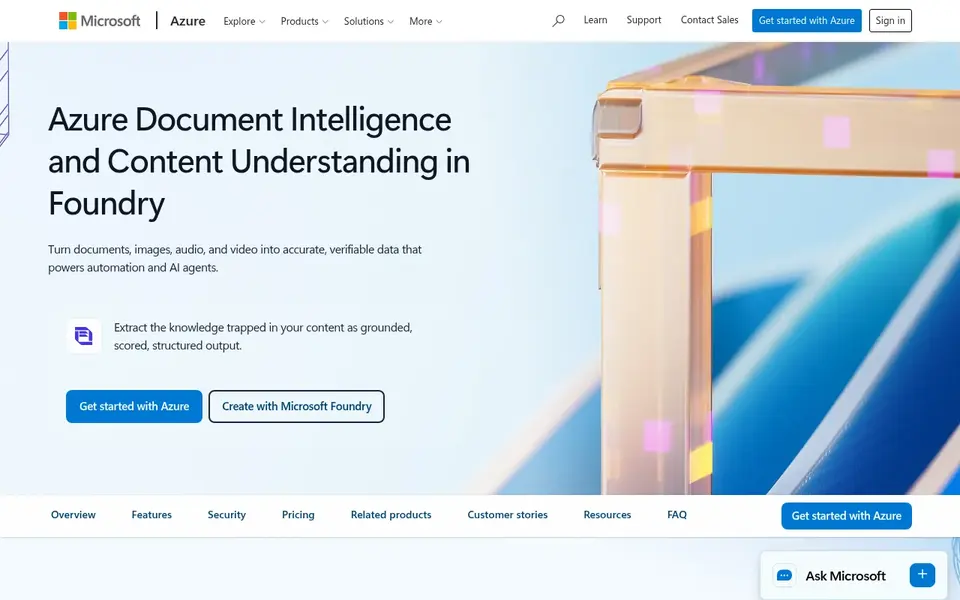
Pick Azure AI Document Intelligence if this describes you: extracting text, structure, and fields. Azure AI Document Intelligence, now part of Azure Content Understanding in Foundry Tools, extracts document text, structure, and fields with AI models.
Where it is weaker: Cloud integration required.
From a buyer's view, users who only have to edit or convert a handful of PDFs may find a PDF editor more straightforward. Choose Azure AI Document Intelligence when structured extraction and field-level understanding are needed within an Azure-based document pipeline. Azure AI Document Intelligence shows no starting price here, so confirm the cost on the vendor site. Free plan details: Not stated.
- Part of Azure Content Understanding
- AI models for documents
- Not a consumer PDF editor
Pre-purchase checklist
- Confirm the entry price on the vendor page. For Amazon Textract and Azure AI Document Intelligence that means a quote rather than a fixed price.
- Take the trial from Rossum, Kofax OmniPage and ABBYY FineReader and push a live task through it before you pay.
- Before choosing Rossum, weigh its main limit: concentrated on transactional documents.
- Ask the daily users to test Amazon Textract on a live task before you roll it out to everyone.
- Compare total cost, not headline price: for Azure AI Document Intelligence, add extra seats, add-ons and any usage-based charges.
Frequently asked questions
How are the tools for intelligent character recognition software ordered?
Rossum sits first and Azure AI Document Intelligence last because the order follows typical fit for intelligent character recognition software, then price clarity and free access. It is a judgement call, so read each profile for fit and limits.
Does any tool for intelligent character recognition software here have a free plan?
No tool in this list, Rossum and Azure AI Document Intelligence included, has a permanent free plan. Rossum, Kofax OmniPage, ABBYY FineReader offer a trial. Trials and quotes are the usual route, so plan a short evaluation period.
Is Rossum the right pick for everyone comparing intelligent character recognition software?
No single tool suits every team. Rossum comes first because it fits AI document processing for transactions, while Kofax OmniPage suits dedicated OCR and document management and ABBYY FineReader suits AI-based OCR with PDF editing. Match the tool to your own size, budget and workflow before deciding.
What is intelligent character recognition software?
Intelligent character recognition software converts scanned text, including handwriting and structured documents, into editable and searchable data. The tools here range from desktop PDF editors to cloud document AI products.
How do I evaluate accuracy before committing?
Test each candidate on a representative sample of your own documents, including poor scans, forms, and tables. Compare the structured output and review how much manual correction is needed.
Do these tools publish their prices?
Not all of them. Amazon Textract and Azure AI Document Intelligence publish no starting price, so expect a quote request for those. The rest, Rossum included, show a starting price, though seats and billing terms still change the final cost.
Sources
See where you really rank - block by block
ProMapRanker scans Google Maps across a grid of your service area. Simple monthly plans from $19, white-label on every plan.
Start freeBrowse all guides
← Best Infographic Software for Data Journalists in 2026Best SaaS Revenue Analytics Tools: 2026 Prices and Picks →
 best graph visualization tool for education
5 Best Graph Visualization Tool for Education in 2026
Best graph visualization tool for education: 5 contenders ranked by fit, with entry costs and free tiers. Every pick includes one clear drawback. Quick to scan.
Read → best analytics software for therapists
Best Analytics Software for Therapists (2026)
5 products for the best analytics software for therapists, ranked by fit, with starting costs and free tiers. Caveats come with every verdict. Numbers first.
Read → top excel compatible fp a software for businesses
6 Best Excel Compatible Fp a Software for Businesses for 2026
6 top excel compatible fp a software for businesses, with entry costs, free tiers and the buyer each one serves. With pricing notes and limits. Details below.
Read → best data broker removal service
Best Data Broker Removal Service in 2026
Looking for the best data broker removal service? We compared 8 removal services on coverage, price, proof of removal and ongoing monitoring for 2026.
Read → azure data factory alternatives
Best Azure Data Factory Alternatives in 2026
Need azure data factory alternatives? We compare 9 ETL and ELT tools on connectors, pricing, deployment and fit for cloud data teams in 2026 for your stack.
Read → best data sources public service delivery reforms
Best Data Sources for Public Service Delivery Reforms in 2026
Compare the best data sources for public service delivery reforms, from World Bank and OECD data to open government spending and service quality surveys.
Read →More in Data & Analytics · All guides A to Z by date · Latest guides