 ProMapRanker
Best Incident Management Software in 2026


Established on-call and incident platform · Pricing starts at: $21 per user per month
Key takeaways
- PagerDuty remains the most established on-call and incident platform, with a free plan for small teams.
- incident.io and Rootly suit Slack-native teams that want structured response workflows.
- FireHydrant and Jira Service Management suit teams that need service catalogs or ITSM processes alongside incidents.
- Opsgenie is being retired in April 2027, so new buyers should choose a platform with a long-term roadmap instead.
Quick comparison
| Pick | Great for | Pricing starts at | Free tier | |
|---|---|---|---|---|
| PagerDuty | Established on-call and incident platform | $21 per user per month | Yes | Visit |
 incident.io | Slack-native incident response | See website | Yes | Visit |
 FireHydrant | Incident process plus service catalog | See website | No | Visit |
 Rootly | Automated incident workflows in Slack | See website | No | Visit |
 Jira Service Management | Atlassian teams needing ITSM plus on-call | See website | Yes | Visit |
 Better Stack | Monitoring, status pages, and on-call in one | See website | Yes | Visit |
 xMatters | Enterprise alerting and notification | See website | Free trial | Visit |
 Splunk On-Call | Alerting for Splunk and large IT teams | See website | Free trial | Visit |
The best incident management software
We compared on-call scheduling, alerting, response workflows, integrations, status pages, and price, using vendor pricing and feature pages. Each tool here was still sold in October 2026, and we left out products with a published shutdown date.

PagerDuty is the default for many engineering teams because it covers the full incident cycle. It pages the right responder, manages on-call schedules and escalations, tracks incident status, and connects to monitoring and ticketing tools. The free plan for up to five users lets small teams start without a budget discussion.
The cost grows with add-ons. AIOps, advanced automation, and higher-tier features sit above the Professional plan, so the total for a larger team can be much higher than the entry price. Small teams may also find the setup heavier than a Slack-native tool. For a team that needs proven on-call at scale, PagerDuty remains a safe choice.
- Mature on-call schedules and escalation
- Many integrations
- Status pages and automation add-ons
- Higher tiers and add-ons raise total cost
- Setup can feel complex for small teams
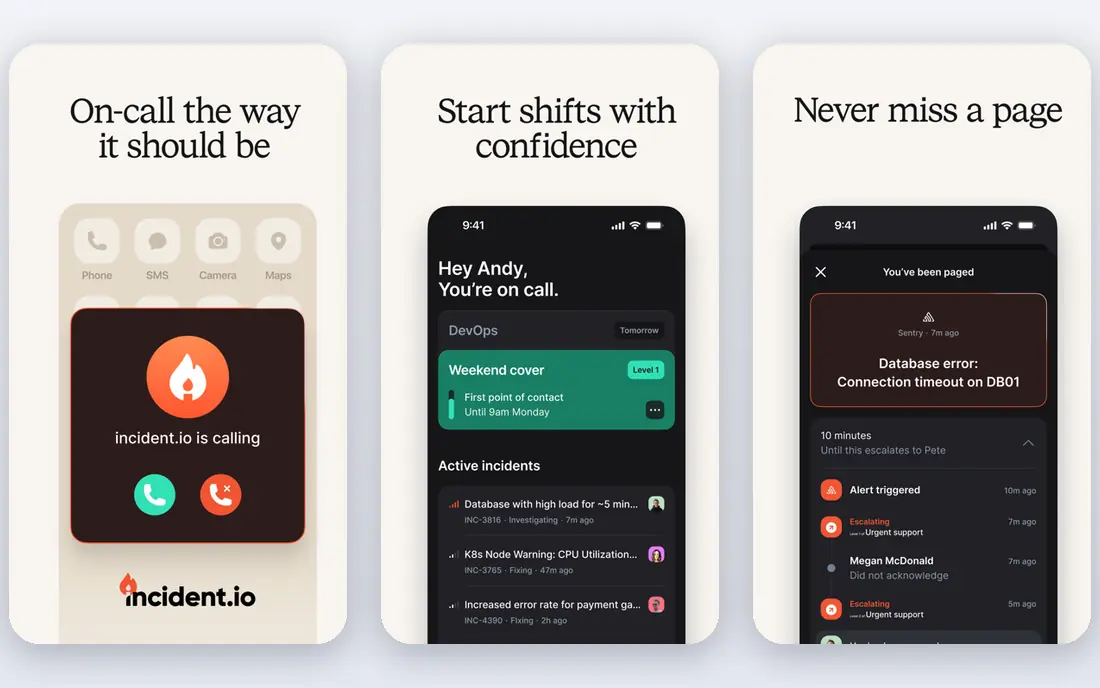
incident.io suits teams that already coordinate in Slack. When an incident starts, it creates a channel, assigns roles, tracks a timeline, and guides the team through a structured response. Postmortems pull from that timeline, which reduces the reconstruction work after an incident ends.
On-call is a separate add-on on some plans, so check the total price if you also need paging. Teams that do not use Slack will get less value, since the workflow is built around it. For Slack-heavy teams that want faster, more consistent responses, incident.io is a strong modern choice.
- Structured response workflows inside Slack
- Clear roles and timelines
- Postmortem automation
- On-call costs extra on some plans
- Deep Slack dependence
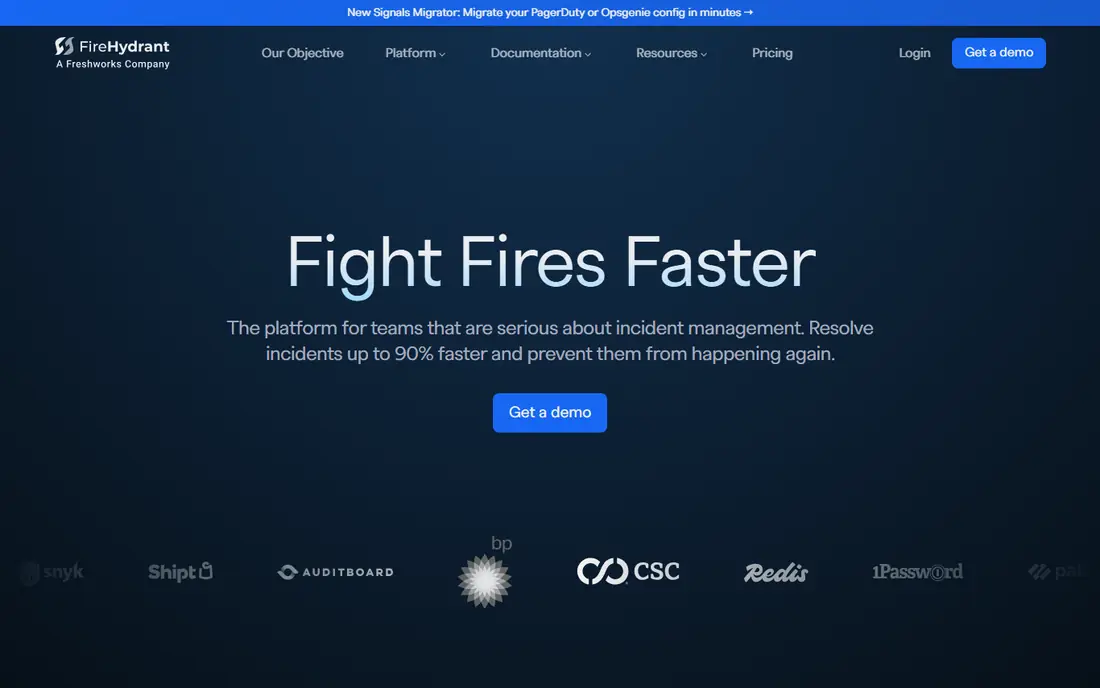
FireHydrant helps teams standardize how they respond, not just who gets paged. It offers runbooks, service catalogs, incident roles, and retrospective tools, so teams follow the same process each time. That structure helps larger organizations where many services and teams share incident duty.
Pricing for full plans is largely sales-led, which makes budgeting harder without a quote. Some setups also need a separate paging tool alongside FireHydrant. For a team that wants process, catalog, and learning in one place, FireHydrant is worth evaluating.
- Runbooks and service catalog in one platform
- Structured incident roles
- Post-incident learning tools
- Pricing is sales-led for full plans
- Needs a separate paging layer in some setups
Rootly focuses on automation and learning. It builds incident workflows in Slack, assigns tasks, tracks timelines, and helps teams write retrospectives from real incident data. That automation reduces manual coordination during stressful incidents and improves follow-up afterward.
Pricing is custom, so smaller teams should request a quote early. Like FireHydrant, Rootly may need a separate paging layer depending on your setup. For a team that already has paging and wants better workflows and retrospectives, Rootly is a strong fit.
- Strong workflow automation
- Post-incident retrospectives
- Slack-native response
- Custom pricing
- May need a separate paging tool for some teams
Jira Service Management is the natural path for teams already standardized on Jira. It combines service requests, incident ticketing, change management, and on-call features in one Atlassian system. That breadth suits IT teams with formal ITIL-style processes and many service desks.
Simple engineering teams may find the ITSM overhead heavy. On-call lives inside a larger ticketing platform, so setup and daily use feel different from a dedicated paging tool. For an Atlassian-committed organization, though, the integration and single vendor relationship are real advantages.
- ITSM ticketing plus on-call features
- Strong for Atlassian shops
- Free tier for small teams
- Heavy ITSM overhead for simple on-call needs
- On-call is a module inside a larger platform
Better Stack bundles monitoring, incident management, status pages, and on-call in one product. That bundle suits small and midsize teams that do not want separate vendors for each job. The free plan covers small setups, and paid plans add responders and monitoring capacity.
Costs can grow as responders and usage increase, so model the price for your real team size. The integration set is also smaller than PagerDuty, which matters for complex enterprise stacks. For a lean team that wants one vendor for monitoring and paging, Better Stack is a practical choice.
- Uptime monitoring plus on-call and status pages
- Free plan for small setups
- Clear per-responder pricing on paid plans
- Per-responder plus usage costs can grow
- Smaller integration set than PagerDuty
xMatters, now part of Everbridge, focuses on getting the right alert to the right person through the right channel. It supports voice, SMS, push, email, and app notifications, with routing rules for large IT operations. Enterprises with complex on-call groups and compliance needs use it to manage alerting at scale.
Pricing is largely custom, and the platform is aimed at larger teams rather than startups. Smaller engineering teams may find a simpler paging tool faster to set up. For a large IT organization that needs reliable, multi-channel alerting, xMatters is a serious option.
- Flexible alerting across voice, SMS, push, and email
- Enterprise integrations
- Strong for large IT operations
- Pricing is largely custom
- Setup suits larger IT teams
Splunk On-Call, formerly VictorOps, provides on-call scheduling, alerting, and incident collaboration for IT and engineering teams. It fits naturally when monitoring already runs on Splunk, since alerts flow into on-call workflows without extra integration work. Timelines and collaboration tools help teams coordinate during incidents.
Teams outside Splunk may find less advantage, since the strongest fit is inside that stack. Pricing varies by plan, so check seat and feature details before comparing with PagerDuty. For a Splunk-heavy organization, Splunk On-Call is a logical incident choice.
- Strong alerting and escalation
- Fits Splunk monitoring stacks
- Timeline and collaboration features
- Best value inside Splunk stacks
- Pricing varies by plan
How we picked these
We compared official pricing pages, feature pages, and product status notes, and we kept only tools that were still sold in October 2026. We looked at on-call scheduling, alerting, response workflows, integrations, status pages, and price, and we kept a mix of established platforms and Slack-native tools. We left out Opsgenie as a recommendation because Atlassian has published an April 2027 shutdown date.
How to choose incident management software
Start with how your team already responds. Slack-native teams benefit from incident.io or Rootly, while formal IT teams benefit from Jira Service Management or xMatters. Next, check paging separately from response. Some tools include on-call in the base price, while others charge for it as an add-on, which changes the total cost.
Test alerting with a real drill. A tool that pages correctly in a demo can still fail when phone numbers, time zones, or escalation rules are wrong. Finally, check postmortem support. A tool that only pages, without timelines and retrospectives, leaves the learning work to spreadsheets and memory.
On-call fairness and burnout
Good on-call tools do more than page people. They balance rotations, respect time zones, and show who is on call now. Check rotation fairness, override handling, and escalation rules before you buy, since a poor rotation will burn out the same engineers again and again.
Status pages and communication
During a major incident, customers need clear updates. Check whether status pages are included, how many subscribers they support, and whether updates can be posted from the incident workflow. A separate status page vendor adds cost and coordination during the worst possible moment.
Frequently asked questions
What is the best incident management software for small teams?
PagerDuty and Better Stack suit small teams, because both offer free plans and clear entry pricing. incident.io also offers a free tier for response workflows, though on-call may cost extra. Start with team size, Slack use, and whether you need monitoring bundled in.
What is the best incident management tool for Slack teams?
incident.io and Rootly lead for Slack teams, because both build response workflows, roles, and timelines inside Slack. incident.io offers a free tier for response, while Rootly focuses on automation and retrospectives. Choose based on whether you need paging bundled in or already have it.
How much does incident management software cost?
Entry prices range from free plans to about $21 per user per month for PagerDuty Professional, while many platforms use custom pricing. Total cost depends on responders, on-call add-ons, and enterprise features. Always quote for the number of people who will actually be paged, not just viewers.
What is the difference between on-call software and incident management software?
On-call software schedules rotations and pages responders when an alert fires. Incident management software covers the wider response, including roles, timelines, communication, status pages, and postmortems. Many modern tools do both, but some response tools still need a separate paging layer.
Is Opsgenie still a good choice in 2026?
No, for new buyers. Atlassian stopped new Opsgenie sales in June 2025 and plans to shut the service down on April 5, 2027. Existing users should plan migration to Jira Service Management or another platform in this list, and new buyers should choose a tool with a long-term roadmap.
How do incident postmortems help teams?
Postmortems turn a stressful incident into shared learning. A good postmortem records the timeline, root cause, and follow-up actions without blame, so the same failure is less likely to repeat. Tools that build timelines automatically during an incident make postmortems faster and more accurate.
Sources
- https://www.pagerduty.com/pricing
- https://incident.io/pricing
- https://firehydrant.com/pricing
- https://rootly.com/pricing
- https://www.atlassian.com/software/jira/service-management/pricing
- https://betterstack.com/pricing
- https://www.xmatters.com/pricing
- https://www.splunk.com/en_us/software/splunk-on-call.html
See where you really rank - block by block
ProMapRanker scans Google Maps across a grid of your service area. Simple monthly plans from $19, white-label on every plan.
Start freeKeep reading
 free alternatives to grok imagine
Free Alternatives to Grok Imagine in 2026
We compared the best free alternatives to grok imagine for image generation, from fast daily credits to design tools, so you can create without paying.
Read → best tools for instagram content creation
Best Tools for Instagram Content Creation in 2026
Compare the best tools for Instagram content creation, from Canva and CapCut to Later and Buffer, on design, video, planning, scheduling, and price in 2026.
Read → best tool to split pdf files
Best Tool to Split PDF Files in 2026
We compared the best tool to split pdf files on split modes, file limits, privacy and price, so you can split a PDF cleanly and keep every page in one go.
Read →