 ProMapRanker
Best Image Recognition Software in 2026

Labelling, OCR, and moderation · Pricing starts at: $1.50 per 1,000 images
Key takeaways
- Cloud APIs from Google, Amazon, and Microsoft suit teams that need tagging, OCR, and moderation without training a model.
- Custom model tools such as Clarifai, Roboflow, and Nyckel suit teams with their own categories, products, or defects to recognise.
- Pay per use pricing looks cheap at low volume and grows fast at scale, so model your monthly image count before you choose.
- Face recognition needs extra care, consent, and legal review, and some providers restrict it for good reason.
- Test with your own images, not demo images, because accuracy on a vendor demo rarely matches accuracy on your catalog.
Quick comparison
| Pick | Great for | Pricing starts at | Free tier | |
|---|---|---|---|---|
| Google Cloud Vision | Labelling, OCR, and moderation | $1.50 per 1,000 images | Yes | Visit |
 Amazon Rekognition | AWS image and video analysis | $1.00 per 1,000 images | Yes | Visit |
 Microsoft Azure AI Vision | Microsoft centred teams | See website | Yes | Visit |
 Clarifai | Custom visual models without ML staff | See website | Yes | Visit |
 Roboflow | Full vision pipeline for developers | See website | Yes | Visit |
 Imagga | Simple tagging and moderation API | $79 per month | Yes | Visit |
 Hive | Content moderation at scale | See website | Yes | Visit |
 Nyckel | Custom predictions from examples | See website | Yes | Visit |
 Ximilar | No code visual AI for catalogs | See website | Free trial | Visit |
The best image recognition software
We compared official pricing pages, product documentation, and recent tool guides checked in October 2026. Prices for cloud APIs are pay per use unless stated, and we wrote See website where a firm current price could not be verified. All tools here are live and truly recognise, tag, or classify images, not just store them.
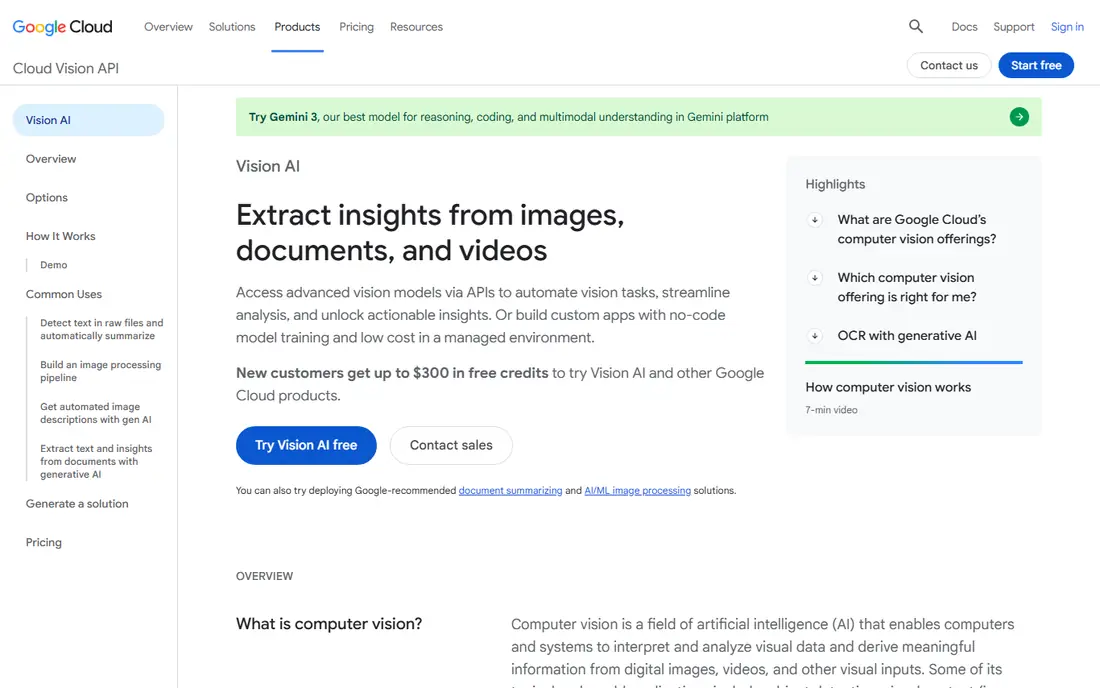
Google Cloud Vision is the default starting point for many teams because it does a lot without training. Send an image and you can get labels, objects, text through OCR, safe search signals, and landmark or logo detection, depending on the features you call. That breadth suits catalog tagging, document text extraction, and moderation triage in one API, without building a model for each job.
The free tier, at 1,000 units per month in published guides, is enough for a real prototype, but production volume needs a budget model. At $1.50 per 1,000 images for base features in published summaries, a million images is a material monthly cost, even before other features. Test with your own images first, and separate features you need on every image from features you only need on a subset.
- Strong general labelling and OCR without training
- Free tier of 1,000 units per month
- Easy to test with an API key
- Per image costs add up at scale
- Face and logo features need care with privacy rules
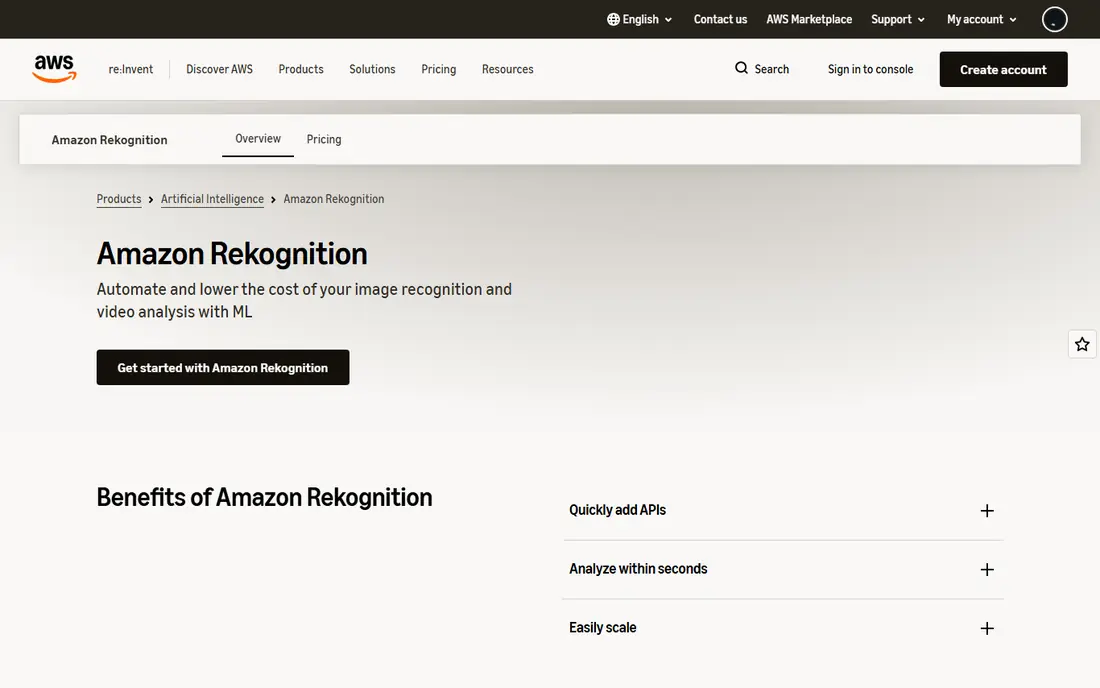
Amazon Rekognition fits teams already on AWS, because it sits next to storage, compute, and workflow services they already use. It covers labels, moderation, text, face analysis, celebrity recognition, and video analysis, plus Custom Labels for training a model on your own categories. That range suits media libraries, user content review, and product catalog work in one service.
Pricing is pay per use, with image analysis at $1.00 per 1,000 images beyond the free tier in published summaries, and video priced by the minute. Custom Labels and face liveness carry separate charges, so a simple image budget can miss the real bill if you add video or custom training. Model the features you will actually call, not just the image count, before you commit.
- Strong image and video analysis on AWS
- Face analysis and custom labels
- Pay per use with no long contract
- Costs vary by feature and video minutes
- Face features need careful governance
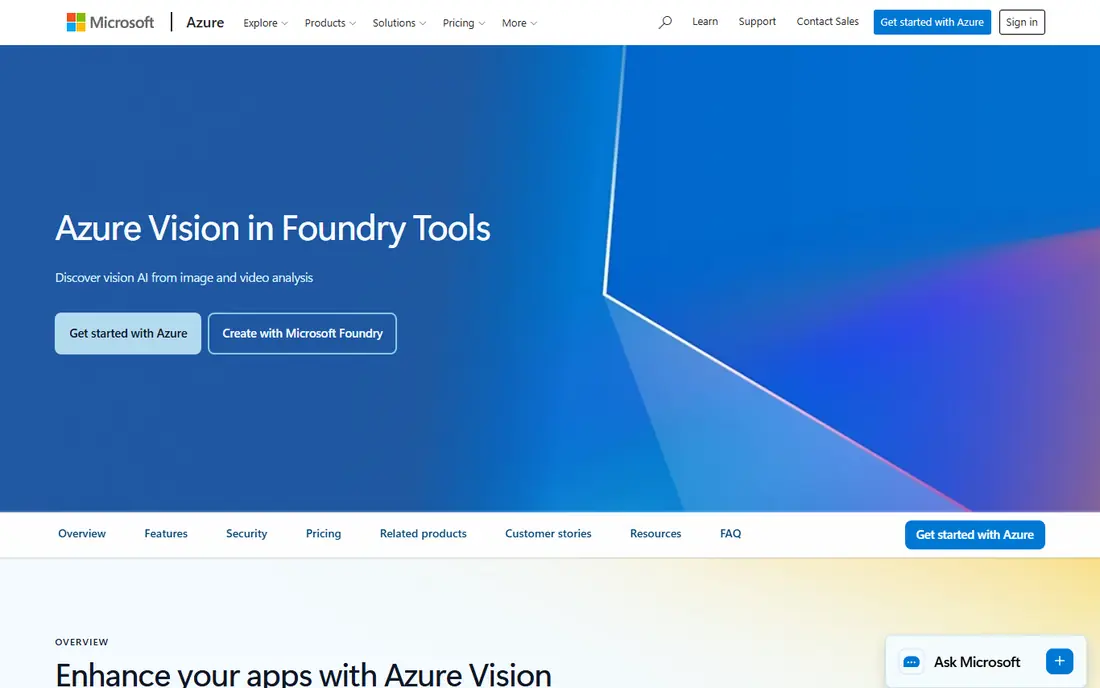
Azure AI Vision suits teams standardised on Microsoft, because it fits Azure storage, identity, and app services without a second cloud account. It offers image analysis, OCR, object detection, and classification, plus embeddings for visual search in newer features. A free tier, reported as 5,000 transactions per month in recent comparisons, lets a team test real workloads before paying.
The main caution is face identification. Microsoft restricts face identification to approved customers, which matters if face search is your core feature rather than a side feature. For general tagging, OCR, and moderation, that restriction does not block the work. For identity use cases, apply early and plan an alternative if approval does not come.
- OCR, object detection, and classification in Azure
- Free tier for testing
- Fits Microsoft data and identity setups
- Face identification is restricted to approved customers
- Pricing varies by feature
Clarifai is built for teams that need a model for their own world, such as their own products, defects, or content categories, without hiring a machine learning team. You can label examples in a visual interface, train a custom model, and call it through an API, while also using prebuilt models for general tagging, moderation, and OCR. That mix helps a team start with a prebuilt model and move to a custom one only where accuracy matters.
The trade is forecasting. Clarifai pricing is pay per use with plan options, and published summaries vary, so you should price your expected operations, not just your image count. For simple tagging on a small catalog, a cloud API may be cheaper and simpler. For a custom category that a general model keeps getting wrong, Clarifai's training workflow is the reason to choose it.
- Visual tools for building custom models
- Prebuilt models for common tasks
- API and workflow options
- Pricing is usage based and can be hard to forecast
- Depth can overwhelm simple tagging needs
Roboflow covers the whole vision pipeline, from labelling images to training a model and deploying it to cloud or edge devices. That end to end view suits developers building detection for manufacturing, retail, agriculture, or safety, where the model must run on a camera or a local device, not just in a cloud API. Annotation tools, dataset versioning, and deployment options in one place reduce the glue work between separate tools.
The catch is effort. Roboflow rewards a developer led team that will label data well and maintain the model over time. A team that only needs general labels for a website will find it heavier than Google Cloud Vision or Imagga. If your core need is a custom detector that must keep working as products or scenes change, Roboflow's pipeline is worth that effort.
- Annotation, training, and deployment in one pipeline
- Strong for object detection
- Good for edge deployment
- Needs developer time
- Paid plans vary by usage and team size
Imagga is a lean specialist API for teams that want tagging and moderation without a large platform. It offers auto tagging, categorisation, colour extraction, and content moderation through a straightforward API, with an Indie plan listed at $79 per month in recent guides and a free tier for testing. That clarity suits a small product team that wants a predictable monthly plan rather than a variable per image bill.
The limit is depth. Imagga does not try to match Roboflow for custom detection training or Clarifai for a full model studio. If your categories are standard, such as general objects, scenes, or adult content flags, it does the job cleanly. If your categories are highly specific, a custom training tool will give better accuracy over time.
- Simple API for tagging, categorisation, and moderation
- Clear Indie plan
- Easy to integrate
- Less depth than full custom model platforms
- Higher entry price than pay per use APIs at low volume
Hive focuses on content moderation at scale, which is a different job from catalog tagging. Its models flag adult content, violence, hate symbols, and other policy risks in images and video, helping trust and safety teams review user uploads before they reach the public. For a social app, marketplace, or community product, that focus matters more than general label breadth.
The trade is scope and cost. Hive pricing is usage based, with published summaries around $3.00 per 1,000 images for some workloads, so high volume moderation needs a clear budget. It is also not the best pick if your main need is product search or OCR. Choose Hive when moderation accuracy and review workflow are the core requirement, and pair it with a tagging API if you also need catalog labels.
- Strong moderation models for images and video
- Built for trust and safety teams
- API first design
- Pricing is usage based
- Less suited to general catalog tagging alone
Nyckel suits teams with a niche classification problem and a modest set of examples. You upload examples for each category, train a custom function, and call it through an API, without building infrastructure. That approach works well for tasks such as sorting products into a house taxonomy, flagging a specific defect, or classifying images that general models label too broadly.
The catch is data quality. A custom model is only as good as its examples, so a small, biased, or poorly labelled set will produce confident but wrong results. Nyckel's paid plans are also quoted differently across sources, so check the current Starter price on the vendor site before budgeting. Test with held out images you did not train on, and keep a human review step for high stakes decisions.
- Custom image classification from a small set of examples
- Simple API
- Good for niche categories
- Paid Starter pricing varies by source
- Needs good examples to perform well
Ximilar is aimed at ecommerce and catalog teams that want visual AI without writing a training pipeline. It offers visual search, tagging, and custom classification through no code tools, so a merchandising or catalog team can build a model for their own products and test it on their own images. That team fit is useful when the people who know the products are not developers.
The downside is pricing transparency. Ximilar pricing is quote based, so a small team cannot budget from the website alone, and a developer heavy team may prefer an API first pipeline such as Roboflow. If your goal is better product discovery, cleaner catalog tags, or visual similarity search, and your team is not code led, Ximilar is a practical shortlist option.
- No code tools for visual search and tagging
- Suits ecommerce catalogs
- Custom training without code
- Pricing is quote based
- Less suited to heavy developer pipelines
How we picked these
We compared official pricing pages, product documentation, and recent tool guides checked in October 2026, and we kept only software that is live and that truly recognises, classifies, or moderates images. We favoured a mix of cloud APIs, custom training platforms, and specialist moderation tools, so readers can match the tool to the job rather than forcing one API to do everything. We excluded tools with no current product page and tools that only store or edit images. Prices are from vendor pages and recent guides, and we wrote See website where a firm price could not be verified.
How to choose image recognition software
Start with the job in one sentence. If the sentence is tag my catalog, a cloud API or Imagga is enough. If it is find this defect, sort these products, or flag this policy risk, you need a custom or moderation specialist, and you should budget for labelling time, not just API calls. Next, test with your own images, including hard cases, poor lighting, and edge examples, and measure accuracy on images the model has not seen in training.
Then model cost at your real volume. Multiply monthly images by the per image price for each feature you will call, and add video minutes, custom training, and storage if they apply. Check data handling too, including where images are processed, how long they are retained, and whether face data needs extra consent or legal review. Finally, keep a human in the loop for high stakes calls, such as moderation removals, safety flags, or identity checks. An image model gives a prediction with a score, not a fact, and your review process is what turns that score into a safe decision.
Frequently asked questions
What is the best image recognition software?
There is no single best tool, because tagging, OCR, moderation, and custom detection are different jobs. Google Cloud Vision, Amazon Rekognition, and Azure AI Vision suit general tagging and OCR without training. Clarifai, Roboflow, and Nyckel suit custom categories, while Hive suits moderation at scale. Match the tool to the job, then test with your own images.
What is the best image recognition app for everyday use?
For everyday consumer use, phone features such as visual search in a search app or camera app are more practical than a developer API. The tools on this list are mainly for businesses and developers building tagging, search, or moderation into a product. If you only need to identify a plant, product, or landmark once in a while, a consumer visual search feature will be simpler.
How much does image recognition cost?
Cloud APIs charge per image or per transaction, with published base rates around $1.00 to $1.50 per 1,000 images for common features, plus extra charges for video, custom training, and special features. Specialist APIs may charge a monthly plan, such as Imagga Indie at $79 per month in recent guides. Model your monthly image count and features before you choose, because scale changes the cheapest option.
Is face recognition legal to use?
Face recognition rules vary by place, purpose, and consent, and some providers restrict face identification to approved customers. Do not deploy face search, identification, or verification without legal review, clear consent where required, and a data retention plan. For many products, face detection, which finds a face without identifying a person, is a safer and sufficient alternative.
Can I train a model without coding?
Yes, with tools such as Clarifai, Nyckel, and Ximilar, which offer visual labelling and training without writing a full pipeline. You still need good examples, a test set the model has not seen, and a review process for errors. No code training removes code, not the need for careful data and testing.
How accurate is image recognition?
Accuracy depends on your images, your categories, and how similar your test images are to your training images. A model that scores well on a vendor demo can fail on your catalog if lighting, angles, or product variants differ. Always test with your own held out images, check errors by category, and keep human review for decisions where a mistake has real cost.
Sources
- https://cloud.google.com/vision
- https://aws.amazon.com/rekognition/
- https://azure.microsoft.com/en-us/products/ai-services/ai-vision
- https://www.clarifai.com
- https://roboflow.com
- https://imagga.com
- https://thehive.ai
- https://www.nyckel.com
- https://www.ximilar.com
- https://rankite.com/blog/best-image-recognition-software
See where you really rank - block by block
ProMapRanker scans Google Maps across a grid of your service area. Simple monthly plans from $19, white-label on every plan.
Start freeKeep reading
 wpforms alternatives
Best WPForms Alternatives in 2026
We compare 9 wpforms alternatives for WordPress forms, with free and paid options, current pricing notes, and honest limits for small business sites in 2026.
Read → windows task scheduler alternatives
Best Windows Task Scheduler Alternatives in 2026
Looking for Windows Task Scheduler alternatives? We compare 9 schedulers for Windows and cross-platform work, from free tools to enterprise automation.
Read → which ai video service is best
Which AI Video Service Is Best in 2026
which ai video service is best? We compare 10 legitimate AI video services on price, avatars, editing and output quality to help you pick the right tool.
Read →