 ProMapRanker
Best HVAC Load Calculation App in 2026


Full residential design suite · Pricing starts at: See website
Key takeaways
- Wrightsoft Right-Suite Universal is the strongest choice for contractors that need room by room Manual J, D and S work in one suite.
- Cool Calc is the best starting point for small contractors and solo operators, with a guided web based Manual J workflow.
- Elite RHVAC suits engineers and experienced designers who want a detailed, powerful calculation engine.
- LoadCalc and AutoHVAC offer lower cost routes to a usable load calculation, but check permit acceptance before you submit their output.
- For commercial work, Trane TRACE 3D Plus and Carrier HAP are the right class of tool, since residential Manual J tools do not cover large buildings.
Quick comparison
| Pick | Great for | Pricing starts at | Free tier | |
|---|---|---|---|---|
| Wrightsoft Right-Suite Universal | Full residential design suite | See website | Free trial | Visit |
 Elite RHVAC | Detailed engineering calculations | See website | Free trial | Visit |
 Cool Calc | Guided web based Manual J | See website | Yes | Visit |
 LoadCalc | Simple homeowner and auditor calculations | See website | No | Visit |
 AutoHVAC | Low cost web based Manual J | See website | Free trial | Visit |
 AccuLoad | Repeatable contractor Manual J workflow | See website | Free trial | Visit |
 Trane TRACE 3D Plus | Commercial load and system sizing | See website | Free trial | Visit |
 Carrier HAP | Commercial hourly load analysis | See website | Free trial | Visit |
 EnergyGauge | Energy modelling plus load work | See website | Free trial | Visit |
The best HVAC load calculation apps
HVAC load calculation software turns building details into heating and cooling loads, so you can size equipment correctly instead of guessing from square footage. Residential work usually follows ACCA Manual J, while commercial work needs hourly analysis and system modelling. The tools below cover both, but they are not interchangeable, so match the tool to the building type first.
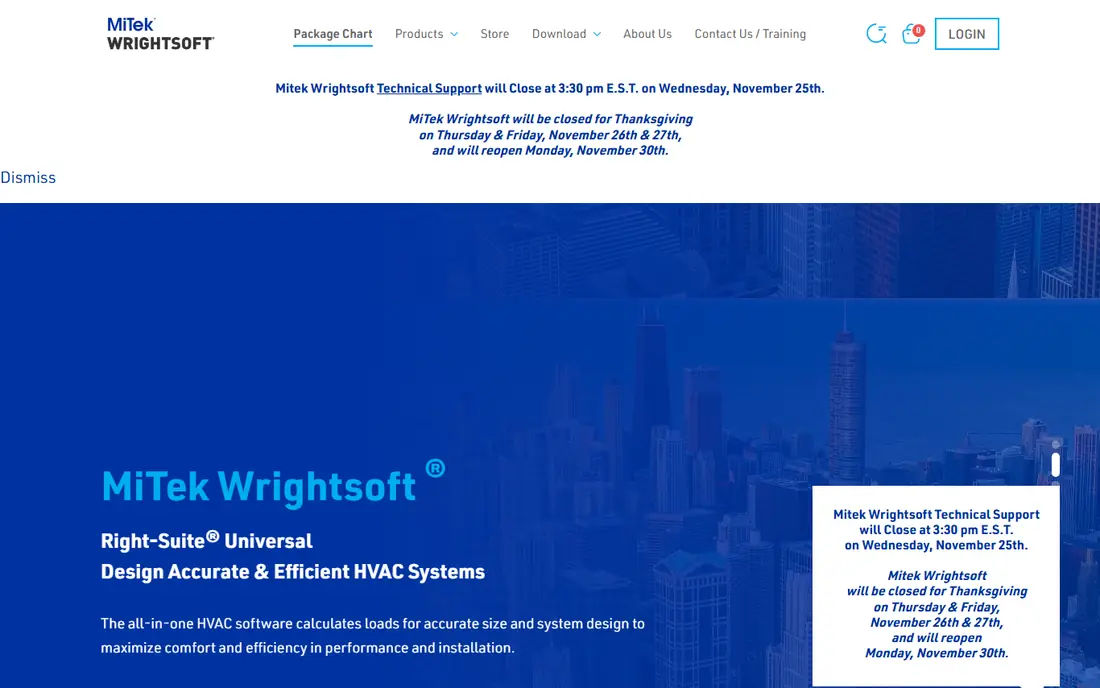
Wrightsoft is the industry standard many contractors compare everything else against. Right-Suite Universal combines load calculation with duct design and equipment selection, so a room by room load flows into a duct layout and a sized system without retyping data. Reports are clean enough for permit reviewers and homeowners, which matters when a job depends on approval.
The catch is cost and commitment. Wrightsoft is priced for firms that run load calculations weekly, not for a homeowner doing one job. If your volume is low, Cool Calc or AutoHVAC will cover the calculation at far lower cost. If you run residential design as a core service, Wrightsoft time savings and documentation quality justify the price.
- Room by room Manual J loads
- Integrated Manual D duct design and Manual S equipment selection
- Report ready documentation
- Subscription cost is high for occasional users
- Desktop software with a learning curve
- Best value when used regularly
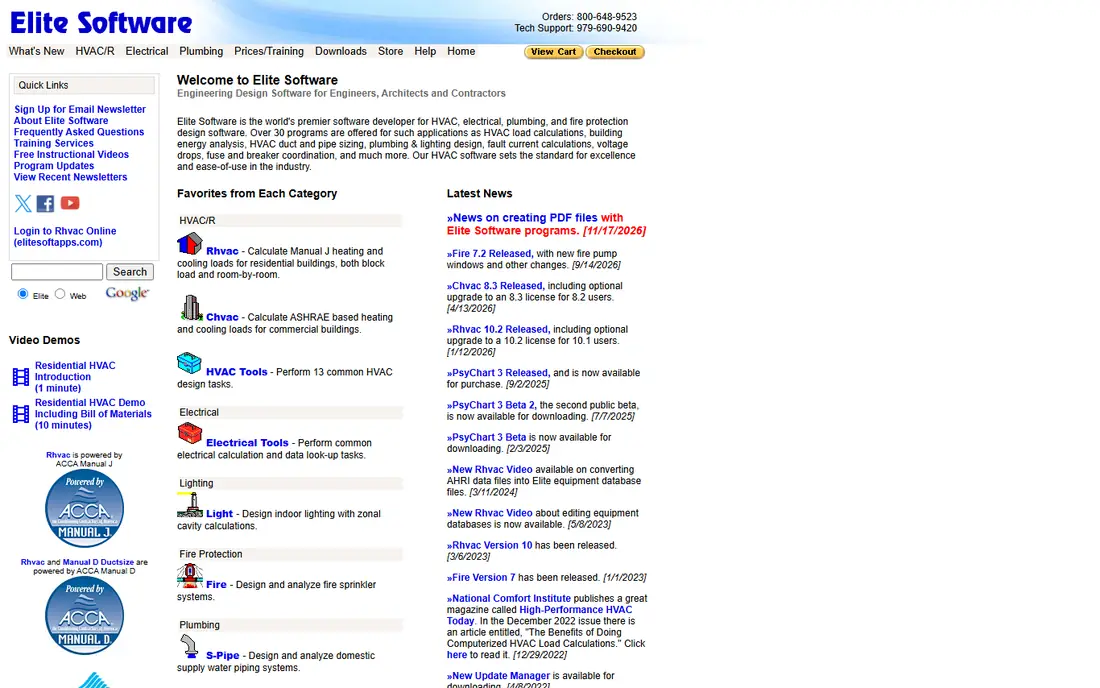
Elite RHVAC suits engineers and experienced designers who want control over every input. Its calculation engine is detailed, its reports are thorough, and it has been used for residential and light commercial work for many years. Designers who already know Elite tend to stay with it, because the workflow is predictable once learned.
New users should expect a learning period. The interface is functional rather than modern, and guided help is thinner than in Cool Calc. If you value depth over ease, Elite is a strong pick. If you want the fastest first calculation, start with a guided web tool instead.
- Powerful and detailed calculation engine
- Long track record with engineers
- Extensive reporting options
- Interface feels dated to new users
- Learning curve is steep
- Pricing is quote based for current versions
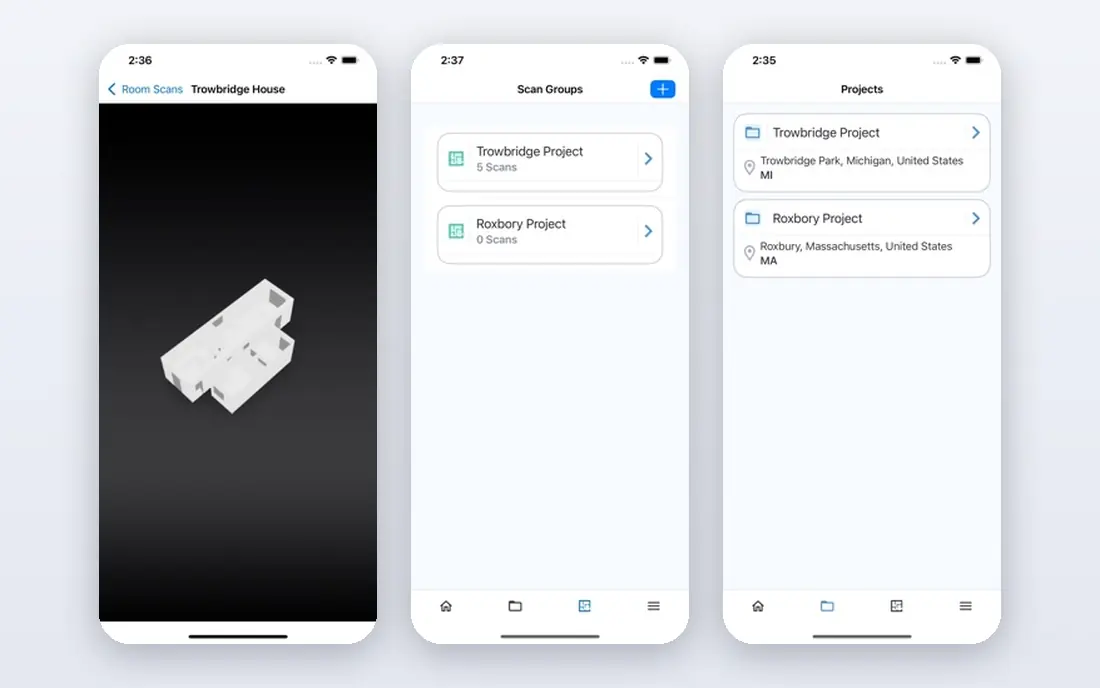
Cool Calc is our pick for small contractors and solo operators who need a correct Manual J without desktop software. The web interface guides you through envelope, windows, orientation and system inputs, then produces a report you can submit for permits in many jurisdictions. Because it runs in a browser, you can work from a laptop on site.
The limit is scope. Cool Calc is a residential Manual J tool, not a commercial energy model, and its pricing depends on your account route. Check whether your distributor or plan gives you free access, and confirm permit acceptance in your area before you rely on it for a code job.
- Web based, no install needed
- Guided input workflow
- ACCA approved Manual J reports
- Full features depend on account and plan
- Web workflow suits residential work, not large commercial jobs
- Per project costs can add up
LoadCalc suits homeowners, auditors and contractors who want a straightforward load figure without a full design suite. You enter building details, get heating and cooling loads, and use the result to check an equipment proposal. That simplicity makes it a useful second opinion tool, even for firms that own Wrightsoft.
The honest catch is permit use. LoadCalc output is fine for a sanity check, but many permit reviewers expect an ACCA approved Manual J report from a recognised tool. Use LoadCalc to test a proposal, and use Wrightsoft, Cool Calc or Elite when the report itself must pass review.
- Simple interface focused on load calculation
- One time purchase model
- Useful for sanity checks and audits
- Not ACCA approved for permit submissions in the same way as Wrightsoft or Cool Calc
- Reporting is simpler
- Residential focus only
AutoHVAC is a newer web based option that aims to give contractors an ACCA approved Manual J at a lower monthly cost than desktop suites. It runs in a browser and on mobile, which suits field based contractors, and its reports are designed for permit use. For brand agnostic contractors who do not have a distributor route to Cool Calc, it is a practical alternative.
The catch is maturity. Automated blueprint extraction and newer workflows need careful checking on your first jobs, since a misread envelope input changes the load. Test AutoHVAC on three known jobs before you switch fully, and compare its output with a tool you trust.
- Web and mobile access
- ACCA approved Manual J output
- Lower monthly cost than desktop suites
- Newer and less proven than Wrightsoft
- Blueprint extraction needs checking
- Feature set is narrower than a full suite
AccuLoad targets contractors who produce Manual J calculations repeatedly and want the same input steps and output format every time. That repeatability matters when several staff run calculations, since consistent reports reduce review questions and rework. Room level loads and summary outputs cover the core residential need well.
The limit is vendor scale. AccuLoad is less widely known than Wrightsoft or Elite, so check support, training and permit acceptance in your area before you standardise on it. For a contractor team that values a steady workflow over a large suite, it deserves a trial.
- Repeatable room level input workflow
- Consistent summary outputs
- Built for contractor project cycles
- Smaller vendor footprint than Wrightsoft
- Pricing and plan details need a sales check
- Residential focus
Trane TRACE 3D Plus is the right class of tool when a residential Manual J app is not enough. It models commercial buildings from 3D inputs, runs hourly loads, and carries results into system sizing and equipment selection with traceable steps. Engineers working on offices, schools and retail will find its depth essential.
Do not buy it for a single family home. It is overkill for residential work, and its workflow assumes commercial design knowledge. For commercial projects, though, it is one of the strongest options, alongside Carrier HAP, and it pairs well with energy code compliance work.
- 3D building inputs for commercial loads
- System sizing traceability
- Strong for complex commercial projects
- Commercial focus, not a residential Manual J tool
- Learning curve for new users
- Pricing is quote based
Carrier HAP, short for Hourly Analysis Program, is a long standing commercial load tool. It runs hour by hour simulations, models systems and energy use, and produces documentation for design and code review. Engineers who already work in Carrier ecosystems will find its workflow familiar.
The trade off is the same as with TRACE: this is a commercial engineering tool, not a quick residential calculator. Budget for training, and confirm licensing for your team before you commit. For large commercial work, HAP depth justifies that effort. For homes, use a Manual J tool instead.
- Hourly load analysis for commercial buildings
- System design and energy analysis
- Long industry track record
- Commercial focus
- Setup and training take time
- Licensing needs a check for your team size
EnergyGauge suits energy raters, auditors and designers who need load work inside a wider energy model. It supports code compliance and rating workflows, so a load result can feed into an energy score or compliance report without a separate model. That dual use appeals to firms that do both design and rating.
The catch is workflow. EnergyGauge is an energy modelling tool first, so a contractor who only needs a fast Manual J will find Cool Calc simpler. Choose EnergyGauge when energy analysis, ratings or code compliance are part of the job, not just equipment sizing.
- Energy modelling and code compliance focus
- Useful for raters and auditors
- Residential and commercial versions exist
- Energy modelling workflow differs from a pure Manual J tool
- Learning curve for code work
- Pricing varies by version
How we picked these
We compared official product pages, ACCA approval status where stated, and feature sets in October 2026, and favoured tools that are live, actively sold, and clearly built for load calculation. We included residential Manual J tools, commercial hourly tools and energy models, because the best HVAC load calculation app depends on building type. We left out general HVAC business software with no load engine, and free calculators with no clear vendor or support path.
What to check before you choose a load calculation app
Start with the report your reviewer will accept. Many jurisdictions expect an ACCA approved Manual J report for residential permits, so confirm approval status and report format before you buy. Next, check the inputs the tool needs, since accurate loads depend on insulation, windows, orientation, infiltration and local climate data, not just floor area. A tool that lets you fudge those inputs will give you a fast but wrong answer.
Run the same known house through two tools before you standardise, and compare room loads, not just totals. Check how duct design and equipment selection connect, since a load that does not flow into Manual D and S work creates retyping and errors. Finally, confirm training and support, because even good software produces poor loads when inputs are guessed.
Frequently asked questions
What is the best HVAC load calculation app?
For most residential contractors, Wrightsoft Right-Suite Universal is the strongest full suite, while Cool Calc is the best low fuss starting point. Elite RHVAC suits engineers who want a detailed engine, and AutoHVAC offers a lower cost web alternative. Commercial projects need TRACE 3D Plus or Carrier HAP instead.
What is the best HVAC load calculation software for Manual J?
Wrightsoft Right-J, Elite RHVAC and Cool Calc are the most recognised ACCA approved Manual J options. Cool Calc is easiest for new users, Wrightsoft is strongest for firms that also need duct and equipment design, and Elite suits experienced designers. Always confirm current ACCA approval on the vendor site.
Can a free load calculator be used for permits?
Some free tools give a useful sanity check, but permit reviewers often require an ACCA approved Manual J report from a recognised tool. LoadCalc.net is fine for checking a proposal, but for a permit submission, use Wrightsoft, Cool Calc, Elite or AutoHVAC and confirm acceptance in your jurisdiction first.
How accurate is HVAC load calculation software?
Accuracy depends more on inputs than on the brand. Correct insulation values, window specs, orientation, infiltration and climate data matter far more than small differences between engines. Measure the building, do not guess, and compare room loads across tools when you are learning a new product.
Do I need Manual D and Manual S as well as Manual J?
Yes, for a complete residential design. Manual J gives the load, Manual D sizes the ducts, and Manual S selects equipment that matches the load. Wrightsoft bundles all three, which is why many contractors prefer a suite over a load only tool. A load alone does not guarantee comfort or efficiency.
Is Cool Calc really free?
Cool Calc offers a free version through some distributor accounts, while other users pay per project or by plan. Check the current Cool Calc pricing page and your distributor route before you assume free access. Even on a paid plan, it is usually far cheaper than a desktop suite for occasional use.
Sources
See where you really rank - block by block
ProMapRanker scans Google Maps across a grid of your service area. Simple monthly plans from $19, white-label on every plan.
Start freeKeep reading
 wpforms alternatives
Best WPForms Alternatives in 2026
We compare 9 wpforms alternatives for WordPress forms, with free and paid options, current pricing notes, and honest limits for small business sites in 2026.
Read → windows task scheduler alternatives
Best Windows Task Scheduler Alternatives in 2026
Looking for Windows Task Scheduler alternatives? We compare 9 schedulers for Windows and cross-platform work, from free tools to enterprise automation.
Read → which ai video service is best
Which AI Video Service Is Best in 2026
which ai video service is best? We compare 10 legitimate AI video services on price, avatars, editing and output quality to help you pick the right tool.
Read →