 ProMapRanker
Best Home Accounting Software in 2026

Key takeaways
- YNAB is the best pick for households that want a hands on budgeting method, because it asks you to assign every dollar a job.
- Monarch Money is the best all round household dashboard, with budgeting, net worth and investment views in one polished place.
- Quicken Simplifi is the lowest cost capable all rounder in this list, with cash flow forecasting that many rivals charge more for.
- Goodbudget, Rocket Money and Empower all offer genuinely useful free tiers, so you can start tracking without paying first.
Quick comparison
| Pick | Great for | Pricing starts at | Free tier | |
|---|---|---|---|---|
 YNAB YNAB | Hands on zero based budgeting | $14.99 per month | Free trial | Visit |
 Monarch Money Monarch Money | Complete household dashboard | $14.99 per month | Free trial | Visit |
 Quicken Simplifi Quicken Simplifi | Affordable all in one tracking | $5.99 per month | Free trial | Visit |
 Copilot Money Copilot Money | Apple households that value design | $13 per month | Free trial | Visit |
 Rocket Money Rocket Money | Subscriptions and bill tracking | Free | Yes | Visit |
 EveryDollar EveryDollar | Simple zero based budgeting | Free | Yes | Visit |
 Goodbudget Goodbudget | Envelope budgeting without bank links | Free | Yes | Visit |
 Empower Empower | Free net worth and investment view | Free | Yes | Visit |
The best home accounting software
Home accounting software should pull accounts together, sort spending, show what is left and help a household plan ahead. We compared budgeting methods, bank syncing, investment views, household sharing and price, using vendor pricing pages and feature documentation. This is not financial advice, and terms, fees and coverage vary by provider, so read the contract and plan details before you buy.
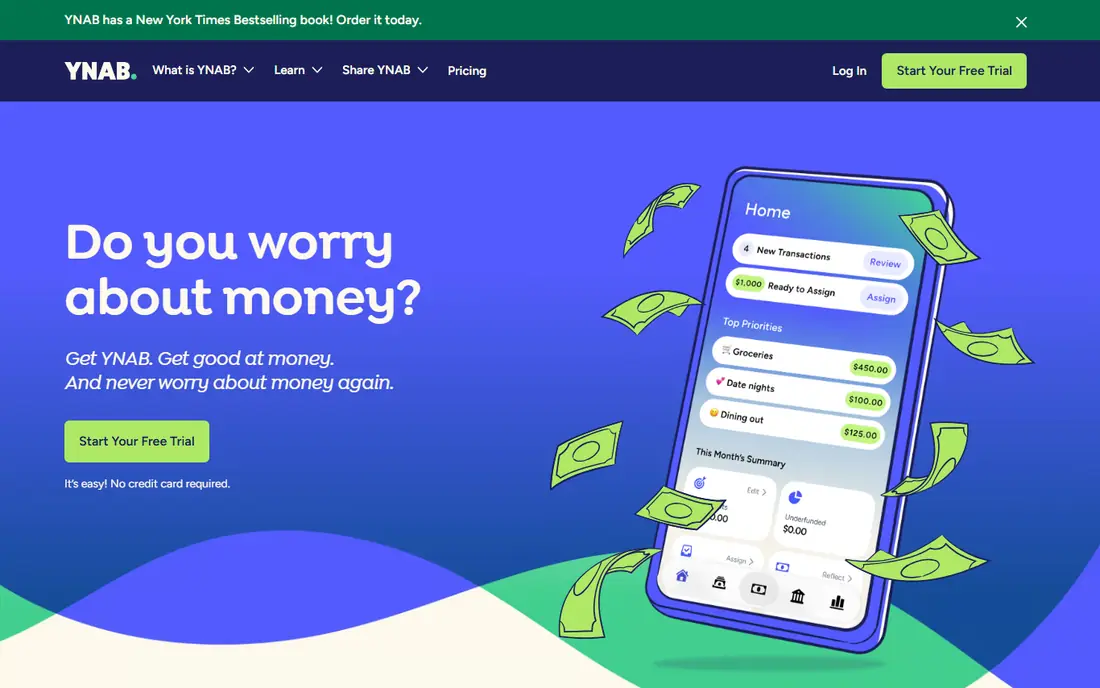
YNAB, short for You Need A Budget, is less a dashboard and more a method with an app attached. You assign every dollar a job, approve transactions, and move money between categories when plans change. That hands on work is the point: many users say it changes spending behaviour in a way a passive tracker does not, because the budget reflects choices you made, not only totals the app calculated.
The catch is time. If you only want to glance at spending once a week, YNAB can feel like homework, and its price is higher than simpler trackers. It also lacks a full investment dashboard, so investors will still need another view for portfolios. For a household ready to budget actively, it remains the strongest method led pick.
- Clear zero based method
- Strong habit change for active users
- Shared access for households
- Needs regular attention
- No full investment portfolio dashboard
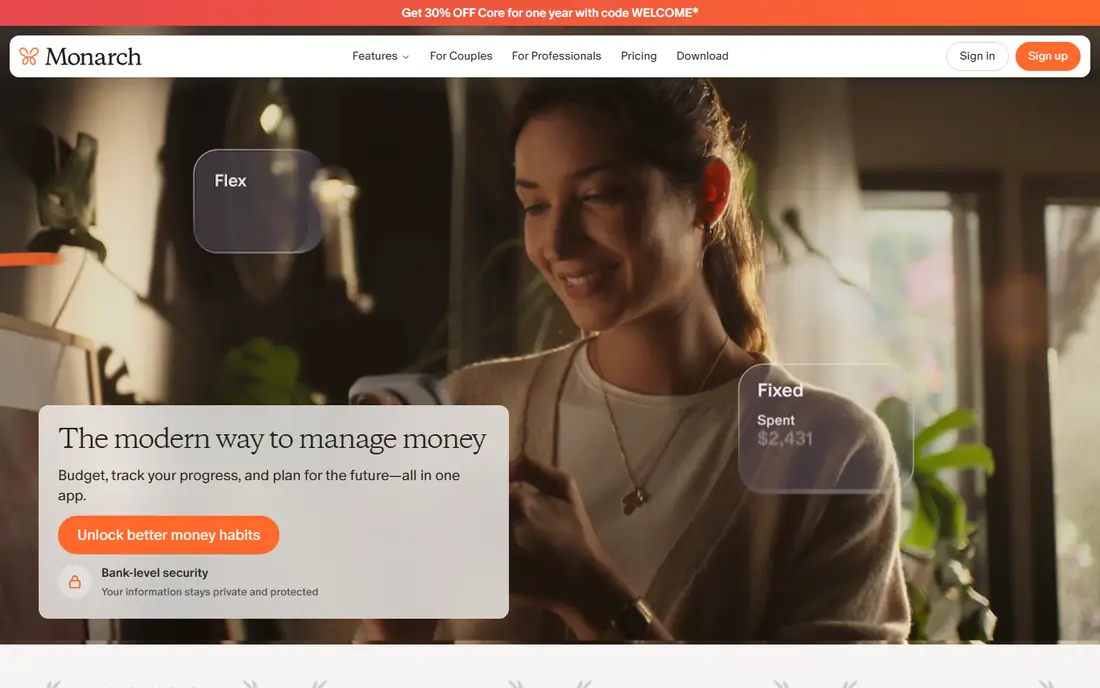
Monarch Money is the closest thing here to a complete household money dashboard. It combines account syncing, category budgeting, net worth tracking and investment views, with sharing for partners or family members. For a couple or a household that wants one place to see cash, cards, loans and investments, that completeness saves switching between apps.
The price is the main drawback, with no free tier beyond a short trial, so you should test it properly in that window. Some users will also find the breadth more than they need if they only want a simple budget. For a household that wants the full picture and will use it weekly, Monarch is our all round pick.
- Budgeting, net worth and investments in one place
- Strong household sharing
- Clean reports
- No permanent free tier
- Trial is short

Quicken Simplifi is the budget all rounder in this list. It syncs accounts, sorts spending into a personalised spending plan, and forecasts cash flow so you can see upcoming bills and balances before they hit. That forecasting is a feature many rivals reserve for higher tiers, and it is genuinely useful for households with uneven pay or many recurring bills.
The catch is pricing clarity. Promotional first year rates and renewal rates can differ, so check the total annual cost at checkout, not only the headline monthly figure. The design is also more functional than beautiful. For value and forecasting, Simplifi is hard to beat.
- Low entry price
- Cash flow forecasting
- Spending plan and watchlists
- First year pricing can differ from renewal
- Interface is less polished than Monarch
Copilot Money is made for Apple users, and it shows. The app is fast, well designed and pleasant to open every day, which matters for a tool you are supposed to check often. Categorisation is smart, investment tracking is included, and the dashboard makes spending patterns easy to grasp without a spreadsheet.
The hard limit is platform: there is no Android app, so a household with mixed devices will struggle to share it. The price is also mid range, with only a trial before paying. For an Apple only household that values design and will actually open the app, Copilot is a joy to use.
- Beautiful, fast interface
- Smart categorisation
- Good investment tracking
- Apple devices only
- No Android app
Rocket Money is best known for finding subscriptions you forgot and helping you cancel or negotiate bills. The free tier covers basic account syncing and subscription tracking, which is enough for many users whose main problem is recurring charges creeping up. Premium adds more tools, with a pay what you choose model within a published range.
Budgeting here is lighter than in YNAB or Monarch, so a household that wants a strict plan may need a second tool. Premium pricing also varies by what you choose to pay, so compare the annual total. For subscription control first and budgeting second, Rocket Money is the practical starting point.
- Free basic tracking
- Strong subscription detection
- Bill negotiation tools on Premium
- Premium is pay what you choose, so total cost varies
- Budgeting is lighter than YNAB
EveryDollar keeps zero based budgeting simple. The free version lets you build a budget by hand, assign income to categories, and track spending without linking a bank, which suits users who prefer manual control or who do not want to connect accounts. The layout is clean and the method is easy to explain to a partner.
Bank syncing and automatic transaction imports sit behind Premium, which costs more than some all round rivals, so the free version is best for manual budgeters. It also lacks the investment views of Monarch or Empower. For a simple, beginner friendly budget, EveryDollar is a solid, low pressure start.
- Free manual budget
- Simple zero based layout
- Easy for beginners
- Bank syncing needs Premium
- Premium is pricier than some rivals
Goodbudget digitises the cash envelope method: you divide money into envelopes for groceries, rent, transport and other categories, then spend from each envelope. It does not require a bank link, which suits users who value privacy or who want a shared household budget without connecting accounts. Partners can share envelopes and see the same plan.
Manual entry is the trade off, since you must record spending yourself, and the free tier limits the number of envelopes and accounts. Paid Plus raises those limits. For a household that likes envelopes and is willing to enter purchases, Goodbudget is the most faithful digital version of that method.
- Free tier for envelope budgeting
- Shared household budgets
- No bank link required
- Manual entry takes time
- Free tier limits envelopes and accounts
Empower, formerly Personal Capital, offers a free dashboard for net worth, accounts and investments, with retirement planning views that many budgeting apps lack. For a household that mainly wants to see the full financial picture and track investments, without paying a monthly fee, it is the strongest free option in this list.
Budgeting is lighter here than in YNAB, Monarch or Simplifi, so active budgeters may find it thin. Paid advisory services are separate, optional and priced differently, and this article does not treat them as part of the free dashboard. For free oversight of wealth and investments, Empower is a clear pick.
- Free net worth and investment tools
- Retirement planning views
- No cost for core dashboard
- Budgeting is lighter than YNAB
- Paid advisory is separate and optional
How we picked these
We compared vendor pricing pages, free tiers, budgeting methods, bank syncing, investment views and household sharing, and we kept tools that are actively sold and used for household money management in the US. We included method led apps, dashboards, manual tools and free trackers, because households differ in how much automation and control they want. Prices are US rates as published, and trials are noted separately from permanent free plans.
How to choose home accounting software
Start with your budgeting style. If you want a method that changes habits, try YNAB or EveryDollar. If you want a complete dashboard, try Monarch or Simplifi. If you want to avoid bank links, Goodbudget is the natural fit, and if investments matter most, Empower gives a free overview. Next, test bank syncing with your own banks during a trial, because connection reliability varies by institution and is a common source of frustration.
Also check household sharing: some plans allow a partner at no extra cost, while others need a separate account. Finally, set a review habit before you pay for a year: a tool you open weekly is worth more than a richer tool you ignore. Use the free tier or trial to test with real spending, not a demo budget.
Frequently asked questions
What is the best personal money management software for most households?
Monarch Money is the best all round dashboard for most households, while YNAB is better if you want a strict budgeting method. Quicken Simplifi is the best value all rounder if price is the main concern.
What is the best finance tracking software with a free plan?
Rocket Money, Goodbudget and Empower all offer useful free tiers, but they serve different needs: Rocket Money for subscriptions, Goodbudget for envelopes, and Empower for net worth and investments.
What is the best personal financial software for Apple users?
Copilot Money is the best fit for Apple only households, thanks to its design and speed, but it has no Android app. Apple households with Android users should choose Monarch, Simplifi or YNAB instead.
What is the best software for financial management without linking a bank?
Goodbudget is the best option without a bank link, because it is built for manual envelope budgeting and shared household use. EveryDollar free also works manually, without automatic syncing.
Is home accounting software safe to connect to my bank?
Reputable apps use bank level security and read only connections through aggregation providers, but you should still use strong passwords, two factor authentication and check the provider privacy policy. This is not financial advice, and you should read the contract and plan details before you buy.
Sources
See where you really rank - block by block
ProMapRanker scans Google Maps across a grid of your service area. Simple monthly plans from $19, white-label on every plan.
Start freeKeep reading
 zoom alternatives
Best Zoom Alternatives in 2026
Compare Zoom alternatives in 2026, with free meeting limits and prices, so you can pick the best alternative to Zoom for your team, class, or community.
Read → which software is best for remote work
Which Software Is Best for Remote Work in 2026
Answering which software is best for remote work, we compare Slack, Zoom, Asana, Notion, Teams and more, with pricing and honest tradeoffs in 2026 now.
Read → which ai tool is best for content writing
Which AI Tool Is Best for Content Writing in 2026
Wondering which ai tool is best for content writing? We compare ChatGPT, Claude, Jasper, Grammarly, and more on price, quality, and best use in 2026 now.
Read →