 ProMapRanker
Best Help Desk Software Comparison in 2026


Advanced support teams needing scale · Pricing starts at: $19 per agent per month
Key takeaways
- Zendesk and Freshdesk now start at the same headline price of $19 per agent per month billed annually, so the choice turns on AI costs, ecosystem, and complexity.
- Zoho Desk at $7 per user per month billed annually is the budget leader for teams that need solid email ticketing without a large bill.
- Help Scout and Front suit teams that want a shared inbox feel, while Intercom suits teams built around live chat and messaging.
- HubSpot Service Hub and Salesforce Service Cloud make sense when support must live inside the CRM your team already uses.
- Price AI separately: agent sessions, resolutions, and add-ons can push the real monthly cost well above the entry plan.
Quick comparison
| Pick | Great for | Pricing starts at | Free tier | |
|---|---|---|---|---|
| Zendesk | Advanced support teams needing scale | $19 per agent per month | No | Visit |
 Freshdesk | Growing teams wanting balanced value | $19 per agent per month | Free trial | Visit |
 Zoho Desk | Budget-conscious teams needing solid ticketing | $7 per user per month | Yes | Visit |
 HubSpot Service Hub | Teams already using HubSpot CRM | See website | Yes | Visit |
 Help Scout | Customer-centered teams wanting simplicity | $25 per user per month | Yes | Visit |
 Intercom | Messaging-led and chat-first support | $29 per seat per month | No | Visit |
 Front | Teams wanting inbox collaboration | $25 per seat per month | No | Visit |
 Salesforce Service Cloud | CRM-driven enterprise customer service | $25 per user per month | No | Visit |
 Jira Service Management | IT service teams and internal help desks | $20 per agent per month | No | Visit |
 LiveAgent | Small teams wanting chat plus ticketing | $15 per agent per month | Free trial | Visit |
The best help desk software
Help desk software turns customer messages into tickets, routes them to the right agent, tracks service levels, and builds a knowledge base so customers can help themselves. We compared official feature pages, pricing pages, and public documentation for each tool below.
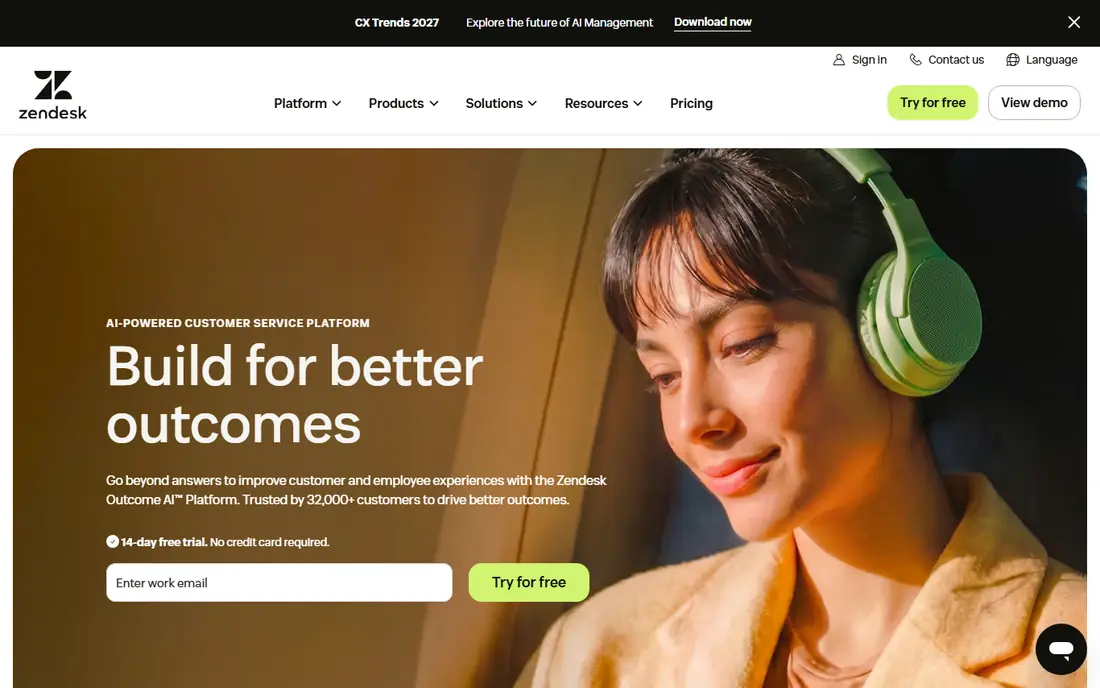
Zendesk is the most established help desk in this list, covering ticketing, messaging, help center, and AI across Suite plans. Its automation engine, with triggers, macros, and custom workflows, handles complex routing across many teams, and its integration ecosystem is the largest here.
The entry price looks close to Freshdesk now, at $19 per agent per month billed annually for Support Team, but Suite plans climb to $55 for Team, $115 for Professional, and a quoted Enterprise tier. AI costs add another layer, since extra resolutions beyond the monthly allowance cost more. Zendesk suits teams whose support is complex enough to justify an admin and a higher plan.
- Support Team from $19 per agent per month billed annually
- Suite Team from $55
- Deep automation, triggers, and integration ecosystem
- No free plan, 14-day trial only
- AI resolutions cost extra beyond allowances
- Complex setups often need a dedicated admin
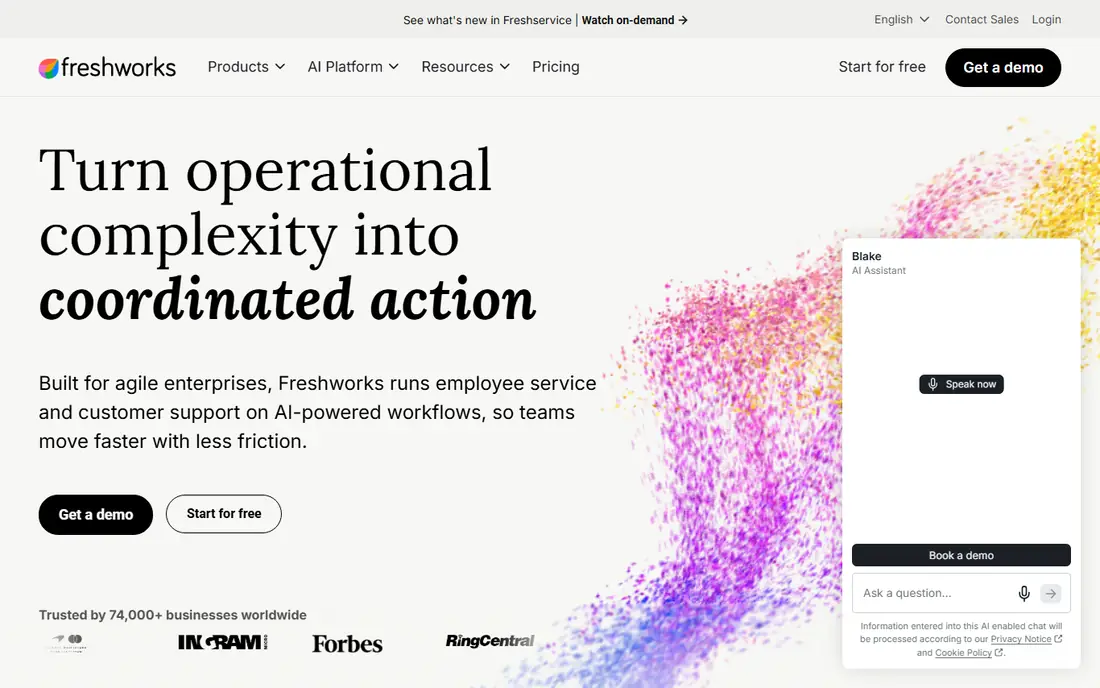
Freshdesk, from Freshworks, is the value rival to Zendesk, with email-first ticketing, a shared inbox, customer portal, knowledge base, and automation. Its 2026 price rise closed much of the gap with Zendesk: Growth moved from $15 to $19, Pro from $49 to $55, and Enterprise from $79 to $89 per agent per month billed annually. Even so, Freshdesk remains easier to set up for most small and mid-size teams.
The free program covers up to 2 agents for 6 months for ticketing only, and a 14-day trial covers paid plans. Teams needing omnichannel support should price Freshdesk Omni, starting at $29 per agent per month, rather than the email-first plans. AI add-ons are cheaper than Zendesk equivalents in recent comparisons, which matters for teams planning heavy AI use.
- Growth from $19 per agent per month billed annually
- Pro at $55 and Enterprise at $89
- Free program for up to 2 agents for 6 months
- No permanent free plan
- Omnichannel features sit in Freshdesk Omni from $29 per agent per month
- AI sessions beyond the included allowance cost extra
Zoho Desk is the budget leader here, offering a free plan for 3 users and paid plans from $7 per user per month billed annually on Express. It covers email ticketing, automation,SLA management, and a customer portal, with a 15-day free trial on paid plans. For a small team that needs reliable ticketing without paying $19 or more per agent, Zoho Desk is hard to beat.
The trade-off is polish and depth. Knowledge base features start on Standard at $14 per user per month billed annually, and the interface is more functional than delightful. Teams already using Zoho CRM or other Zoho apps gain the most, since data flows between them. Price alone makes Zoho Desk a must-try for budget buyers.
- Free plan for 3 users
- Express from $7 per user per month billed annually
- Strong email ticketing and automation for the price
- Knowledge base features sit on higher tiers from $14 per user per month
- Interface feels less polished than Zendesk
- Enterprise depth is thinner
HubSpot Service Hub ties support directly to the CRM, so agents see purchase history, past tickets, and customer data without switching tools. Free tools cover up to 2 users, and paid tiers add ticketing automation, knowledge base, customer feedback, and reporting.
Pricing needs care, since Starter rates look low but full help desk functionality sits on higher tiers, with reports of $90 per seat per month billed annually plus onboarding on some plans. Check the current pricing page for the exact tier that includes the features you need. HubSpot Service Hub suits CRM-centered teams, not teams shopping on ticket price alone.
- Free tools for up to 2 users
- Support tickets tied directly to CRM records
- Shared inbox, knowledge base, and customer feedback tools
- Full help desk pricing is higher than headline Starter rates
- Onboarding fees reported on higher tiers
- Best value only inside HubSpot
Help Scout feels like email done properly for support teams, with a shared inbox, collision detection, saved replies, and a knowledge base called Docs. Its free plan covers 5 users and 100 contacts per month, and Standard starts at $25 per user per month billed annually, with a 15-day free trial. Teams that value a calm, simple interface tend to adopt Help Scout quickly.
Complex IT service management, with asset tracking and change workflows, belongs on Jira Service Management or ServiceNow instead. Help Scout is for customer support teams that want clarity over complexity. If your agents spend more time fighting the tool than helping customers, Help Scout is worth a trial.
- Standard from $25 per user per month billed annually
- Free plan for 5 users and 100 contacts per month
- Simple interface with strong knowledge base
- Less suited to complex IT workflows
- Reporting depth is thinner than Zendesk
- AI and advanced features sit on higher tiers
Intercom is built around messaging: live chat, in-product messages, and an AI agent that resolves common questions before a human steps in. SaaS and product-led teams use it to support users inside the product, onboard new customers, and run proactive messages. The messenger experience is its main strength, and it shows in adoption speed.
Pricing starts at $29 per seat per month, with AI resolutions adding cost beyond allowances. Pure ticketing teams with email-heavy workflows may prefer Zendesk or Freshdesk, which handle queues and SLAs more deeply. For a chat-first team, Intercom is the natural pick, but model AI resolution volume before signing.
- From $29 per seat per month
- Strong live chat, messenger, and AI agent features
- Good fit for SaaS and product-led teams
- No free plan, 14-day trial only
- Seat pricing plus AI resolution costs can grow fast
- Ticketing depth is thinner than Zendesk
Front turns shared inboxes into a collaboration tool, with assignments, internal comments, rules, and analytics layered on top of email and other channels. Support, sales, and operations teams that live in email will feel at home, since Front keeps the inbox metaphor rather than forcing a ticket queue mindset.
Front is less of a full help desk than Zendesk or Freshdesk, with thinner reporting and knowledge base features. It suits teams whose main need is collaborative inbox work, not complex support operations. Price the seat count honestly, since $25 per seat per month adds up as the team grows.
- From $25 per seat per month billed annually for up to 10 seats
- Shared inbox with assignments, comments, and rules
- 14-day free trial
- Less of a full help desk than Zendesk
- Reporting and knowledge base are thinner
- Seat pricing rises with team size
Salesforce Service Cloud brings case management, knowledge, and AI into the Salesforce platform, so service agents work from the same customer records as sales. That single view matters for enterprises where support, sales, and success must share context, and its workflow and Einstein AI features scale to very large teams. A 30-day free trial lets teams test the setup.
The platform needs admin skill, and smaller teams will find the setup heavy compared with Freshdesk or Zoho Desk. Pricing starts at $25 per user per month billed annually, with higher tiers for advanced features. Salesforce-centered enterprises should shortlist it first. Everyone else should weigh whether the CRM fit justifies the overhead.
- From $25 per user per month billed annually
- Service tied directly to Salesforce customer records
- Strong case management and AI features
- 30-day trial only, no free plan
- Setup and admin overhead
- Best value only inside Salesforce
Jira Service Management, from Atlassian, is built for IT service teams handling incidents, service requests, problems, and changes. Its ITIL-aligned workflows, asset tracking, and Jira Software integration make it the natural pick for internal IT help desks and engineering-led support teams. Agents and developers can work from linked issues without leaving the Atlassian stack.
General customer support teams may find it more structured than they need, with less emphasis on messaging and customer-facing polish than Zendesk or Intercom. Pricing starts at $20 per agent per month billed annually, with a 14-day trial. IT teams already on Jira will move fastest here.
- From $20 per agent per month billed annually
- ITIL-aligned incident, problem, and change workflows
- Close Jira Software integration
- Less suited to pure customer support
- 14-day trial only
- Setup suits IT teams more than general support teams
LiveAgent combines a live chat widget with email ticketing, so small teams can offer real-time chat without buying a separate chat tool. Pricing starts at $15 per agent per month billed annually, with a 30-day free trial, which undercuts most rivals here. For a small business or e-commerce store that wants chat and tickets in one affordable tool, LiveAgent is a practical pick.
The ecosystem and reporting depth are smaller than Zendesk, and the interface feels dated next to Help Scout or Intercom. Larger teams with complex workflows will outgrow it.
- From $15 per agent per month billed annually
- Live chat widget plus ticketing
- 30-day free trial
- Smaller ecosystem than Zendesk
- Advanced reporting sits on higher tiers
- Interface feels dated in places
How we picked these
We compared official feature pages, pricing pages, and public documentation, and we checked that each tool is still sold and supported in October 2026. We favored tools with real ticketing, routing, SLA tracking, and knowledge base features, and we covered budget, mid-market, and enterprise tiers, plus chat-led and IT-led options. We gave weight to 2026 pricing changes, including Freshdesk increases, since headline prices from older comparisons no longer match. We did not claim hands-on testing, and prices marked See website reflect vendors that do not publish a single starting price clearly.
What to compare before you commit
Start with your channels, not the feature list. A team that lives on email needs different strengths than a team built around live chat or phone, and omnichannel plans cost more than email-first plans. List every channel you actually support, then confirm each shortlisted tool covers them on the tier you plan to buy, not only on the top tier.
Next, price AI and seats together. Freshdesk includes a first block of AI sessions, Zendesk includes a resolution allowance, and Intercom charges for resolutions beyond its allowance, so two tools with the same $19 or $29 headline can cost very different amounts at scale. Ask each vendor to model your agent count, ticket volume, and expected AI usage in writing.
Finally, run a trial with real tickets. Import a sample of past conversations, set up routing and SLAs, and let agents work real cases for two weeks. Measure first response time, resolution time, and agent complaints.
Frequently asked questions
What is the best help desk software for a small business?
Freshdesk and Zoho Desk are the strongest small-business picks. Freshdesk offers a free program for up to 2 agents for 6 months and paid plans from $19 per agent per month, while Zoho Desk offers a free plan for 3 users and paid plans from $7 per user per month. Help Scout is a good alternative for teams that want a simpler inbox feel.
How much does help desk software cost?
Entry prices range from $7 per user per month at Zoho Desk to $15 at LiveAgent, $19 at Zendesk and Freshdesk, $20 at Jira Service Management, and $25 at Help Scout, Front, and Salesforce Service Cloud. Intercom starts at $29 per seat per month. AI sessions, resolutions, and add-ons can raise the total above the entry price.
Zendesk or Freshdesk: which is better?
Zendesk suits larger teams needing deep automation, a large integration ecosystem, and advanced reporting, while Freshdesk suits smaller and growing teams wanting easier setup and lower AI costs. Both start at $19 per agent per month billed annually in 2026, so trial both with real tickets and compare AI pricing for your volume.
Is there free help desk software?
Yes, with limits. Zoho Desk offers a free plan for 3 users, Help Scout offers a free plan for 5 users and 100 contacts per month, and HubSpot Service Hub offers free tools for up to 2 users. Freshdesk offers a free program for up to 2 agents for 6 months. Free plans suit tiny teams, while growing teams usually need a paid tier.
What features matter most in help desk software?
Ticketing and routing, SLA tracking, a knowledge base, automation, and reporting matter most for most teams. Add live chat if customers expect instant answers, and check AI features if you plan to automate common replies. The right mix depends on your channels, ticket volume, and team size, not on buying every feature available.
Sources
- https://www.zendesk.com
- https://www.freshworks.com
- https://www.zoho.com
- https://www.hubspot.com
- https://www.helpscout.com
- https://www.intercom.com
- https://www.front.com
- https://www.salesforce.com
- https://www.atlassian.com
- https://www.liveagent.com
- https://www.clicksdynasty.com/blog-post-freshdesk-vs-zendesk.html
- https://www.zendesk.com/service/help-desk-software/ticketing-system/
See where you really rank - block by block
ProMapRanker scans Google Maps across a grid of your service area. Simple monthly plans from $19, white-label on every plan.
Start freeKeep reading
 wpforms alternatives
Best WPForms Alternatives in 2026
We compare 9 wpforms alternatives for WordPress forms, with free and paid options, current pricing notes, and honest limits for small business sites in 2026.
Read → windows task scheduler alternatives
Best Windows Task Scheduler Alternatives in 2026
Looking for Windows Task Scheduler alternatives? We compare 9 schedulers for Windows and cross-platform work, from free tools to enterprise automation.
Read → which ai video service is best
Which AI Video Service Is Best in 2026
which ai video service is best? We compare 10 legitimate AI video services on price, avatars, editing and output quality to help you pick the right tool.
Read →