 ProMapRanker
Best Hairstyle App for Women Free in 2026


Realistic hairstyle and colour try on · Pricing starts at: Free
Key takeaways
- YouCam Makeup leads for realistic free try on, while Hairstyle AI leads for a no sign up web test.
- A clear, front facing, well lit selfie matters more than the app you pick.
- Free tiers cover basic styles, but many cuts, colours and high resolution saves need a paid plan.
- Colour previews are guides only, since screens and salon lighting change how a shade looks.
- Take two or three previews to your stylist, with notes on length, layers and colour, for the best result.
Quick comparison
| Pick | Great for | Pricing starts at | Free tier | |
|---|---|---|---|---|
| YouCam Makeup | Realistic hairstyle and colour try on | Free | Yes | Visit |
 FaceApp | Quick style and colour changes | Free | Yes | Visit |
 Fotor | Browser based hair changer | Free | Yes | Visit |
 Photo AI Studio | Natural looking hair changes | Free | Yes | Visit |
 Hairstyle AI | No sign up web try on | Free | Yes | Visit |
 Style My Hair | Salon colour try on by L'Oreal | Free | Yes | Visit |
 ModiFace | Beauty tech try on | Free | Yes | Visit |
 Canva | Hair edits inside a design tool | Free | Yes | Visit |
The best free hairstyle apps for women
These eight free tools let you try cuts and colours on your own photo before a salon visit. They are previews, not guarantees, so use them to narrow choices and to show your stylist what you mean.

YouCam Makeup is the most reliable free starting point for hairstyle try on. Upload a front facing selfie, pick a cut or colour, and the app blends hair, light and edges in a way that looks close to a salon preview. Colour options cover natural shades, highlights and bold colour, which helps before a dye appointment. A web editor means you can try it without installing an app.
Free access covers basic styles, while Premium adds more cuts, colours and saves. That limit is fair for a test, but it can frustrate if you want to compare many looks. Use a clear, well lit selfie and try the same style from a second photo before you book a cut.
- Large hairstyle and colour library
- Realistic blending on selfies
- Web editor as well as mobile app
- Many styles need Premium
- Free saves are limited
- Results vary with photo quality
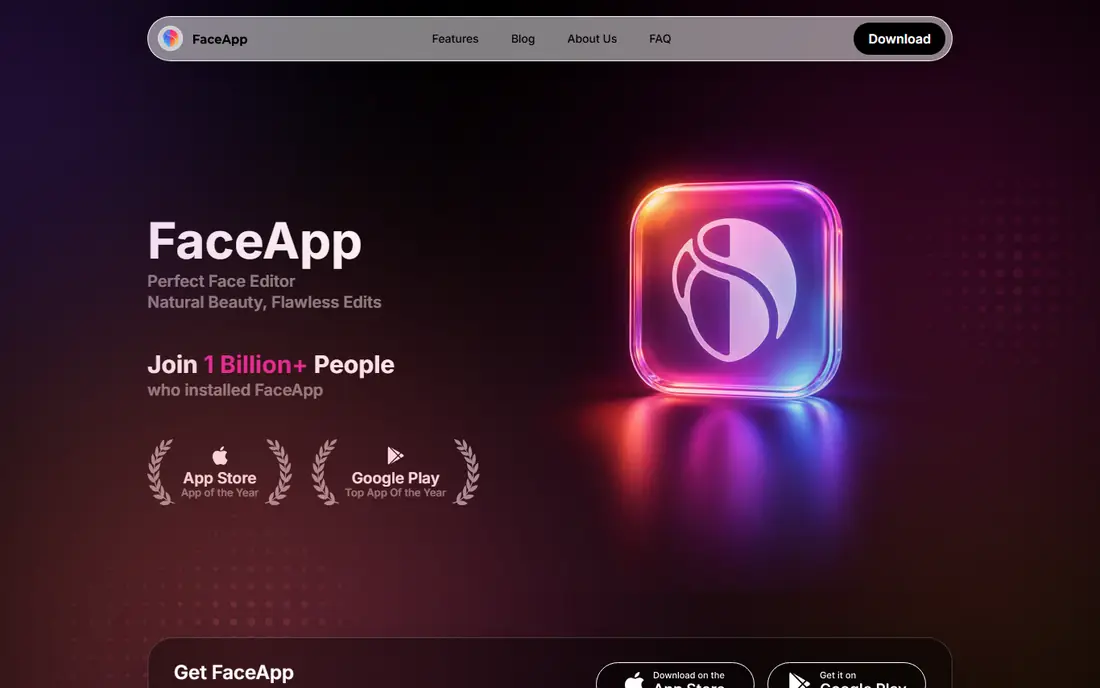
FaceApp is known for face filters, and its hairstyle options are quick and easy to try. You can test short cuts, long styles, fringe and colour in seconds, which makes it fun for a first experiment. The interface is simple, and results are usually clear enough to share with a stylist as a starting idea.
Free exports may carry a watermark, and the best styles sit behind Pro. Ads also interrupt free use. FaceApp suits a quick, casual test, while YouCam suits a more careful pre salon preview. Check the export before you share it, since watermark rules vary by feature.
- Wide range of hairstyles and colours
- Fast results on a selfie
- Other face edits in the same app
- Free exports can carry a watermark
- Many styles need Pro
- Ads appear in the free version
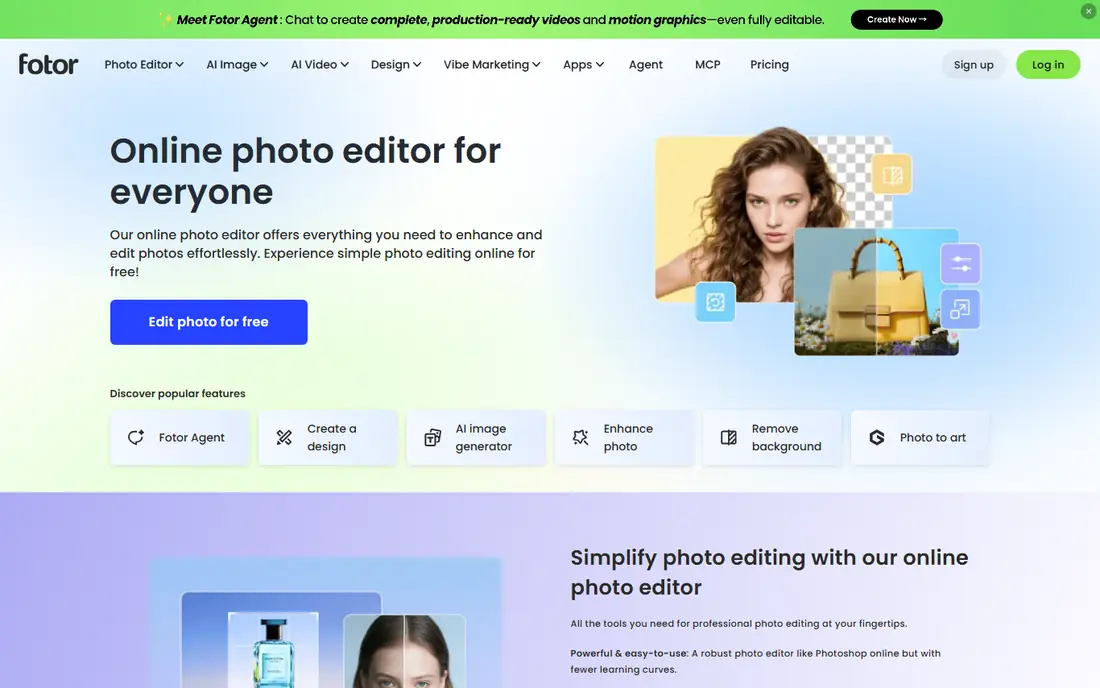
Fotor offers a browser based AI hairstyle changer, which is handy if you do not want another app on your phone. Upload a selfie, pick a style, and the tool adjusts the cut to your face shape, with colour and accessory options alongside. It also works as a general photo editor, so you can tidy light and background in the same session.
Free use covers basic features, while some AI tools need credits or a Pro plan. Results are strongest on straight to wavy hair in clear photos, and less consistent on very textured styles. Fotor is a good pick for a no install test on a computer.
- Web based hair changer with no app needed
- Face aware styling
- Colour and accessory options
- Some AI tools need credits or Pro
- Results vary on curly or textured hair
- Processing can be slow at peak times
Photo AI Studio focuses on natural results, preserving light direction and shadows so a new style does not look pasted on. Its hair changer covers bobs, layers, pixie cuts and long styles, with colour changes and highlights. That realism helps when you want to judge a cut honestly, rather than just have fun with a filter.
Processing takes 15 to 30 seconds in many cases, and some premium tools need credits. It is not a salon app, so there is no booking or stylist advice. Choose Photo AI Studio if realism matters most and you are willing to wait a few seconds for a better preview.
- Natural lighting and shadow handling
- Many styles including trending cuts
- Colour and highlight options
- Some premium tools need credits
- Processing takes time
- No full salon booking features
Hairstyle AI is a simple web tool: upload a photo, pick a style, and see a preview in seconds, without signing up or installing an app. It covers many cuts and colours for women and men, and it states that photos are deleted after 24 hours, which is reassuring for privacy. That low friction design makes it ideal for a quick check before a salon visit.
Free previews are the main draw, while higher resolution or extra features may need payment. Realism varies by photo, so use a clear front facing image. Hairstyle AI suits readers who want a fast, private, no account test.
- Instant web try on with no sign up
- Many hairstyles and colours
- Photos deleted after a short period, per its policy
- High resolution exports may need payment
- Style realism varies
- No mobile app features
Style My Hair, from L'Oreal, is built mainly for colour. You can try shades that match real products, which helps when you want to show a stylist an exact colour family rather than a vague idea. That link to real shades is its main strength, and it makes the preview more useful for a colour appointment than a generic filter.
Cut options are limited, since colour is the focus. Screen and lighting differences also affect how a shade looks, so treat the preview as a guide, not a guarantee. Use Style My Hair when colour is the decision, and pair it with YouCam or Fotor if you also want to test a cut.
- Hair colour try on tied to real L'Oreal shades
- Salon focused results
- Easy sharing with a stylist
- Focus is colour more than cuts
- Shade accuracy varies by screen and light
- App availability varies by region
ModiFace provides the try on technology behind many beauty brand tools, including hair colour simulation. Its augmented reality approach aims for live, realistic colour on your own photo or camera view, which can feel more natural than a static filter. If you have used a brand try on tool, there is a good chance ModiFace technology powered it.
Direct consumer access varies by brand and region, so you may meet ModiFace through a brand site rather than a single app. It is also broader than hair, covering makeup and skincare. ModiFace suits readers who want brand linked colour previews and who are happy to try it through a beauty brand page.
- Augmented reality try on technology used by beauty brands
- Hair colour simulation
- Web and app options
- Consumer app access varies
- Focus is broader beauty, not only hair
- Brand availability varies
Canva is not a hairstyle app, but its Magic Edit tool can change hair length and style in a photo, and it is free with an account. That makes it useful if you already use Canva and want a quick test inside a design you are making, such as a social post or a mood board for a stylist. The drag and drop interface is very easy to learn.
Results are less specialised than YouCam or Photo AI Studio, and dramatic colour shifts can look less natural. It is best for length changes and simple style ideas. Choose Canva if you want a free, no install extra tool and you already have an account, not as your only pre salon preview.
- Hair transformation through Magic Edit
- Free with a Canva account
- Easy sharing and design around the photo
- Hair results are less specialised than dedicated apps
- Dramatic colour changes can struggle
- Needs a Canva account
How we picked these
We compared official feature pages, pricing pages and app store listings for products live in October 2026. We checked what each tool actually does, what its free tier includes, and what its paid plan costs. We left out discontinued tools and tools whose claims we could not verify from the vendor.
We did not claim hands-on testing that did not happen. Our notes rest on vendor pages, public documentation and public reviews, so you can verify any claim before you pay.
How to get a useful hairstyle preview
Use a good photo and try several styles
Use a front facing photo in daylight, with hair pulled back from your face and no heavy filter. Try a style you love and a safer version of it, such as a longer bob before a pixie cut, so you can compare honestly. Check the preview on a second photo too, since one angle can flatter a style that looks different from the front. Save the best two or three, not twenty, to avoid confusing your stylist.
Treat colour as a guide, not a promise
Screens, room light and your current hair colour all change how a shade looks. A preview can show whether warm or cool tones suit you, and whether a bold colour feels right, but a stylist still needs to judge your base colour and hair health. Bring the preview plus a note on your current dye history. That conversation prevents a colour that looks great on screen but needs several salon visits in real life.
Check privacy and exports before you pay
Free apps may add watermarks, limit saves or ask for photo permissions. Read the privacy policy, delete photos you no longer need, and avoid uploading photos of other people without permission. If you need a clean, high resolution export for your stylist, check whether that needs a paid plan before you spend time building a look.
Frequently asked questions
What is the best free hairstyle app for women?
YouCam Makeup is our top free pick for realistic try on, with Hairstyle AI close for a no sign up web test. FaceApp suits a quick fun test, while Photo AI Studio suits a more natural preview.
Can I try hairstyles for free without downloading an app?
Yes. Fotor, Hairstyle AI and the YouCam web editor work in a browser. Upload a clear selfie, try a style, and save the preview to show your stylist.
How accurate are AI hairstyle previews?
They are useful guides, not guarantees. Realism depends on photo quality, hair texture and the tool. A preview can show length, fringe and colour direction, but a stylist must judge face shape, hair density and upkeep in person.
What is the best free hairstyle app for hair colour?
Style My Hair and YouCam Makeup are strong for colour, since they link previews to real shade families. Try the same shade in daylight and indoor light before you decide.
Do free hairstyle apps add watermarks?
Some do, especially on free exports. YouCam basic previews and Fotor free exports are often clean, while FaceApp free exports can carry a watermark. Check the export before sharing.
Sources
See where you really rank - block by block
ProMapRanker scans Google Maps across a grid of your service area. Simple monthly plans from $19, white-label on every plan.
Start freeKeep reading
 wpforms alternatives
Best WPForms Alternatives in 2026
We compare 9 wpforms alternatives for WordPress forms, with free and paid options, current pricing notes, and honest limits for small business sites in 2026.
Read → windows task scheduler alternatives
Best Windows Task Scheduler Alternatives in 2026
Looking for Windows Task Scheduler alternatives? We compare 9 schedulers for Windows and cross-platform work, from free tools to enterprise automation.
Read → which ai video service is best
Which AI Video Service Is Best in 2026
which ai video service is best? We compare 10 legitimate AI video services on price, avatars, editing and output quality to help you pick the right tool.
Read →