 ProMapRanker
Best Graphic Design Software for Professionals in 2026

Key takeaways
- Adobe Photoshop, Illustrator, and InDesign remain the professional standard for photo, vector, and print layout work, especially where client files must match industry norms.
- Affinity is now a strong no-cost professional option for vector, photo, and layout work after its move to free access, which changes the budget question for freelancers.
- Figma leads UI and product design collaboration, while Sketch remains a Mac-focused UI option with a strong plugin history.
- CorelDRAW suits Windows print and signage workflows, while Inkscape and GIMP give free, capable routes for vector and photo work.
- Procreate suits iPad illustration, but most professionals still need a desktop tool for final print preparation and file delivery.
Quick comparison
| Pick | Great for | Pricing starts at | Free tier | |
|---|---|---|---|---|
 Adobe Photoshop | Professional photo editing | See website | Free trial | Visit |
 Adobe Illustrator | Professional vector design | See website | Free trial | Visit |
 Adobe InDesign | Page layout and publishing | See website | Free trial | Visit |
 Affinity | Free professional vector and photo work | Free | Yes | Visit |
 Figma | UI and product collaboration | See website | Yes | Visit |
 CorelDRAW | Windows print and signage design | See website | Free trial | Visit |
 Inkscape | Free vector editing | Free | Yes | Visit |
 GIMP | Free photo editing | Free | Yes | Visit |
 Sketch | Mac UI design | See website | Free trial | Visit |
 Procreate | iPad illustration | See website | No | Visit |
The best graphic design software for professionals
Professional graphic design spans photo editing, vector illustration, page layout, brand systems, UI design, and print production. No single tool covers all of it well. We compared official feature pages, pricing pages, app store listings, documentation, and public reviews, with a focus on output quality, file compatibility, and team workflow.
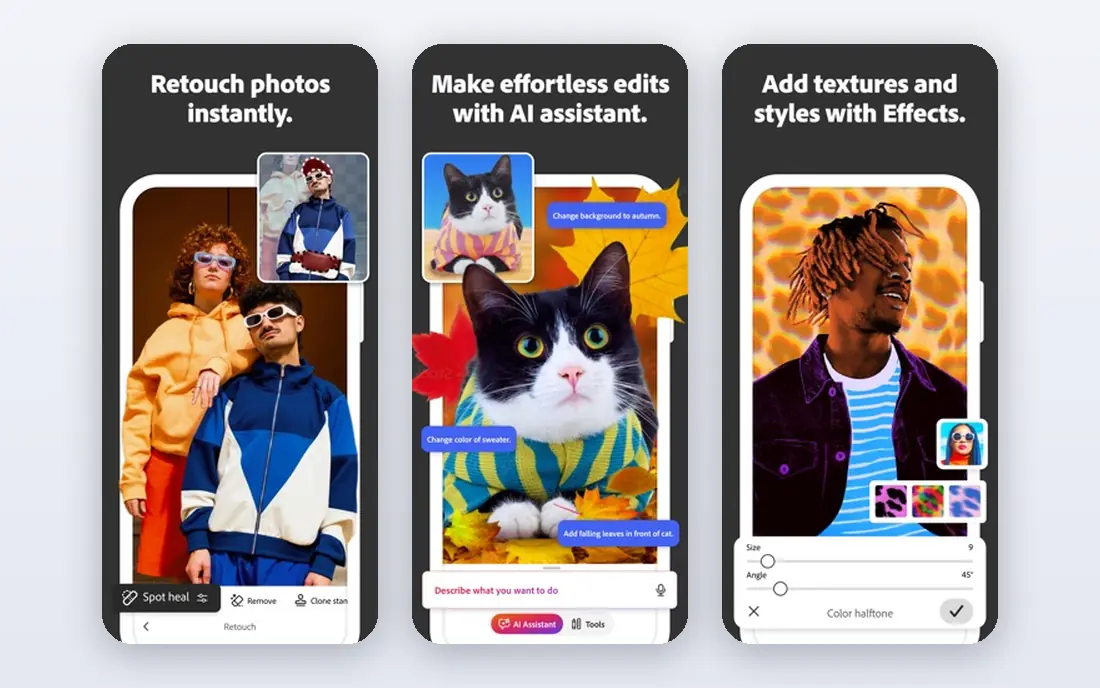
Photoshop remains the default for professional photo work, from retouching and compositing to advertising creative and social campaigns. Its layer, mask, selection, and colour tools are deep, and its file compatibility means a client, printer, or agency can open and edit work without conversion surprises. Generative features now sit inside that familiar workflow, which helps with extension and cleanup tasks.
Cost and complexity are the honest limits. Photoshop is subscription-only, and its full depth takes time to learn. For a professional whose income depends on photo work, that cost is usually justified by compatibility and capability. For occasional image edits, a free tool such as GIMP or Photopea-style browser editing may be enough, but for client photo work Photoshop still sets the standard.
- Industry-standard photo and compositing tools
- Broad plugin and font ecosystem
- Strong client file compatibility
- Subscription-only
- Learning curve and system demands are real
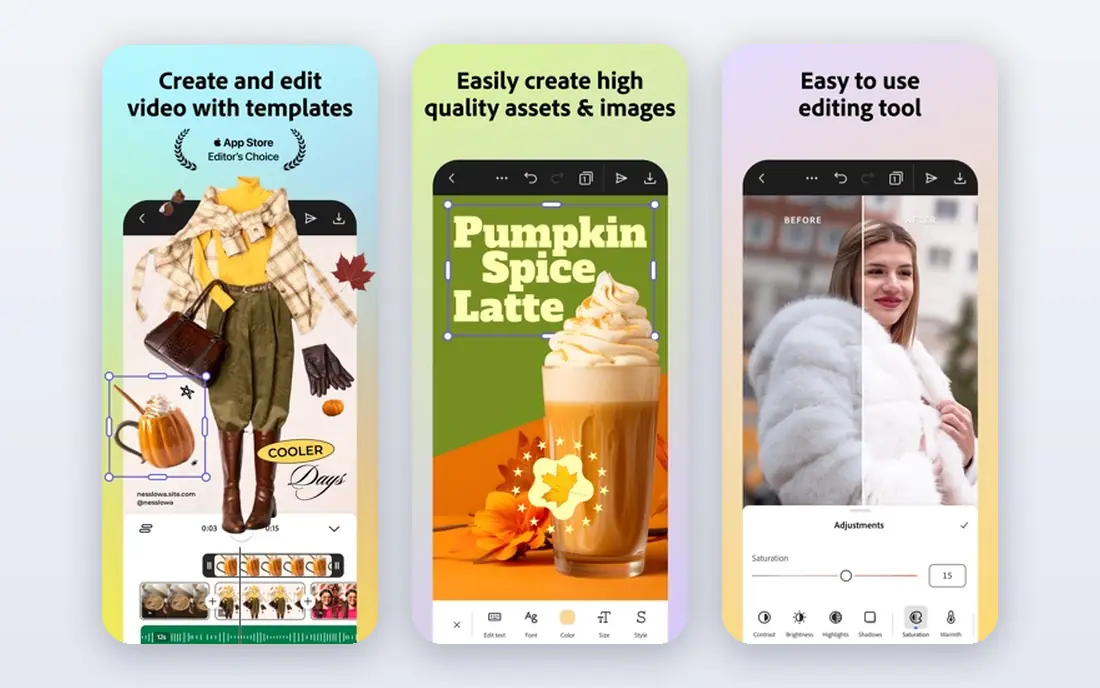
Illustrator is the professional choice for logos, icons, illustrations, and brand assets that must scale cleanly from a business card to a billboard. Vector paths, type controls, and colour management give a designer precise control over shapes and output, and printers and brand teams expect Illustrator files as a normal delivery format. That compatibility alone keeps it central for many studios.
The subscription model and learning curve mirror Photoshop. A beginner may find the pen tool and anchor controls slow at first, and the cost adds up across Adobe apps. For a professional vector designer, though, Illustrator offers the most complete and most widely accepted vector workflow available in 2026.
- Industry-standard vector tools
- Clean scalable output for logos and brand assets
- Strong print preparation
- Subscription-only
- Interface can overwhelm beginners
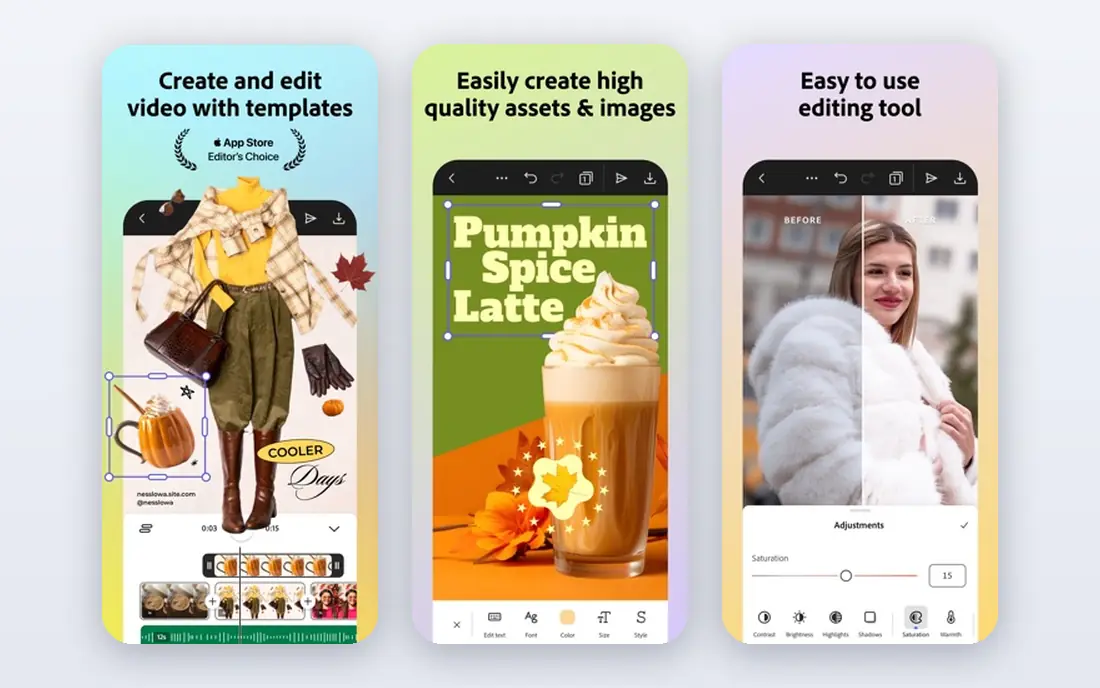
InDesign earns its place whenever a project has many pages. Books, magazines, brochures, reports, and catalogues benefit from master pages, paragraph and character styles, table controls, and print-ready export. Those features keep long documents consistent in a way that a vector or photo tool cannot match, and they reduce errors when a client requests a late text change.
For a single poster or social graphic, InDesign is more tool than needed, and Illustrator or a template tool will be faster. For publishing work, it is the professional standard. Teams that deliver print should treat InDesign as part of the core Adobe set, not as an optional extra.
- Strong multi-page layout and typography
- Print-ready PDF output
- Styles and master pages for long documents
- Subscription-only
- Overkill for single social graphics
Affinity, from Serif and now part of Canva, has become the most interesting professional option in 2026 because its core apps are free. Designer covers vector work, Photo covers raster editing, and Publisher covers layout, giving freelancers and small studios a complete professional set without a subscription. Performance is strong, and print features such as CMYK support suit serious output.
The ecosystem is smaller than Adobe, with fewer tutorials, plugins, and agency templates, and some clients still ask for Adobe-native files. File compatibility is good, but a designer should test a round trip with a real client file before promising Adobe-native delivery. For most independent professional work, Affinity now offers a genuine, no-cost alternative to Adobe.
- Professional vector, photo, and layout tools at no cost
- Strong performance
- Good Adobe file compatibility
- Smaller tutorial and plugin ecosystem than Adobe
- Some client workflows still expect Adobe files
Figma leads professional UI and product design because it treats design as a shared, browser-based activity. Several designers can edit the same file, comment in context, build components and design systems, and prototype flows without passing files back and forth. That workflow has become standard for product teams, agencies, and startups alike.
Print is not its strength. Figma does not replace Illustrator for print-ready vector art or InDesign for multi-page publishing, and its colour and export controls are geared to screens. For digital product work, it is the clear pick. For print work, pair it with Illustrator, Affinity, or CorelDRAW for final output.
- Real-time team collaboration in a browser
- Strong prototyping and design systems
- Large plugin and community library
- Limited print design features
- Advanced plans cost per editor
CorelDRAW Graphics Suite suits Windows-based print, signage, and branding shops that want a complete suite in one purchase path. Vector illustration, layout, photo editing, and typography sit together, with tools geared to print production, large-format work, and signage. Perpetual licence options also appeal to shops that prefer to own software rather than rent it every month.
The Mac presence and the wider agency ecosystem are smaller than Adobe, so a CorelDRAW shop should confirm client file expectations early. For a Windows print or signage business with its own production workflow, CorelDRAW offers a mature, capable alternative that has served that market for decades.
- Complete vector and layout suite for Windows
- Strong print and signage tools
- Perpetual licence options
- Smaller Mac presence
- Ecosystem is smaller than Adobe
Inkscape is the free vector answer for professionals on a budget, for open-source studios, and for anyone who works in SVG as a native format. Its path, Bezier, and node tools cover logo, icon, and illustration work well, and its SVG focus suits web graphics, laser cutting, and open workflows. It runs on Windows, Mac, and Linux at no cost.
Polish and performance are the limits. Inkscape can feel slower on very large or complex files, and its interface is less refined than Illustrator or Affinity Designer. For most freelance vector work, those limits are manageable. For high-volume agency work with strict Adobe file delivery, test compatibility with real client files first.
- Free and open source
- Native SVG support
- Strong Bezier and path tools
- Interface feels less polished than Illustrator
- Performance on very large files can lag
GIMP, the GNU Image Manipulation Program, is the free photo editor that professionals turn to when Photoshop is out of budget or unwanted. It offers layers, masks, selection tools, colour correction, and a large plugin set, covering most retouching and compositing tasks. Its open-source nature also suits studios that want full control over their tools.
The interface takes learning, and print workflows need care, since CMYK handling is less direct than in Photoshop. For web, social, and general photo work, GIMP is more than capable. For print-critical colour work, a designer should test the full export path with a printer before committing to GIMP as the sole photo tool.
- Free and open source
- Deep photo editing and plugin support
- Runs on all major desktop systems
- Interface learning curve
- CMYK and print workflows need extra care
Sketch remains a respected Mac-native UI design tool, with a plugin ecosystem built over many years and a workflow that many UI designers still prefer for speed on a Mac. Symbols, libraries, and prototyping cover core product design needs, and native performance feels smooth on Apple hardware. For a Mac-only freelancer or small product team, Sketch is a clean, focused choice.
The limits are platform and collaboration. Sketch runs on Mac only, and its real-time team features do not match Figma for large, cross-platform product teams. If your team spans Mac and Windows, or if clients expect Figma files, Figma is the safer pick. If your team is Mac-based and values native speed, Sketch still earns its place.
- Native Mac performance
- Strong plugin ecosystem
- Clear UI design workflow
- Mac only
- Collaboration features trail Figma for large teams
Procreate is the illustration tool many professionals reach for on iPad. Its brush engine, gesture workflow, and Apple Pencil support make drawing feel direct, and its one-time purchase price is easy to justify for a working illustrator. Concept art, editorial illustration, and hand-drawn brand work all suit its strengths.
It is not a full desktop design suite. Procreate runs on iPad only, and final print preparation, complex vector work, or multi-page layout usually needs Illustrator, Affinity, or InDesign on desktop. Treat Procreate as a superb drawing stage in a larger workflow, not as a replacement for desktop production tools.
- Excellent brush engine for illustration
- One-time purchase
- Strong iPad workflow
- IPad only
- Final print preparation usually needs a desktop tool
How we picked these
We compared official feature pages, pricing pages, app store listings, documentation, and public reviews for design software used by professionals in 2026. We kept tools that are live, that cover photo, vector, layout, UI, or illustration work at a professional level, and that offer distinct strengths rather than duplicates. We used See website where pricing varies by plan or region, and we noted free access where vendors state it, including Affinity's free status.
How to choose for your professional work
Start with your deliverable. Photo-led work points to Photoshop, Affinity Photo, or GIMP. Vector and brand work points to Illustrator, Affinity Designer, Inkscape, or CorelDRAW. Multi-page print points to InDesign or Affinity Publisher. UI and product work points to Figma or Sketch. Illustration points to Procreate, then to a desktop tool for final output.
Check client file expectations before buying. If clients or printers expect Adobe-native files, Adobe remains the safest choice, even with its subscription cost. If you control delivery and can deliver PDF, SVG, or Affinity files, Affinity, Inkscape, and GIMP can cut costs sharply without cutting output quality. Test a real project end to end, from brief to final file, before switching a studio workflow.
Frequently asked questions
What is the best graphic design software for professionals?
Adobe Photoshop, Illustrator, and InDesign remain the professional standard for photo, vector, and print work. Affinity is the strongest free professional alternative, while Figma leads UI and product design. The best pick depends on whether your work is photo, vector, print, UI, or illustration.
What is the best professional graphic design software for beginners?
Affinity is a strong professional starting point for beginners because it is free and covers vector, photo, and layout work. Figma is also beginner-friendly for UI work, thanks to its browser workflow and free tier. Adobe tools offer the deepest professional depth, but they cost more and take longer to learn.
Is Affinity really free for professionals?
Affinity's core apps are offered free following Canva's acquisition, which makes them a strong no-cost professional option in 2026. Check the current Affinity site for any plan, account, or feature details before relying on free access for commercial work, since terms can change. Even with that caution, Affinity currently changes the cost calculation for freelancers.
Do professionals still need Adobe software?
Many do, especially when clients, agencies, or printers expect Adobe-native files or established Adobe workflows. Others now work fully in Affinity, Figma, CorelDRAW, or open-source tools and deliver PDF or standard formats. The deciding factor is usually client compatibility, not tool capability alone.
What is the best graphic design software for print?
Adobe Illustrator and InDesign, Affinity Designer and Publisher, and CorelDRAW are the strongest print choices, thanks to CMYK support, typography control, and print-ready export. GIMP and Inkscape can support print work, but their colour and export paths need extra testing with a printer. Always run a test print before a large run.
Sources
See where you really rank - block by block
ProMapRanker scans Google Maps across a grid of your service area. Simple monthly plans from $19, white-label on every plan.
Start freeKeep reading
 wpforms alternatives
Best WPForms Alternatives in 2026
We compare 9 wpforms alternatives for WordPress forms, with free and paid options, current pricing notes, and honest limits for small business sites in 2026.
Read → windows task scheduler alternatives
Best Windows Task Scheduler Alternatives in 2026
Looking for Windows Task Scheduler alternatives? We compare 9 schedulers for Windows and cross-platform work, from free tools to enterprise automation.
Read → which ai video service is best
Which AI Video Service Is Best in 2026
which ai video service is best? We compare 10 legitimate AI video services on price, avatars, editing and output quality to help you pick the right tool.
Read →