 ProMapRanker
Best Google Ranking Tools in 2026


teams that want rank tracking plus audits and research in one plan · Pricing starts at: $129 per month
Key takeaways
- SE Ranking gives strong value for teams that want tracking plus audits and research in one plan.
- AccuRanker suits agencies that need on-demand checks and large keyword sets.
- Semrush and Ahrefs suit teams that also need audits, research or backlink data.
- Google Search Console remains the free first-party baseline every site should use.
- Daily tracking, local detail and client reporting are the three features that most change the right choice.
Quick comparison
| Pick | Great for | Pricing starts at | Free tier | |
|---|---|---|---|---|
| SE Ranking | teams that want rank tracking plus audits and research in one plan | $129 per month | Free trial | Visit |
 AccuRanker | agencies that need fast, on-demand rank checks at scale | $224 per month | Free trial | Visit |
 Semrush | teams that also need a full SEO and marketing suite | $139 per month | Free trial | Visit |
 Ahrefs | SEO teams that pair rankings with backlink analysis | $129 per month | No | Visit |
 Nightwatch | teams that need local and ZIP-level rank detail | See website | Free trial | Visit |
 Wincher | small teams that want simple daily tracking | $49 per month | Free trial | Visit |
 Mangools SERPWatcher | beginners and small sites on a tight budget | See website | Free trial | Visit |
 Serpstat | budget buyers who want tracking plus research tools | See website | Free trial | Visit |
 ProRankTracker | agencies that need white-label client reporting | See website | Free trial | Visit |
 Google Search Console | every site owner who wants free first-party Google data | Free | Yes | Visit |
The best Google ranking tools
A Google ranking tool answers a simple question with useful detail: where does a page rank, for which keywords, in which place, and how is that changing. We compared dedicated trackers and full SEO suites, with attention to update frequency, keyword limits, local detail and reporting.
SE Ranking
Great for: teams that want rank tracking plus audits and research in one plan
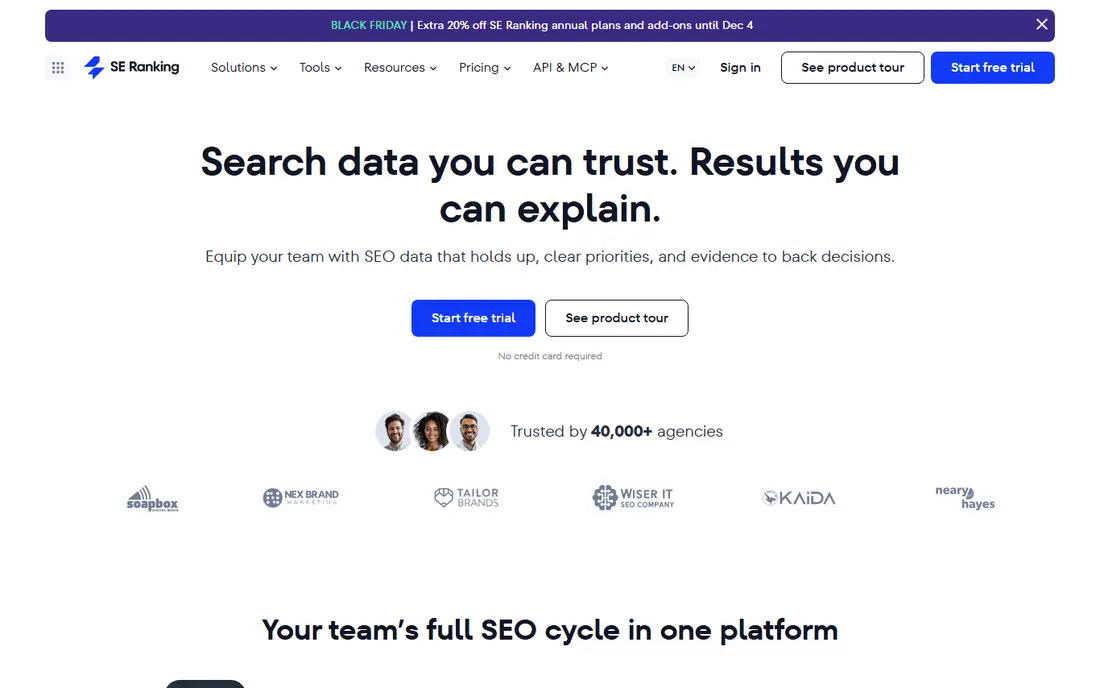
SE Ranking is a strong match for teams that want rank tracking plus audits and research in one plan. Value is the case here, since tracking, audit and research sit in one subscription instead of three. In practice, that helps when a ranking drop needs a quick check, not a guess, and the team must know which pages and keywords moved.
The catch is worth stating plainly. Agencies with very large keyword sets should compare the next tier before committing. Check the plan limits and the export or reporting options before you commit, since those details decide whether the tool fits your workflow. Our view is that SE Ranking earns its place for teams that want rank tracking plus audits and research in one plan, as long as you buy it for that job and not for every job at once.
- Daily tracking
- Large keyword allowance on Core
- AI search tracking in the same project
- Entry price rises with keyword volume and extra seats
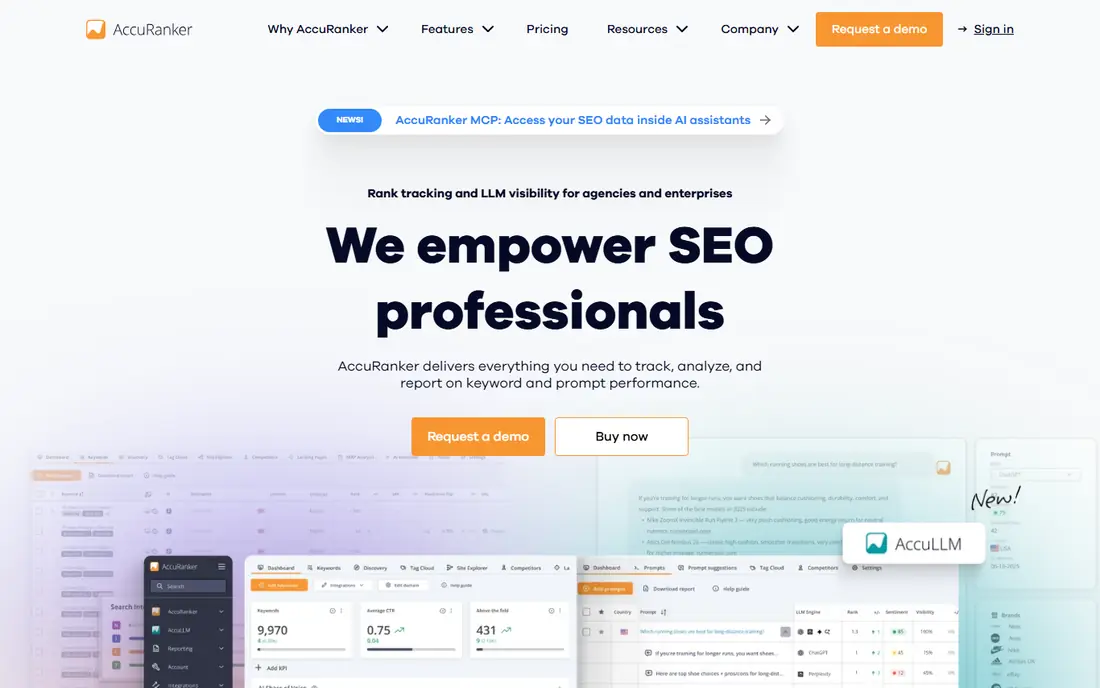
For agencies that need fast, on-demand rank checks at scale, AccuRanker stands out because speed is the reason to pay more, since an on-demand check shows the effect of a change without waiting for the next scheduled run. That matters in daily work, since a ranking drop needs a quick check, not a guess, and the team must know which pages and keywords moved.
There is a trade-off to weigh. Small sites tracking a handful of keywords will not use the scale this plan is built for. Look at the current pricing page and test the tool on a real example before paying, since a demo can hide limits that only show up in daily use. For agencies that need fast, on-demand rank checks at scale, AccuRanker remains a solid pick when that trade-off is acceptable.
- On-demand refresh
- Daily tracking
- Tagging and API options
- Entry price is higher than most all-in-one tools
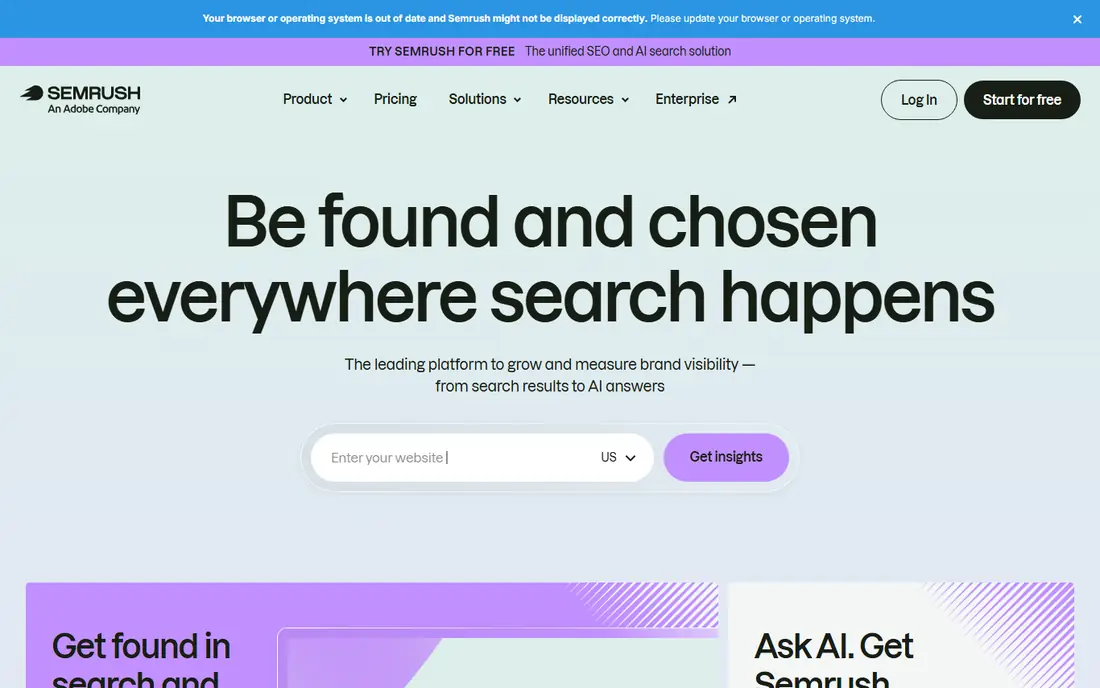
Semrush fits teams that also need a full SEO and marketing suite well. Buying the suite makes sense when the same team also runs audits, content research and competitor checks. The practical effect is clear when a ranking drop needs a quick check, not a guess, and the team must know which pages and keywords moved.
Be clear-eyed about the limit. If ranking is the only job, a dedicated tracker costs less. Confirm what the plan includes, try a realistic task, and compare the result with your current tool. For teams that also need a full SEO and marketing suite, Semrush is worth shortlisting, provided the limit above does not block your main use.
- Position tracking plus site audit, keyword research and competitor data
- Daily updates
- Rank tracking alone is not the cheapest way to buy this suite
Ahrefs is a strong match for SEO teams that pair rankings with backlink analysis. Backlink context is the extra value, since a ranking change can be read next to links gained or lost. In practice, that helps when a ranking drop needs a quick check, not a guess, and the team must know which pages and keywords moved.
The catch is worth stating plainly. Teams that need daily rank data should check the update terms on their chosen plan. Check the plan limits and the export or reporting options before you commit, since those details decide whether the tool fits your workflow. Our view is that Ahrefs earns its place for SEO teams that pair rankings with backlink analysis, as long as you buy it for that job and not for every job at once.
- Rank tracker plus a large backlink database
- Site audit
- Content tools
- Rank updates are weekly on standard plans unless an add-on is used
For teams that need local and ZIP-level rank detail, Nightwatch stands out because local detail sets it apart, since city or ZIP views show patterns that a national average hides. That matters in daily work, since a ranking drop needs a quick check, not a guess, and the team must know which pages and keywords moved.
There is a trade-off to weigh. The plan structure needs a careful read, because keyword limits and seats vary by tier. Look at the current pricing page and test the tool on a real example before paying, since a demo can hide limits that only show up in daily use. For teams that need local and ZIP-level rank detail, Nightwatch remains a solid pick when that trade-off is acceptable.
- Daily tracking
- Local grid options
- AI search tracking on tiers
- Pricing is in euros on some pages, so US buyers should confirm the converted total
Wincher fits small teams that want simple daily tracking well. Simplicity is the point, since a small team can check positions, spot a drop and act without learning a large suite. The practical effect is clear when a ranking drop needs a quick check, not a guess, and the team must know which pages and keywords moved.
Be clear-eyed about the limit. Larger agencies may miss white-label reporting and deeper API options. Confirm what the plan includes, try a realistic task, and compare the result with your current tool. For small teams that want simple daily tracking, Wincher is worth shortlisting, provided the limit above does not block your main use.
- Daily tracking
- Unlimited sites on the plan
- Clean interface
- Fewer suite features than Semrush or Ahrefs
Mangools SERPWatcher is a strong match for beginners and small sites on a tight budget. For a new site, a low-cost tracker that is easy to read beats a powerful tool that never gets opened. In practice, that helps when a ranking drop needs a quick check, not a guess, and the team must know which pages and keywords moved.
The catch is worth stating plainly. Daily data matters more once traffic grows, so plan to upgrade or switch at that point. Check the plan limits and the export or reporting options before you commit, since those details decide whether the tool fits your workflow. Our view is that Mangools SERPWatcher earns its place for beginners and small sites on a tight budget, as long as you buy it for that job and not for every job at once.
- Part of the Mangools suite
- Easy interface
- Weekly tracking on Basic
- Weekly updates on Basic are slower than daily trackers
For budget buyers who want tracking plus research tools, Serpstat stands out because it gives a small team more than a tracker for a modest price, which helps when research and tracking share one budget. That matters in daily work, since a ranking drop needs a quick check, not a guess, and the team must know which pages and keywords moved.
There is a trade-off to weigh. Quota math takes attention, since checks, keywords and projects draw on related limits. Look at the current pricing page and test the tool on a real example before paying, since a demo can hide limits that only show up in daily use. For budget buyers who want tracking plus research tools, Serpstat remains a solid pick when that trade-off is acceptable.
- Rank tracking plus keyword and competitor research
- Check-based pricing
- Limits are quota based, so heavy use needs care
ProRankTracker fits agencies that need white-label client reporting well. Client-facing reporting is the strength, since agencies can share clean rank reports under their own brand. The practical effect is clear when a ranking drop needs a quick check, not a guess, and the team must know which pages and keywords moved.
Be clear-eyed about the limit. Solo users may pay for agency features they never use. Confirm what the plan includes, try a realistic task, and compare the result with your current tool. For agencies that need white-label client reporting, ProRankTracker is worth shortlisting, provided the limit above does not block your main use.
- Daily tracking
- White-label reports
- Client mobile app on higher tiers
- Entry tiers limit some agency features
Google Search Console
Great for: every site owner who wants free first-party Google data
Google Search Console is a strong match for every site owner who wants free first-party Google data. No paid tracker should replace this free baseline, since it shows what Google itself reports for your own site. In practice, that helps when a ranking drop needs a quick check, not a guess, and the team must know which pages and keywords moved.
The catch is worth stating plainly. It lacks competitor tracking, scheduled client reports and keyword grouping, so pair it with a paid tracker when those matter. Check the plan limits and the export or reporting options before you commit, since those details decide whether the tool fits your workflow. Our view is that Google Search Console earns its place for every site owner who wants free first-party Google data, as long as you buy it for that job and not for every job at once.
- Free
- Direct Google search data
- Index and performance reports
- Data has a delay and it is not a full rank tracker with competitor views
How we picked these
We compared official pricing and feature pages for rank tracking tools in October 2026, using published prices and keyword limits where vendors state them. We favoured tools that track Google rankings daily or on demand, that state their limits plainly, and that are still actively sold. Where pricing varies by region or is quoted, we used See website rather than printing a figure we could not confirm.
How to choose a Google ranking tool
Count the keywords you will actually track
A plan with 2,000 keywords looks generous until an agency adds clients, locations and variants. List your real keywords first, including local variants, then choose a plan with headroom. Paying for unused keywords is wasteful, but hitting a cap mid-month is worse.
Choose the update speed you need
Daily tracking suits most sites, since it shows drops quickly. Weekly tracking can hide a problem for days. On-demand checks suit agencies that report right after a change. Match the speed to how fast you act on the data.
Check reporting before you buy
If clients or managers see the data, test a sample report. Check white-label options, scheduled email, local grids and export formats. A tracker with strong data but weak reports will still create manual work every month.
Frequently asked questions
What is the difference between a rank tracker and Google Search Console?
Search Console shows first-party Google data for your own site, including impressions, clicks and average position, with a delay. A rank tracker checks specific keywords on a schedule, adds competitor views, local detail and client reports. Most teams use both.
How often should rankings be checked?
Daily checks suit most active sites, since they reveal drops and recoveries in time to act. Weekly checks can work for a small, stable site. On-demand checks help after a site change, a migration or a new page launch.
Do I need local rank tracking?
If customers find you by city or neighbourhood, local tracking matters. A national average can hide a weak result in the city that drives most calls. ZIP-level or grid tracking shows that detail, while a single national check does not.
Why do rankings differ between tools?
Tools check from different locations, devices and data centers, and Google personalises results. Small differences are normal. Judge a tool by trend and consistency over time, not by a single position on a single day.
Can a rank tracker improve my rankings?
No tool raises rankings on its own. Tracking shows what changed and where to focus, but content, technical fixes and links do the work. Use the tracker to guide action, then check whether that action moved the result.
Sources
See where you really rank - block by block
ProMapRanker scans Google Maps across a grid of your service area. Simple monthly plans from $19, white-label on every plan.
Start freeKeep reading
 wpforms alternatives
Best WPForms Alternatives in 2026
We compare 9 wpforms alternatives for WordPress forms, with free and paid options, current pricing notes, and honest limits for small business sites in 2026.
Read → windows task scheduler alternatives
Best Windows Task Scheduler Alternatives in 2026
Looking for Windows Task Scheduler alternatives? We compare 9 schedulers for Windows and cross-platform work, from free tools to enterprise automation.
Read → which ai video service is best
Which AI Video Service Is Best in 2026
which ai video service is best? We compare 10 legitimate AI video services on price, avatars, editing and output quality to help you pick the right tool.
Read →