 ProMapRanker
Best Goal Tracking Apps in 2026

Key takeaways
- Strides is our pick for personal measurable goals on Apple devices, thanks to its pace line that shows if you are on track.
- Habitica suits people who need game-style motivation, while Todoist suits people whose goals live next to daily tasks.
- ClickUp and Notion work best when goals belong to a team or a larger project system, not a simple personal list.
- GoalsOnTrack and Lifetick suit people who want structured planning with subgoals, journals, and values, rather than just a checklist.
Quick comparison
| Pick | Great for | Pricing starts at | Free tier | |
|---|---|---|---|---|
 Strides | Measurable personal goals | $4.99 per month | Yes | Visit |
 Habitica | Game-style motivation | Free | Yes | Visit |
 Todoist | Goals next to daily tasks | $5 per month | Yes | Visit |
 ClickUp | Team goals inside projects | $7 per user per month | Yes | Visit |
 Notion | Building your own goal system | $10 per member per month | Yes | Visit |
 GoalsOnTrack | Structured SMART goal planning | $68 per year | No | Visit |
 Lifetick | Values-based goal planning | $29 per year | Yes | Visit |
 Way of Life | Simple daily trend tracking | See website | Yes | Visit |
The best goal tracking apps
We compared official product pages, app store listings, and recent goal tracker roundups to find apps that help people set a goal, track progress, and stay with it past the first two weeks.
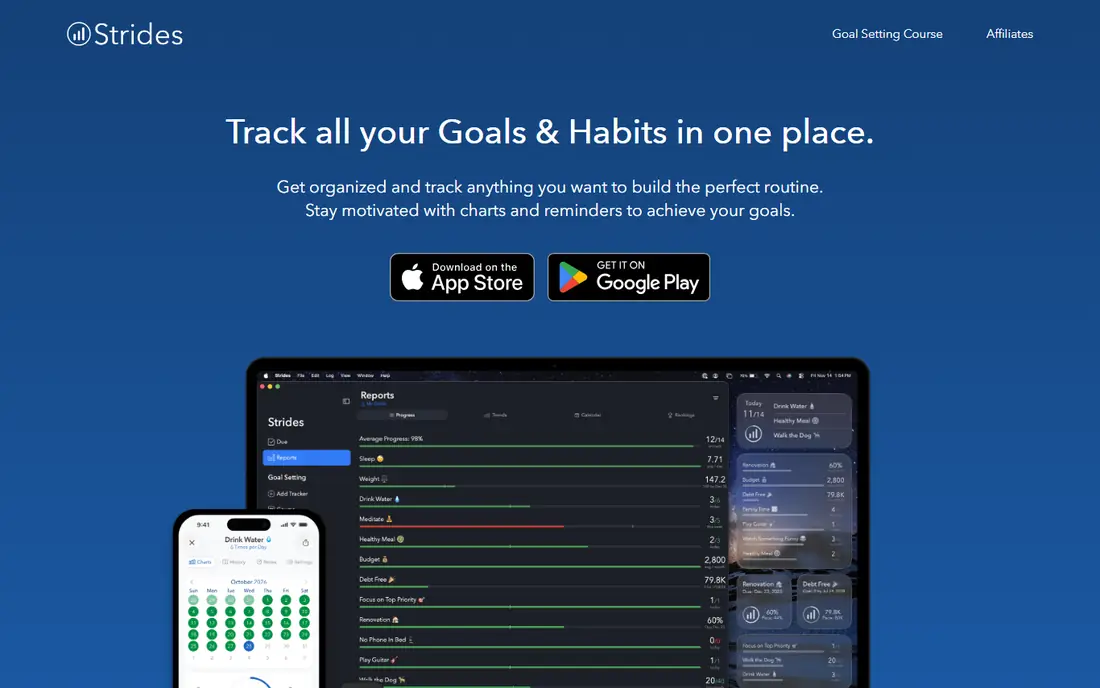
Strides earns the top spot for personal goals because it answers the one question that matters most, which is whether today's progress is enough to finish on time. Its pace line turns green or red based on your rate, so a savings target, a reading goal, or a workout streak shows its health at a glance. Four tracker types cover habits, numeric targets, averages, and project milestones, which suits goals that are not just yes-or-no habits.
The limits are platform and sharing. Strides is strongest on Apple devices, including iPhone, iPad, Mac, and Apple Watch, and Android support has lagged behind. It also leans on manual logging, so it suits people who like checking in daily. The free tier covers a few trackers, and Plus starts at $4.99 per month, which is a fair price for a dedicated goal app.
- Pace line shows if you are on track
- Four tracker types for habits, targets, averages, and projects
- Clear charts
- Apple-focused, with Android still limited
- Manual logging suits self-directed users more than teams
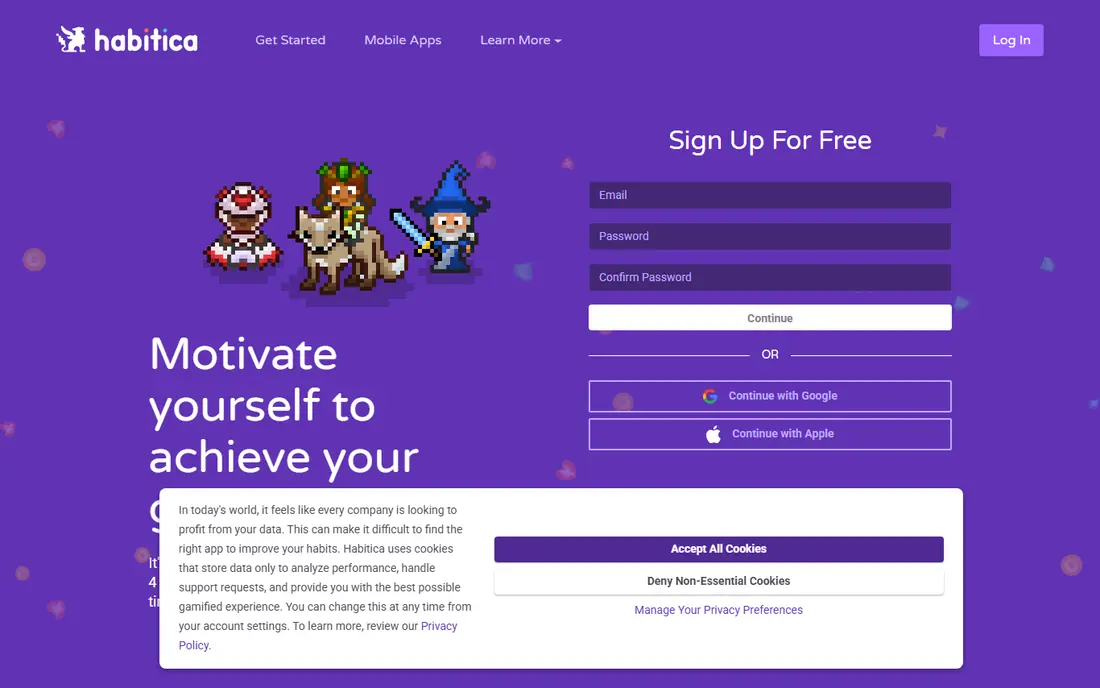
Habitica turns your to-do list into a role-playing game, where completing habits and tasks earns experience, gold, and gear, while missed commitments damage your character. That loop works well for people who find plain checklists boring, and parties let friends hold each other accountable by sharing the cost of missed dailies. For students and young professionals, the game layer can turn a dull routine into something worth opening each morning.
The theme is also the risk. Gamification loses its pull for some users after a few months, and Habitica lacks the pace charts and numeric goal views that Strides offers. The core game is free, with an optional subscription from $4.99 per month, so trying it costs nothing. Pick Habitica if fun is what gets you to open the app, not charts.
- Turns habits and tasks into a role-playing game
- Parties and guilds add social accountability
- Free core game
- Game theme wears thin for some users over time
- No rich goal charts like Strides
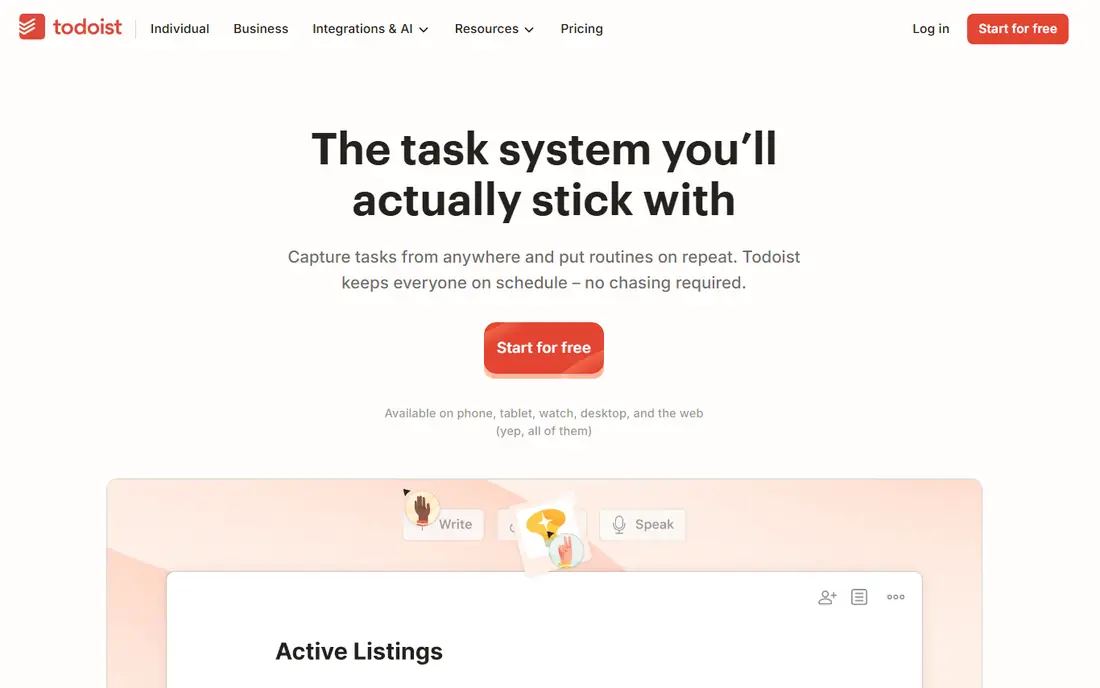
Todoist is a task manager first, and that is why it works for goal tracking for many people. Goals become projects, and the steps toward them become tasks with due dates, while natural-language entry lets you schedule a recurring habit in seconds. The Karma system adds points and streaks for follow-through, which gives light motivation without turning work into a game.
The gap is depth. Todoist has no pace line, no rich goal progress charts, and no structured goal framework, so a numeric target still needs manual tracking. The free Beginner plan covers basic use, and Pro starts at $5 per month. If your goals already live inside your task list, Todoist keeps them there, which is often better than adding a separate app you forget to open.
- Fast natural-language task entry
- Recurring tasks handle habits
- Karma system tracks streaks
- No dedicated goal charts or pace views
- Habit tracking rides on recurring tasks
ClickUp treats goals as part of project work, not as a separate list. You can set a goal, link it to tasks, track progress on dashboards, and roll up results across projects, which suits teams that need one shared view of quarterly targets. Its views, automations, and integrations make it a full workspace, so a team can run goals, projects, and docs in one place.
That breadth is too much for a simple personal goal. The interface can feel heavy when all you want is a streak and a pace line, and setup takes longer than a dedicated tracker. Paid plans start at $7 per user per month, with a free tier for trying the core features. Choose ClickUp when goals belong to a team and its work, not when you only need a personal tracker.
- Goals link directly to tasks and dashboards
- Strong views and reporting
- Free tier for small teams
- Interface can feel heavy for simple personal goals
- Setup takes time
Notion is the most flexible pick here, because it lets you build exactly the goal system you want from databases, templates, and dashboards. A goal page can link to habits, projects, notes, and weekly reviews, and templates from the community give you a head start. For people who enjoy designing their own system, Notion can grow from a simple tracker into a full personal workspace.
Flexibility is also the cost. Notion has no built-in goal framework, no pace line, and no automatic habit charts, so you must build or borrow every view yourself. The free plan covers personal use, and Plus starts at $10 per member per month when billed annually. Pick Notion if you want a custom system and enjoy setting it up, and pick a dedicated tracker if you want to start in minutes.
- Flexible databases, templates, and dashboards
- Free for personal use
- Combines goals with notes and projects
- You must build the system yourself
- No built-in goal framework or pace tracking
GoalsOnTrack is built for people who want structure, not just a list. It guides you through SMART goal setting, breaks big goals into subgoals, and ties habits, tasks, a journal, and a vision board to each goal. That structure helps when a goal feels vague, since the app forces you to define what success looks like and what steps lead there.
The trade is price and polish. There is no free plan, and the $68 per year subscription is higher than a simple tracker, while the web-focused design feels less modern than Strides or Habitica. Still, for planners who want one place for goals, habits, and reflection, GoalsOnTrack offers more structure than any other app here. Try it if your goals keep failing at the planning stage, not the tracking stage.
- SMART goal structure with subgoals
- Journal and vision board included
- Habit tracker tied to goals
- No free plan
- Web-focused design feels older than mobile-first apps
Lifetick starts from a different question than most trackers, which is what areas of life your goals serve. Goals sit under values like health, career, or family, and each goal gets steps, a journal, and progress tracking. That values view helps when you have many goals and need to see which part of life is getting attention and which part is being ignored.
Lifetick is simpler than Notion or ClickUp, with fewer views and no team workspace, so it suits individuals rather than teams. The free plan covers two goals, and Premium costs $29 per year on the website, which is low for a dedicated goal app. Pick Lifetick if you want your goals tied to what matters to you, not just to a task list.
- Goals organized by life values
- Simple web and iPhone apps
- Low yearly price
- Smaller feature set than Notion or ClickUp
- Limited team features
Way of Life is the simplest app on this list, and that simplicity is its strength. Each day, you tap green for done, red for missed, or skip, and the app builds trend charts across weeks, months, and years from those taps. For habits where the only question is whether you did it, such as meditating or avoiding sugar, that one-tap check-in takes seconds and the long charts show patterns clearly.
The limit is numeric goals. Way of Life records only yes, no, or skip, so it cannot track amounts, averages, or project milestones the way Strides can. A free tier lets you try it, with Premium adding more habits. Choose Way of Life when speed matters more than detail, and when a daily trend line is the motivation you need.
- One-tap green, red, or skip entries
- Long-range trend charts
- Fast daily check-in
- Records only yes, no, or skip, with no counts
- Data sync between platforms can be limited
How we picked these
We compared official product pages, app store listings, and recent goal tracker roundups, and we kept only apps that exist and work in October 2026 and truly help with goal setting and tracking. We favored a mix of personal trackers, game-style apps, task managers, and structured planners, so different motivation styles are covered. Prices come from vendor pages and recent roundups, and where a price could not be confirmed, we wrote See website.
What to check before you pay
Start with how you actually fail at goals. If you forget to check in, pick an app you will open daily, even if it is simpler. If you set vague goals, pick a structured planner like GoalsOnTrack or Lifetick. If your goals live at work, pick a tool your team already uses, since a separate app adds friction.
Keep the system small at first
Track three goals, not ten, for the first month. A small system you update daily beats a large system you abandon in week two. Add goals only after the check-in habit feels automatic, and review progress weekly, not just when a goal feels lost.
Check the platform and the price
Confirm the app runs on the devices you use daily, since a tracker that lives only on a desktop will not help with evening habits. Compare the free tier limits with your goal count, and check whether the paid price is monthly or yearly, since yearly prices look lower but lock you in longer.
Frequently asked questions
What is the best goal setting app for personal use?
Strides is our pick for personal measurable goals on Apple devices, thanks to its pace line and tracker types. Habitica suits people who need game motivation, and Lifetick suits people who plan by life values. The best personal app is the one you will open daily, so test the free tier first.
What is the best app for goals and habits together?
Todoist handles goals and habits together by turning goals into projects and habits into recurring tasks, which suits people who already manage tasks there. Strides also links habits to numeric targets, while Habitica turns habits into game actions. Pick the app that matches how you already plan your day.
Are there good free goal tracking apps?
Yes. Habitica offers a full free game, Todoist has a free Beginner plan, and Strides, Notion, ClickUp, and Lifetick all offer free tiers with limits. Free plans usually cap the number of goals, trackers, or team members, so check those limits against your needs before you rely on them.
What is the best goal setting software for teams?
ClickUp is the strongest pick for team goals, since goals link to tasks, dashboards, and reporting in one workspace. Notion also works for teams that want a custom system, though it needs more setup. For formal OKR programs, a dedicated OKR tool may fit better than a general tracker.
How do I stick with a goal tracking app?
Keep the goal count small, check in at the same time each day, and review progress weekly. Tie the check-in to an existing habit, such as morning coffee, and choose an app with a view you enjoy looking at, whether that is a pace line, a game character, or a trend chart. If you miss a day, restart the next day instead of quitting.
Sources
See where you really rank - block by block
ProMapRanker scans Google Maps across a grid of your service area. Simple monthly plans from $19, white-label on every plan.
Start freeKeep reading
 free alternatives to grok imagine
Free Alternatives to Grok Imagine in 2026
We compared the best free alternatives to grok imagine for image generation, from fast daily credits to design tools, so you can create without paying.
Read → best tools for instagram content creation
Best Tools for Instagram Content Creation in 2026
Compare the best tools for Instagram content creation, from Canva and CapCut to Later and Buffer, on design, video, planning, scheduling, and price in 2026.
Read → best tool to split pdf files
Best Tool to Split PDF Files in 2026
We compared the best tool to split pdf files on split modes, file limits, privacy and price, so you can split a PDF cleanly and keep every page in one go.
Read →