 ProMapRanker
Best Generative AI Platforms in 2026


Everyday writing, coding, and images in one app · Pricing starts at: $20 per month
Key takeaways
- ChatGPT is the best all-rounder for most people, with writing, coding, voice, and image tools in one app.
- Claude suits long documents and careful reasoning, while Gemini suits people who already live in Google Workspace.
- Perplexity and DeepSeek serve different needs, with Perplexity focused on sourced research and DeepSeek on low-cost access.
- Prices have converged near $20 per month for flagship plans, so ecosystem fit and usage limits matter more than the headline price.
Quick comparison
| Pick | Great for | Pricing starts at | Free tier | |
|---|---|---|---|---|
| ChatGPT | Everyday writing, coding, and images in one app | $20 per month | Yes | Visit |
 Claude | Long documents, writing, and careful reasoning | $20 per month | Yes | Visit |
 Gemini | Google Workspace, Gmail, and Android users | $19.99 per month | Yes | Visit |
 Microsoft Copilot | Microsoft 365 drafting, spreadsheets, and email | See website | Yes | Visit |
 Perplexity | Research with sources you can check | $20 per month | Yes | Visit |
 DeepSeek | Low-cost reasoning and coding access | See website | Yes | Visit |
 Grok | Current events and social conversation research | See website | Yes | Visit |
 Midjourney | High-quality AI image generation | See website | No | Visit |
The best generative ai platforms
We compared text, code, image, and research features, plus pricing and free plan limits, using vendor pricing pages and feature pages. All eight platforms were available in October 2026, and each serves a distinct use case rather than duplicating the same chat window.
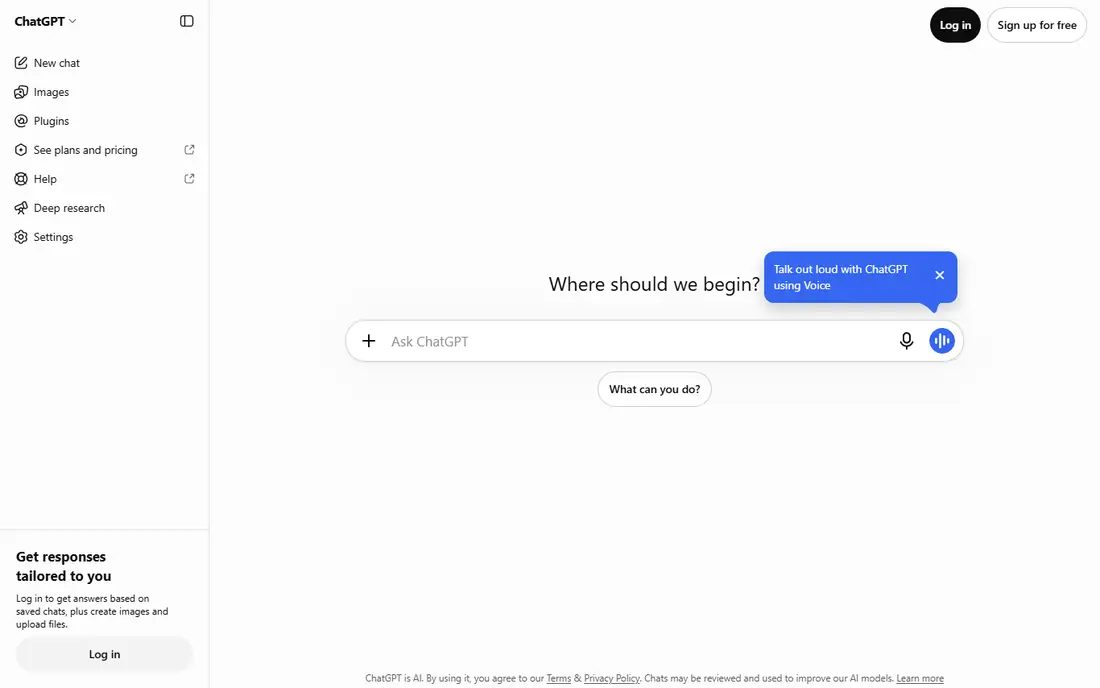
ChatGPT remains the safest default for most users. It drafts emails and reports, explains code, builds tables, generates images, and handles voice conversation in the same app. That breadth matters when you do not want to switch tools for each task, and its integration options connect it to common work apps.
The limits show up under heavy use. Free and mid-tier plans cap advanced reasoning and image work, and the top plans cost much more than the standard $20 tier. For everyday writing and light coding, the standard plan is enough. For all-day agent work, check usage allowances before you commit.
- Broad feature set including voice and image generation
- Large ecosystem of integrations
- Deep research and coding agents
- Usage limits apply on lower tiers
- Advanced plans cost far more
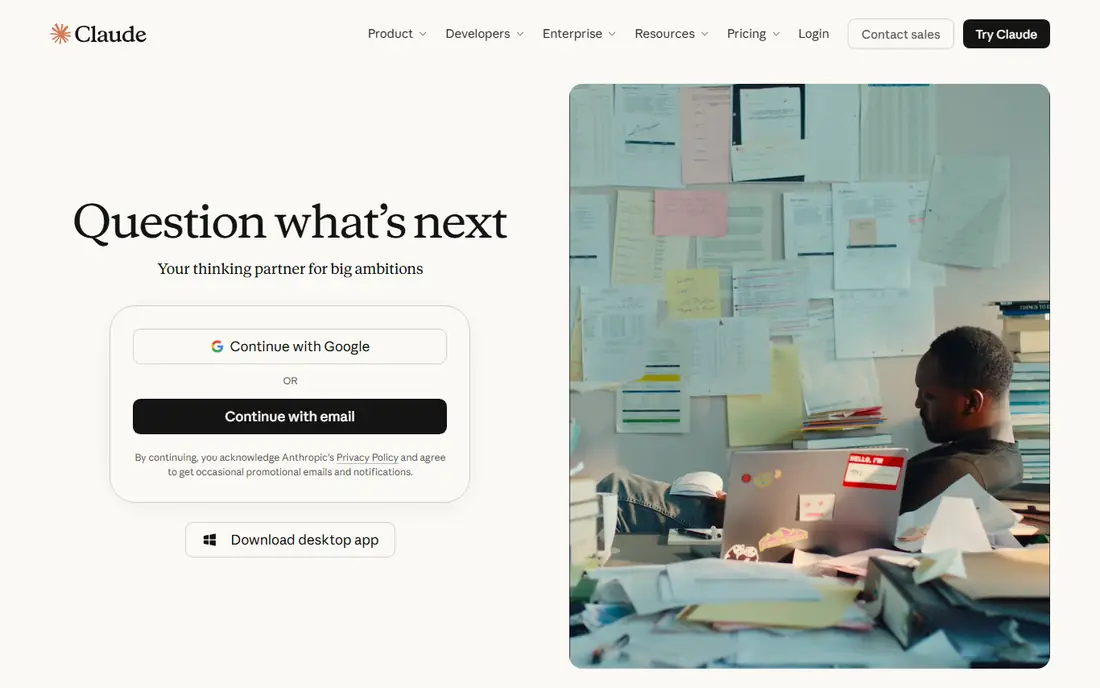
Claude is our pick for people who work with long texts. It reads large documents, contracts, and codebases in one conversation and keeps track of structure across many pages. Writers and engineers often prefer its tone for drafts that need revision rather than a quick answer.
The trade is ecosystem breadth. Claude has fewer plug-ins and consumer integrations than ChatGPT, so users who want one app for everything may miss some connections. For writing quality and long reasoning tasks, that trade is worth making. For casual image and voice use, ChatGPT covers more ground.
- Strong long-form writing and code help
- Handles large documents in one conversation
- Careful, structured answers
- Fewer consumer integrations than ChatGPT
- Higher tiers needed for heavy use
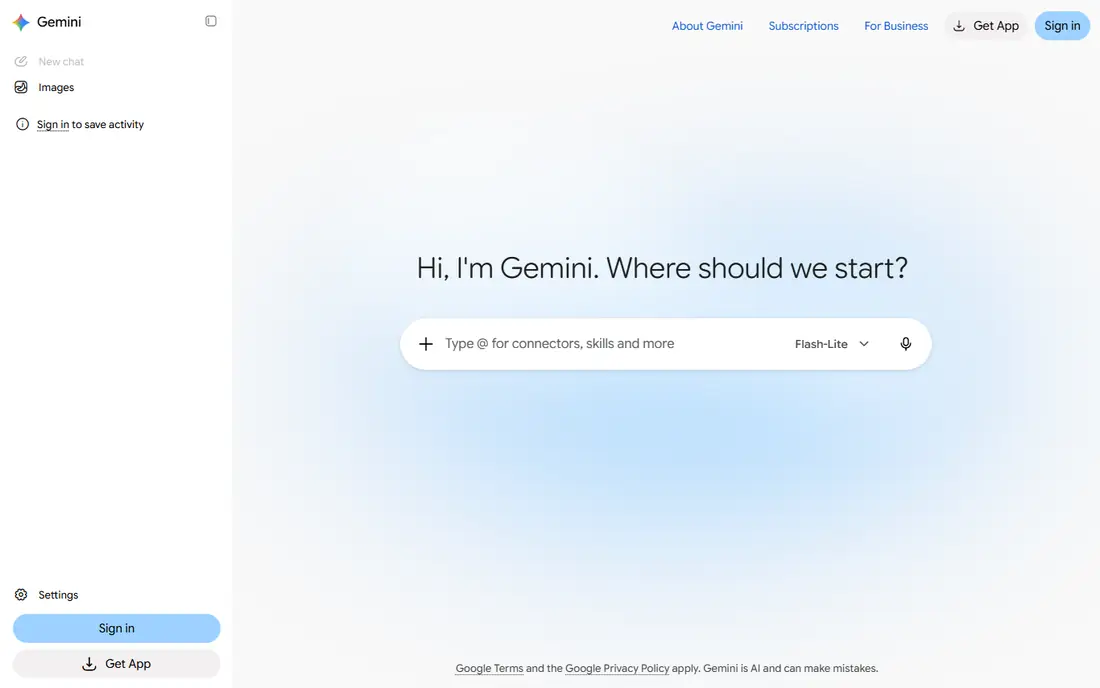
Gemini fits naturally into a Google household. It drafts inside Docs, summarizes Gmail threads, and works across Android and Google apps without extra setup. Its search grounding helps with current information, and large context windows suit long documents and research sets.
The catch is that value depends on how much you use Google. If your work lives in Microsoft 365 or Apple apps, the integration advantage fades. Google also sells several AI bundles, so check which plan includes the storage and features you actually need before you compare prices.
- Deep Gmail, Docs, and Drive integration
- Strong live information and search grounding
- Large context windows
- Paid tiers vary by bundle
- Best value depends on Google use
Microsoft Copilot
Great for: Microsoft 365 drafting, spreadsheets, and email
Microsoft Copilot is the practical choice for Office users. It drafts Word documents, summarizes Outlook threads, helps with Excel formulas, and recaps Teams meetings. For companies already paying for Microsoft 365, that native placement saves copy-and-paste work every day.
The free web version covers general chat, but the deeper Office features need a paid Microsoft plan. Teams that do not use Microsoft apps will get less from Copilot than from ChatGPT or Gemini. Teams that live in Word and Outlook will find it hard to replace.
- Works inside Word, Excel, Outlook, and Teams
- Helps summarize meetings and documents
- Business controls for companies
- Full value needs a Microsoft 365 subscription
- Web version is more limited
Perplexity is built for questions where the source matters. It searches the web, summarizes findings, and links to the pages behind its claims, which makes checking easier than with a plain chat answer. Researchers, journalists, and students use it to explore unfamiliar topics and verify claims quickly.
It is less satisfying for long creative drafts or complex code projects, where ChatGPT and Claude offer deeper tools. Think of Perplexity as a research front end rather than a general writing studio. For daily fact-finding, it earns its place alongside a main chat tool.
- Answers include citations to web sources
- Good for fact-checking and unfamiliar topics
- Fast research workflow
- Less suited to long creative writing
- Paid plan needed for unlimited advanced searches
DeepSeek appeals to users who want strong reasoning without a $20 monthly bill. Its free chat access covers many everyday tasks, and developers value its open weights and low API costs. For math, logic, and coding questions, it often performs well above its price point.
The ecosystem is thinner than the major US platforms. Integrations, business controls, and support options are less developed, and users in some regions may face access limits. For budget users and developers, those limits are acceptable. For companies that need vendor support and compliance tools, a larger platform fits better.
- Generous free access
- Strong math, logic, and coding performance for the price
- Open weights for developers
- Smaller ecosystem of integrations
- Availability and support vary by region
Grok stands out for real-time topics. Its link to X gives it a view of breaking news, public discussion, and trending posts that other chat tools may summarize more slowly. That makes it useful for tracking events, sentiment, and public reaction as stories develop.
Fast-moving information also brings risk. Early reports can be wrong, and Grok answers on breaking topics still need checking against reliable news sources. Higher tiers open up its strongest models and features, so the free version gives only a partial view. Use Grok for discovery, then verify before you act on what it finds.
- Live access to X posts and web news
- Useful for trends and public sentiment
- Voice and image features
- Best features sit on higher tiers
- Quality varies on fast-moving topics
Midjourney is the image specialist in this list. While chat platforms generate images as one feature among many, Midjourney focuses on image quality, style, and detail. Designers, marketers, and creators use it for illustrations, concepts, and social visuals that need a consistent look.
The trade is scope and price. Midjourney does not write reports or answer research questions, and it has no free plan for new users. If you need images often, it is worth paying for alongside a text platform. If you need only occasional images, a chat platform with built-in generation will cover you.
- Distinctive, polished image style
- Strong control over aspect and style
- Active creator community
- No free plan
- Runs mainly through its own app and Discord-style workflow
How we picked these
We compared official pricing pages, feature pages, and model documentation, and we kept only platforms that were generally available in October 2026. We looked at writing, coding, research, image generation, ecosystem fit, and price, and we favored a mix of all-rounders and specialists. Each platform had to offer real generative output, not just search or storage.
How to choose a generative AI platform
Start with where you already work. A Google user gains the most from Gemini, a Microsoft user from Copilot, and a user with no strong ecosystem from ChatGPT. Next, match the task. Long documents and careful reasoning favor Claude, sourced research favors Perplexity, and image work favors Midjourney or a chat tool with strong image generation.
Check usage limits, not just the monthly price. Two plans at $20 can differ sharply in how many advanced messages, images, or agent runs they allow. Finally, treat outputs as drafts. Check facts, quotes, and code before you publish or ship, especially for health, legal, financial, or safety topics. AI tools speed up drafting, but responsibility for the final work stays with you.
Free plans and paid plans
Free plans are useful for trying a platform and for light daily use. They usually limit advanced models, image counts, and agent features. A paid plan makes sense when you use the tool daily, need faster responses, or need higher limits for work projects. Many users do well with one paid all-rounder plus a free specialist for research or images.
Privacy and business use
Business users should check data controls before pasting sensitive documents into any chat tool. Consumer plans and business plans often differ on data retention, training use, and admin controls. If you handle client data, choose a business tier or a platform with clear enterprise controls, and follow your company policy on what can be uploaded.
Frequently asked questions
What is the best generative AI platform for most people?
ChatGPT is the best all-rounder for most people, because it covers writing, coding, images, and voice in one app. Claude is a better pick for long writing and reasoning, and Gemini is a better pick for Google Workspace users. Start with the all-rounder, then add a specialist if a specific task needs it.
What is the best generative AI app for writing?
Claude and ChatGPT both suit writing, but in different ways. Claude tends to produce more structured long-form drafts, while ChatGPT covers a wider range of formats, from emails to scripts. Try both free plans on a real draft and keep the one whose tone needs less editing.
What is the best generative AI tool for coding?
Claude is widely used for coding help, especially for larger codebases and careful debugging. ChatGPT also offers strong coding agents and integrations with developer tools. DeepSeek is a low-cost option for developers who want solid coding help without a monthly subscription.
What is the best generative AI software for images?
Midjourney leads for dedicated image generation, with a distinctive style and fine control. ChatGPT and Gemini also generate images inside chat, which is enough for occasional visuals. Choose Midjourney when images are a core output, and a chat tool when images are occasional.
Are generative AI platforms free?
Most major platforms offer a free plan with limits on advanced models and features. Paid plans near $20 per month raise those limits and add faster access. Midjourney is the exception in this list, with no free plan for new users, so budget for a subscription if image generation is your main need.
How do I choose between ChatGPT, Claude, and Gemini?
Choose ChatGPT for breadth, Claude for long documents and writing quality, and Gemini for Google integration and live information. Price alone will not decide it, since flagship plans cost about the same. Pick the platform that fits the apps you already use and the tasks you do most often.
Sources
See where you really rank - block by block
ProMapRanker scans Google Maps across a grid of your service area. Simple monthly plans from $19, white-label on every plan.
Start freeKeep reading
 best virtual meeting platform
Best Virtual Meeting Platforms in 2026
Searching for the best virtual meeting platform? We compare 9 video meeting tools on price, free plans, capacity, and features for teams of all sizes.
Read → best social media reporting tools
Best Social Media Reporting Tools in 2026
Compare the best social media reporting tools in 2026, with pricing and free plans, and the right pick for creators, agencies, and large marketing teams.
Read → best social media platforms for business
Best Social Media Platforms for Business in 2026
We compared the best social media platforms for business, from Facebook and Instagram to LinkedIn and TikTok, with ad strengths and who each platform suits.
Read →