 ProMapRanker
Best Garage Door Software in 2026

Key takeaways
- Housecall Pro and Jobber suit most small to mid-size shops, with published pricing and fast setup.
- ServiceTitan suits larger multi-truck operations that will use deep reporting, payroll and membership tools.
- Workiz, FieldPulse and Service Fusion help shops that want flat pricing, equipment records or strong dispatch.
- Price by total cost, not headline price, since users, add-ons and contracts change the real monthly bill.
Quick comparison
| Pick | Great for | Pricing starts at | Free tier | |
|---|---|---|---|---|
 Housecall Pro | Small to mid-size shops | $59 per month | Free trial | Visit |
 Jobber | Solo operators and small teams | $49 per month | Free trial | Visit |
 ServiceTitan | Large multi-truck operations | See website | No | Visit |
 Workiz | Mobile-first dispatch | See website | Free trial | Visit |
 FieldPulse | Equipment and job costing | See website | Free trial | Visit |
 Service Fusion | Flat-rate unlimited users | See website | Free trial | Visit |
 GorillaDesk | Solo operators and small crews | $49 per month | Free trial | Visit |
 Kickserv | Simple scheduling and invoicing | See website | Free trial | Visit |
 FieldEdge | QuickBooks-heavy shops | See website | No | Visit |
The best garage door software
We compared field service platforms that handle garage door scheduling, dispatch, quoting and invoicing in October 2026. The best garage door service software for your shop depends on crew size, how much reporting you need, and how you want to pay.
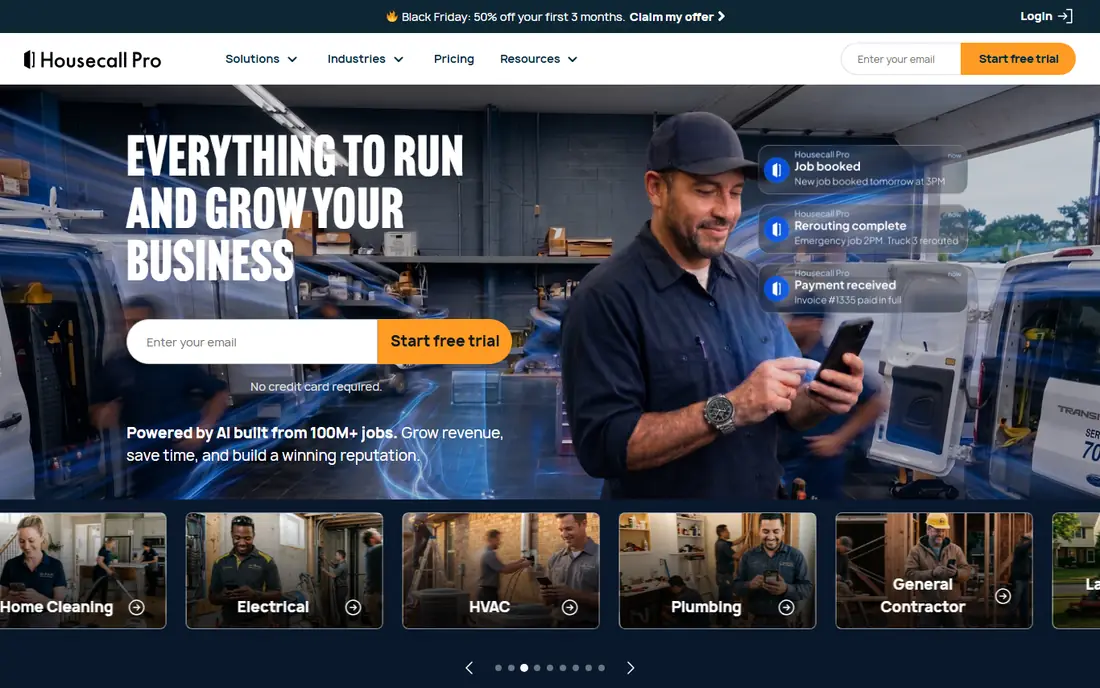
Housecall Pro is our pick for most small to mid-size garage door shops. It covers scheduling, dispatch, customer texts, invoicing and payments in one app, and it publishes prices starting near 59 dollars per month on annual billing. Crews can learn it quickly, which matters when technicians rotate and office staff change.
The limit shows up as you grow. Larger operations that need deep job costing, payroll and complex reporting may outgrow it. For a shop with one to about 15 technicians, though, the balance of price, ease and features is hard to beat.
- Published pricing
- Dispatch, text updates and invoicing
- Easy to learn for small crews
- Higher tiers rise with team size
- Advanced reporting is lighter than ServiceTitan
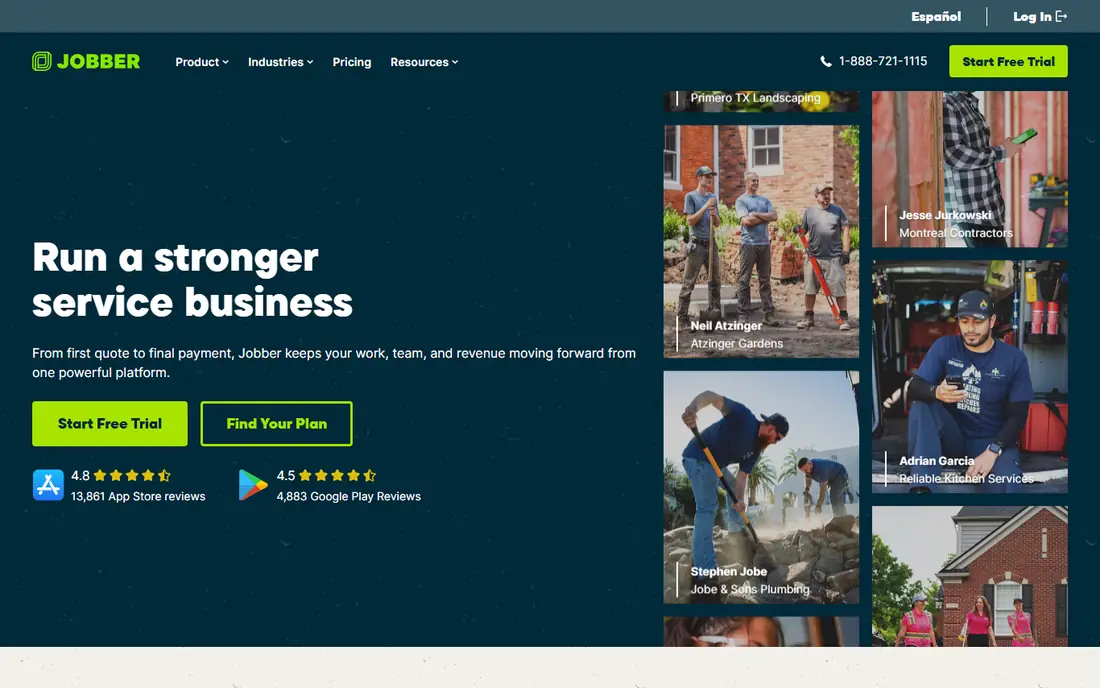
Jobber suits solo operators and small crews who want a tidy system without a long setup. Scheduling, quoting, invoicing and customer updates sit in one place, and clients can check job status through the client hub. Pricing starts near 49 dollars per month in recent comparisons, with higher tiers for larger teams.
It is less deep than ServiceTitan for multi-crew dispatch and reporting. That trade is fair for small shops, since a simpler tool that staff actually use beats a powerful tool that sits half-used. Check user limits on your tier before you add staff.
- Clear scheduling and quoting
- Client hub for updates
- Published pricing tiers
- Advanced dispatch is lighter than larger platforms
- Add-ons raise the total cost
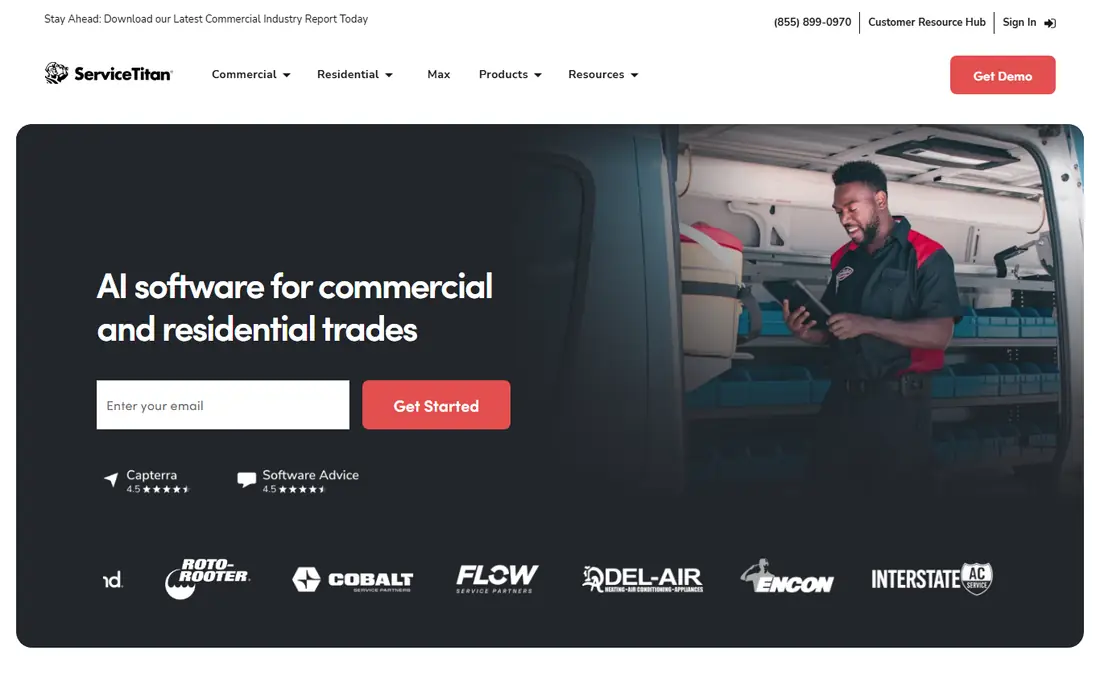
ServiceTitan is built for large, established garage door operations. Its dispatch board, job costing, sales reporting, payroll and membership tools give managers a full view of the business. Mobile tools for photos, checklists and signatures also help field teams document repair and replacement work.
Cost and complexity are the catch. Pricing is quote based, with third-party estimates often placing it well above small-shop tools per technician, plus implementation time. Small shops should only choose it when they have the volume and staff to use that depth every day.
- Deep dispatch and reporting
- Payroll and memberships
- Strong mobile field tools
- Quote-based pricing
- Long setup and training
- More software than small shops need
Workiz appeals to dispatch-heavy shops that live on the phone and the road. Its mobile tools help dispatchers assign jobs, track status and send reminders without constant calls. Automation for follow-ups also helps shops win repeat service and maintenance work.
Pricing is tiered, so the plan you need depends on users and features. Shops should map must-have features to tiers before signing, since a low headline price may not include the dispatch or phone tools they want. A trial with real jobs gives the clearest test.
- Strong mobile dispatch
- Automation for reminders and follow-ups
- Phone system options
- Pricing varies by plan
- Some features need higher tiers
- Setup needs care for large teams
FieldPulse suits teams that track garage door models, openers, springs and service history by customer and site. Equipment records help technicians arrive with the right parts, and job costing shows which job types actually make money. That detail matters for shops that service commercial sites and repeat customers.
Per-user pricing can add up as teams grow, so model the cost for your full crew, not just office staff. Marketing tools are also lighter than some rivals. If equipment history and job profit are your main needs, FieldPulse earns a close look.
- Equipment records
- Job costing
- Scheduling and invoicing for field teams
- Pricing is per user in many plans
- Interface needs learning
- Fewer marketing tools
Service Fusion helps shops that dislike per-user pricing. Flat-rate plans with unlimited users let you add technicians, dispatchers and office staff without a new charge per seat. Core scheduling, dispatch, invoicing and customer communication cover daily garage door work well.
Check contract terms and add-on pricing before you commit, since flat-rate does not mean every feature is included. For a growing shop with many users, though, the pricing model alone can save a large sum compared with per-technician tools.
- Flat-rate pricing with unlimited users
- Scheduling, dispatch and invoicing
- Customer portal
- Annual contracts in some plans
- Learning curve for new admins
- Add-ons vary
GorillaDesk is a plain, affordable choice for solo operators and small crews. It handles scheduling, dispatch, invoicing and customer notifications without a heavy setup. Pricing near 49 dollars per month in recent comparisons makes it easy to try for a small shop.
Advanced reporting and integrations are thinner than larger platforms. Shops that need deep profit reports or many third-party tools may need a bigger system. For a small crew that wants tidy jobs and fast invoices, GorillaDesk covers the core well.
- Simple scheduling and invoicing
- Affordable start
- Customer notifications
- Fewer advanced reports
- Some features need higher tiers
- Smaller partner ecosystem
Kickserv suits shops that want a simple system for scheduling, job tracking and invoicing. Customer records keep service history in one place, and invoicing plus payments close the loop after a repair. The layout stays approachable for office staff who do not want a complex platform.
Dispatch depth and reporting are lighter than ServiceTitan or FieldPulse. Shops with many crews and complex routing may feel that limit quickly. For a small shop with steady residential work, Kickserv is a calm, practical option.
- Scheduling and job tracking
- Invoicing and payments
- Customer records
- Smaller feature set
- Limited advanced dispatch
- Pricing not always published
FieldEdge fits shops that already run accounting in QuickBooks and want field service tied closely to it. Dispatch, quoting, invoicing and service agreements feed into accounting with less double entry. That link reduces errors for shops that bill many service agreements.
Pricing is quote based, and setup takes real time, especially for larger teams. Shops that do not use QuickBooks get less benefit from its main strength. If QuickBooks is central to your books, FieldEdge deserves a demo with your actual chart of accounts.
- Strong QuickBooks integration
- Dispatch and quoting
- Service agreement tools
- Quote-based pricing
- Setup takes time
- Best for shops already using QuickBooks
How we picked these
We compared official pricing pages, feature pages and 2026 field service comparisons for platforms that serve garage door and similar home service trades. We kept tools that still operate, cover scheduling, dispatch and invoicing, and suit at least one clear shop size. We left out generic CRM tools with no field dispatch, single-feature apps, and tools with no garage door or home service fit.
We did not claim hands-on testing. Our notes rest on published pricing, feature lists and shop-size fit, which are the factors that decide most buying choices in this category.
How to choose garage door software for your crew size
Start with crew size and job volume, not features. A solo operator needs fast scheduling and invoicing, while a 20-truck shop needs dispatch boards, job costing and reporting. Buying for a larger shop than you run wastes money and training time.
Next, run a trial with real jobs. Book, dispatch, complete and invoice five typical jobs, including an emergency repair and a full replacement quote. That test shows whether technicians will use the mobile app and whether office staff can follow job status without extra calls.
Finally, price the full year. Add users, add-ons, payment processing and any contract term to the headline price. Ask about price rises at renewal and about data export, so you can leave if the tool stops fitting your shop.
Features that matter most for garage door work
Look for scheduling with technician skills and location, quote templates for repairs and replacements, photo and signature capture, and service history by address and door. Those four features cover most daily garage door work. Marketing tools and deep analytics help later, but they should not decide the first purchase.
Questions to ask on a demo
Ask how dispatch handles same-day emergency calls, how quotes turn into invoices, how parts and equipment history are stored, and how customer texts are sent. Ask for a live mobile demo from a technician view, not just the office dashboard. The field view is where adoption succeeds or fails.
Frequently asked questions
What is the best garage door app for a small shop?
Housecall Pro and Jobber are the strongest small-shop picks, with published pricing and fast setup. Jobber suits solo operators best, while Housecall Pro suits small to mid-size crews. Try both with real jobs before you commit to a year.
What is the best garage door service software for large companies?
ServiceTitan is the strongest pick for large multi-truck operations, thanks to deep dispatch, reporting, payroll and membership tools. FieldEdge and Service Fusion also suit larger shops, depending on QuickBooks use and pricing model. Large shops should budget for setup and training time.
How much does garage door software cost?
Small-shop tools often start near 49 to 59 dollars per month on annual billing, while larger platforms use per-user or quote-based pricing that runs much higher. Total cost depends on users, tiers and add-ons. Always price your full team for a year, not just one user.
Do I need a contract for garage door software?
Some tools offer month-to-month plans, while others use annual contracts, especially at higher tiers. Housecall Pro and Jobber offer trial periods and flexible terms in many plans, while ServiceTitan often uses longer terms. Read the contract and renewal terms before signing.
Can garage door software handle emergency calls?
Yes, most tools here support same-day scheduling, dispatch boards and customer texts for emergency repairs. Workiz and Housecall Pro are strong on mobile dispatch, while ServiceTitan adds deeper board controls for larger teams. Test emergency booking in a trial to confirm the flow fits your office.
Does garage door software work with QuickBooks?
Many tools integrate with QuickBooks, and FieldEdge is built closely around it. Jobber, Housecall Pro and others also offer QuickBooks links or exports. Confirm whether the link is a full sync or a simple export, since that difference affects daily bookkeeping.
Sources
See where you really rank - block by block
ProMapRanker scans Google Maps across a grid of your service area. Simple monthly plans from $19, white-label on every plan.
Start freeKeep reading
 wpforms alternatives
Best WPForms Alternatives in 2026
We compare 9 wpforms alternatives for WordPress forms, with free and paid options, current pricing notes, and honest limits for small business sites in 2026.
Read → windows task scheduler alternatives
Best Windows Task Scheduler Alternatives in 2026
Looking for Windows Task Scheduler alternatives? We compare 9 schedulers for Windows and cross-platform work, from free tools to enterprise automation.
Read → which ai video service is best
Which AI Video Service Is Best in 2026
which ai video service is best? We compare 10 legitimate AI video services on price, avatars, editing and output quality to help you pick the right tool.
Read →