 ProMapRanker
Best Game Clipping Software in 2026
Key takeaways
- Medal is the best all-round pick for most PC players, with automatic highlights in supported games, instant replay and share links.
- NVIDIA App and Xbox Game Bar are the lowest-friction picks, because many players already have one of them installed.
- OBS Studio gives the most control, but you set up the replay buffer yourself and get no automatic highlights.
- Outplayed, Gazoom and Powder suit players who want clips saved without pressing a key in every match.
Quick comparison
| Pick | Great for | Pricing starts at | Free tier | |
|---|---|---|---|---|
 Medal | All-round PC clipping and sharing | Free | Yes | Visit |
 Outplayed | Automatic highlights per game | Free | Yes | Visit |
 OBS Studio | Full-control free recording | Free | Yes | Visit |
 NVIDIA App | Instant replay on NVIDIA cards | Free | Yes | Visit |
 Xbox Game Bar | Clipping with no install on Windows | Free | Yes | Visit |
 SteelSeries Moments | Clipping inside the SteelSeries app | Free | Yes | Visit |
 Gazoom | Lightweight automatic clips | Free | Yes | Visit |
 Eklipse | Clips from streams you already made | Free | Yes | Visit |
 Powder | AI-assisted clips for creators | Free | Yes | Visit |
The best game clipping software
The best clip tool is the one that saves the moment before you forget it. We compared automatic highlight tools, instant replay buffers, full recorders and stream-based clippers, so you can match the tool to how you play and share.
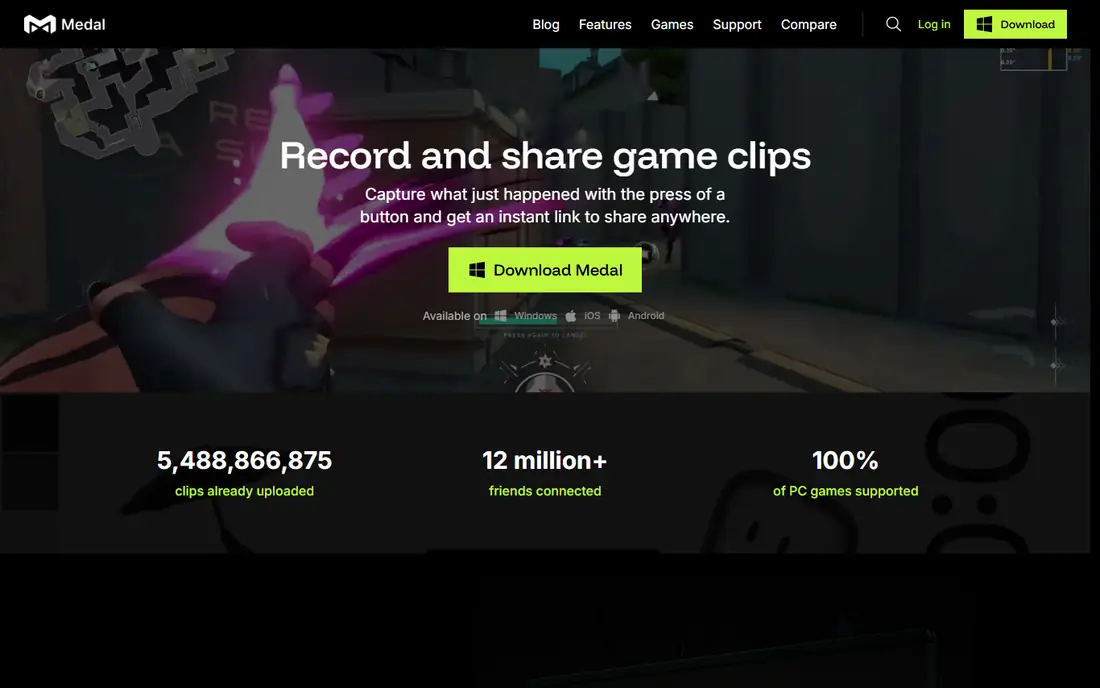
For many readers, Medal is the first name to check. It fits PC players who want clips saved and shared fast. Automatic highlights plus share links that play inside Discord, and that is why it earns a place here. We compared it on official feature pages, pricing pages and public comparisons, not on a claim of hands-on use, so check the current plan details before you commit.
The honest catch is that desktop support is Windows only, and free link storage is limited. That does not rule it out, but it does change who should pick it first. If that catch touches your main need, compare the next option before you decide. Ask for a trial or a demo where one is offered, and test it with a real example from your own work before you move a whole team or library to it.
- Automatic highlights in supported games
- Instant replay with a hotkey
- Built-in editor and share links
- Windows only on desktop
- Free share links have time limits in comparisons
Outplayed takes a different route. It fits competitive players who play supported titles and want hands-free clips. Event-based capture that saves the moment without a key press. We compared it on official feature pages, pricing pages and public comparisons, not on a claim of hands-on use, so check the current plan details before you commit.
The catch to weigh is that value depends on whether your games are supported. For readers where that matters less, the strengths above may still win. For readers where it matters more, a different pick in this list will fit better. Ask for a trial or a demo where one is offered, and test it with a real example from your own work before you move a whole team or library to it.
- Automatic event capture in supported games through Overwolf
- Uploads and library organisation
- Runs through the Overwolf platform, which some players prefer to avoid
- Game support varies
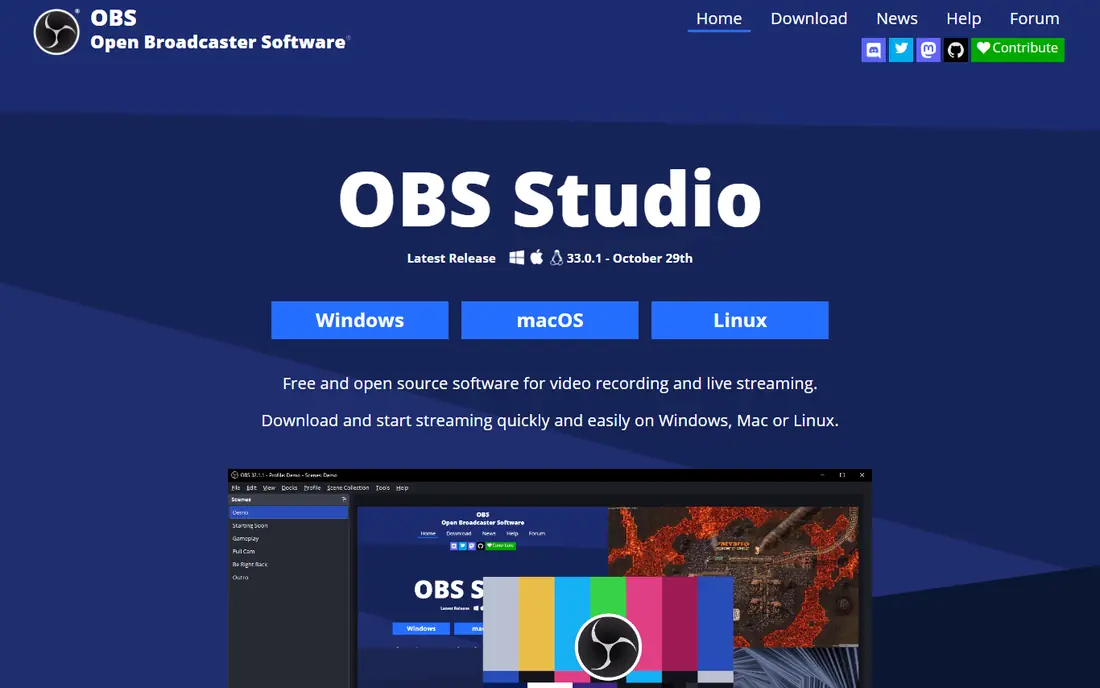
If streamers and power users who want total control is your priority, OBS Studio deserves a close look. Control over every part of recording and streaming. We compared it on official feature pages, pricing pages and public comparisons, not on a claim of hands-on use, so check the current plan details before you commit.
Watch out, though, because setup effort is high, and clipping is manual unless you configure it. Put that against your own priorities, and the choice becomes clearer. A tool can be excellent overall and still be wrong for one specific setup. Ask for a trial or a demo where one is offered, and test it with a real example from your own work before you move a whole team or library to it.
- Free and open source
- Full control over sources, scenes and encoding
- Works on Windows, Mac and Linux
- Replay buffer needs manual setup
- No automatic highlights
- No built-in clip library
NVIDIA App is a practical pick. It fits NVIDIA owners who want simple, low-impact replay, and Low-impact capture that is already part of the NVIDIA setup. We compared it on official feature pages, pricing pages and public comparisons, not on a claim of hands-on use, so check the current plan details before you commit.
The honest catch is that hardware limits who can use it, and sharing is file-based. That does not rule it out, but it does change who should pick it first. If that catch touches your main need, compare the next option before you decide. Ask for a trial or a demo where one is offered, and test it with a real example from your own work before you move a whole team or library to it.
- Instant replay with low GPU impact
- Already installed for many NVIDIA owners
- Simple capture
- Needs an NVIDIA graphics card
- Editing and sharing are basic compared with Medal
Consider Xbox Game Bar when you want casual Windows players who want the simplest option. Zero-install simplicity on Windows. We compared it on official feature pages, pricing pages and public comparisons, not on a claim of hands-on use, so check the current plan details before you commit.
The catch to weigh is that it caps quality and features compared with dedicated clippers. For readers where that matters less, the strengths above may still win. For readers where it matters more, a different pick in this list will fit better. Ask for a trial or a demo where one is offered, and test it with a real example from your own work before you move a whole team or library to it.
- Built into Windows
- No install needed
- Simple last-seconds capture
- Quality and editing are basic
- Serious creators outgrow it fast
SteelSeries Moments stands out for a clear reason. It fits SteelSeries users and players of supported FPS and MOBA titles. Automatic clips without a separate heavy app. We compared it on official feature pages, pricing pages and public comparisons, not on a claim of hands-on use, so check the current plan details before you commit.
Watch out, though, because supported games are limited, so check the list first. Put that against your own priorities, and the choice becomes clearer. A tool can be excellent overall and still be wrong for one specific setup. Ask for a trial or a demo where one is offered, and test it with a real example from your own work before you move a whole team or library to it.
- Automatic clips in listed games
- Sits inside the SteelSeries GG app
- Simple sharing
- Game support is limited to a listed set
- Best for existing SteelSeries users
For players who want light automatic clipping without a heavy tool, Gazoom is worth shortlisting. Lightweight capture that stays out of the way. We compared it on official feature pages, pricing pages and public comparisons, not on a claim of hands-on use, so check the current plan details before you commit.
The honest catch is that it lacks the depth and sharing reach of larger tools. That does not rule it out, but it does change who should pick it first. If that catch touches your main need, compare the next option before you decide. Ask for a trial or a demo where one is offered, and test it with a real example from your own work before you move a whole team or library to it.
- Lightweight automatic capture
- Simple library
- Low friction for casual creators
- Smaller community than Medal
- Feature depth is lighter
Eklipse is not the flashiest pick, but it is a useful one. It fits streamers who want clips after the stream ends. Cloud processing that adds no load while you play. We compared it on official feature pages, pricing pages and public comparisons, not on a claim of hands-on use, so check the current plan details before you commit.
The catch to weigh is that offline PC players get little value from it. For readers where that matters less, the strengths above may still win. For readers where it matters more, a different pick in this list will fit better. Ask for a trial or a demo where one is offered, and test it with a real example from your own work before you move a whole team or library to it.
- Turns stream recordings into clips in the cloud
- Works for Twitch, Kick and YouTube streamers
- No PC load during play
- Needs a stream recording first
- Not a live PC capture tool
Start with Powder if creators who want help finding highlights in longer sessions matters most to you. Help finding moments in long recordings. We compared it on official feature pages, pricing pages and public comparisons, not on a claim of hands-on use, so check the current plan details before you commit.
Watch out, though, because detection is not perfect for every game, so manual review still matters. Put that against your own priorities, and the choice becomes clearer. A tool can be excellent overall and still be wrong for one specific setup. Ask for a trial or a demo where one is offered, and test it with a real example from your own work before you move a whole team or library to it.
- AI-assisted highlight detection
- Creator-focused library and editing
- Simple sharing
- Automatic detection quality varies by game
- Free tier limits apply
How we picked these
We compared official feature pages, pricing pages, app store listings where relevant, and public comparisons from 2026. We only included products that exist and work now and that truly fit the topic, and we left prices as See website where we could not verify a current figure from the vendor. We did not claim hands-on testing, and we did not invent ratings, counts or awards. We also weighed fit for different readers, not just popularity. A well-known product can still be a poor pick for a small team, a single device, or a tight budget, so each write-up notes who it fits and where it falls short. That trade-off view is what turns a long list into a useful shortlist.
How to pick clipping software for your setup
Start with your hardware. NVIDIA owners get a strong free replay option in the NVIDIA App, AMD owners have their own driver tool, and Windows players get Xbox Game Bar with no install. Picking a tool that already fits your hardware avoids extra load on your system.
Next, decide how much work you want to do mid-match. Automatic highlight tools save kills and wins in supported games without a key press. Instant replay tools save the last seconds when you press a hotkey. Full recorders capture everything, but you must find the moment later.
Check sharing early. Some tools give you a link that plays inside Discord, while others give you a file to upload yourself. If you share clips daily, link sharing saves real time. If you edit for video platforms, local files and editing control matter more.
Finally, watch performance and storage. Clipping in the background uses memory and disk space, and long sessions can fill a drive fast. Set a replay length, a save folder and a cleanup habit before a long play session, not after it.
Frequently asked questions
What is the best clip software for PC?
Medal is the best all-round pick for most PC players, with automatic highlights, instant replay and share links in one tool. NVIDIA App is a strong free choice if you own an NVIDIA card, and Xbox Game Bar suits casual players who want no install.
What is the best software for clipping games automatically?
Medal and Outplayed save highlights automatically in supported games, while Gazoom and Powder also aim at automatic capture. Check the supported games list first, because automatic detection only works in titles the tool supports.
Is there free clipping software for PC?
Yes. Medal, OBS Studio, Xbox Game Bar, NVIDIA App, SteelSeries Moments and Gazoom all offer free tiers or are free. Paid tiers usually add longer link storage, more cloud space or extra features, not basic capture.
Does clipping software slow down games?
It can, but the effect depends on the tool, settings and hardware. GPU-based capture usually has the lowest impact, while heavier background tools can cost frames on weaker systems. Test with your usual settings before a ranked session.
Can I clip games on console?
Consoles have built-in capture, and stream-based tools such as Eklipse can turn a stream recording into clips after the fact. PC tools in this guide are mainly for PC players, so console players should start with the console capture first.
Sources
See where you really rank - block by block
ProMapRanker scans Google Maps across a grid of your service area. Simple monthly plans from $19, white-label on every plan.
Start freeKeep reading
 which software is best for pdf page removal
Which Software Is Best for PDF Page Removal in 2026
Find which software is best for pdf page removal, from free online tools to desktop editors, with page controls, privacy, safety, and pricing compared.
Read → when i work alternatives
Best When I Work Alternatives in 2026
Looking for when i work alternatives? We compare 8 scheduling apps for hourly teams, covering pricing, free plans, time clocks and the best fit for business.
Read → the best tool for keyword analysis
The Best Tool for Keyword Analysis in 2026
Find the best tool for keyword analysis with our 2026 comparison of 10 keyword analysis software tools on data depth, difficulty scores and price today.
Read →