 ProMapRanker
Best Free Video Editing Software for PC in 2026


Serious editing and colour grading at zero cost · Pricing starts at: Free
Key takeaways
- DaVinci Resolve is the most capable free editor for PC, with professional editing, colour, effects, and audio tools and no watermark.
- CapCut and Clipchamp are the fastest starts for social video, thanks to templates, captions, and simple timelines.
- Shotcut, OpenShot, and Kdenlive are fully free and open source, with no watermark and no paywall behind core editing.
- Lightworks free exports cap at 720p, and VSDC suits older Windows PCs, so check resolution and hardware needs before choosing.
Quick comparison
| Pick | Great for | Pricing starts at | Free tier | |
|---|---|---|---|---|
| DaVinci Resolve | Serious editing and colour grading at zero cost | Free | Yes | Visit |
 CapCut | Fast social video with captions and templates | Free | Yes | Visit |
 Clipchamp | The simplest start for Windows users | Free | Yes | Visit |
 Shotcut | Capable open-source editing without an account | Free | Yes | Visit |
 OpenShot | Absolute beginners learning a timeline | Free | Yes | Visit |
 Kdenlive | Advanced open-source multi-track editing | Free | Yes | Visit |
 VSDC Free Video Editor | Deep features on a Windows PC, including older machines | Free | Yes | Visit |
 Lightworks | Trying a professional editing workflow free | Free | Yes | Visit |
The best free video editing software for PC
We compared editing power, export limits, watermarks, hardware needs, and learning curve. HitFilm is not listed here, because it was discontinued in 2025.
DaVinci Resolve
Great for: Serious editing and colour grading at zero cost
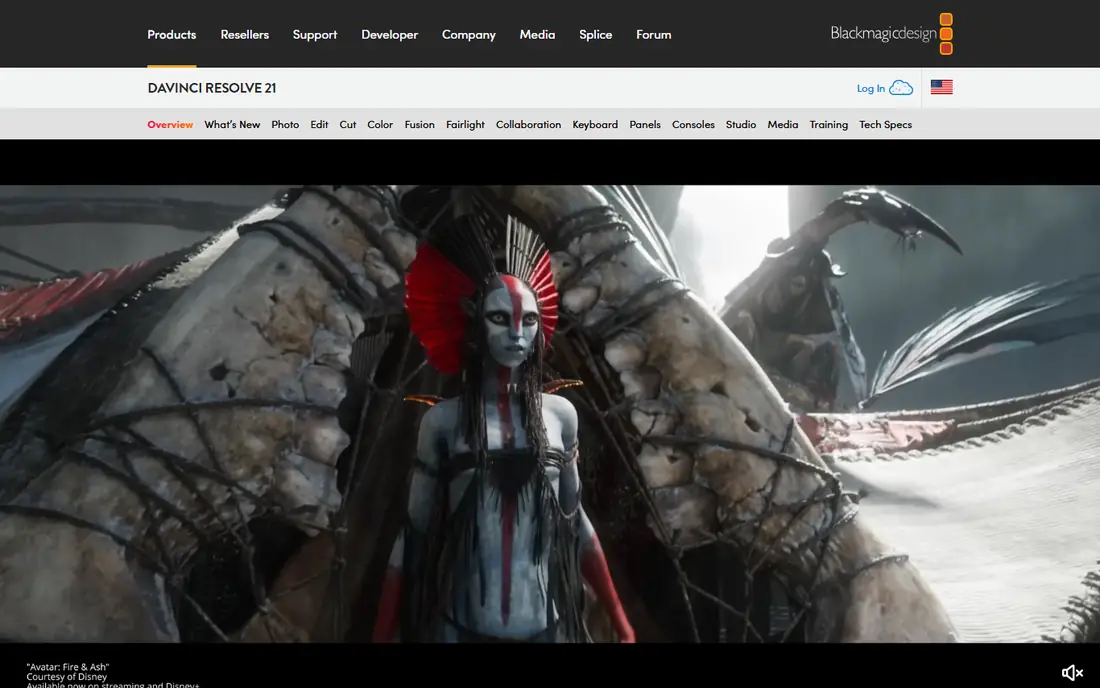
DaVinci Resolve is the free editor that scales furthest. The free version covers cutting, colour grading, visual effects, and audio mixing in one program, which is why many YouTubers and freelancers never need to pay. Exports carry no watermark, and the paid Studio upgrade, at $295 one-time in recent listings, adds extra effects and collaboration tools most solo creators do not need.
The cost is hardware and time. Resolve runs best on a modern PC with a discrete graphics card, and the interface takes hours to learn. Creators with a modest PC or a first project may prefer CapCut or Clipchamp, but anyone aiming for professional results should start here if their computer can handle it.
- Professional editing, colour, effects, and audio
- No watermark on free exports
- Handles 4K projects
- Needs a strong PC with a good graphics card
- Learning curve is steep for beginners
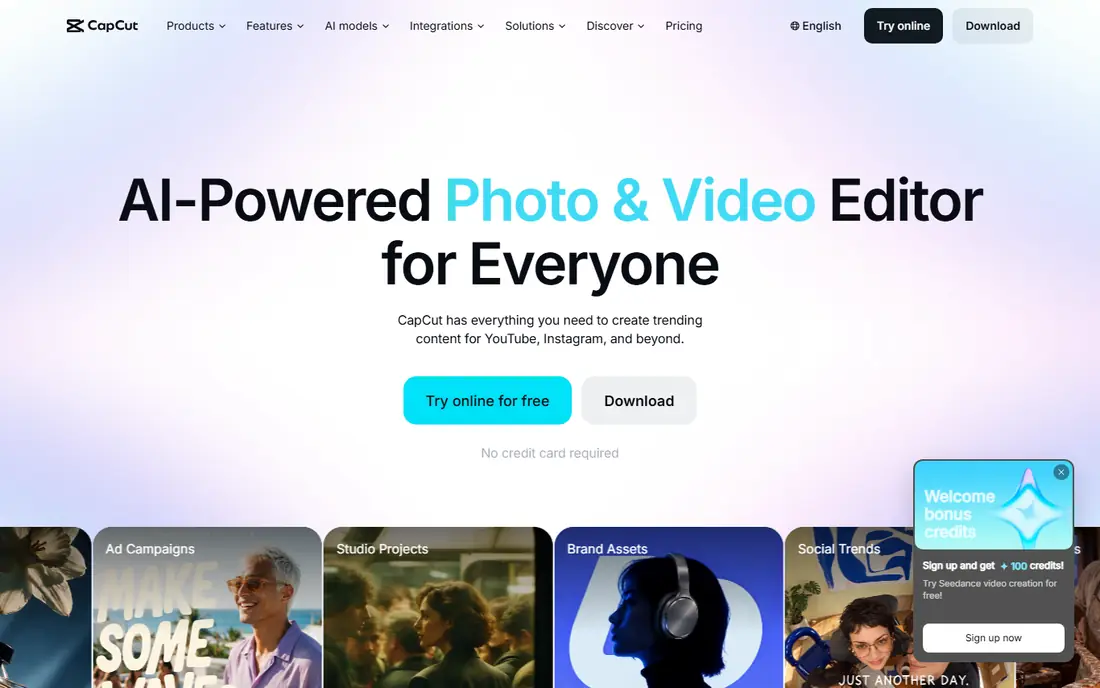
CapCut is the fastest route from raw footage to a finished social clip. Auto captions, templates, music, and effects cut editing time for TikTok, Reels, and Shorts, and the desktop app has grown into a real editor rather than a phone-only tool. Free exports carry no watermark in the free tier described by recent comparisons.
The trade-off is control and originality. Paid Pro adds premium assets and features, and heavy template use can make videos look similar. For social creators who publish often, CapCut still wins on speed, with DaVinci Resolve waiting for longer or more polished projects.
- Auto captions and templates
- Desktop and mobile apps
- Quick vertical video workflows
- Some assets and features need a paid Pro plan
- Template-heavy style may feel generic
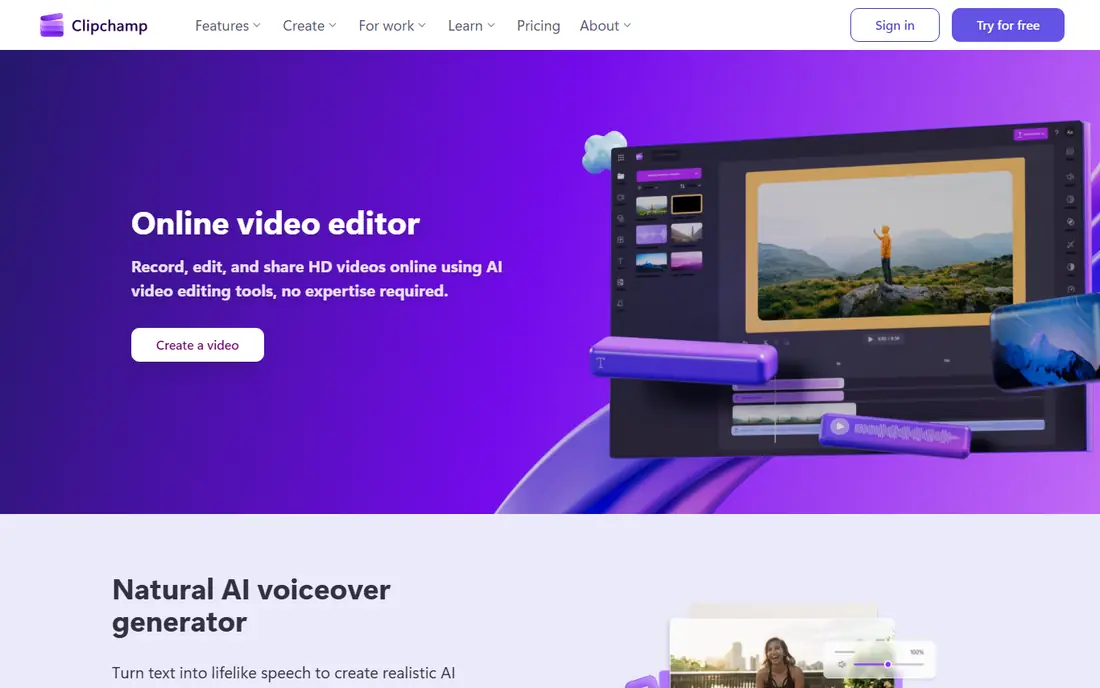
Clipchamp suits Windows users who want to edit now without installing a large professional suite. The browser and app versions cover trimming, text, transitions, screen recording, and stock-style templates, and free exports support HD video. It is already familiar to many Windows 11 users, which lowers the first-project barrier.
Power users will notice limits in colour, effects, and multi-track control compared with Resolve or Kdenlive. Clipchamp is best for quick edits, work videos, and social clips, not for a feature-length or colour-critical project.
- Free with HD exports
- Browser and Windows app
- Templates and screen recording
- Premium features need Microsoft 365
- Less powerful than DaVinci Resolve for long projects
Shotcut is a strong all-rounder for users who want a real desktop editor with no account, no watermark, and no upsell screens. It handles many video formats, supports 4K editing, and runs on Windows, Mac, and Linux. Filters, transitions, and multi-track timelines cover most YouTube and personal projects.
The interface feels more technical than CapCut or Clipchamp, and beginners may need a tutorial for effects and export settings. For users who value freedom and format support over templates, Shotcut is a dependable free choice.
- Fully free and open source
- No watermark
- Wide format support
- Works on Windows, Mac, and Linux
- Interface is less polished than CapCut
- Some effects need manual setup
OpenShot is the gentlest open-source editor in this list. The timeline, trimming, titles, and transitions are easy to grasp, which makes it a good first editor for school projects, family videos, and short YouTube clips. There is no watermark and no paid tier hiding core features.
Large or complex projects may feel slower, and advanced colour and effects work belongs in Resolve or Kdenlive. OpenShot is best as a starting point: learn timeline basics here, then move to a stronger editor when projects demand it.
- Fully free and open source
- Gentle learning curve
- Simple drag-and-drop timeline
- Fewer advanced effects than Kdenlive or Resolve
- Performance can vary on large projects
Kdenlive suits ambitious free projects that need more than OpenShot offers. Multi-track editing, effects, keyframes, and title tools support longer videos, documentaries, and channel content without paying for a suite. It runs on Windows and Linux, with Mac builds also available in recent releases.
New users should expect a learning period, and performance depends on hardware and project size. For creators who want open-source freedom with professional-style tools, Kdenlive is the best middle ground between OpenShot and DaVinci Resolve.
- Fully free and open source
- Multi-track timeline
- Strong effects and title tools
- No watermark
- Interface takes time to learn
- Windows builds can feel less smooth than Linux builds
VSDC Free Video Editor
Great for: Deep features on a Windows PC, including older machines
VSDC is a good pick for Windows users on older or low-spec PCs. It packs many effects, colour tools, and export options into a free version, and it is specifically built to run on modest hardware. The $19.99 per year Pro tier in recent listings adds motion tracking and hardware acceleration, but core editing stays free.
The interface is dense, and first-time users may need tutorials to find tools. VSDC rewards patience with a feature set that rivals paid editors for many projects, especially when DaVinci Resolve would strain the computer.
- Free Windows editor
- 4K export with no watermark on the free version
- Many effects and tools
- Windows only
- Interface takes patience
- Pro adds motion tracking and hardware acceleration
Lightworks gives beginners a taste of a professional editing workflow without paying. The timeline, trimming, and effects tools reflect its film-industry history, and the free tier is enough to learn the method and finish short projects. It runs on Windows, Mac, and Linux.
The 720p free export cap is the key limit. Creators who need 1080p or 4K delivery should choose Resolve, Shotcut, Kdenlive, or VSDC instead. Lightworks fits users who want to learn a pro workflow first and decide later whether higher-resolution exports are worth paying for.
- Professional timeline workflow
- Free tier for learning
- Long history in film editing
- Free exports cap at 720p
- Paid plans needed for higher resolution and fuller features
How we picked these
We compared official sites, pricing pages, and recent free editor comparisons, and we kept only editors that still offer a free PC version in October 2026. We excluded HitFilm because it was discontinued in 2025, and we noted export caps and hardware needs rather than calling every free editor equal. We did not claim hands-on testing that did not happen; our notes rest on published features, pricing, and public listings.
Choosing the right free video editor for your PC
Match the editor to the project and the computer. DaVinci Resolve leads for quality, but only on a strong PC. CapCut and Clipchamp lead for speed and social video. Shotcut, OpenShot, and Kdenlive lead for open-source freedom, with OpenShot easiest and Kdenlive most advanced. VSDC leads for older Windows PCs, and Lightworks leads for learning a pro workflow at 720p.
Check exports before a long project. Confirm resolution, watermark rules, and file format on a short test clip, and organise footage in clear folders so project files do not break later. A free editor that exports cleanly at the resolution you need beats a stronger editor that strains your PC or caps your final video.
Frequently asked questions
What is the best free video editing software for PC?
DaVinci Resolve is the most capable free editor for PC, with professional tools and no watermark. CapCut and Clipchamp are easier for beginners and social video, while Shotcut and Kdenlive are the best open-source options.
Is there a truly free video editor with no watermark?
Yes. DaVinci Resolve, CapCut, Clipchamp, Shotcut, OpenShot, Kdenlive, and VSDC all export without watermarks on their free tiers in recent comparisons. Lightworks free exports are watermark-free but cap at 720p.
Can free video editors handle 4K video?
DaVinci Resolve, Shotcut, Kdenlive, and VSDC support 4K editing and export for free. A reasonably powerful PC helps, and proxy files can smooth editing on mid-range machines.
Which free editor is easiest for beginners?
CapCut and Clipchamp are the easiest starting points, with templates and guided workflows. OpenShot is the gentlest of the open-source editors, while DaVinci Resolve and Lightworks need more learning time.
Do I need to pay for DaVinci Resolve Studio?
No. The free version covers most creator needs, including YouTube and freelance work. Studio adds extra effects, AI tools, and collaboration features aimed at professional facilities.
Will these editors work on an old PC?
VSDC is built for low-spec and older Windows machines, and Shotcut and OpenShot are also relatively light. DaVinci Resolve is the most demanding and realistically needs a modern PC with a discrete graphics card.
Sources
See where you really rank - block by block
ProMapRanker scans Google Maps across a grid of your service area. Simple monthly plans from $19, white-label on every plan.
Start freeKeep reading
 best rank tracking software
Best Rank Tracking Software in 2026
Searching for the best rank tracking software? We compare 8 tools for daily keyword tracking, local rankings, client reports, and competitor checks in 2026.
Read → best platform for ecommerce website
Best Platform for Ecommerce Website in 2026
Find the best platform for ecommerce website builds in 2026. We compare Shopify, WooCommerce, BigCommerce, Wix and more on price, fees and scale for stores.
Read → best math apps
Best Math Apps in 2026: 8 Apps Compared
Find the best math apps for homework, revision, and deeper study in our 2026 comparison of 8 free and paid solvers, courses, and visual tools for students.
Read →